Sign in to Studio

Use the email on your EditThisPic account — we'll send a sign-in link.

New here? See Studio plans

Studio is a membership

Pinned subjects, region editing, projects, and batch — built for people who edit people-photos for work.

See Studio plans
Already a member?

Couldn't load Studio

Something went wrong talking to the server.

EditThisPic Studio – credits Get credits

Library

Photos

Each photo is its own canvas — every edit is kept as a version.
Example project — poke around, edit it, or remove it when you're done.
Add photos to start editing.
Current shot

Pick the version to keep

All versions are saved to this photo either way.

Paint the area to redo — cover the whole space the result should fill — or name it and hit Find.
✦ Sounds like a new scene — Create a fresh photo instead? Edits keep this photo's composition.
▶ Your clip is ready.
No recipes yet — write a prompt you'll reuse and save it here.
Create makes new photos of your saved people & products

Add to your library

Add 2–3 clear photos from different angles (1 works in a pinch). Use it in any edit by pinning it or typing @its-name in a prompt.

One photo works, but 2–3 from different angles keep the likeness much tighter.

Name it

Add 2–3 photos of them — more angles keep edits noticeably more consistent.

These details ride along on every edit they're in.

Welcome to Studio

A workspace for iterating on people-photos, built around three ideas.

Original
Beach
Office
City
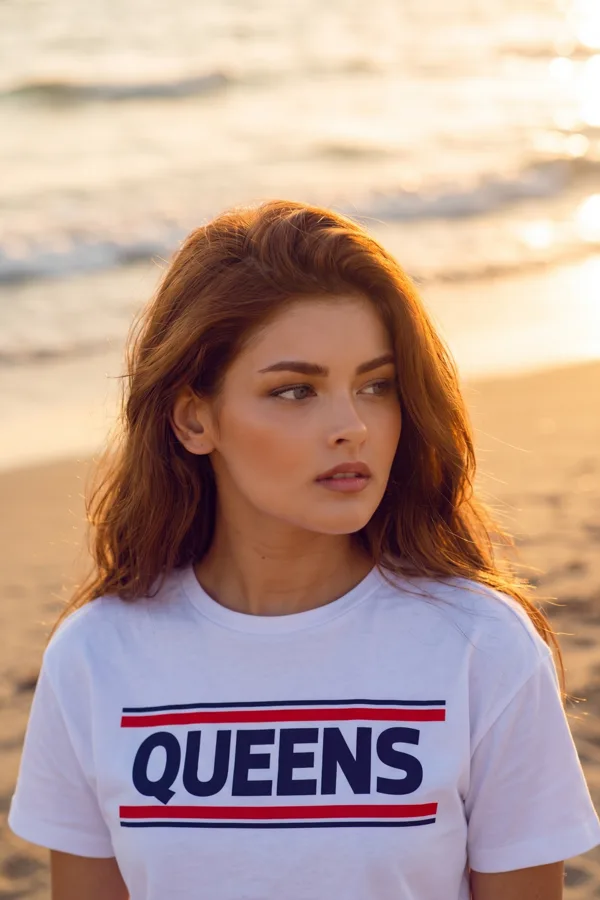
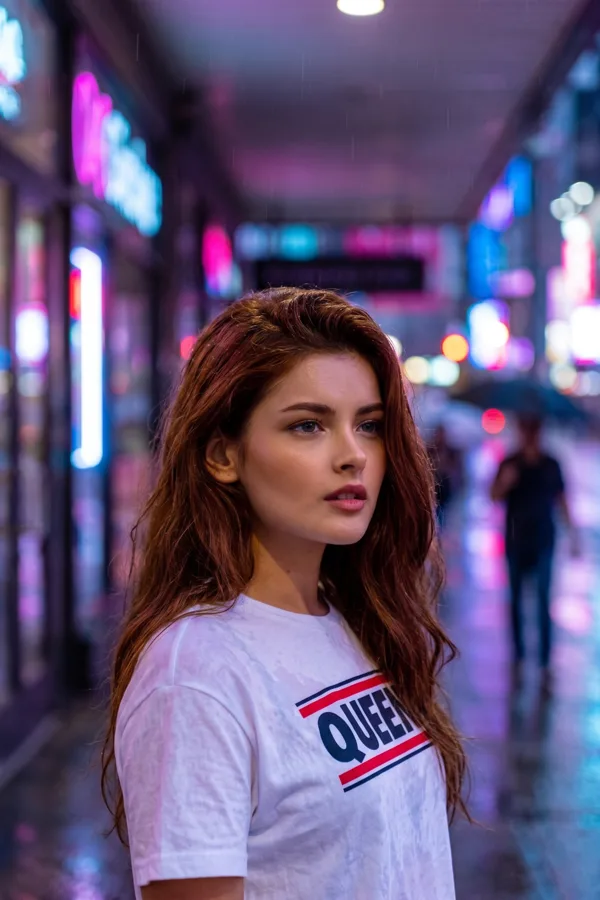
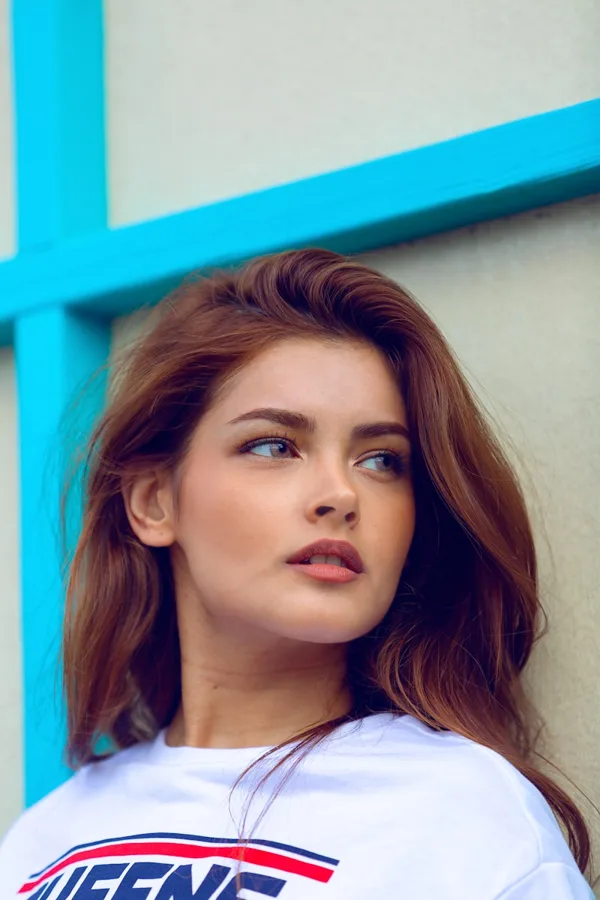
One portrait, three prompts — real Studio output, same person every scene.
🎞️Photos. Each photo you add is its own canvas. Every edit stacks as a version — click any version to go back.
👤Library. Save the people, places and styles you reuse. Pin one to a project and every edit keeps them consistent — or type @their-name in any prompt.
◐Change only this. Paint an area and only that changes — the rest of your photo is preserved.
The example adds a small sample project to your workspace — remove it anytime.

Power moves