Grátis • Sem cadastro Enhance Colors · Grátis

Enhance Colors from Photo

Basta descrever what you want—'make colors more vibrant' works perfectly.
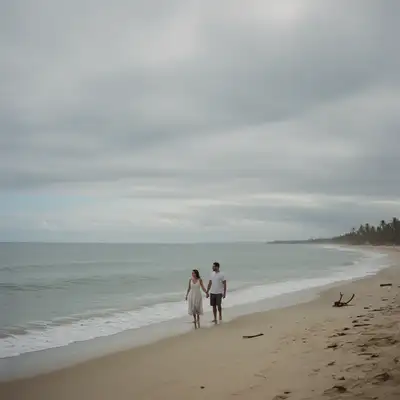
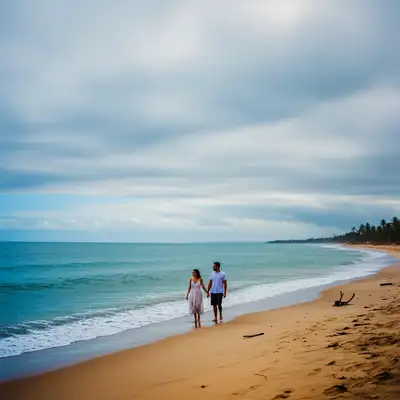
Dull beach photo with muted colors from overcast weather
Before
Same beach with vibrant ocean blues and warm golden sand
After

Enhance Colors from Photo

Drop your photo here

or click to browse

Release to upload

Grátis • Sem cadastro

Advertisement
Popular use cases:
  • dull vacation photos
  • overcast day photography
  • faded color restoration
  • social media photo enhancement
  • food photography
  • real estate photos

Cost
Free No signup required
Time
Instant results in 15-30 seconds
Works on
Any device - browser, phone, tablet, desktop
Powered by
AI-powered photo editing
Scenario Prompt Time
General boost enhance the colors and make them more vibrant 15s
Warm enhancement boost colors and add warmth for a golden hour look 15s
Natural enhancement subtly enhance colors while keeping natural appearance 15s
Selective (sky) make the sky more blue and vibrant 20s

How it works

  1. Envie sua foto

    Arraste sua imagem para o EditThisPic. JPG, PNG e WebP ate 7MB work best. Photos with flat or muted colors benefit most from enhancement.

    Expect: Simple color boost: 15-20 seconds. Complex scenes with mixed lighting: may need slight refinement.
  2. Describe the enhancement you want

    Digite exatamente o que voce precisa: 'enhance the colors and make them more vibrant' or 'boost the color saturation and richness.' That's it. No marking, no adjusting sliders. The AI understands color enhancement concepts and applies them naturally.

    Tip: Be specific about the mood: 'warm and vibrant' gives golden tones while 'cool and vivid' emphasizes blues and greens.

    Copy one of these to get started:

    General color boost for dull photos enhance the colors and make them more vibrant while keeping the image looking natural
    Overcast day landscape shots boost the color vibrancy and add warmth to make this overcast photo look sunnier
    Faded or washed-out vacation photos increase color saturation and contrast to bring back the vivid colors that were lost
    Food photography needing appetite appeal enhance the colors to make the food look more appetizing with rich, warm tones
    2 more prompts
    Nature and foliage photos make the greens more lush and vibrant while keeping the sky blue and natural
    Portrait with flat skin tones subtly enhance the colors while preserving natural skin tones and adding slight warmth
  3. Gere e revise

    Tap generate and examine the result. Check that skin tones remain natural, highlights aren't blown out, and shadows retain detail. Color enhancement should look natural, not oversaturated.

    Tip: Compare before and after at full zoom. Good enhancement makes colors pop without looking artificial or neon.
Try it free

Enhance Colors from Photo

Drop your photo here

or click to browse

Release to upload

Grátis • Sem cadastro

"My overcast beach photos looked so flat. Typed 'make the colors pop' and now they look like golden hour shots." @TravelWithMike

See it in action

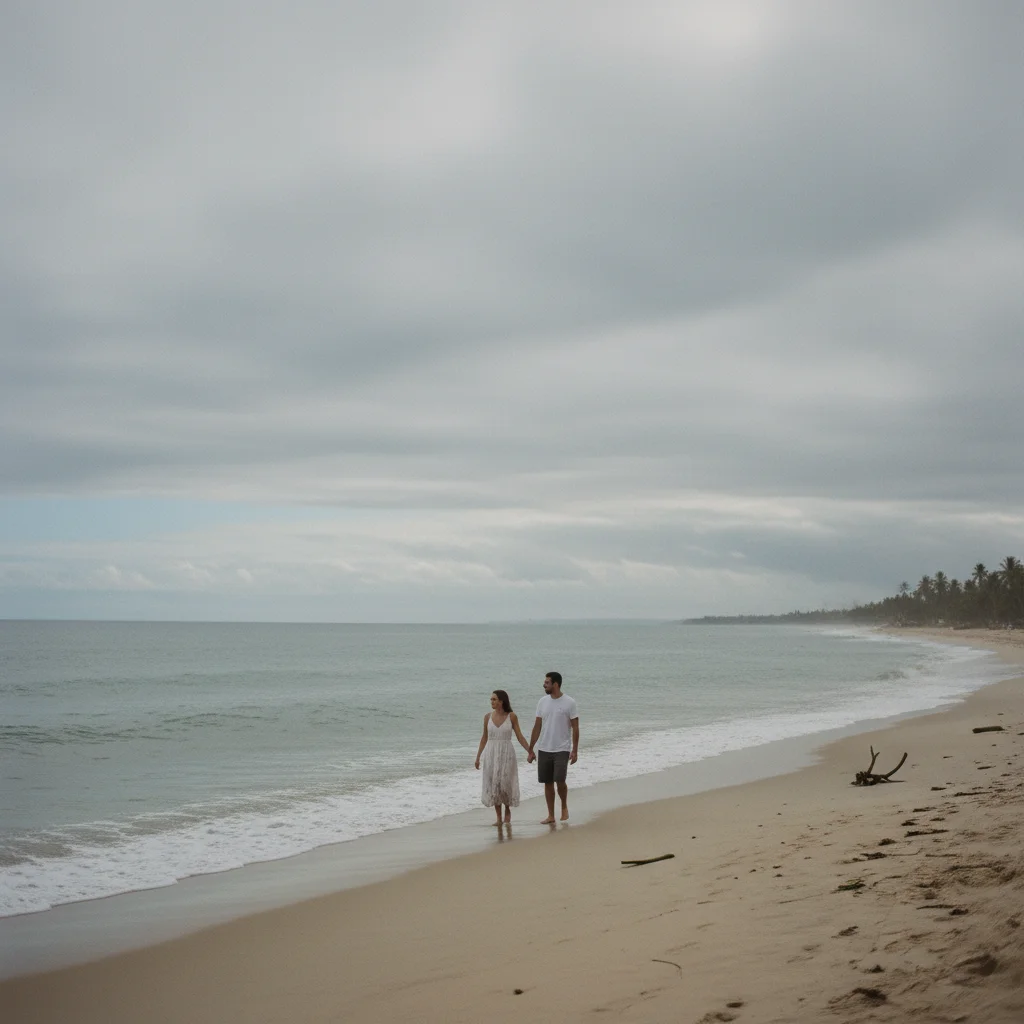
Dull beach photo with muted colors from overcast weather
Before
->
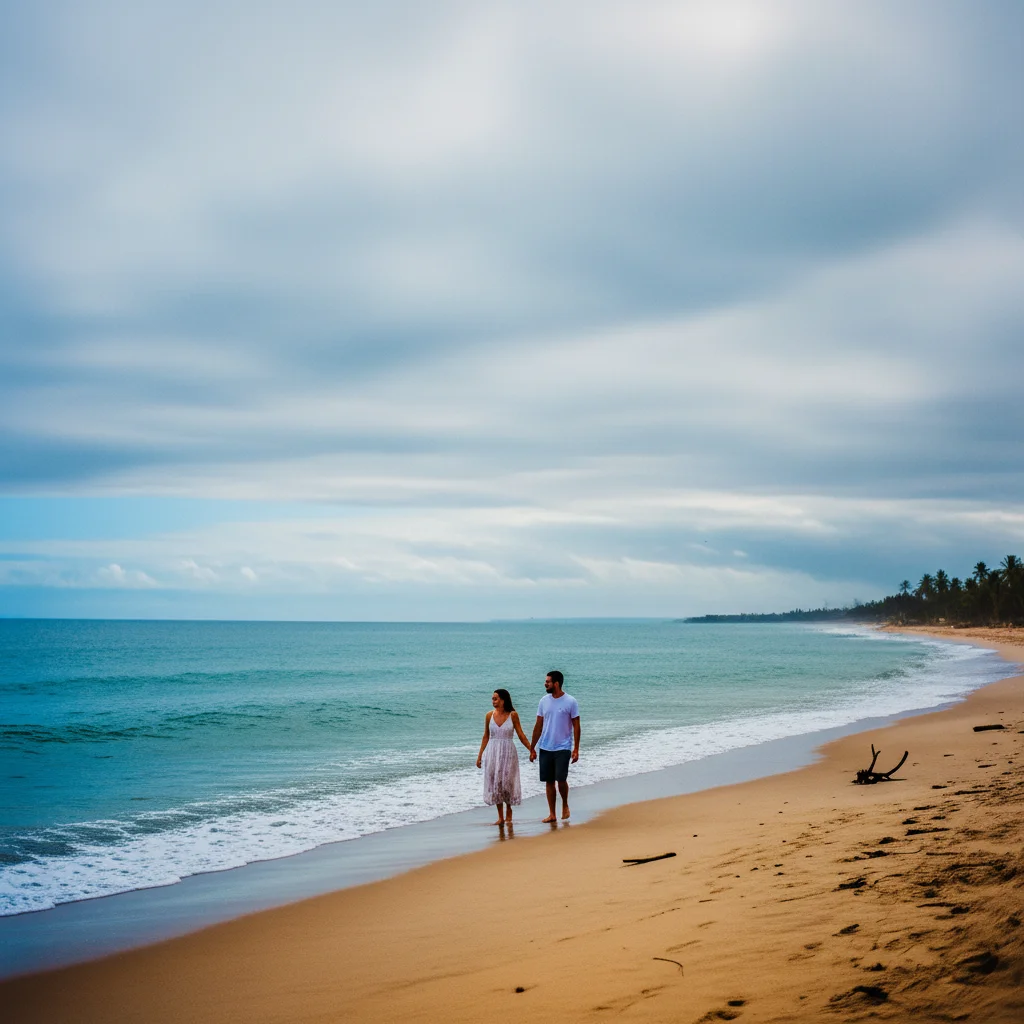
Same beach with vibrant ocean blues and warm golden sand
After

Overcast beach photo revival

Vacation photo taken on a cloudy day with flat, gray tones. One prompt brought back the vibrant blues and warm sand colors.

Prompt: enhance the colors and make them more vibrant, boost the blue of the ocean and warm up the sand tones
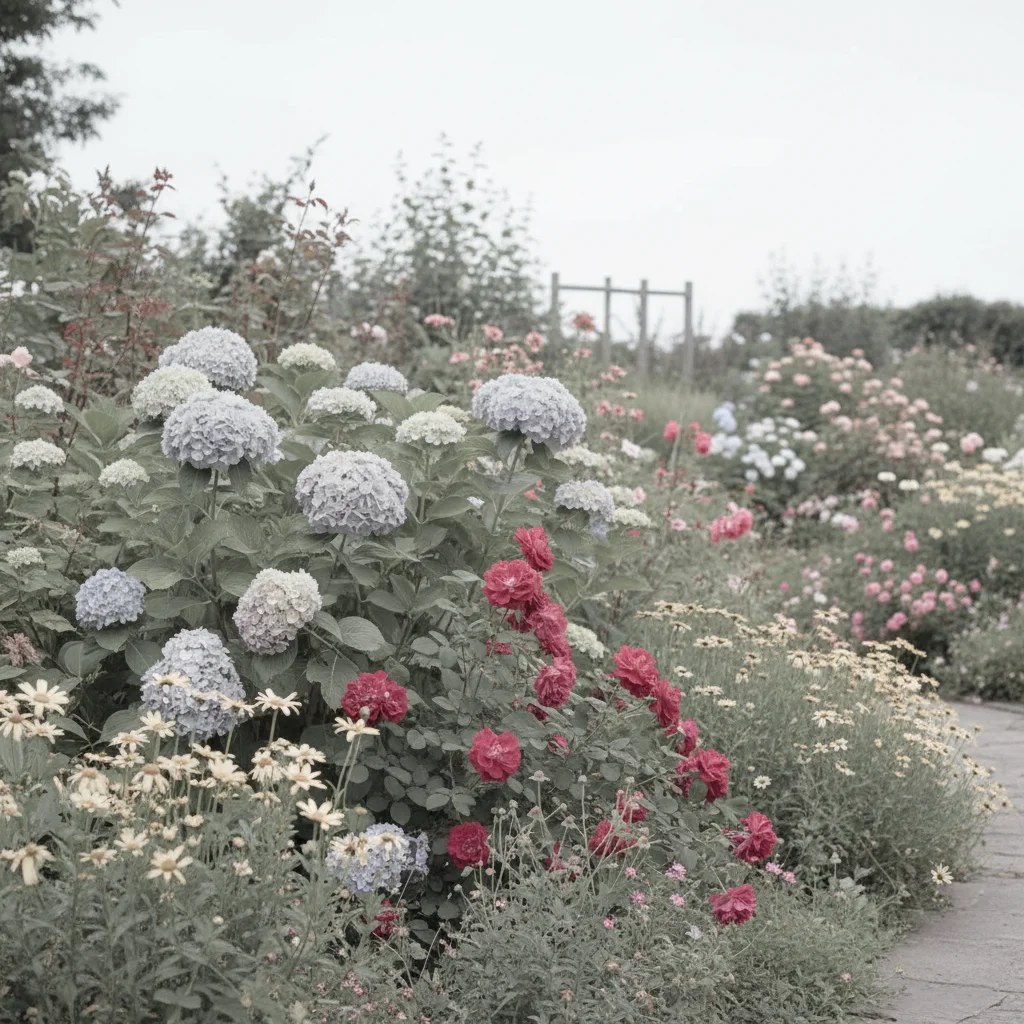
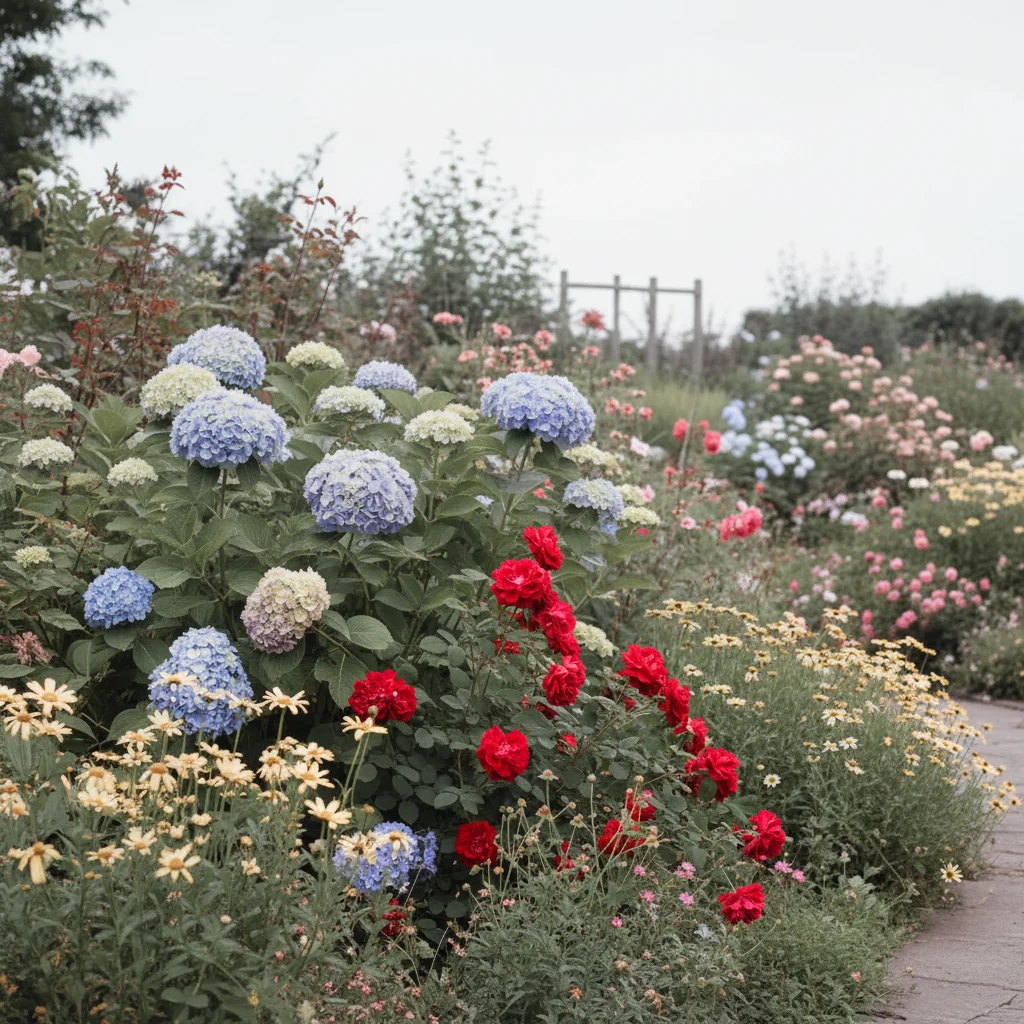
Garden with faded, washed-out flower colors
Before
->
Same garden with rich, vibrant flower colors
After

Faded garden photo restoration

Flower garden photo that looked washed out and lifeless. Enhanced to show the rich, vibrant colors of the blooms.

Prompt: boost the color saturation to make the flowers look vibrant and alive with rich natural colors
Advertisement

If something looks off

AI changed the wrong area or something I didn't want changed

Why: The AI applied color enhancement globally when you wanted selective enhancement. This happens when certain areas should remain unchanged.

Try: Tap a marker on the specific area you want enhanced, then regenerate with the same prompt

Tip: Markers tell the AI 'I mean THIS area specifically.' Use them when you want selective color changes.

Colors look oversaturated or neon

Why: The AI interpreted your request as wanting maximum vibrancy. Strong enhancement on already-colorful areas creates artificial-looking results.

Try: subtly enhance the colors while keeping the image looking natural and realistic

Tip: Words like 'subtly' and 'naturally' rein in the AI's enthusiasm for color boosting.

Skin tones turned orange or unnatural

Why: Global color enhancement affected skin along with everything else. Skin is particularly sensitive to saturation and warmth changes.

Try: enhance the colors while preserving natural skin tones, keep faces looking realistic

Tip: Always mention skin tone preservation when enhancing photos with people.

Highlights are blown out or shadows are too dark

Why: Color enhancement increased contrast along with saturation, pushing extremes beyond recoverable range.

Try: enhance the colors and vibrancy while maintaining detail in highlights and shadows

Tip: Mentioning 'maintain detail' tells the AI to balance enhancement with exposure preservation.

Quick answers

Do I need to mark specific areas before enhancing colors?

No! Basta descrever what you want: 'enhance the colors and make them more vibrant' works for the whole image. The AI understands color enhancement concepts. Only use markers if you want to enhance specific areas while leaving others unchanged—like boosting sky blue without affecting skin tones.

Will color enhancement make my photos look fake?

Not if you phrase it right. Include words like 'natural' or 'realistic' in your prompt: 'enhance colors while keeping the image looking natural.' The AI will boost vibrancy without pushing into oversaturated territory. If results look too intense, try 'subtly enhance' instead.

Can I enhance colors in just part of the photo?

Yes. Either mention the specific area in your prompt ('enhance the blue of the sky') or tap a marker on that area before describing the enhancement. This is useful when you want vibrant landscapes but natural skin tones in the same photo.

What's the difference between enhancing colors and adding a filter?

Filters apply predetermined color shifts that change the overall mood. Color enhancement intelligently boosts what's already there—making blues more blue, greens more green—without shifting the photo's fundamental color palette. The result looks like better lighting rather than an Instagram filter.

Ready to enhance your colors?

Gratis to try. Sem cadastro required.

Try it free