Grátis • Sem cadastro Fix Pixelated photo · Grátis

Fix Pixelated Photo

Basta descrever the fix you need. The AI restores detail automatically.
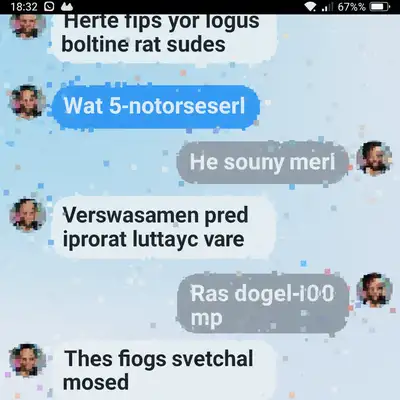
Heavily pixelated screenshot with blocky unreadable text
Before
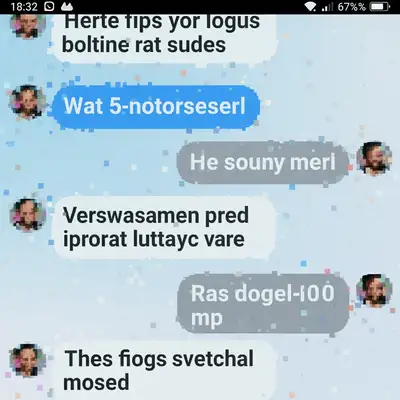
Same screenshot with smooth readable text restored
After

Fix Pixelated Photo

Drop your photo here

or click to browse

Release to upload

Grátis • Sem cadastro

Advertisement
Popular use cases:
  • Over-compressed JPEGs
  • WhatsApp photos
  • Low-res screenshots
  • Old webcam photos
  • Social media saves
  • Messaging app compression

Cost
Free No signup required
Time
Instant results in 15-30 seconds
Works on
Any device - browser, phone, tablet, desktop
Powered by
AI-powered photo editing
Scenario Prompt Time
General pixelation remove pixelation and restore detail 20s
Screenshot with text fix pixelation and make text readable 20s
Old webcam photo fix pixelation, restore natural skin texture 25s
Compressed JPEG remove compression artifacts and restore clarity 20s

How it works

  1. Envie sua foto

    Drop your pixelated image into EditThisPic. JPG, PNG e WebP ate 7MB. Even heavily compressed or low-resolution images can be improved—the AI works with whatever detail remains.

    Expect: Light pixelation: 15-20 seconds. Heavy compression artifacts: 20-30 seconds.
  2. Descreva o que voce quer

    Type your instruction: 'fix the pixelation' or 'remove pixelation and restore detail.' That's it. The AI identifies blocky artifacts and smooths them while recovering sharpness. No marking or selection needed.

    Tip: Add context if it helps: 'fix pixelation on the face' or 'remove compression artifacts and sharpen text' gives the AI more guidance.

    Copy one of these to get started:

    Over-compressed JPEG from messaging apps remove pixelation and restore detail, smooth out compression artifacts
    Low-resolution screenshot with text fix the pixelation and make text readable, sharpen edges while smoothing blocks
    Old webcam photo with blocky artifacts remove pixelation from this old photo, restore natural skin texture and smooth gradients
    Heavily compressed meme or social media save fix compression artifacts and pixelation, restore original image quality
    2 more prompts
    Pixelated face in group photo fix the pixelation on faces, restore facial detail while keeping the background unchanged
    Low-quality product image for listing remove pixelation and enhance product detail, make edges crisp and colors accurate
  3. Gere e revise

    Check the result at full zoom. Look for smooth gradients where blocks used to be, readable text, and natural-looking edges. The goal is clarity without artificial smoothness.

  4. Refine with markers if needed

    If certain areas still look blocky while others are fine, tap markers on those problem spots and regenerate. This focuses the AI's attention on specific regions. Optional for most fixes.

    Tip: For screenshots with text, tap markers on the text areas if letters remain hard to read after the first pass.
Try it free

Fix Pixelated Photo

Drop your photo here

or click to browse

Release to upload

Grátis • Sem cadastro

"Had an important screenshot that looked like a Minecraft texture. Typed 'remove pixelation' and it actually looked readable again." @TechSupportMike

See it in action

Heavily pixelated screenshot with blocky unreadable text
Before
->
Same screenshot with smooth readable text restored
After

Compressed screenshot restored

Screenshot saved through multiple messaging apps became blocky and hard to read. One prompt brought back legible text.
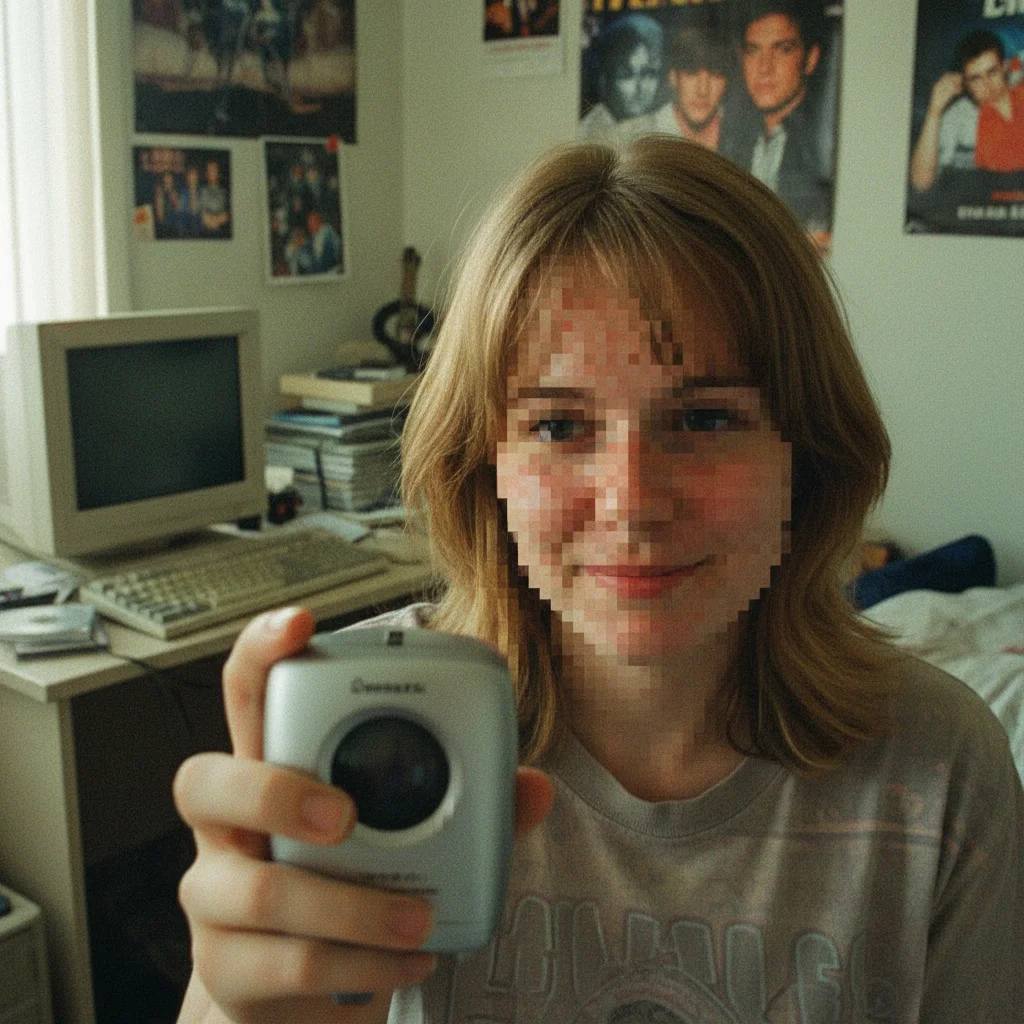
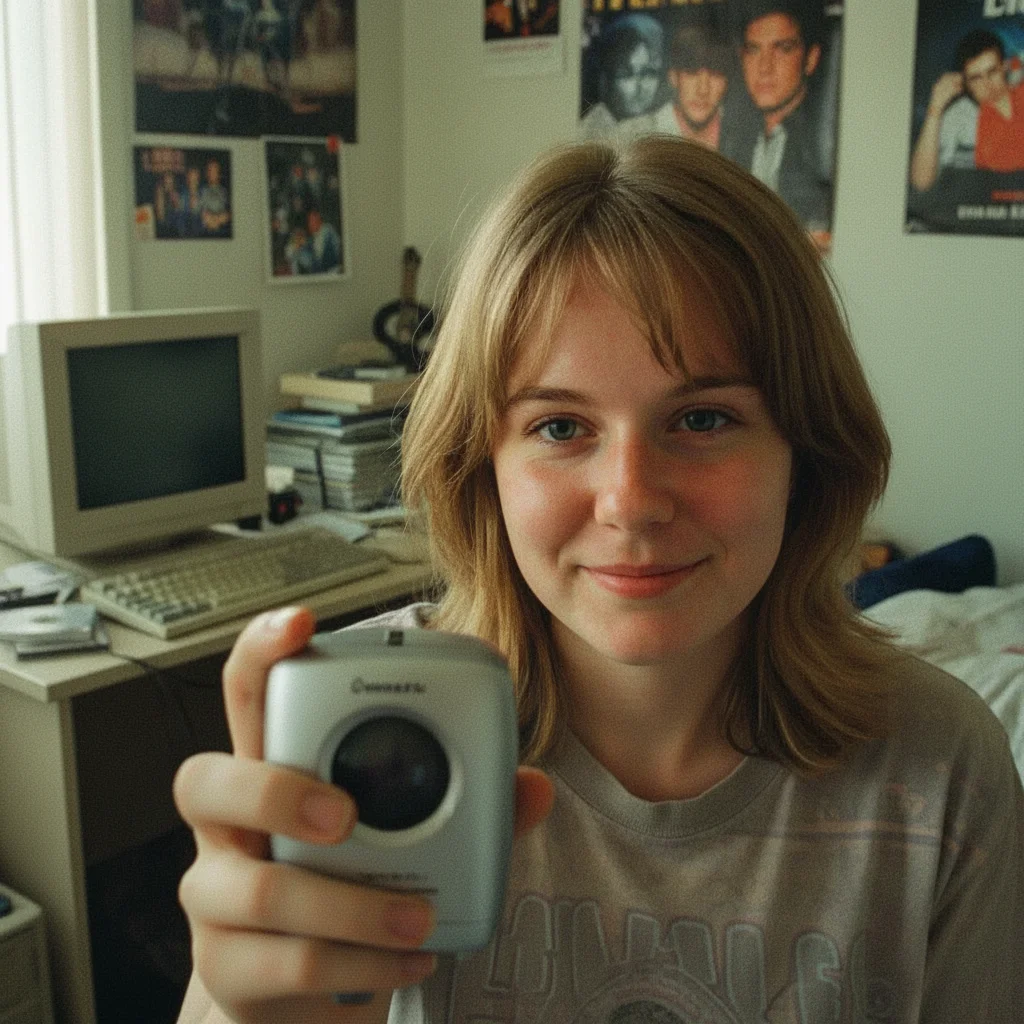
Prompt: remove pixelation and restore detail, make text sharp and readable
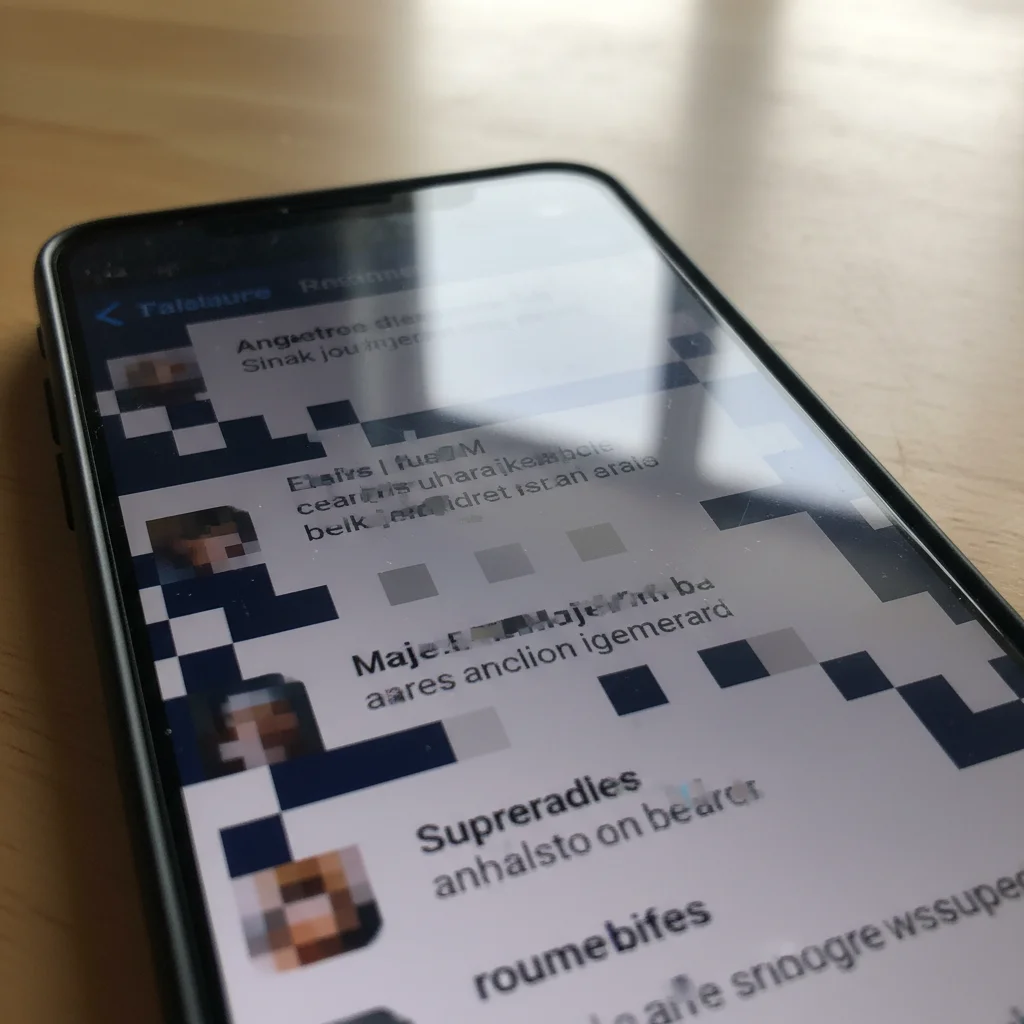
Pixelated old webcam photo with blocky face
Before
->
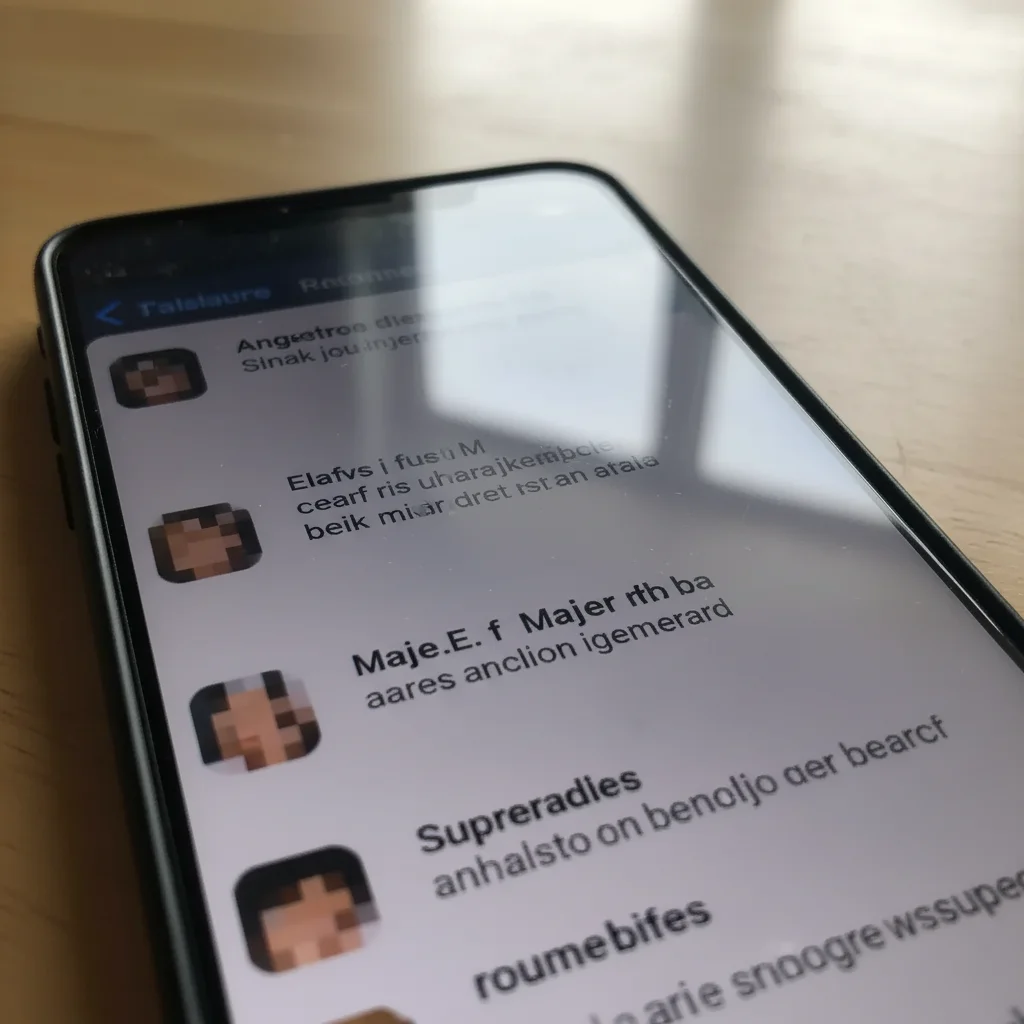
Same photo with smooth natural-looking skin restored
After

Old webcam photo cleaned up

Early 2000s webcam selfie with severe pixelation. AI restored natural-looking skin and smoothed the blocky artifacts.

Prompt: fix the pixelation on this old photo, restore natural skin texture and facial detail
Advertisement

If something looks off

AI changed the wrong area or over-smoothed parts I wanted to keep sharp

Why: The AI applied smoothing too broadly, affecting areas that weren't pixelated or removing intentional texture.

Try: Tap a marker on the specific pixelated area you want fixed, then regenerate with 'fix pixelation only in marked area'

Tip: Markers tell the AI 'focus HERE specifically.' Use them when the AI is too aggressive with smoothing.

Image looks blurry instead of sharp after depixelation

Why: The AI smoothed the blocks but didn't add back sharpness. This happens when the prompt doesn't mention detail recovery.

Try: remove pixelation and restore sharp detail, enhance clarity without losing edge definition

Tip: Always include 'restore detail' or 'sharpen' in your prompt—smoothing alone just makes blur.

Text is still hard to read after fix

Why: Text requires different treatment than photos. Generic depixelation may not prioritize letter edges.

Try: fix pixelation and make all text crisp and readable, prioritize text clarity

Tip: For screenshots with important text, tap markers directly on the text areas for best results.

Faces look plastic or unnatural after depixelation

Why: The AI over-smoothed skin texture while removing blocks. Human faces need texture to look real.

Try: fix pixelation while preserving natural skin texture, restore detail without plastic smoothing

Tip: Add 'natural texture' to face-related prompts to prevent the AI from creating that uncanny smooth look.

Quick answers

Do I need to mark the pixelated areas before describing?

No—just describe what you want. 'Fix the pixelation' or 'remove pixelation and restore detail' works for most images. The AI recognizes compression artifacts automatically. Only use markers if you need to focus on specific areas, like fixing just the face in a group photo.

Can this really restore detail that's been lost?

The AI can intelligently reconstruct likely detail based on surrounding pixels and learned patterns from millions of images. It's not magic—severely degraded images have limits. But for typical compression artifacts, low-res screenshots, and old webcam photos, results are usually remarkably better than the original.

Will this work on screenshots with text?

Yes, and it often makes text readable again. Include 'make text readable' or 'sharpen text' in your prompt for best results. The AI treats text differently than photos, focusing on edge clarity. For very small or severely pixelated text, try marking the specific text areas.

What causes pixelation in the first place?

Pixelation happens when images are heavily compressed (like JPEGs saved at low quality), enlarged beyond their resolution, or captured by low-quality cameras. Messaging apps like WhatsApp and Facebook Messenger compress images aggressively, causing the blocky artifacts you see.

Ready to fix your pixelated photo?

Gratis to try. Sem cadastro required.

Try it free