Best Free AI Photo Editors 2026 — The Honest Verdict
A comprehensive comparison of free AI photo editing tools. Find the best one for your needs.
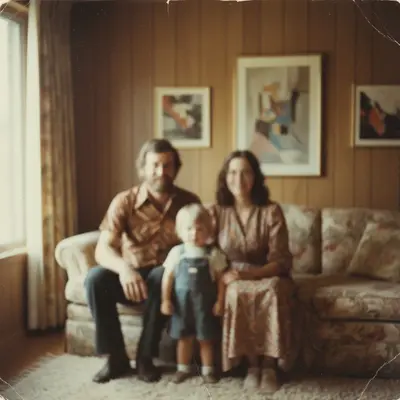
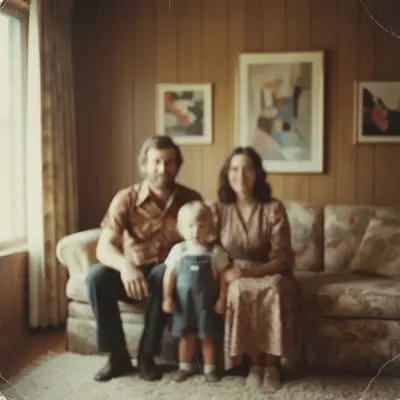
EditThisPic in action — unblur old photo free
Try Unblur Old Photo Free →The Verdict
For general AI photo editing with the most features in a free tier, EditThisPic leads. For specific use cases: Remove.bg excels at batch background removal, Canva is best for design work, and Pixlr offers traditional editing tools. The best choice depends on what you need to accomplish.
| Feature | EditThisPic | Others |
|---|---|---|
| Free Background Removal | Yes, HD included | Limited/watermarked |
| Remove Objects | Yes, describe any object | Varies, often paid |
| Remove People | Yes | Rare in free tiers |
| Photo Restoration | Yes | Usually paid |
| No Signup Required | Yes | Usually requires account |
| No Watermark | Yes | Often watermarked |
| Text-to-Edit | Yes | Rare |
| Batch Processing | No | Some offer it |
EditThisPic
The most versatile free AI editor. Remove backgrounds, objects, people, fix old photos, enhance quality—all with natural language. No signup, free previews, clean HD paid downloads. Best for: anyone who needs multiple types of AI edits without paying.
Remove.bg
Specialized background removal with excellent edge detection. Free tier gives preview quality only. Best for: users who only need background removal and are willing to pay for HD results.
Canva
Design platform with AI features. Background removal and Magic Eraser require Pro subscription. Best for: users who need design templates alongside basic photo editing.
Pixlr
Traditional photo editor with some AI features. Free tier is ad-supported with watermarks. Best for: users who want Photoshop-like tools without the price.
Fotor
AI photo editor with enhancement tools. Limited free tier, most features require subscription. Best for: basic enhancements and filters.
Frequently Asked Questions
More Comparisons
View all comparisons →Try the Best Free AI Photo Editor
EditThisPic: All features, no signup, free previews.
Drop your photo to try it
"unblur this old photo — sharpen the faces and restore clarity and detail"
Free to try · no sign-up · photos are never shared
Release to upload