Complete Guide to Photo Privacy
Why Photo Privacy Matters
Every photo you share online contains information that can be used to identify you, your location, or your possessions. License plates can be looked up to find vehicle registration details. Faces can be run through facial recognition. Street signs and house numbers reveal your address. In an age of data collection, protecting visual privacy isn't paranoia - it's common sense.
How to Blur License Plates in Photos
License plates are one of the most important things to blur before sharing photos online. They can reveal your state, registration status, and in some cases be used to look up personal information.
Upload your photo
Drop your image into EditThisPic. Works with JPG, PNG, WebP up to 7MB.
Describe what to blur
Type 'blur the license plate' in the prompt box. If multiple vehicles are visible, you can say 'blur all license plates'.
Download result
Preview the result and download. The plate will be pixelated or blurred, making it unreadable while keeping the rest of your photo intact.
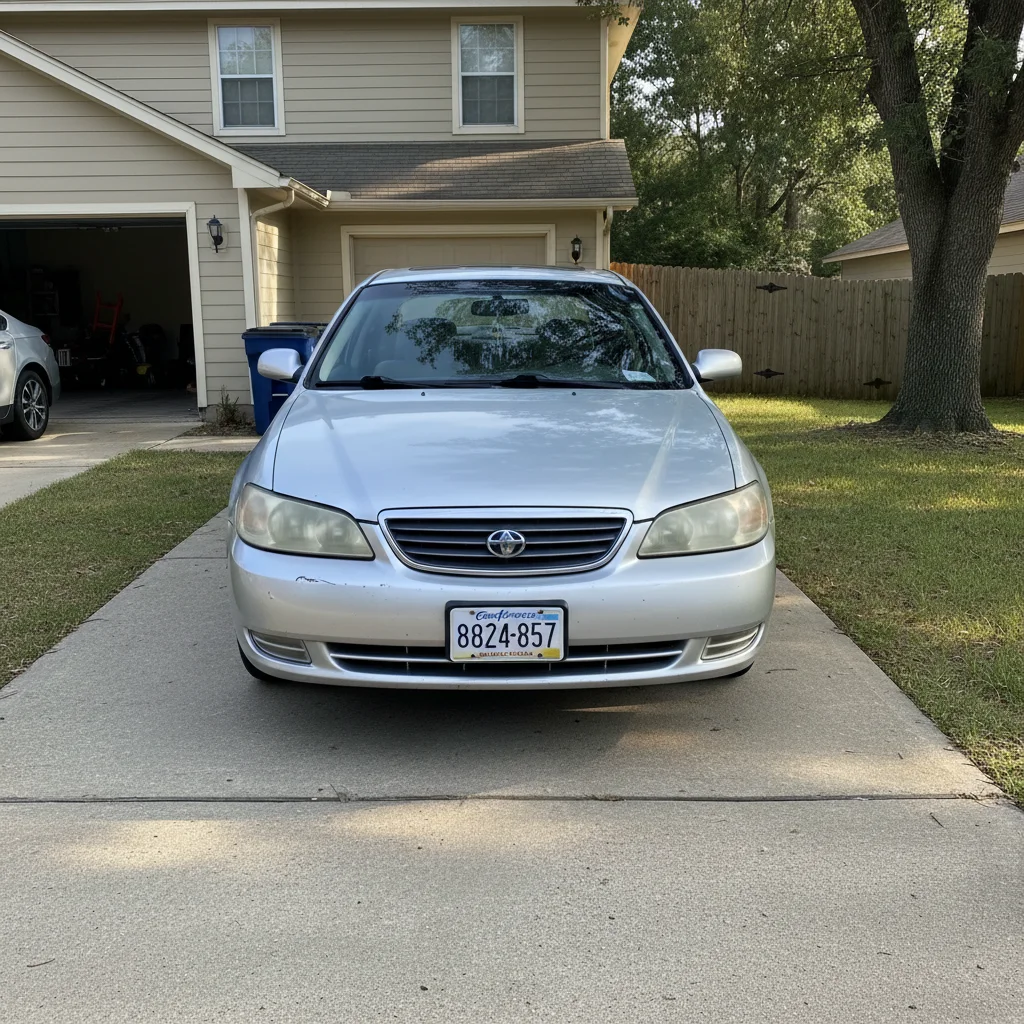
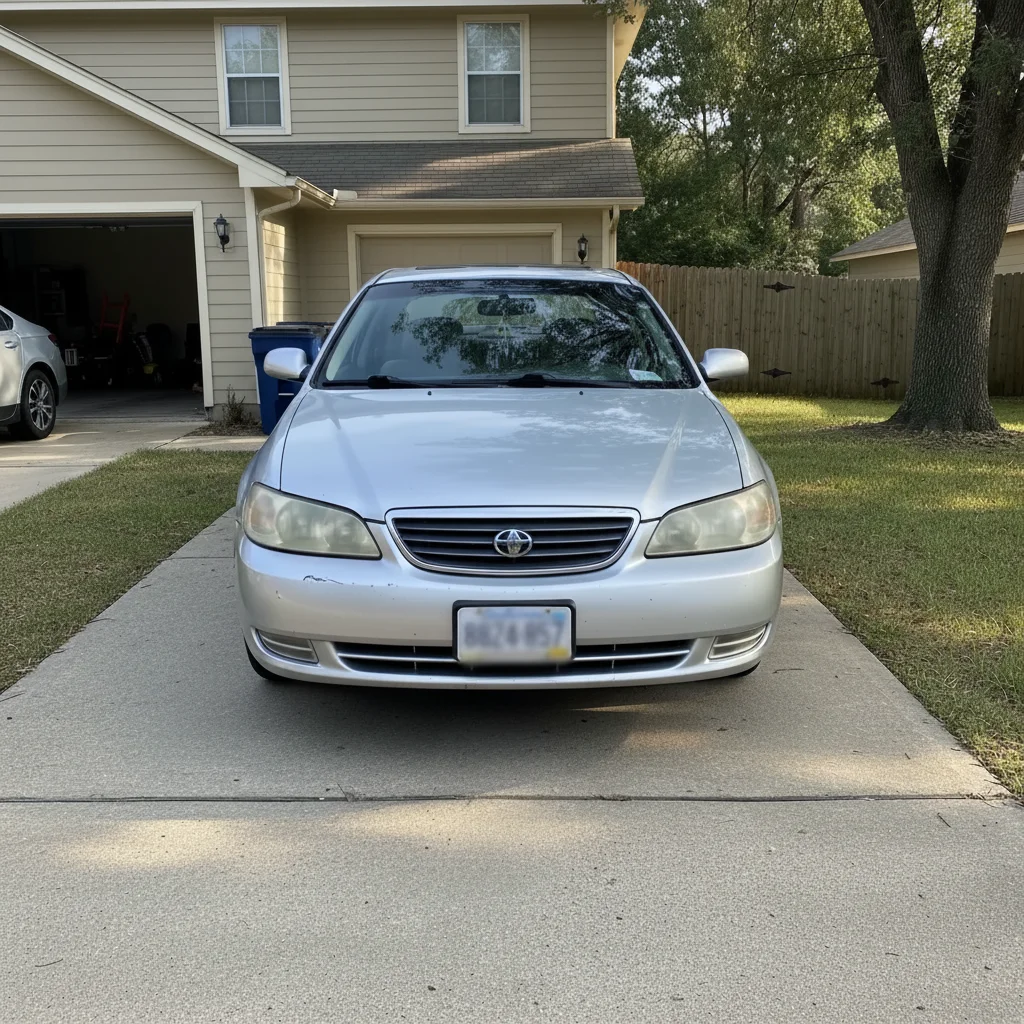
Prompt: "Blur the license plate"
How to Blur Faces in Photos
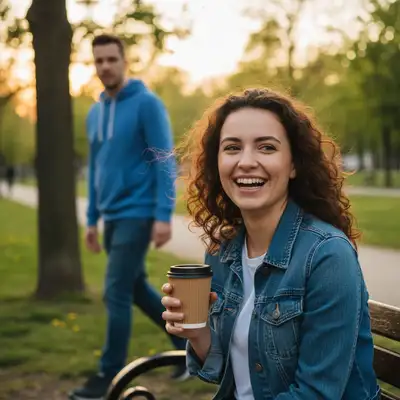
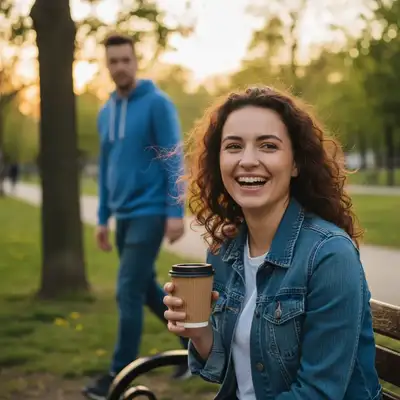
Facial recognition technology is everywhere. Before sharing photos of strangers, children, or people who haven't consented, blur their faces to protect their privacy and potentially comply with regulations like GDPR.
Upload your photo
Upload the image containing faces you want to blur.
Describe the blur
Type 'blur the face' for a single person, or 'blur all faces except the person on the left' to be selective.
Review and download
Check that the right faces are blurred and download your privacy-protected image.
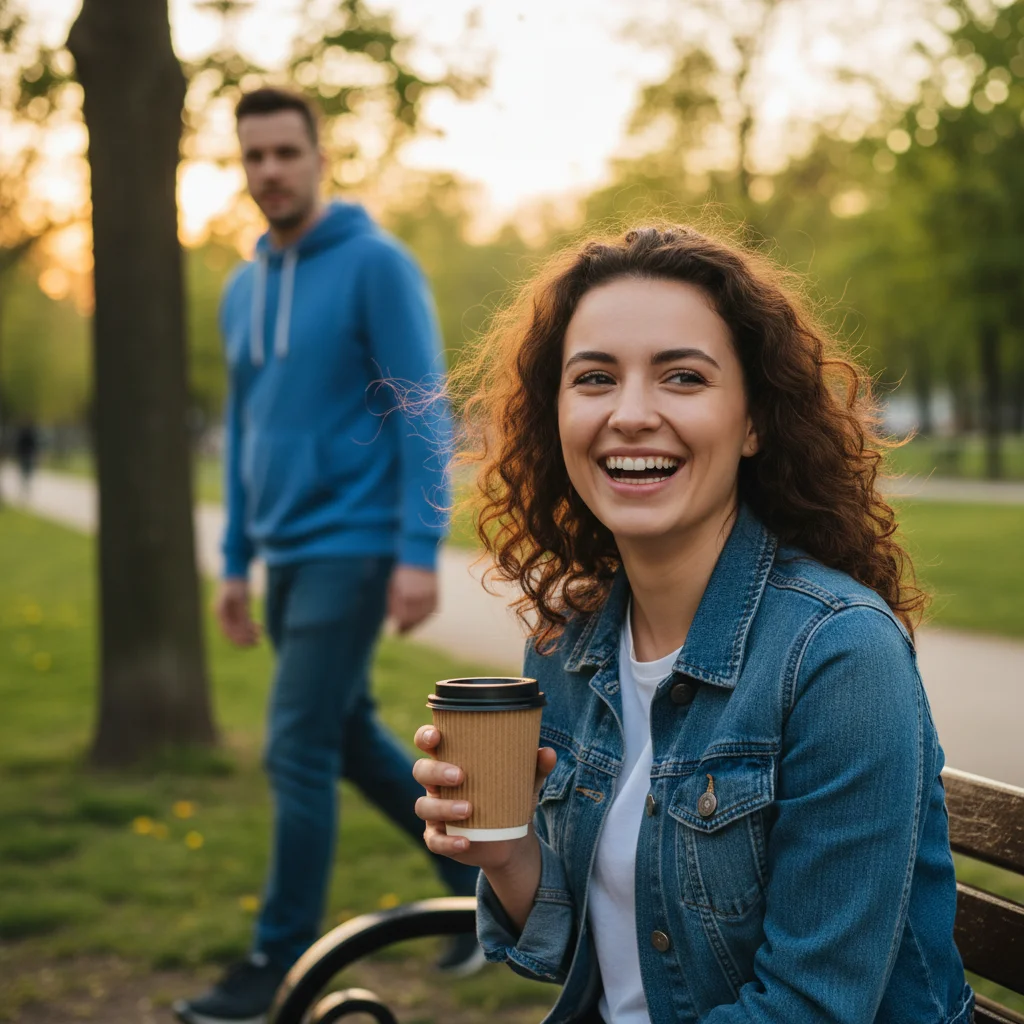
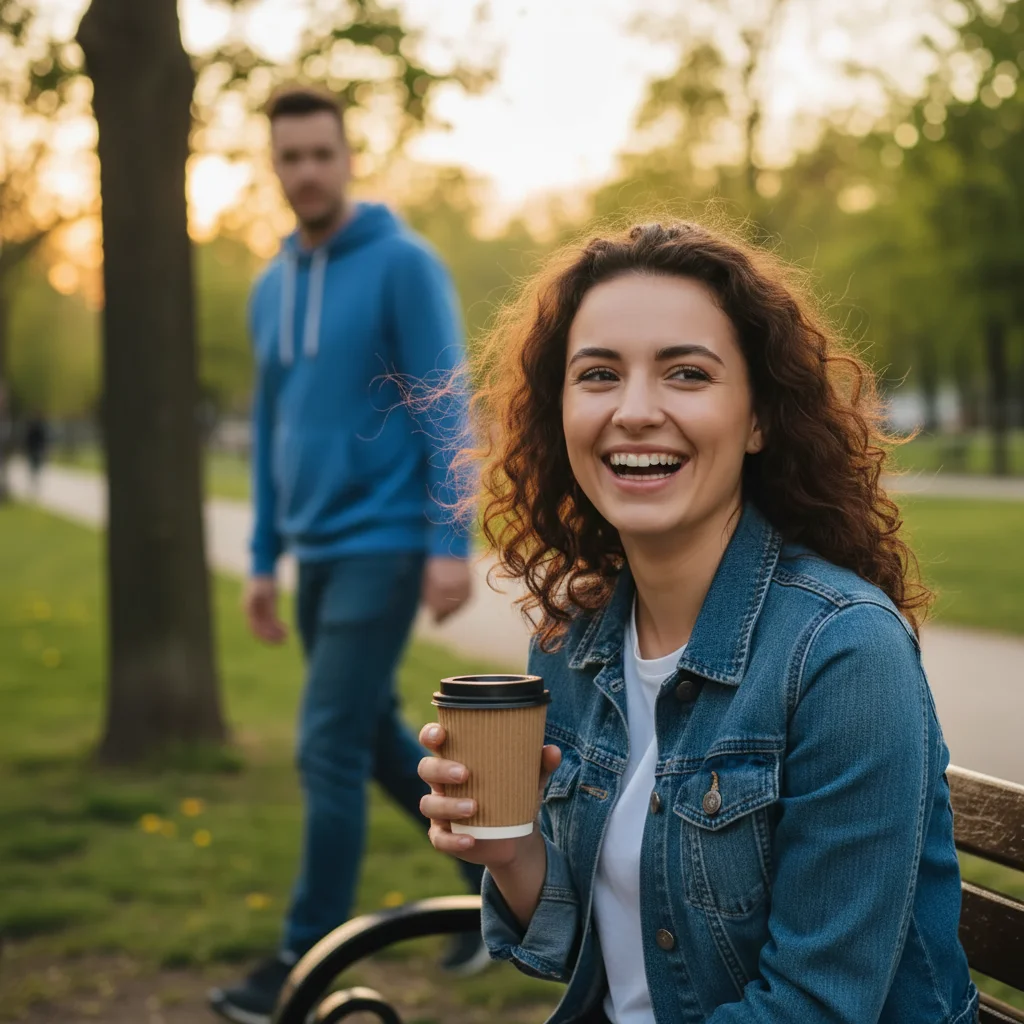
Prompt: "Blur the face"
Privacy When Selling Your Car
When listing your car for sale online, you want great photos that show off the vehicle - but you don't want to expose your license plate to the entire internet. Here's the smart approach: take your photos normally, then blur the plate before posting.
Take your car photos
Photograph your car from multiple angles in good lighting. Don't worry about the plate yet.
Blur each plate
Upload each photo and use 'blur the license plate' to obscure it.
List with confidence
Your car looks great, but your personal info stays private.
Privacy for Real Estate Photos
Real estate photos often accidentally capture license plates, neighbor's faces, or even visible addresses. Professional listings should protect privacy while showcasing the property.
Review your photos
Check exterior shots for visible plates, faces, or identifying information.
Blur sensitive items
Use EditThisPic to blur license plates on parked cars, faces of passersby, or visible mail/packages.
Maintain quality
AI blur preserves image quality while protecting privacy.
Frequently Asked Questions
Ready to protect your photo privacy?
Upload a photo and blur sensitive info in seconds. Free, no signup required.
Try It Free
"Blur face — describe what you want in the prompt"
Free to try · no sign-up · photos are never shared
Release to upload
Privacy on Social Media
Before posting photos on Instagram, Facebook, or other platforms, consider what information you're sharing. Location tags combined with visible house numbers can reveal your address. Photos of children at school show where they attend. A little blur goes a long way.