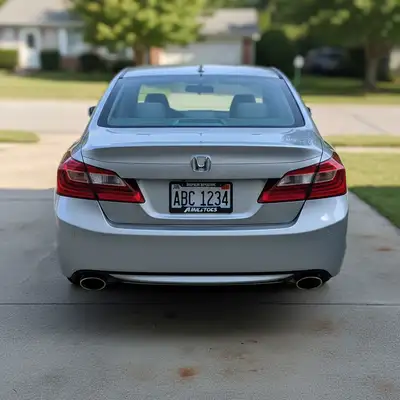
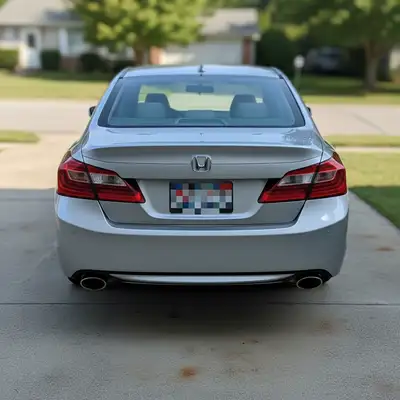
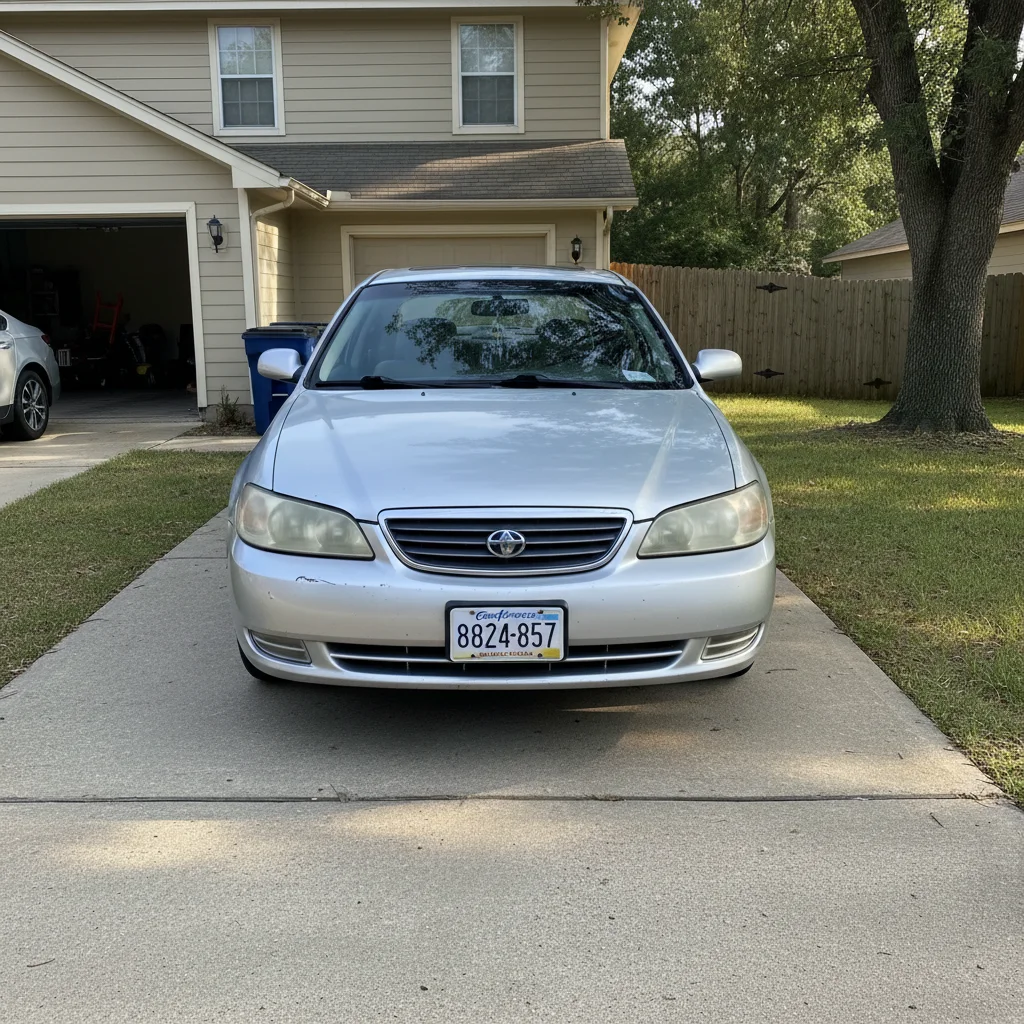
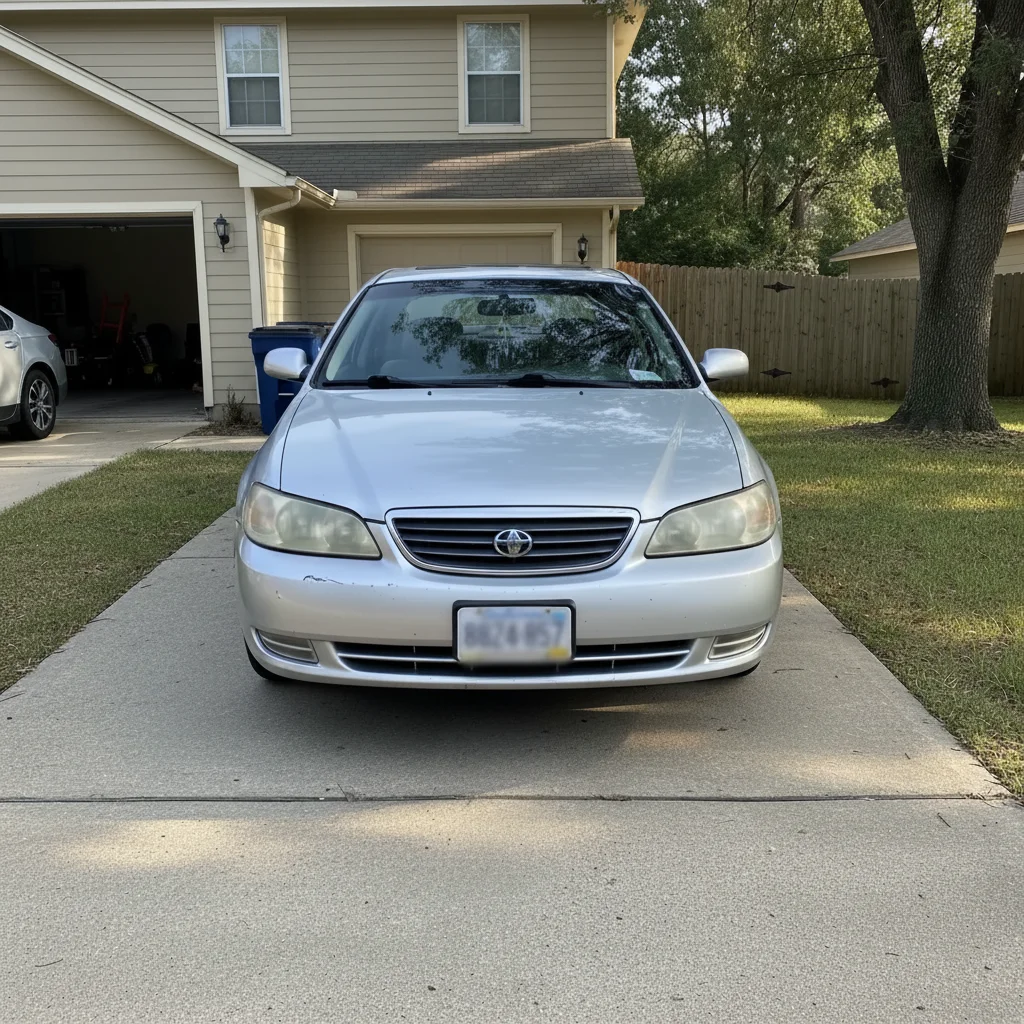
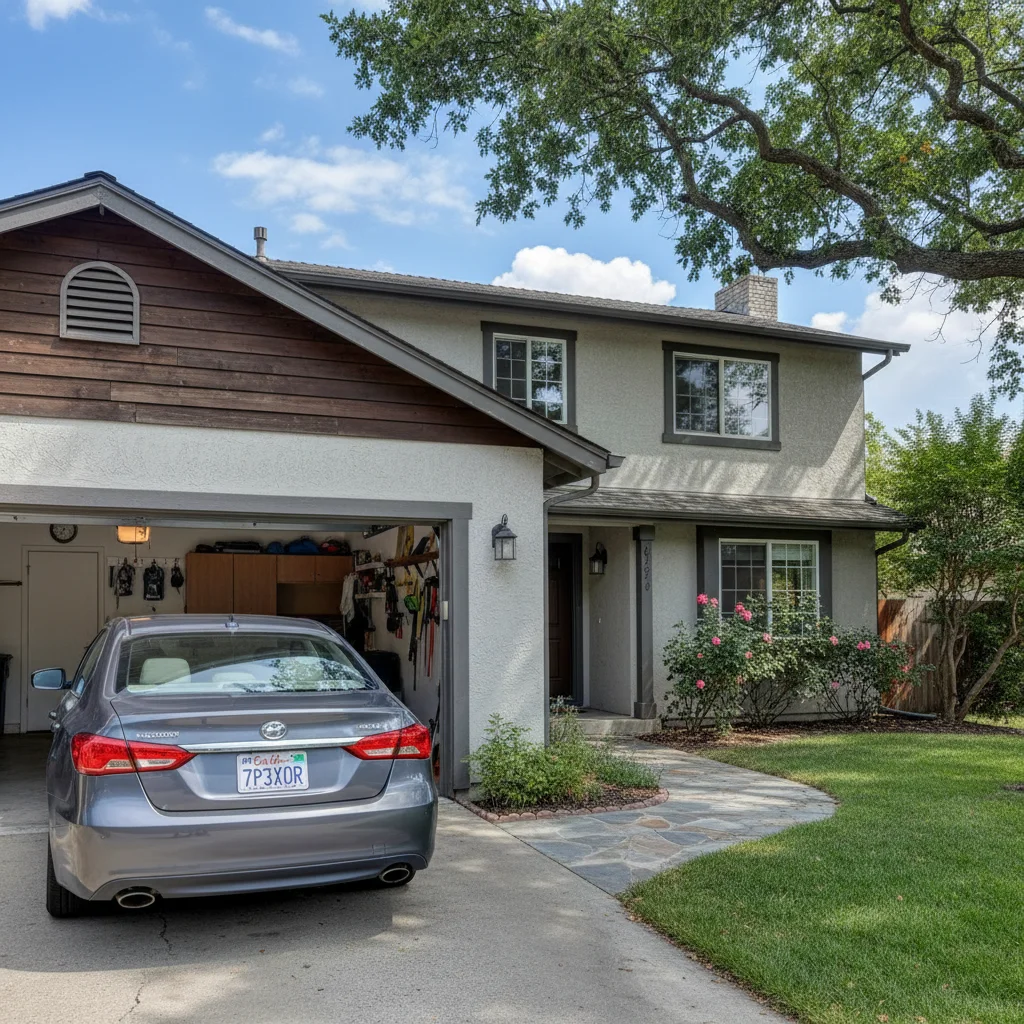
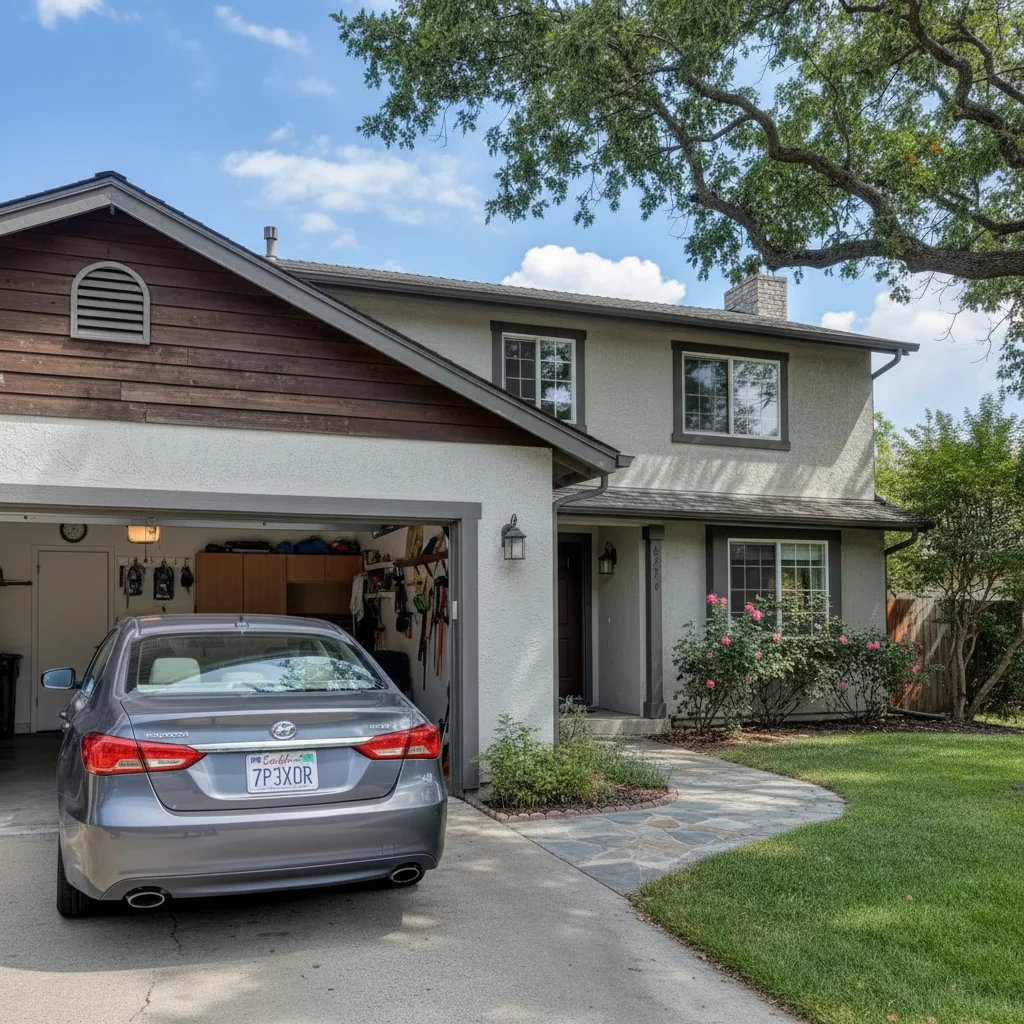
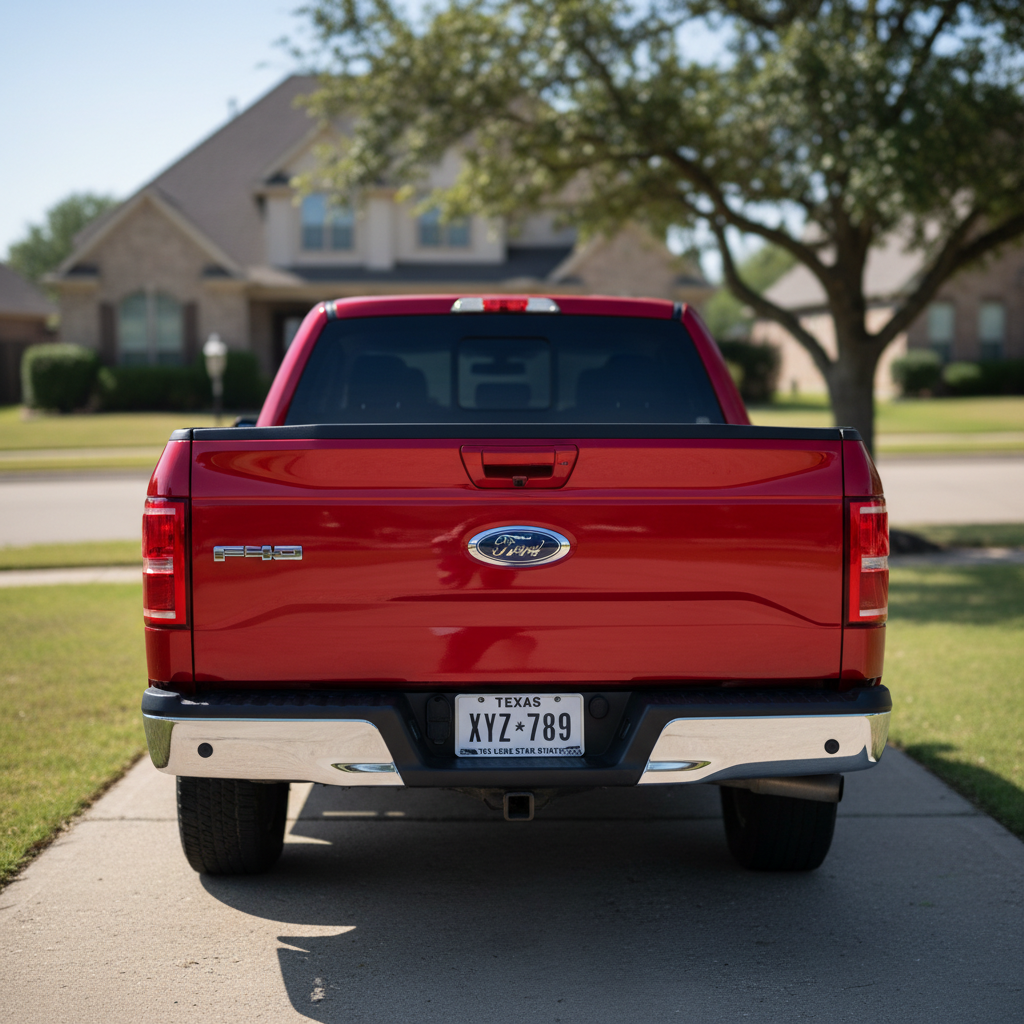
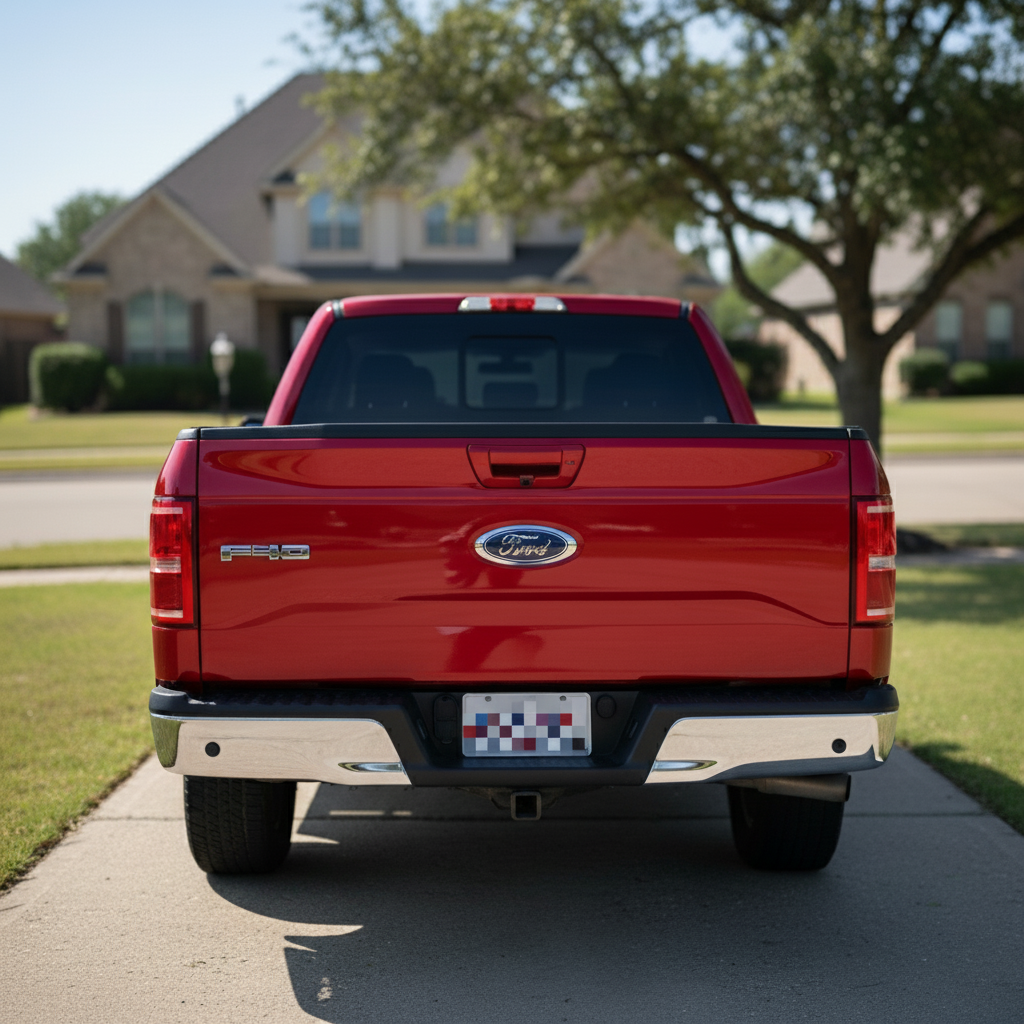
Should I blur my license plate before posting on Craigslist or Facebook Marketplace?
Yes. Public car listings expose your plate to anyone — scammers, stalkers, and plate-lookup services. A stranger can run your plate through DMV-adjacent services to find your name, address, and insurance. Blurring your plate adds zero cost and real protection. All experienced Craigslist/FB Marketplace sellers blur plates before posting.
What can someone do with my license plate number?
License plate lookups via third-party services can reveal: (1) vehicle history through Carfax/AutoCheck, (2) rough ownership info through DMV records requests (varies by state), (3) accident history, (4) insurance claims. In some states, paparazzi and PI services sell DMV lookups. The safer play: blur it before posting.
Is it legal to post a photo with someone else's license plate visible?
Mostly yes — plates in public are not protected like private images. But it's considered poor etiquette on Reddit (r/IdiotsInCars, r/whatismycar explicitly require blurring) and on social media. If you're sharing a parking lot photo or dashcam clip, blurring other people's plates is the ethical default.
Should I blur my plate before uploading to Carfax or AutoTrader?
Yes for Carfax owner-uploaded listing photos and AutoTrader/CarGurus public listings. No for dealer backend uploads or Carfax Report Preview (not public). The rule: if the photo is publicly browsable, blur the plate. Private uploads to dealership backends don't need blurring.
Do I need to blur plates for Instagram or TikTok?
For car enthusiast accounts showing your own ride — depends on how public your account is. Public accounts with 10K+ followers should blur. Private accounts with close friends are generally safe. Always blur for TikTok (higher exposure) and for any content going viral. Many car influencers get harassed after plate-traceable posts go viral.
How do I blur a plate when selling my car privately?
Before posting: (1) take photos with a plain backdrop, (2) upload each photo to EditThisPic, (3) prompt 'blur all license plates and the VIN sticker,' (4) save the blurred version, (5) upload blurred version to Craigslist, FB Marketplace, AutoTrader, or CarGurus. Total time: 30 seconds per photo. Never post the unblurred version even temporarily — it gets cached.
Can I blur license plates in bulk for a dealership?
Yes. Upload each dealership photo one at a time (EditThisPic is free for 1 edit/week, $49.99/mo for 300 photos). Most dealership photographers pre-process with dedicated tools like Photomatix or CarCutter, but EditThisPic handles the privacy side for less — and doesn't require a desktop app.
Does the AI detect every plate automatically?
Yes, for most photos. It detects 95%+ of plates in a single pass. The misses tend to be: partial plates at photo edges, plates in reflections (rearview mirror, windows), and very distant plates (<100px).
What about partial blurs — can someone still read the plate?
Partial blurs (just the center of the plate) can still be reconstructed by automated plate readers. Always use full-plate blur — every character should be obscured. The prompt 'completely obscure the license plate — no characters should be readable' prevents partial-blur reconstruction.
Should I also blur the VIN when selling a car?
Yes. The VIN (visible on the dashboard through the windshield, and on the driver-side door jamb) lets buyers pull free Carfax reports without contacting you. Blur it along with the plate. Prompt: 'blur license plates, VIN stickers on the windshield and door jamb, and registration decals.'
Does this work on dashcam footage or accident photos?
EditThisPic handles photos, not video. For single-frame screenshots from dashcam footage, yes — upload the screenshot and blur plates plus faces. For full video, export individual frames. For insurance claim photos, blur plates and faces of non-involved parties before submitting.
Can I use this for Reddit posts like r/whatismycar or r/IdiotsInCars?
Yes — it's required. r/whatismycar, r/IdiotsInCars, r/cars, and r/spottedcars all require blurred plates. Posts with visible plates get removed automatically. Upload your photo, prompt 'blur all license plates and any faces in this photo,' save, and post.
How much does EditThisPic cost?
You get 1 free edit per week — no account needed. After that, one-time credit packs start at $4.99 for 10 edits, valid 12 months, no subscription. Power users who edit daily can pick Studio Membership, a monthly workspace at $49.99/mo for 300 edits. Purchased downloads are clean with no watermark.