Free • No signup Add Background blur · Free

AI Background Blur

Describe what to blur. AI handles subject separation.

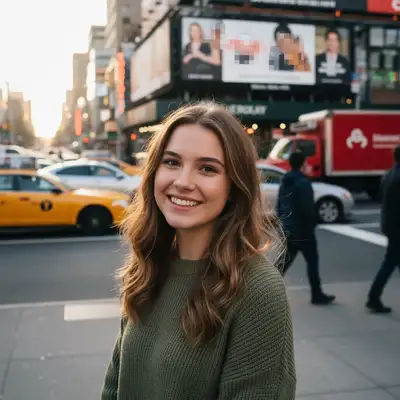
Portrait with sharp cluttered coffee shop background
Before
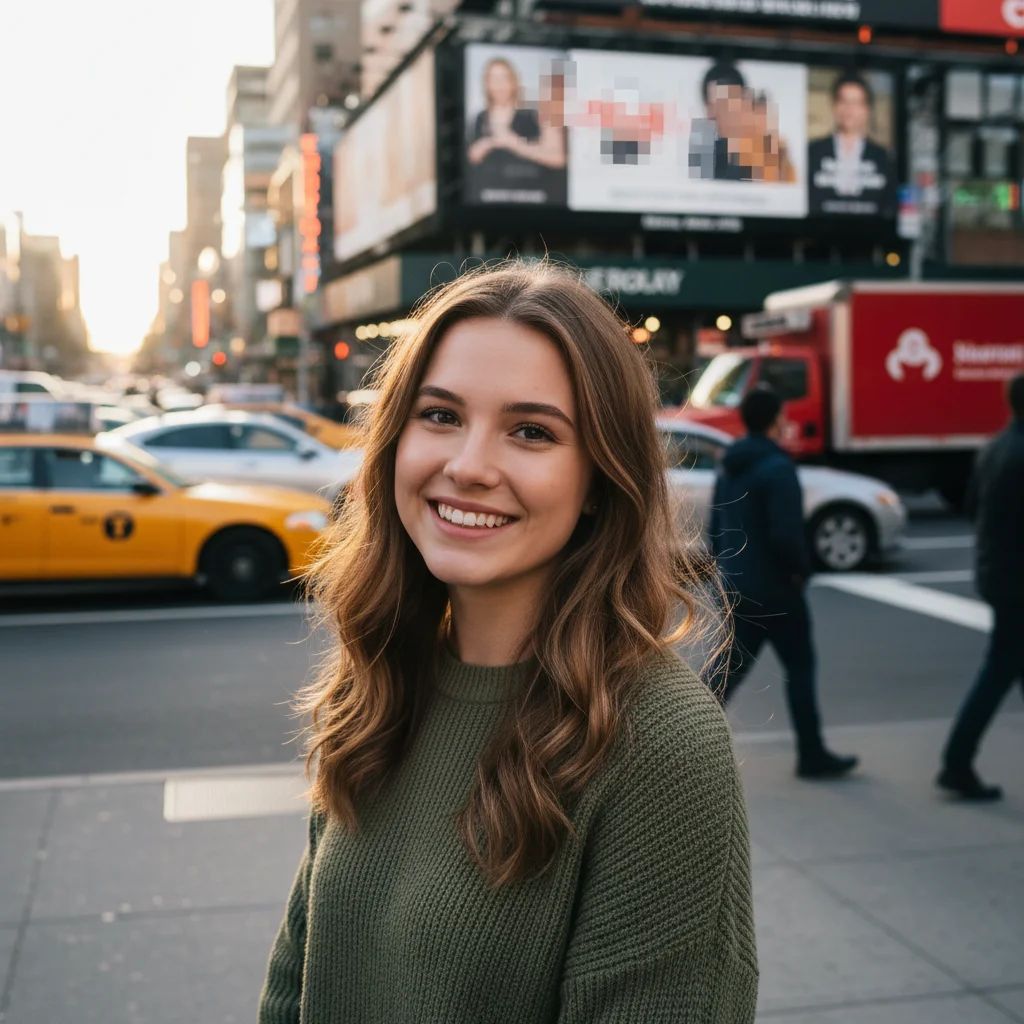
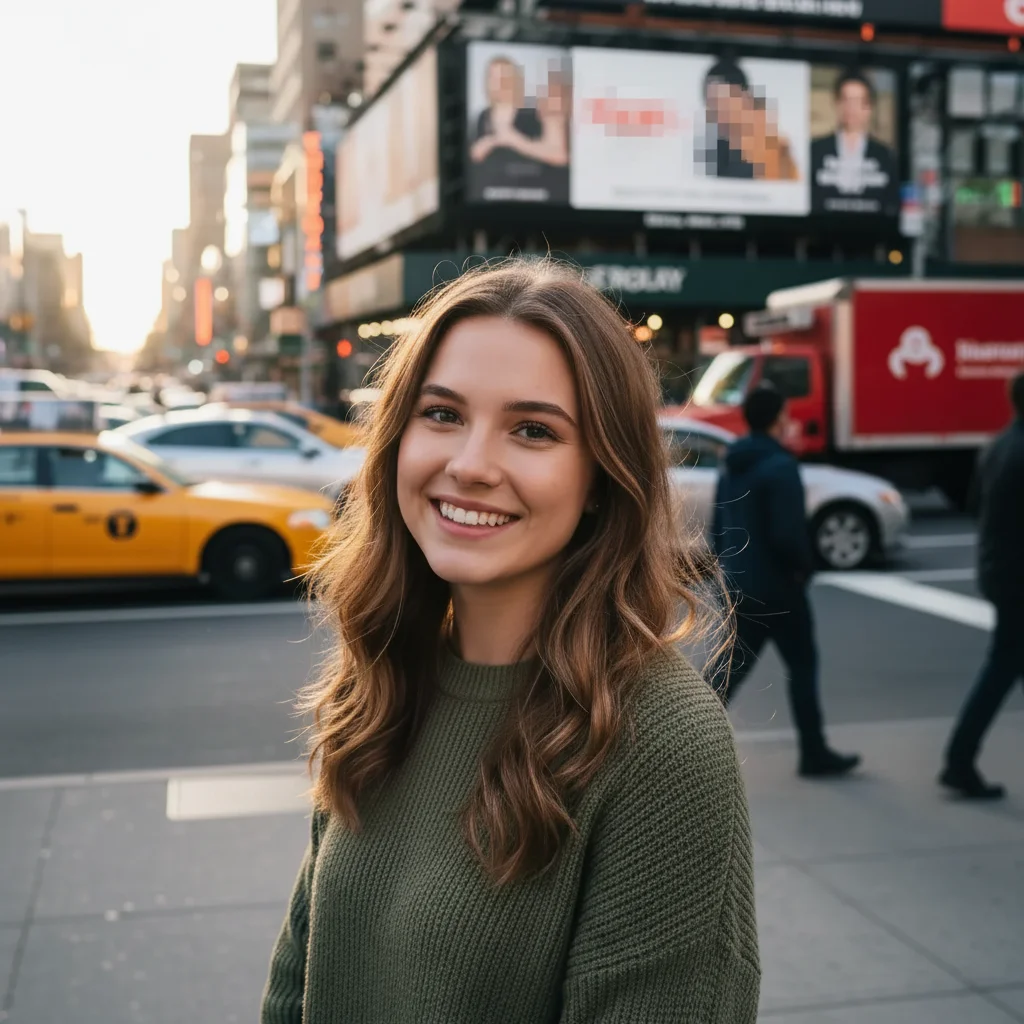
Portrait with beautifully blurred background
After

Blur Background in Photo

Drop your photo here

or click to browse

Release to upload

Free • No signup

Advertisement
Popular use cases:
  • portrait photography
  • product photography
  • social media posts
  • pet photography
  • headshot enhancement
  • Instagram photos
  • professional photos
  • ecommerce product shots

Cost
Free No signup required
Time
Instant results in 15-30 seconds
Works on
Any device - browser, phone, tablet, desktop
Powered by
AI-powered photo editing
Scenario Prompt Time
Portrait blur blur background with bokeh effect, keep person in sharp focus 15s
Product blur add strong background blur to make the product stand out, keep product sharp 15s
Shallow depth create shallow depth of field effect with natural background blur 20s

How it works

  1. Upload your photo

    Drop your image into EditThisPic. Works best with photos that have a clear subject in the foreground and background behind it. Portraits, product shots, and pet photos are ideal. JPG, PNG, WebP up to 7MB.

    Expect: Clear subject separation: 15-20 seconds for natural blur. Complex scenes with similar foreground and background: may need refinement.
  2. Describe what to keep sharp

    Type your instruction: 'blur background keeping person sharp' or 'add strong bokeh to background, keep product in focus.' The AI automatically identifies your subject and blurs everything else naturally.

    Tip: Specify blur intensity with words like 'soft blur', 'strong bokeh', or 'heavy background blur' to control how much blur is applied.

    Copy one of these to get started:

    Portrait photography blur blur background with bokeh effect, keep person in sharp focus
    Product photography focus add strong background blur to make the product stand out, keep product sharp
    Professional depth of field create shallow depth of field effect with natural background blur, subject remains in focus
    Pet photography emphasis blur busy background to emphasize the pet, keep pet in sharp focus
    2 more prompts
    Subtle background softening add soft gentle blur to background, maintain natural look
    Maximum background blur heavy background blur with strong bokeh circles, very blurred background
  3. Generate and download

    Click Generate and watch the AI separate your subject from the background and apply natural blur. Download your professional-looking photo with no watermark.

Try it free

Blur Background in Photo

Drop your photo here

or click to browse

Release to upload

Free • No signup

"Made my phone photos look like they were shot with a professional camera. The background blur is so natural." @photo_enthusiast

See it in action

Portrait with sharp cluttered coffee shop background
Before
->
Portrait with beautifully blurred background
After

Portrait with professional bokeh

Added beautiful background blur to make a portrait pop with professional depth of field.

Prompt: blur background with bokeh effect, keep person in sharp focus
Camera with sharp distracting background
Before
->
Camera with blurred background highlighting the product
After

Product photo background emphasis

Isolated a product by blurring the background for a clean professional look.

Prompt: add strong background blur to make the product stand out, keep product sharp
Advertisement

If something looks off

AI blurred the wrong areas or subject edges are blurry

Why: The AI had difficulty distinguishing between subject and background, especially with similar colors or complex edges like hair.

Try: Be very specific: 'blur only the background behind the person, keep the entire person including hair sharp' or use markers to indicate the subject boundary

Tip: Photos with clear color/tone separation between subject and background work best. Complex edges may need marker guidance.

Blur looks unnatural or too uniform

Why: Real depth of field varies with distance - closer background areas should be less blurred than distant ones.

Try: Request 'natural depth of field' or 'gradient blur with realistic falloff' to create distance-based blur variation

Tip: Add 'realistic bokeh' to your prompt for more natural-looking circular blur highlights.

Not enough blur applied

Why: The prompt didn't specify intensity, so the AI applied conservative blur.

Try: Use intensity words: 'heavy background blur', 'very blurry background', or 'strong bokeh effect' for more blur

Tip: Compare 'soft blur' vs 'heavy blur' for very different intensities.

Subject details lost or looks soft

Why: The blur bled into the subject area, or the original photo lacked sharpness.

Try: Emphasize sharpness: 'blur background while keeping subject completely sharp and in focus' and ensure your original photo is sharp

Tip: Start with sharp photos. The AI preserves existing sharpness but can't add detail that wasn't there.

Quick answers

Do I need to mark the subject before blurring the background?

No! Just describe what you want: 'blur background keeping person sharp' or 'add bokeh to background.' The AI automatically detects your main subject. Only use markers if you have a complex scene where the AI needs help identifying what to keep sharp.

How do I blur a photo background for free?

Upload your photo to EditThisPic, type 'blur background keeping subject sharp', and click Generate. The AI handles subject detection and blur application automatically. No Photoshop or manual selection required. Free to try with no signup.

Will the blur look like a real camera or obviously fake?

When you request 'bokeh' or 'depth of field', the AI creates natural-looking blur that mimics expensive camera lenses. The key is good subject separation in your original photo. Photos with clear foreground/background distinction produce the most realistic results.

What's the best free tool to blur photo backgrounds?

EditThisPic offers free AI-powered background blur with no signup, no watermark, and no download required. Unlike manual blur tools that require selecting areas, EditThisPic understands natural language and automatically separates subjects from backgrounds. Perfect for portraits, product photography, and social media posts.

Ready to blur your photo backgrounds?

Free to try. No signup required.

Try it free