Replace a Person in Any Photo with AI
← Browse all body & person toolsLast updated
Upload the scene plus a reference photo and AI swaps just that one person in 30–60 seconds.
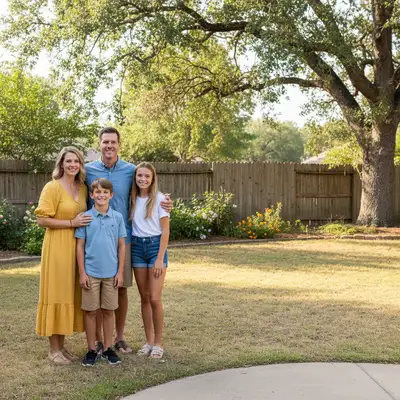
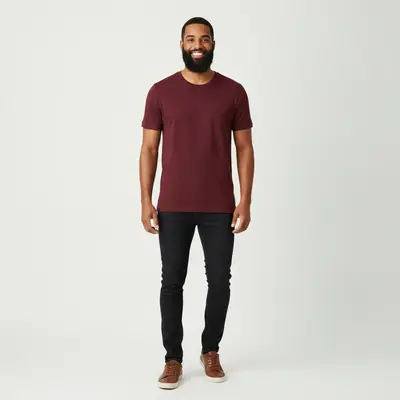
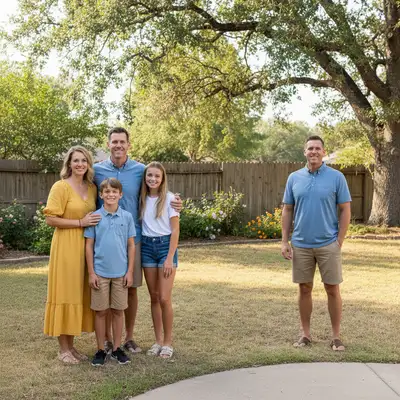
Upload photo to replace person
"keep this version; make only the replacement person's shoulders turn slightly toward the group and reduce their height a little"
Free to try · no sign-up · photos are never shared
Release to upload
<30stypical edit
1 freeedit weekly
Photo on your phone?
Scan to open this editor there — free edit works on your phone too.
Watch it happen: one sentence, one edit
How it works
See it in action
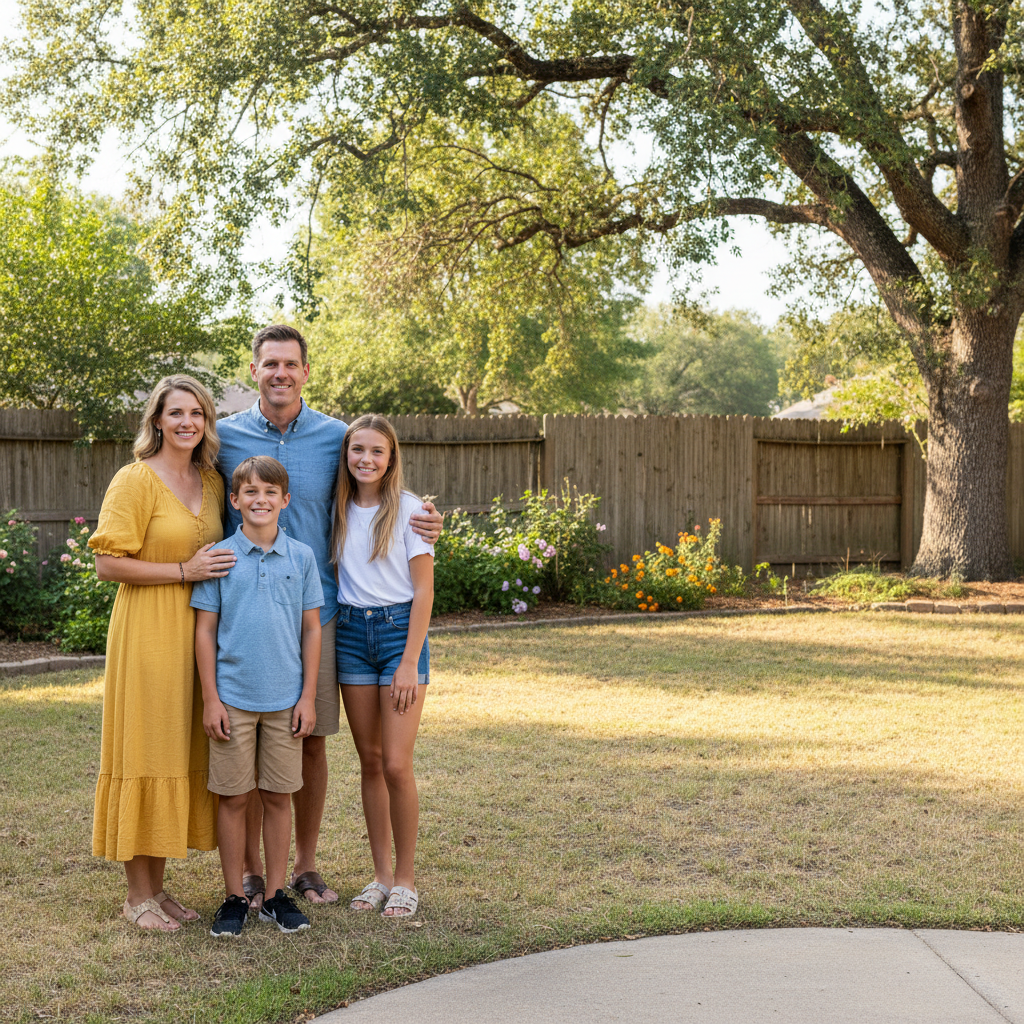
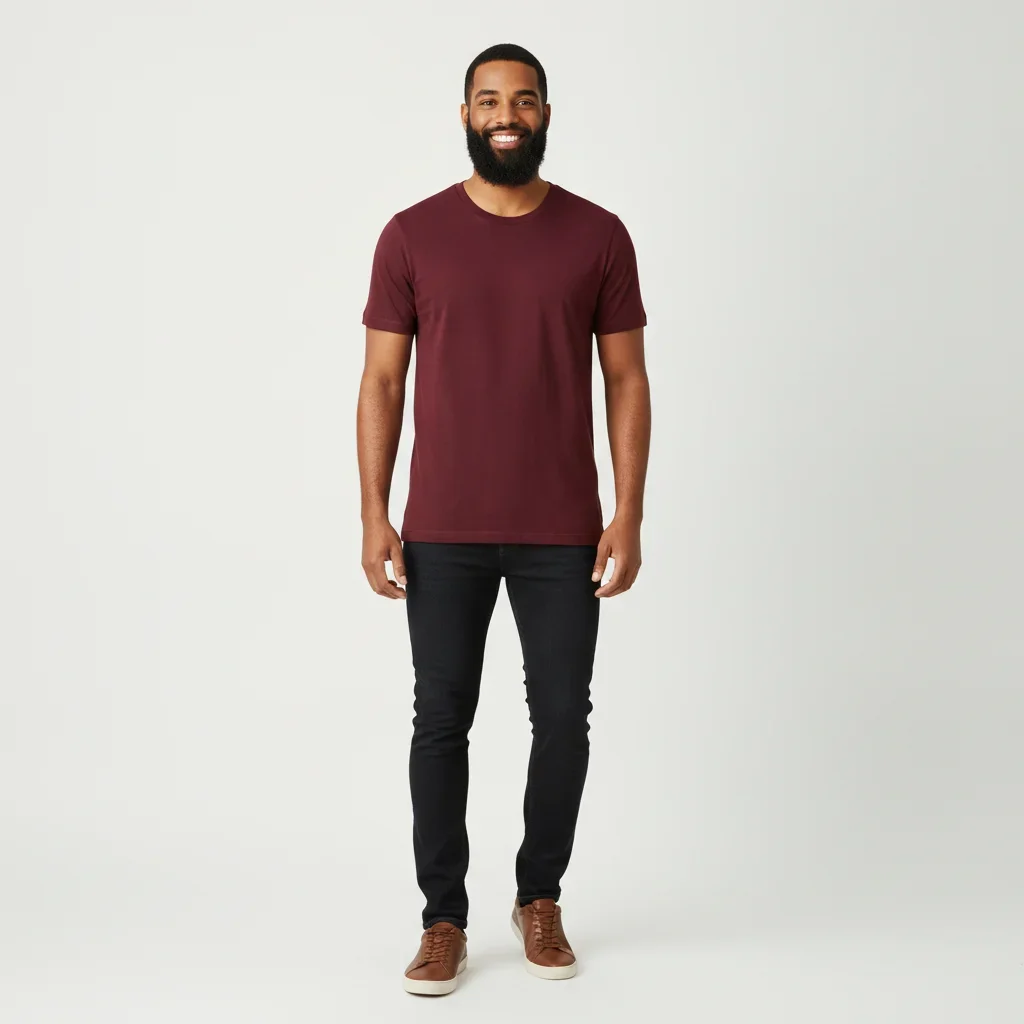
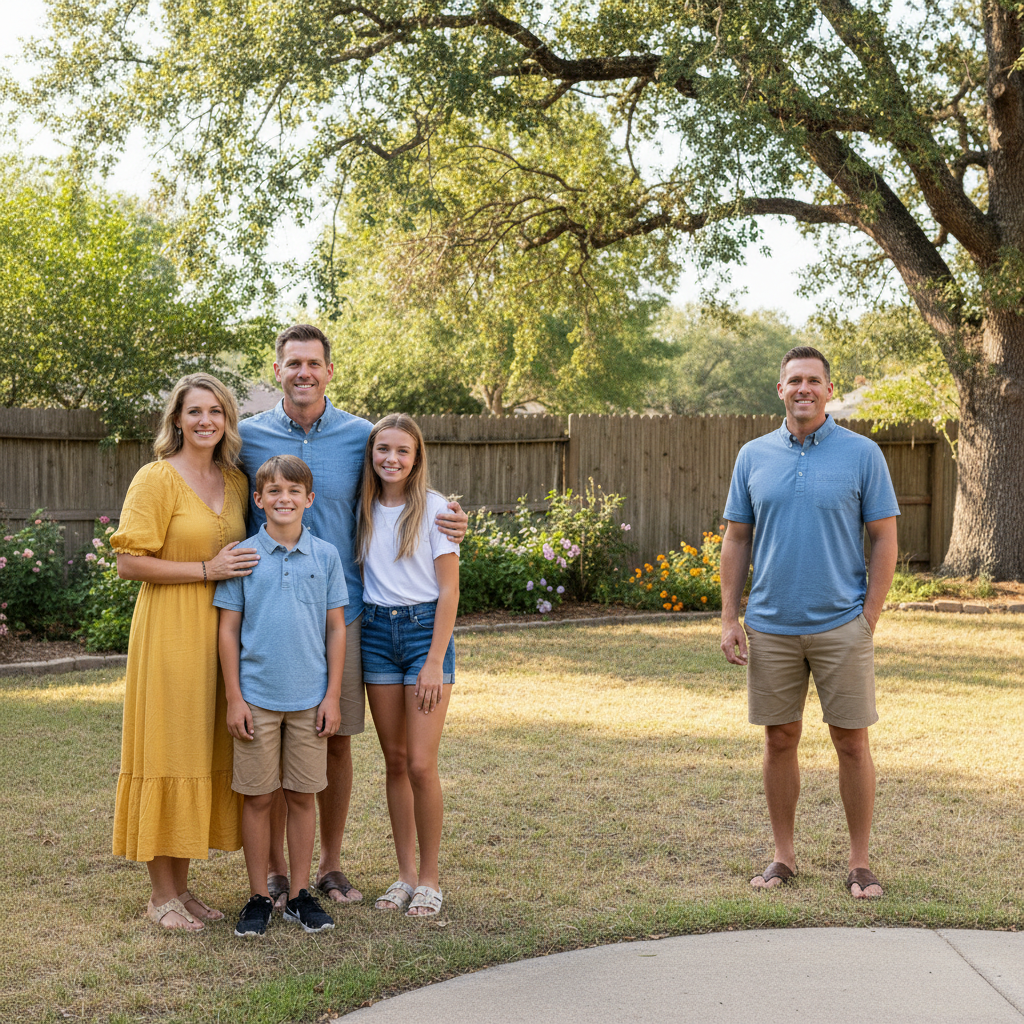
Add missing family member
A brother who could not make the family photo was added from a separate full-length portrait. He is placed on the right of the group at matching scale and standing on the same grass, holding the youngest child's hand.
Prompt:
add the bearded man from the second photo into this family group, standing at the right end of the line next to the daughter and touching the group with no gap, scaled to match their height, standing on the same grass, with the same bright midday sunlight and shadow direction

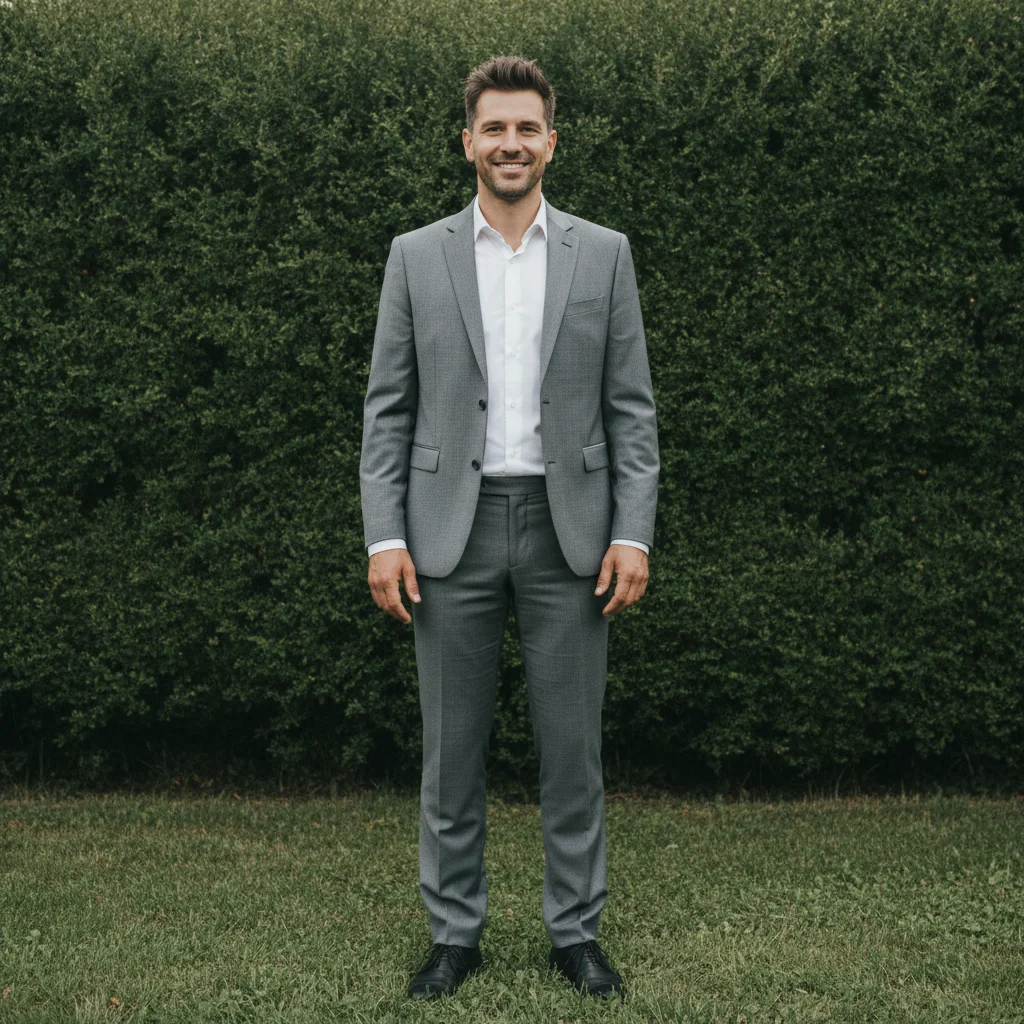

Group photo one person replaced
Wedding party photo where one person needed to be swapped. Only that person changed, everyone else preserved exactly.
Prompt:
Photo 2 shows a man in a light grey suit. Put that man into this wedding lineup, standing at the far right in the exact position the man in the red shirt occupies now — the red shirt must be gone and the grey-suit man standing there instead, at the same height and scale as the others, on the same grass in the same sunlight. The result must still show five people.
Quick answers
Popular use cases
Ready to replace someone in your photo?
Free to try. No signup required.