Free • No signup Change Person · Free

AI Replace Person from Reference Photo

← Browse all body & person tools

Last updated

Upload two photos — the main photo and a reference image of the replacement person — and AI swaps them naturally while preserving the position, scale, and scene lighting.

01Photo 1
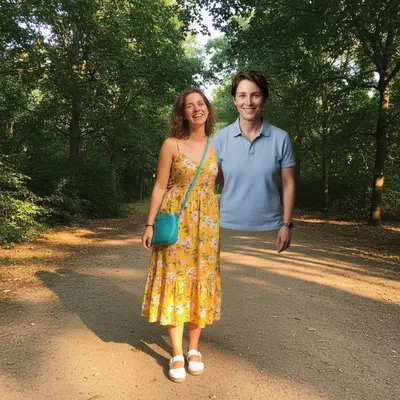
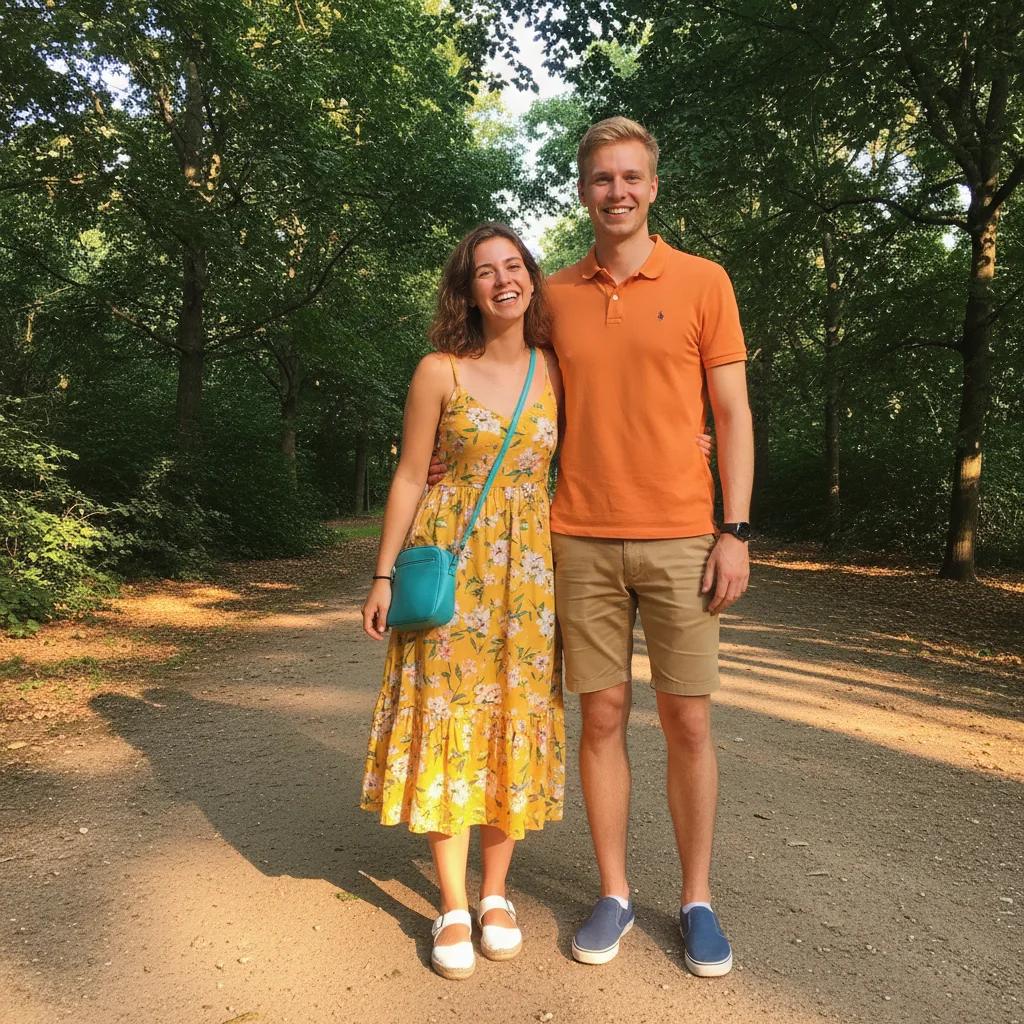
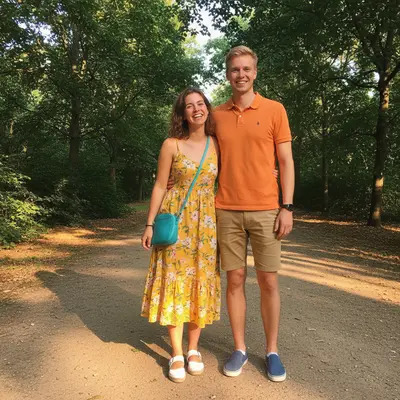
Two people in a park with the right person to be replaced
02Photo 2
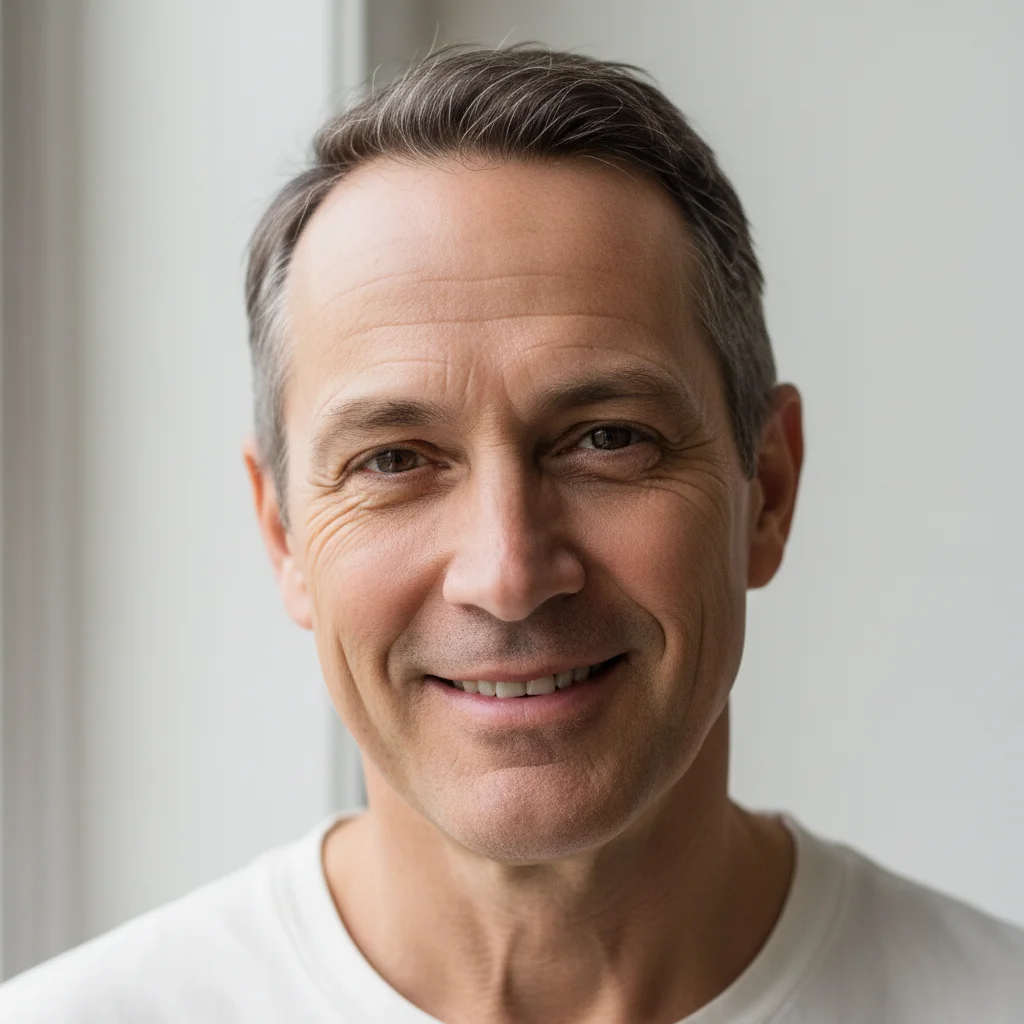
Portrait of the replacement person
03Result
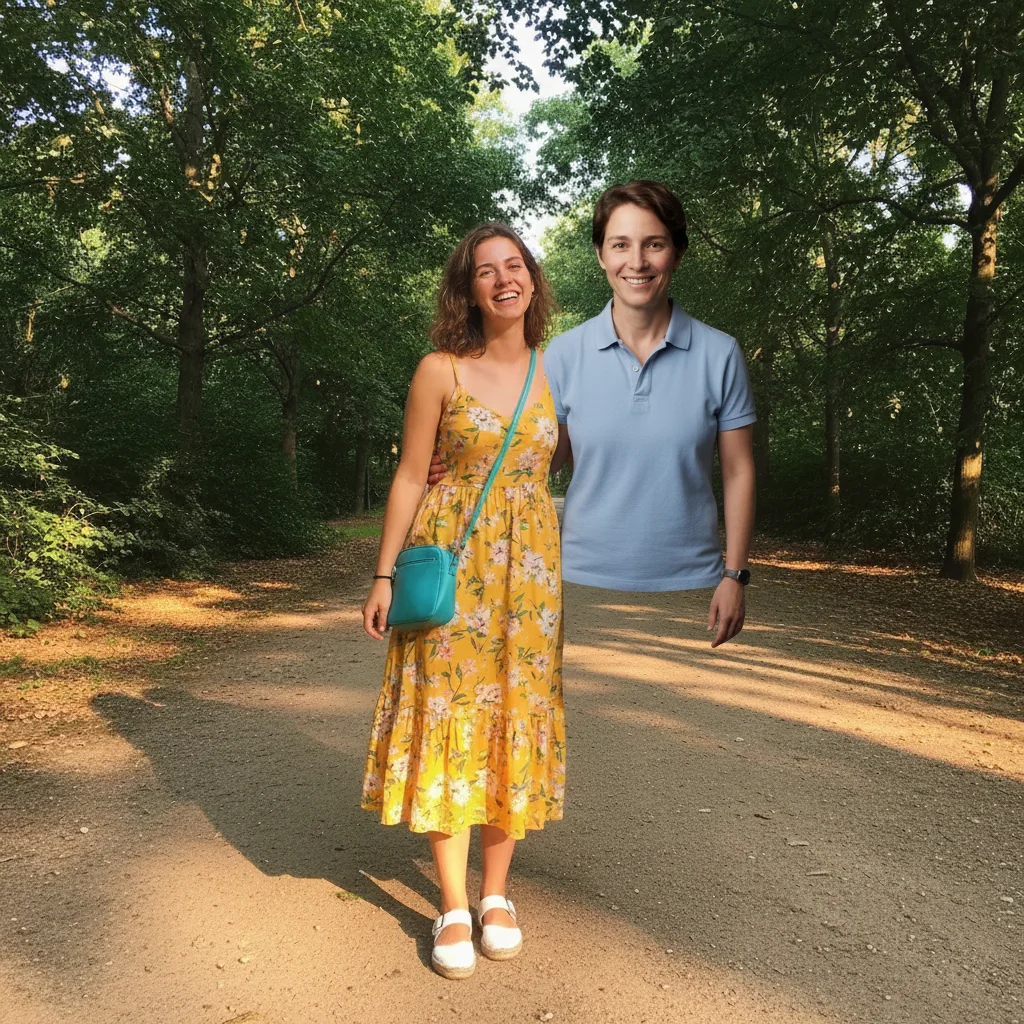
Same park scene with the right person replaced from the reference photo

Upload photo to replace person

"replace the person second from the right with the person from the reference image, same position and pose, wearing similar casual attire, matching the indoor lighting"

Release to upload

1 free edit·then from $4.99

Popular use cases:
  • replace person from reference photo
  • swap person using reference image
  • use photo to replace person
  • reference photo person swap
  • replace person in photo with another photo
  • person replacement from reference
  • two-photo person swap
  • fix photo with reference image

1Your photo
+
2Reference
=
Result
Main photo containing the person to replace Main photo
Reference photo of the person to swap in Reference image
Photo with the person replaced accurately from the reference Result

"Replace the person on the right with the person from the reference image"

Cost
Free No signup required
Time
Instant results in 15-30 seconds
Works on
Any device - browser, phone, tablet, desktop
Powered by
AI-powered photo editing

How it works

  1. Upload your two photos

    Drop your main photo (the one containing the person to replace) into EditThisPic. Then click '+ Add reference photo' below the prompt to upload a clear reference photo of the person you want to swap IN. Both photos are required: the main scene photo AND the reference image of the replacement person. JPG, PNG, WebP up to 7MB each.

    Expect: A reference-based swap in a clear scene: 30-45 seconds. Complex group photos with many people may need 2-3 attempts to preserve all surrounding context.
  2. Attach the reference photo of the replacement

    Click '+ Add reference photo' and upload a clear, well-lit photo of the person you want to replace the original with. This is the key step — the AI draws on this reference image to reproduce the replacement person's accurate likeness in the target position. The better the reference photo, the more accurate the result.

    Tip: A reference photo where the replacement person faces a similar direction to the person being replaced will give smoother, more natural pose matching.

    Copy one of these to get started:

    Replace person in a scene using reference photo replace the person on the left with the person from the reference image, keeping the same standing position and scale, matching the outdoor lighting, keep everything else unchanged
    Replace person in group photo using reference replace the person second from the right with the person from the reference image, same position and pose, wearing similar casual attire, matching the indoor lighting
    Swap person in formal photo using reference replace the person at the far end of the row with the reference person, wearing formal attire matching the others, same pose with hands at sides, matching the bright outdoor lighting
    Replace person in two-person photo replace the person on the right with the person from the reference image, same casual pose and position, matching the warm indoor lighting, keep the other person and background completely unchanged
    2 more prompts
    Replace person in professional headshot series replace the person in the photo with the reference person, keeping the same neutral studio background, same professional framing and pose, matching the soft studio lighting
    Replace person in crowd or event photo replace the marked person with the reference person, same scale and position in the crowd, naturally blended with the surrounding event lighting and crowd

See it in action

Two people in a park with the right person to be replaced
Main Photo
Portrait of the replacement person
Reference
Same park scene with the right person replaced from the reference photo
Result

Person in outdoor scene replaced from reference

Outdoor park photo with two people — AI replaced the person on the right using a reference portrait, matching their casual summer clothing, outdoor lighting, and natural shadow on the path.

Prompt: replace the person on the right with the person from the reference photo. Match the bright outdoor afternoon lighting and add a natural shadow on the path. Keep the other person and background unchanged.
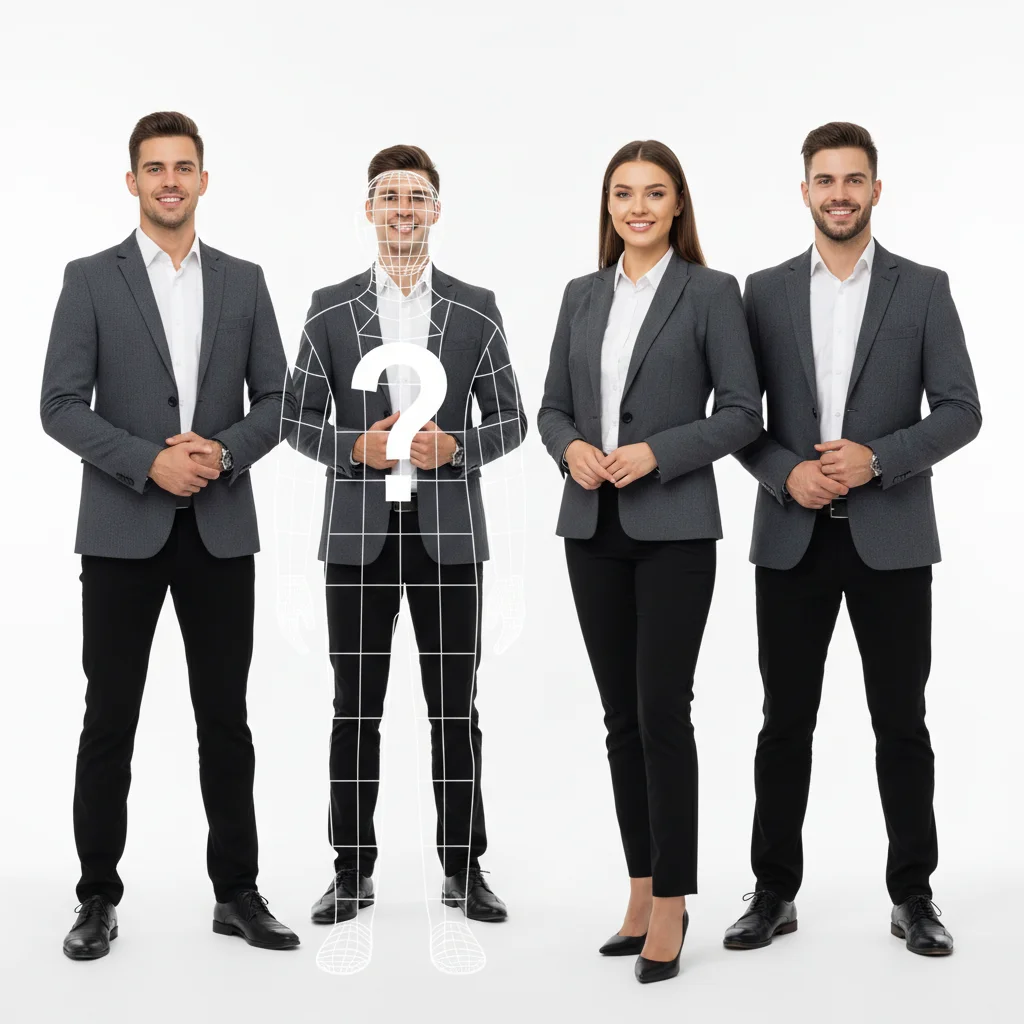
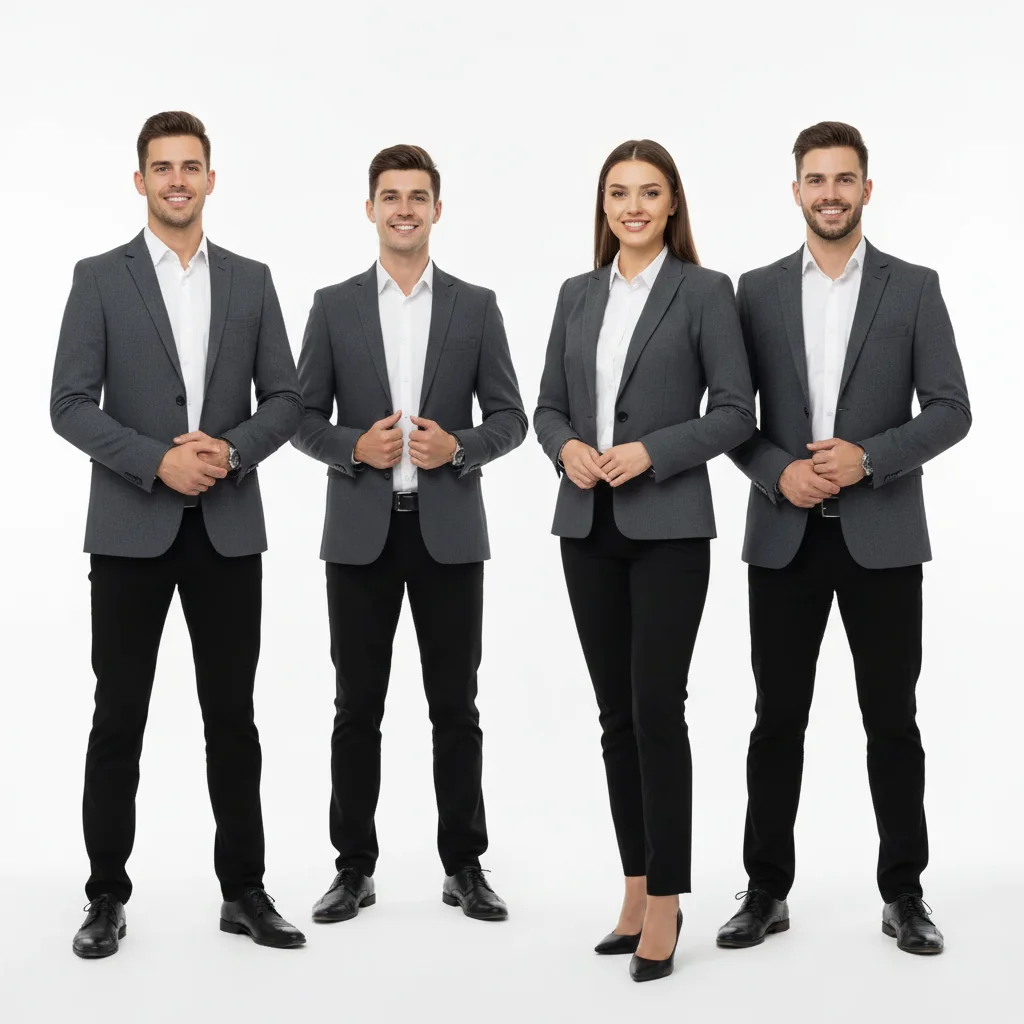
Business team photo with the second person from left to be replaced
Main Photo
Reference image for AI Replace Person from Reference Photo
Reference
Same team photo with the second person replaced via reference headshot
Result

Team member swapped via reference photo

Business team photo — AI replaced the second person from the left using a reference headshot, matching the matching gray blazers and studio lighting.

Prompt: replace the second person from the left with the person from the reference image, wearing the same gray blazer as the team, same professional standing pose, matching the studio lighting
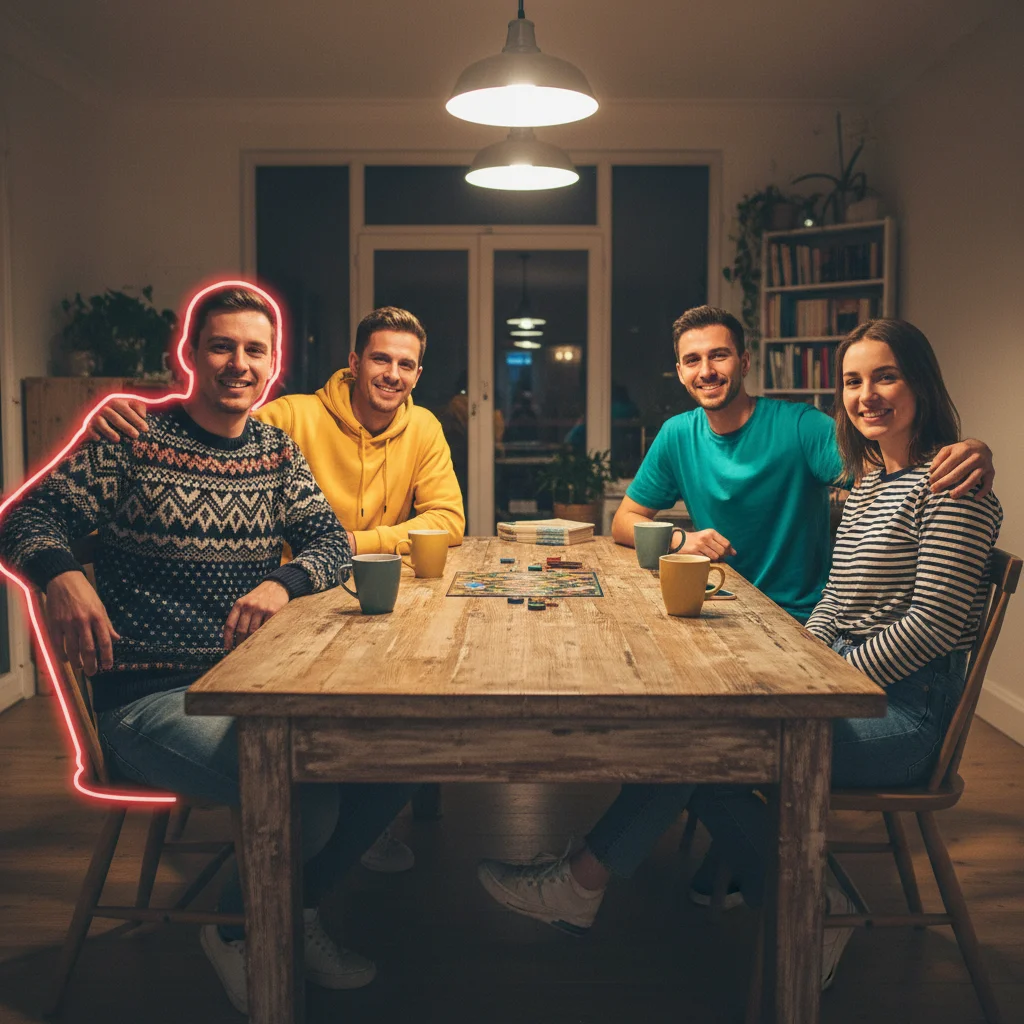
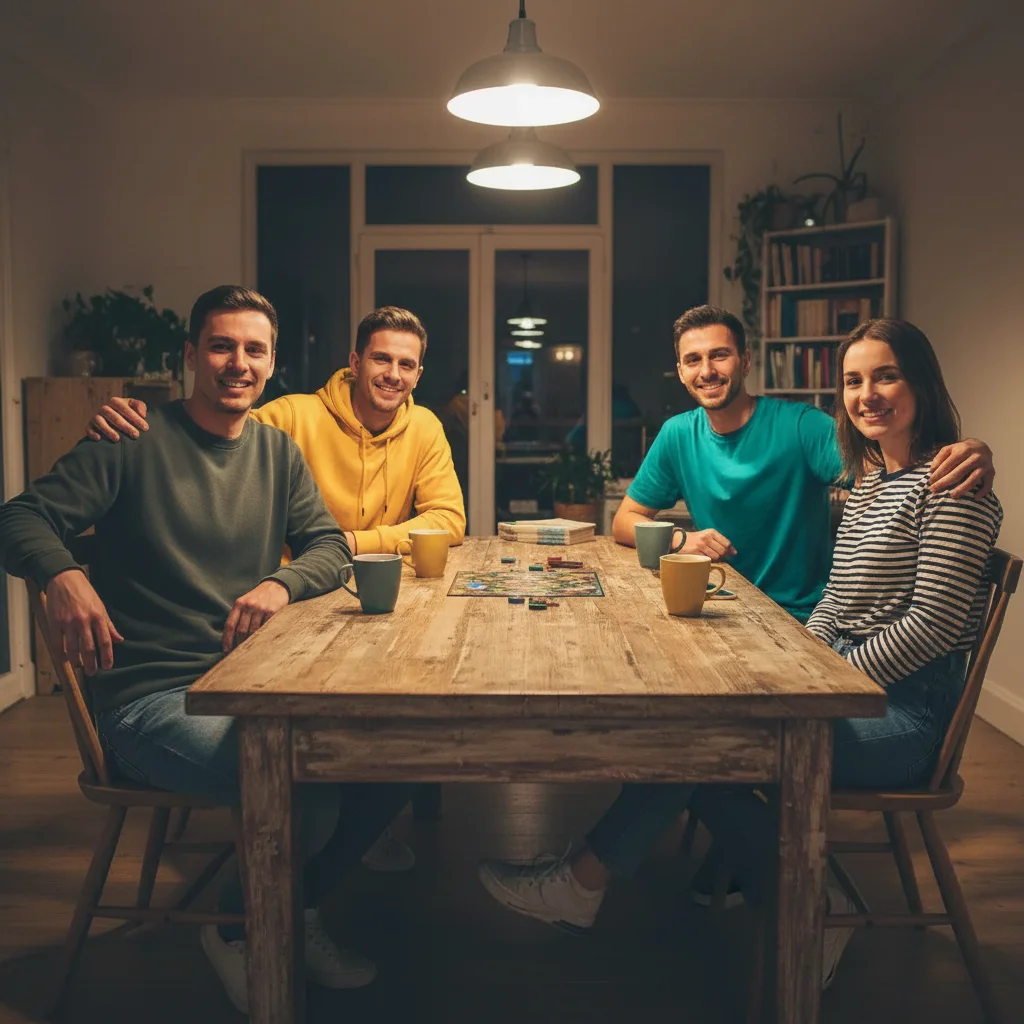
Four friends at a table with the leftmost person to be replaced
Main Photo
Reference image for AI Replace Person from Reference Photo
Reference
Same group photo with the leftmost person replaced from reference
Result

Person replaced in indoor group photo from reference

Casual indoor group of four — AI replaced the person on the far left using a reference photo, matching the casual indoor lighting and the group's relaxed poses.

Prompt: replace the person on the far left with the reference person, casual clothing similar to the others, matching the warm indoor overhead lighting, keep everyone else and the background unchanged

If something looks off

Replacement person is the wrong size

Why: The AI didn't preserve the original person's exact scale.

Try: replace this person with the reference person at the EXACT same scale — same height and proportion as the original, feet in the same ground position

Tip: Reference the original person's height: 'same height as the person being replaced'

Surrounding people or background were changed

Why: The AI's edit zone bled into the surrounding scene.

Try: replace only the specified person with the reference — keep every other person and the background COMPLETELY unchanged

Tip: Make 'keep everything else unchanged' explicit in every replacement prompt for group photos

Lighting on the replacement doesn't match

Why: The reference photo has different lighting than the main scene.

Try: replace this person with the reference person, adjusting their lighting to match the [soft indoor/bright outdoor/studio] lighting of the main scene

Tip: Study the light direction in the main photo and describe it: 'soft light from the upper left, consistent shadows''

Replacement person's face is inaccurate

Why: The reference photo was unclear, too small, or at an extreme angle.

Try: Re-upload a clearer reference photo — well-lit, face clearly visible, person prominent in the frame

Tip: Reference photos where the person faces a similar direction to how they'll appear in the result give the most accurate likeness

Quick answers

Do I need TWO photos for this?

Yes. You need two photos: (1) the main photo containing the person to replace, and (2) a reference photo of the replacement person. Upload the main photo first, then click '+ Add reference photo' to attach the reference image. The AI uses the reference to composite the replacement person accurately into the original's position.

How do I replace a person using a reference photo for free?

Upload your main photo to EditThisPic, click '+ Add reference photo' to attach a clear photo of the replacement person, then describe the swap: 'replace the person on the right with the person from the reference image, same position.' The AI replaces them in about 30 seconds. Free to try, no signup, no watermark.

What's the difference between this and just adding a person?

Adding a person places someone NEW into the scene. Replacing a person swaps an existing person OUT while keeping the same position, pose, and scale — and preserves everyone else in the photo unchanged. Use this tool when you want to substitute one specific person for another while keeping the rest of the photo intact.

Will the other people and background stay the same?

Yes. Include 'keep everything else in the photo unchanged' in your prompt to make this explicit. The AI targets only the specified person. If the surrounding scene is accidentally changed in the first result, regenerate with that instruction added.

How precise is the reference photo matching?

Very accurate when the reference photo is clear and well-lit. The AI reproduces the replacement person's facial features, general build, and overall likeness from the reference image. For the best accuracy: use a front-facing or three-quarter portrait where the person is the main subject, not a small background figure.

Can I use this to fix a photo where someone blinked or looked away?

Yes. Upload the group photo as the main image, then upload a photo of that same person looking properly at the camera as the reference image. Describe: 'replace the person who is looking away with the reference image — keep the same position and clothing, just update their face and expression.' This is one of the cleanest use cases for this tool.

Does this work with headshots and professional photos?

Yes. For professional team headshots, specify the background and lighting conditions: 'replace this person with the reference person, keeping the same neutral gray background and soft studio lighting.' For team photos with matching attire, describe the clothing: 'wearing the same gray blazer as the team.'

How much does EditThisPic cost?

You get 1 free edit per week — no account needed. After that, credit packs start at $1.99 for 3 edits. Monthly plans start at $4.99/mo for 15 edits with unused credits rolling over. All edits are full resolution with no watermark.

Ready to replace a person using a reference photo?

Upload your two photos. Free, no signup required.

1 free edit included·Credit packs from $4.99