Pricing Change Person · Free

Replace a Person in a Family Photo

← Browse all body & person tools

Last updated

Upload your family photo and a reference photo of the person you want included — AI swaps them in while preserving pose, scale, and the room's lighting.

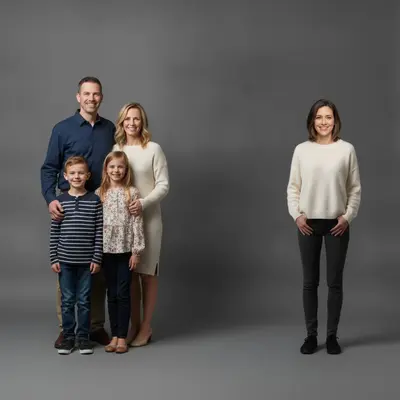
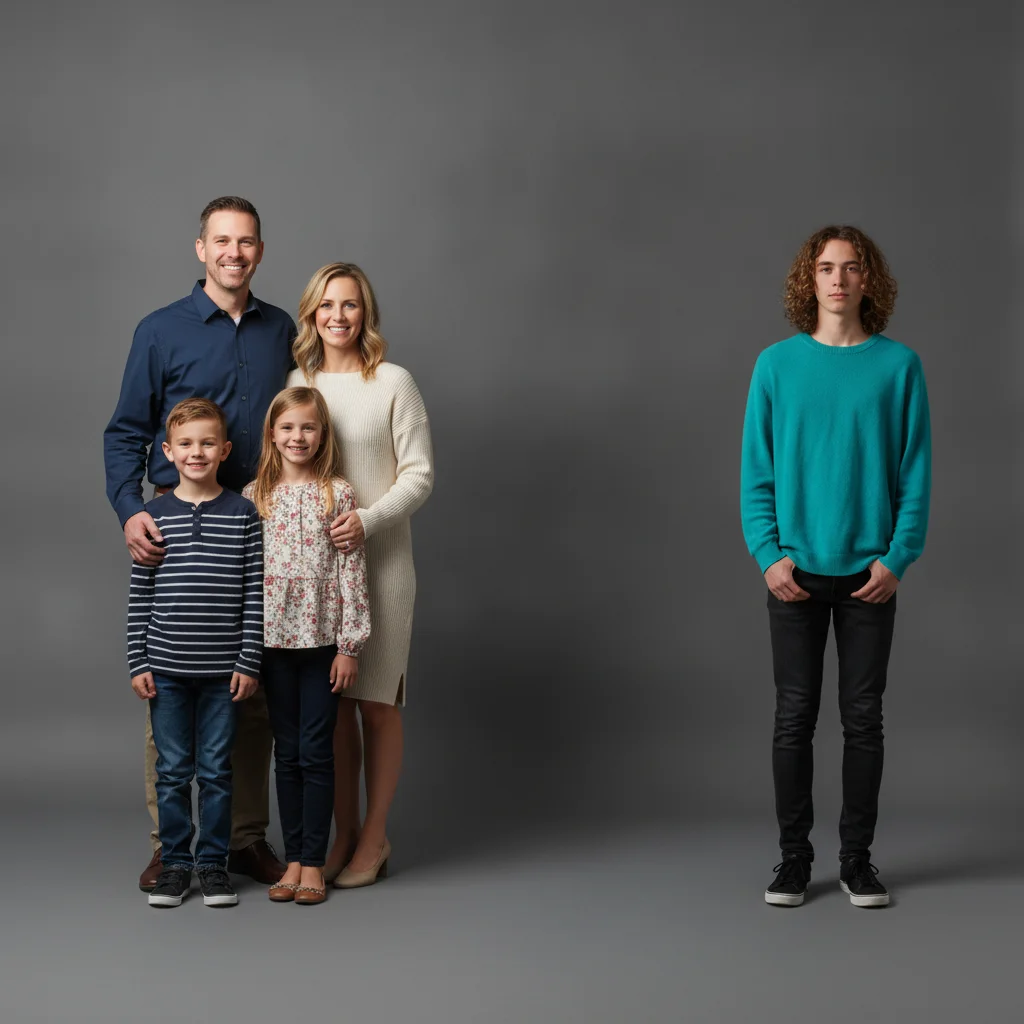
01Photo 1
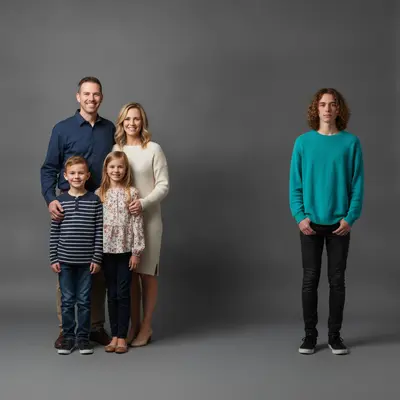
Family of five in a studio portrait, with the person at the far right in a teal sweater to be replaced
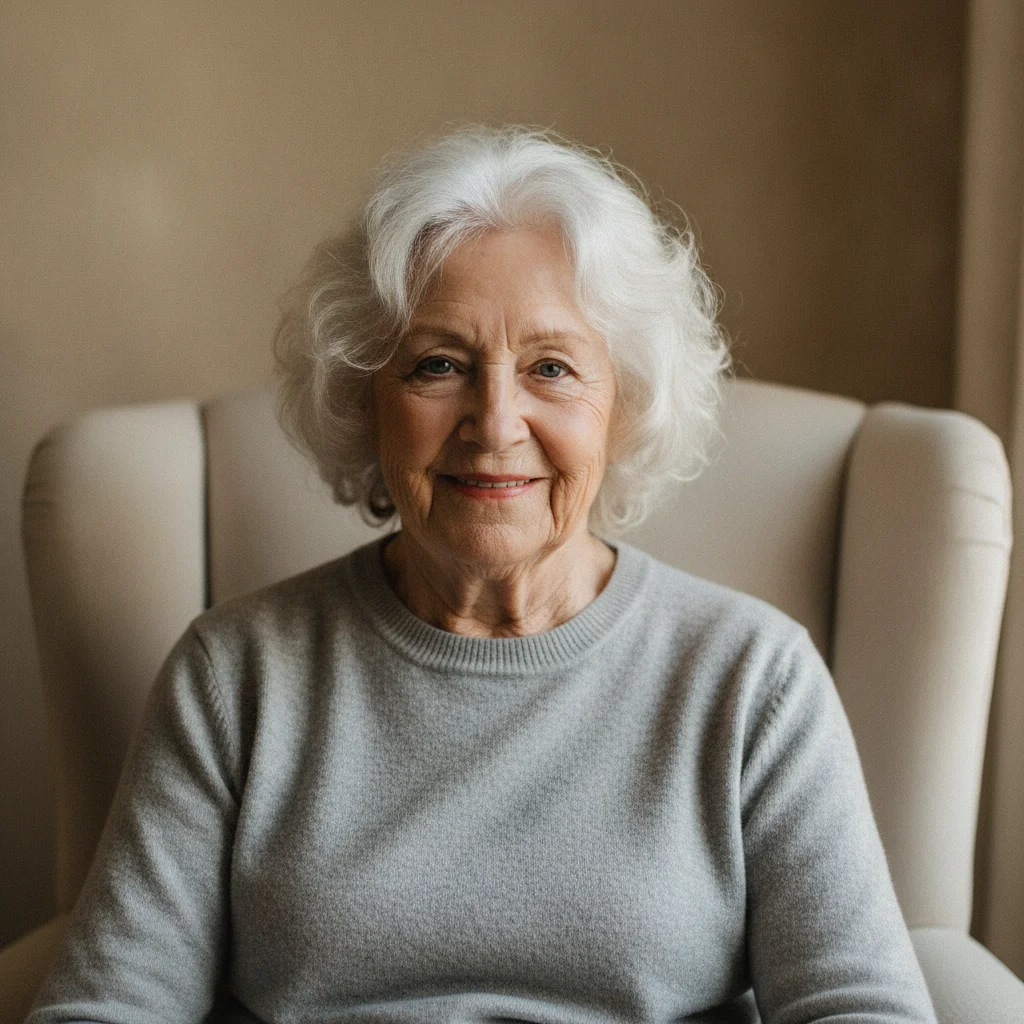
02Photo 2
Clear portrait of the family member to be swapped into the photo
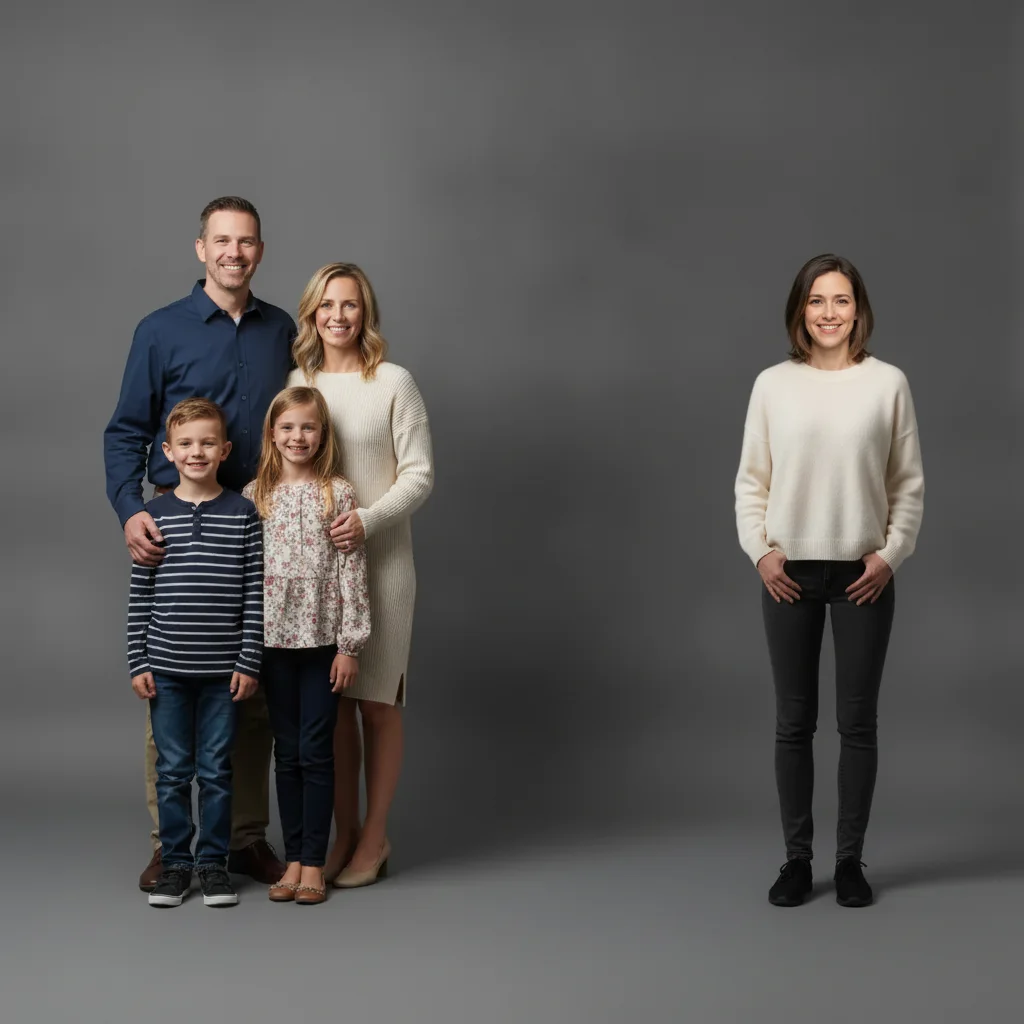
03Result
Same family portrait with the person at the far right swapped in from the reference photo

Upload photo to replace person

"replace the person seated on the right with the person from the reference photo, same seated pose, matching the warm living room lighting"

Free to try · no sign-up · photos are never shared

Release to upload

<30stypical edit
1 freeedit weekly
Photo on your phone? Scan to open this editor there — free edit works on your phone too.

1 free edit every week·packs from $4.99

How it works

  1. Upload the family photo

    Drop your family photo into EditThisPic — JPG, PNG, or WebP up to 7MB. Works best when the person being replaced is clearly visible and well lit.

    Expect: A clear family photo with the target person visible: ready for the next step in seconds. Photos with several people close together may need one refinement pass.
  2. Add a reference photo of the family member

    Click '+ Add reference photo' and upload a clear, well-lit photo of the family member you want to appear in the photo instead. The AI uses this photo to reproduce their likeness accurately.

    Tip: A reference photo where they face a similar direction to the person being replaced blends in more naturally.

    Copy one of these to get started:

    Swap a family member into a photo using a reference photo replace the person on the left with the person from the reference image, same standing position and scale, matching the indoor lighting, keep everyone else unchanged
    Swap in a relative who couldn't attend the photo replace the person seated on the right with the person from the reference photo, same seated pose, matching the warm living room lighting
    Update an old family photo with a current photo of someone replace the person in the center with the person from the reference image, same pose and scale, matching the natural window lighting, keep the background unchanged
    Swap a grandparent into a multi-generation photo replace the person standing at the back with the reference person, same standing pose and scale, matching the outdoor afternoon lighting
    2 more prompts
    Swap in a family member for a holiday photo replace the person on the right, wearing a red sweater, with the reference person, same pose, matching the warm indoor holiday lighting
    Replace a family member's turned-away pose replace the person facing away from the camera with the reference person, facing forward, same standing position, matching the natural daylight
  3. Describe who to swap and where

    Name the position of the person being replaced: 'replace the person on the left with the person from the reference photo, same pose and scale, matching the living room lighting.'

    Copy one of these to get started:

    Swap a family member into a photo using a reference photo replace the person on the left with the person from the reference image, same standing position and scale, matching the indoor lighting, keep everyone else unchanged
    Swap in a relative who couldn't attend the photo replace the person seated on the right with the person from the reference photo, same seated pose, matching the warm living room lighting
    Update an old family photo with a current photo of someone replace the person in the center with the person from the reference image, same pose and scale, matching the natural window lighting, keep the background unchanged
    Swap a grandparent into a multi-generation photo replace the person standing at the back with the reference person, same standing pose and scale, matching the outdoor afternoon lighting
    2 more prompts
    Swap in a family member for a holiday photo replace the person on the right, wearing a red sweater, with the reference person, same pose, matching the warm indoor holiday lighting
    Replace a family member's turned-away pose replace the person facing away from the camera with the reference person, facing forward, same standing position, matching the natural daylight
  4. Review the result and refine if needed

    Zoom in on the swapped family member and anyone standing near them. If the pose or lighting is slightly off, add a second prompt with more detail, or tap a marker on the exact spot to correct.

See it in action

Family of five in a studio portrait, with the person at the far right in a teal sweater to be replaced
Main Photo
Clear portrait of the family member to be swapped into the photo
Reference
Same family portrait with the person at the far right swapped in from the reference photo
Result

Sibling swapped into a family portrait from a reference photo

A five-person family portrait had a gap on the right where a sibling was traveling. The AI swapped them into the spot using a reference portrait, matching the studio backdrop lighting.

Prompt: replace the person on the FAR RIGHT, wearing a BRIGHT TEAL SWEATER, with the person from the reference photo, same standing position and scale, matching the studio lighting, keep everyone else unchanged
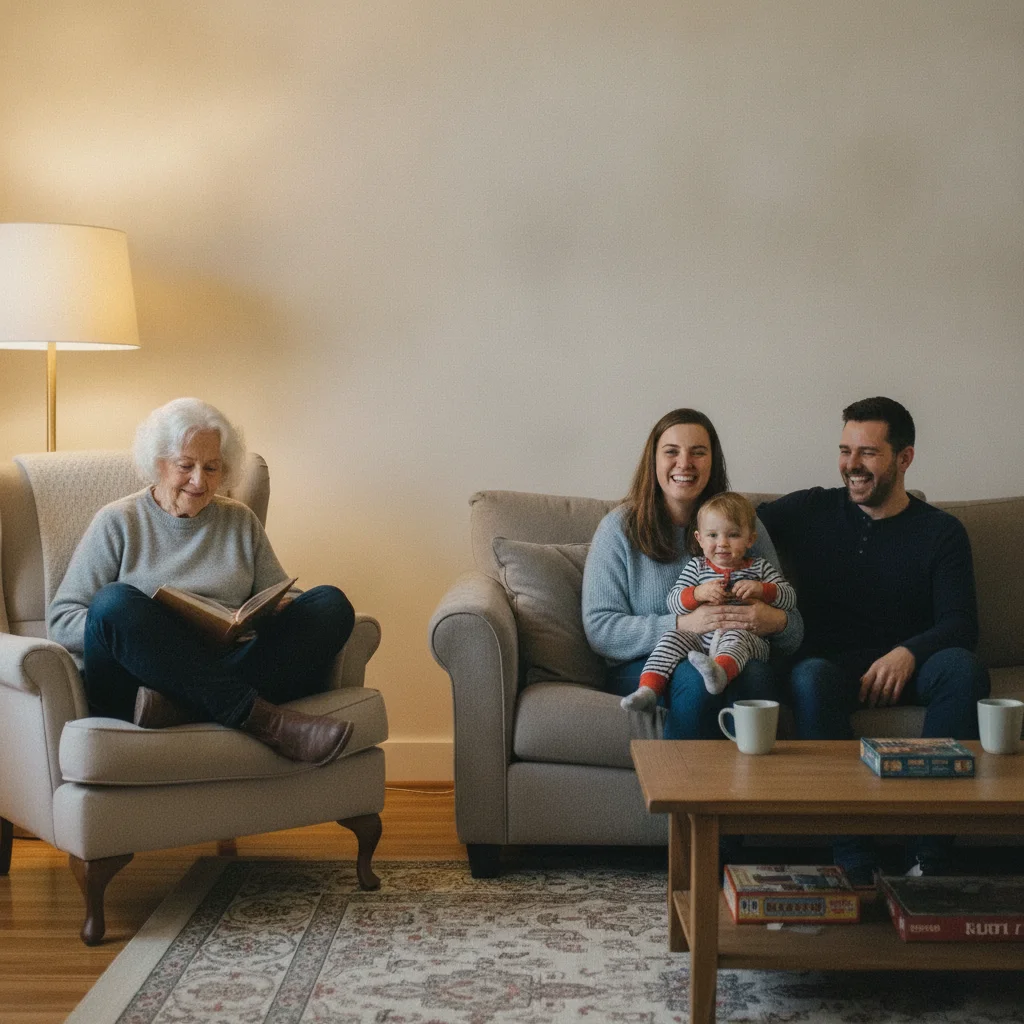
Family seated in a living room, with the person in the left armchair in a mustard cardigan to be replaced
Main Photo
Reference portrait of the grandparent to be swapped into the family photo
Reference
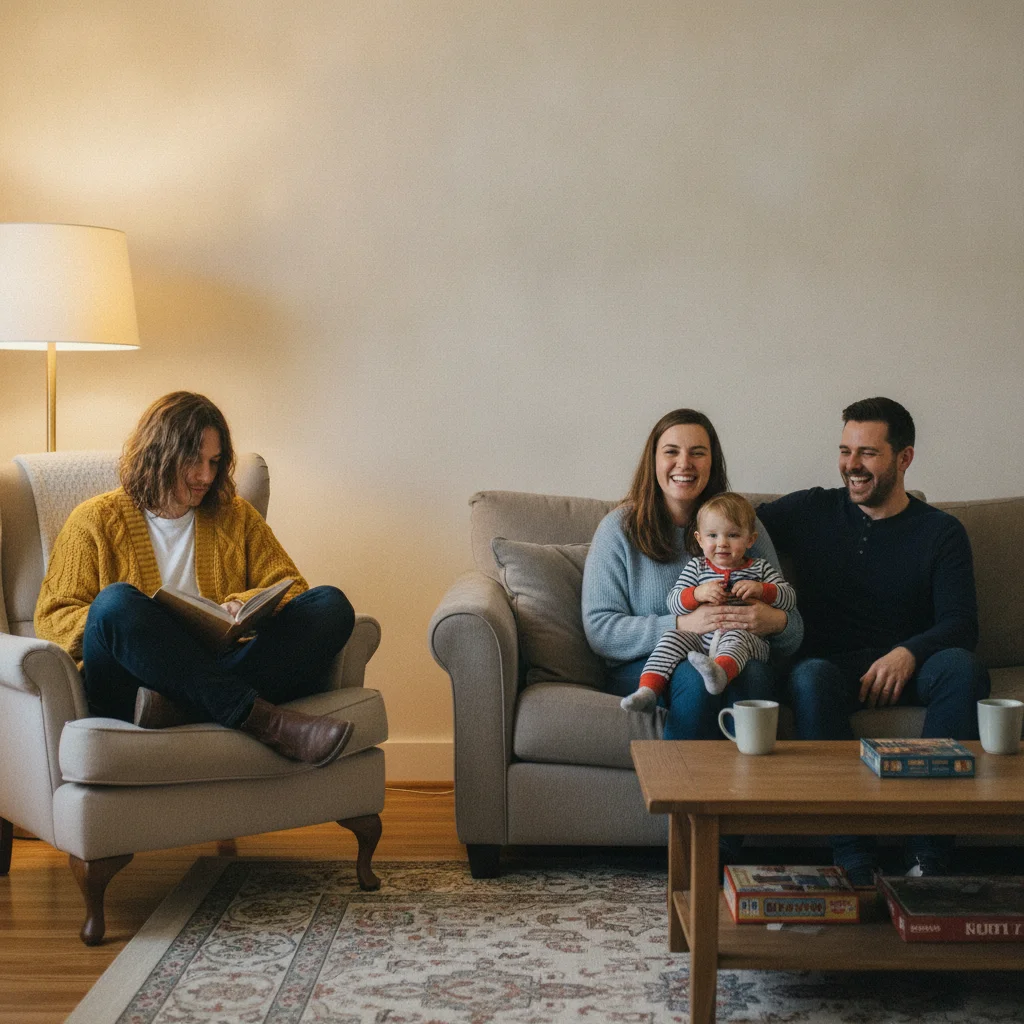
Same living-room photo with the person in the armchair swapped in from the reference photo
Result

Grandparent added into a living-room family photo

A living-room family photo had an empty armchair on the left where a grandparent usually sits. The AI swapped them into the seat using a reference photo, matching the warm indoor lighting.

Prompt: replace the person seated in the ARMCHAIR ON THE LEFT, wearing a BRIGHT MUSTARD YELLOW CARDIGAN, with the person from the reference image, same seated pose, matching the warm living room lighting, keep the rest of the family unchanged
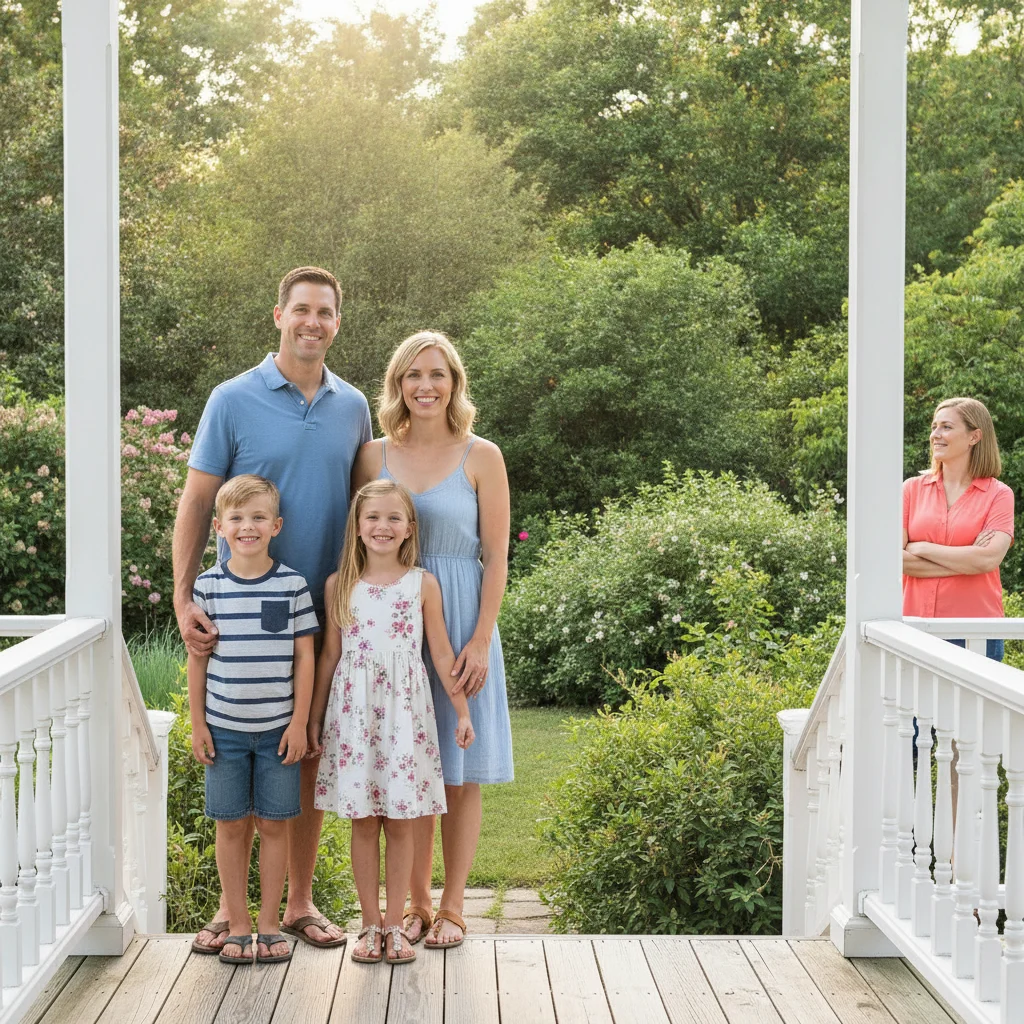
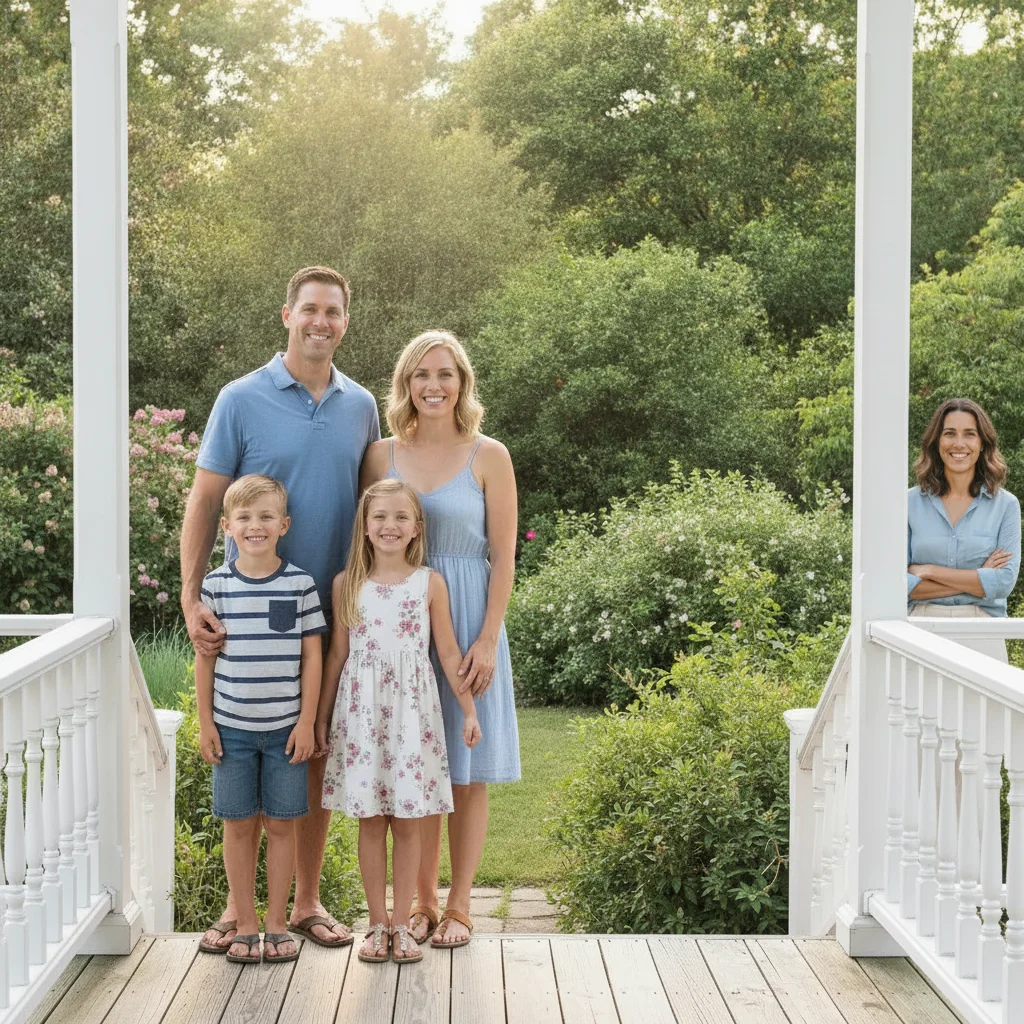
Family of four on a porch, with the person at the far right in a coral shirt to be replaced
Main Photo
Reference photo of the parent to be swapped into the family photo
Reference
Same porch photo with the person at the far right swapped in from the reference photo
Result

Parent swapped into an outdoor family photo

An outdoor family photo on a porch had a parent missing on the right, replaced by a neighbor holding the spot. The AI swapped in the actual parent using a reference photo, matching the natural daylight.

Prompt: replace the person standing on the FAR RIGHT, wearing a BRIGHT CORAL SHIRT, with the person from the reference photo, same standing pose and scale, matching the natural daylight, keep everyone else unchanged

Quick answers

Do I need to mark or select the family member before swapping them?

No. Describe their position instead — 'the person on the left,' 'the person seated in the armchair' — and the AI targets them directly. Tap a marker only if the first result edits the wrong person.

How do I replace a person in a family photo for free?

Upload your family photo to EditThisPic, click '+ Add reference photo' to attach a photo of the replacement, then describe the swap: 'replace the person on the left with the reference photo, same pose.' Free to try, no signup, results in about 30 seconds.

Will the rest of the family stay unchanged?

Yes, when you include 'keep everyone else unchanged' in your prompt. The AI targets only the named person. If someone nearby is affected in the first result, regenerate with that instruction added.

Can I use this to update an old family photo with someone's current look?

Yes. Upload the older family photo as the main image, then upload a recent photo of that person as the reference. Describe the swap and their position — the AI updates their likeness while keeping the rest of the photo unchanged.

What if a family member is estranged and I'd rather they weren't in the photo at all?

If you'd rather remove someone entirely instead of swapping them for another person, use the family photo removal tool instead — it erases them and rebuilds the background naturally.

Does this work for older or lower-resolution family photos?

Yes, as long as the person being replaced is reasonably clear in the frame. A sharp, well-lit reference photo of the replacement gives the most accurate result even when the original family photo is older.

How much does EditThisPic cost?

You get 1 free edit per week — no account needed. After that, one-time credit packs start at $4.99 for 10 edits, valid 12 months, no subscription. Power users who edit daily can pick Studio Membership, a monthly workspace at $49.99/mo for 300 edits. Purchased downloads are clean with no watermark.

Ready to replace a person in your family photo?

Upload your two photos. Free, no signup required.

1 free edit included·Credit packs from $4.99