How specific should my prompt be to get a good Swap Faces in Photo result on the first try?
One sentence is usually enough: 'Swap faces — describe what you want in the prompt.' If the first result is off, refine with details — color, position, lighting, or what to keep. Each pass takes 20-45 seconds and runs separately, so you can compare. Free first edit per week, no signup.
How do I swap faces in a photo for free?
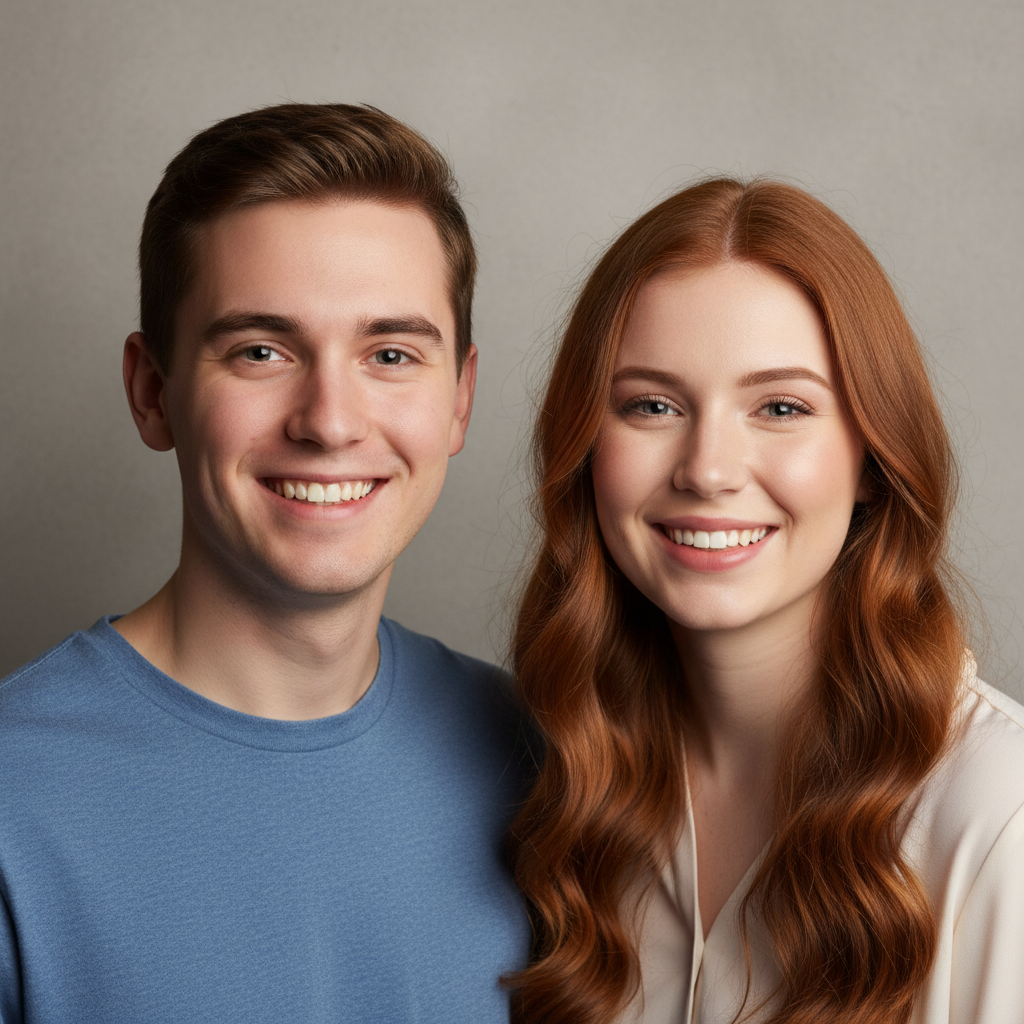
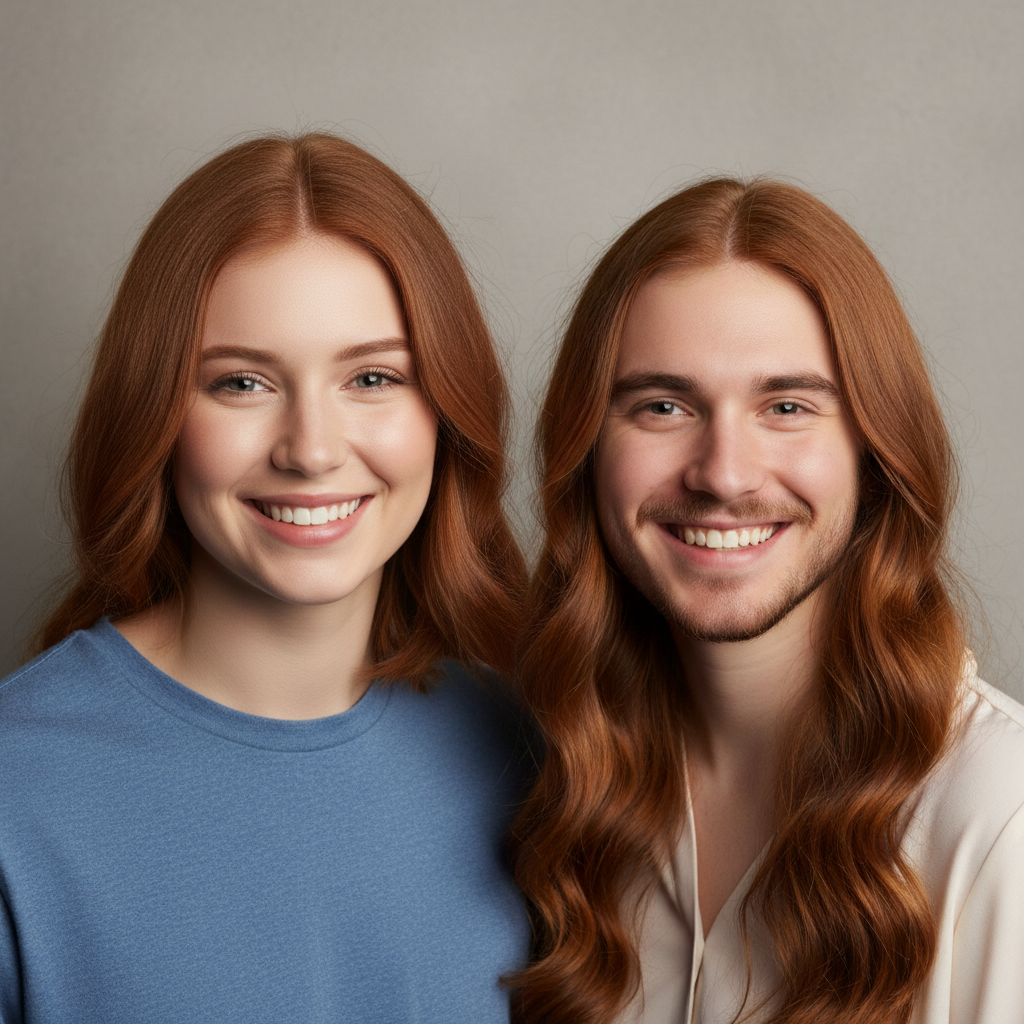
Upload your photo to EditThisPic, type 'swap the faces of the two people in this photo,' and hit generate. The AI swaps them in 30 seconds. Completely free, no signup or watermark. For putting one face on another body, click '+ Add reference image' to upload the source face.
Is there a free face swap tool that doesn't require login?
Yes! EditThisPic swaps faces without any account or login. Just upload your photo, describe the swap, and download the result. No watermarks, no signup walls, no app to install.
Can I put my face on another person's body?
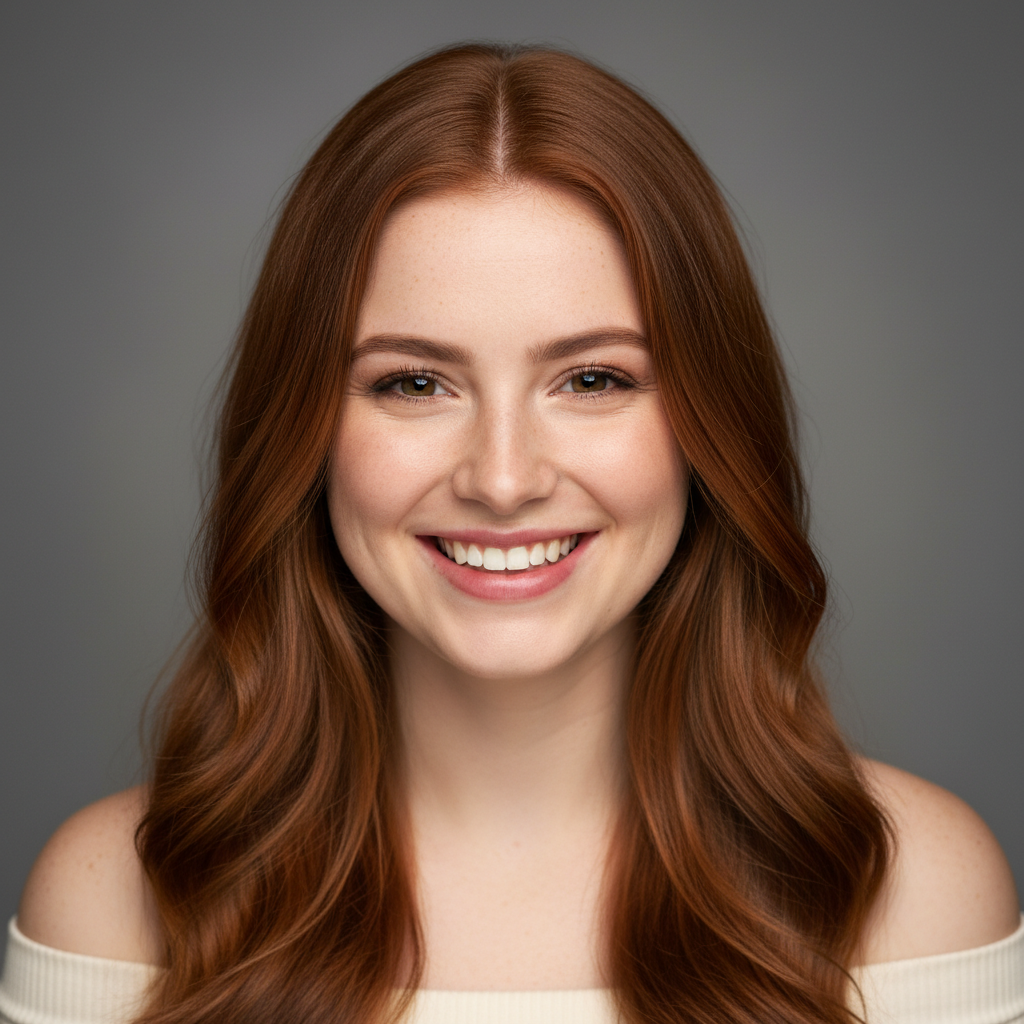
Yes! Upload the target photo (the body you want), click '+ Add reference image' and upload a photo of your face, then describe 'put the face from photo 2 onto the person in photo 1.' The AI composites your face onto the other body.
What's the best way to swap faces between two photos?
Upload the main photo first, then click '+ Add reference image' to add the photo containing the face you want to use. Describe 'replace the face in photo 1 with the face from photo 2, match lighting and angle.' Use photos with similar head angles for best results.
Is EditThisPic's AI faces swapper really free?
Yes — you get 1 free edit per week, no account needed. Credit packs start at $4.99 for 10 edits.
Can I swap faces on my phone?
Yes. EditThisPic works in any mobile browser — iPhone, Android, tablet. No app download needed.
What photo formats does the AI faces swapper support?
JPG, PNG, WebP, and HEIC. Upload any common photo format and EditThisPic handles the rest.
How much does EditThisPic cost?
You get 1 free edit per week — no account needed. After that, one-time credit packs start at $4.99 for 10 edits, valid 12 months, no subscription. Power users who edit daily can pick Studio Membership, a monthly workspace at $49.99/mo for 300 edits. Purchased downloads are clean with no watermark.