How to Swap Faces in Photos
Last updated


Drop your photo here
Free to try · no sign-up · never used for AI training
Release to upload
How it works
See it in action

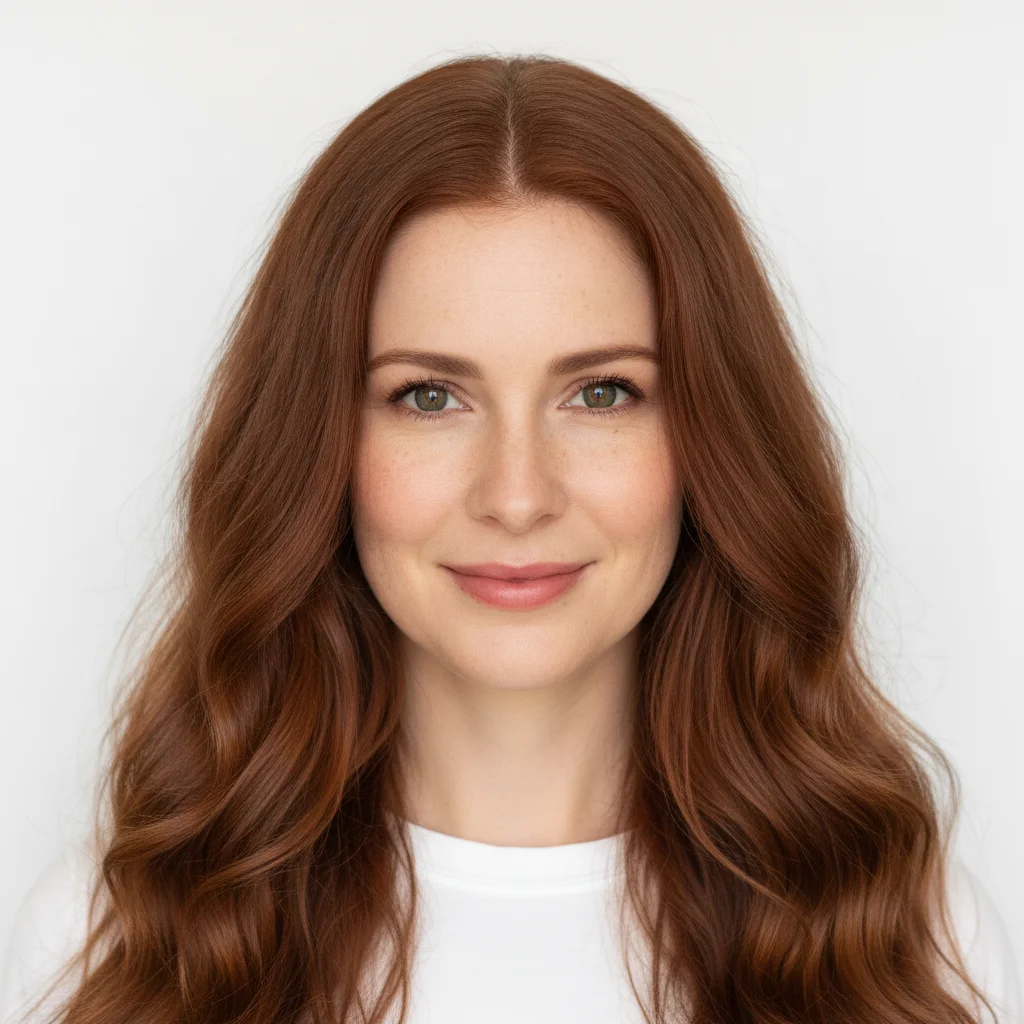

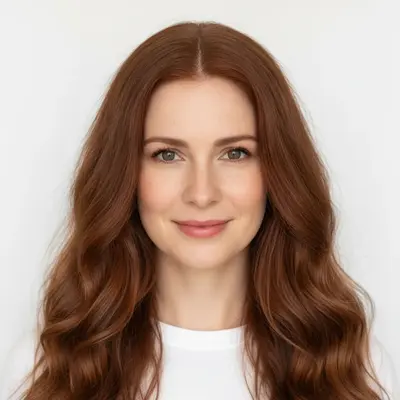
Head swapped in from a second photo
The base photo is a woman in a navy blazer with her hair in a low bun; the reference is a different woman with long auburn waves. The result keeps the blazer, the office and the pose, and carries the reference's whole head across — face and hair — with the neck blended into the collar. Because the incoming hair is fuller than the bun it replaces, nothing of the original hairstyle is left behind.
Replace this woman's entire head with the whole head from the second photo — the complete head, face and all of the long auburn hair come from the reference and sit on this body. Take only the head from the second photo: none of its clothing and none of its background may come across. Keep the navy blazer, the office and the pose exactly as they are, blend the neck into the collar cleanly and match the indoor lighting.
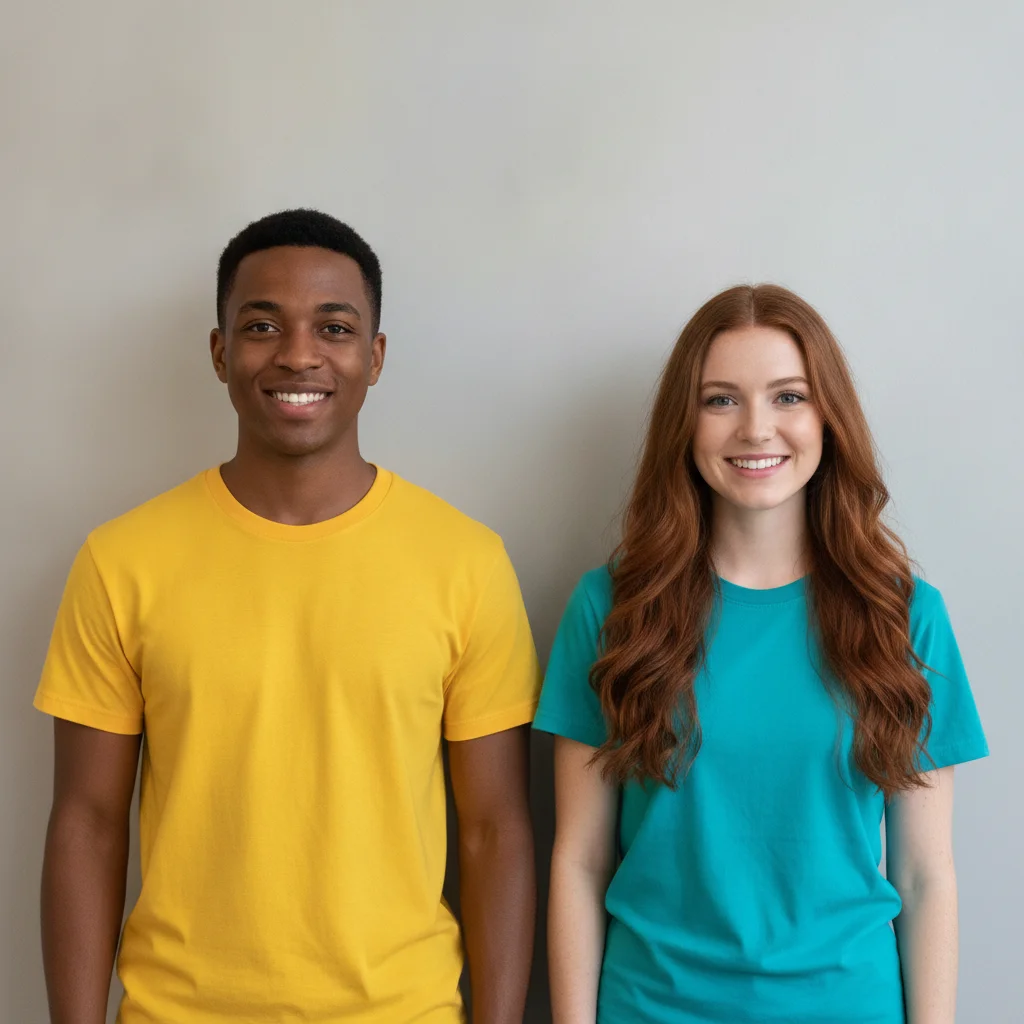
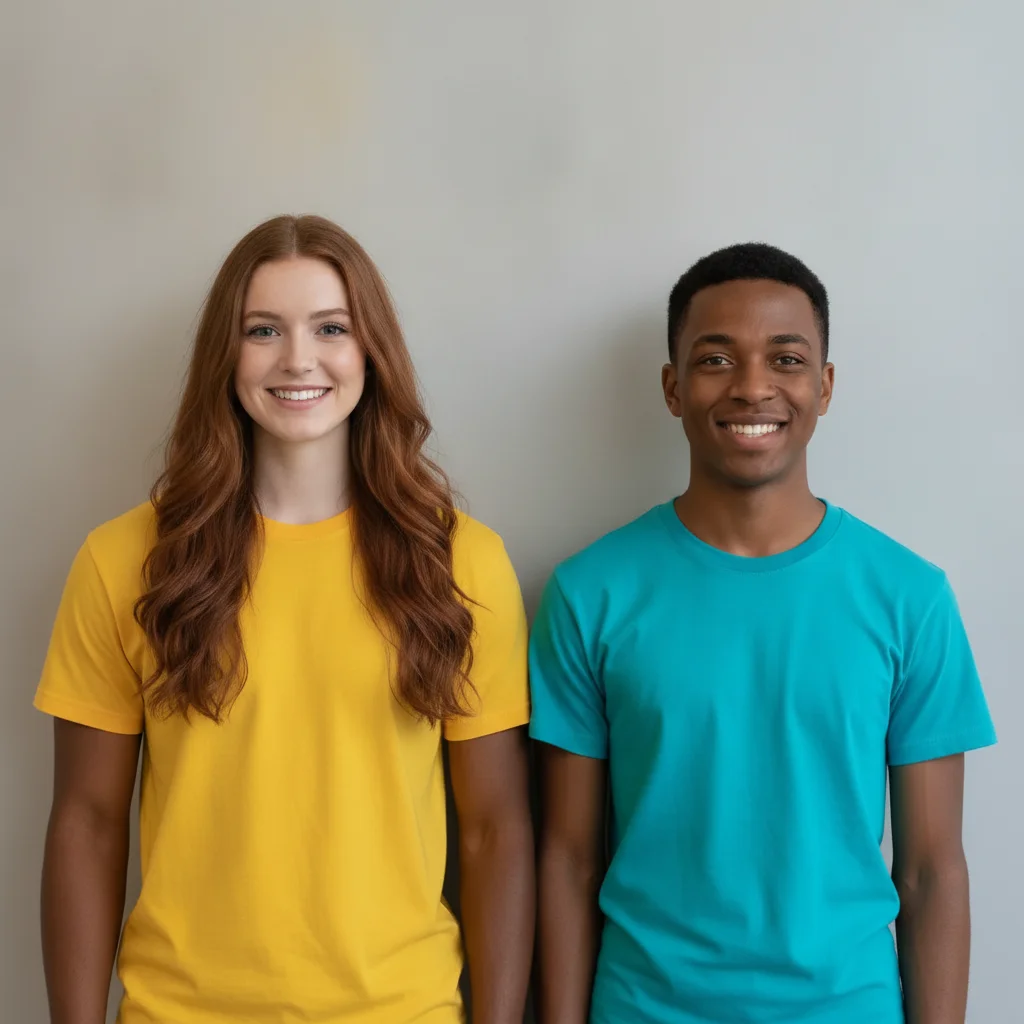
Two people swap heads inside one photo
One photo, no reference image: two people standing against a plain wall trade heads with each other. Both bodies, both t-shirts and the background stay exactly as they were, and each head arrives with its own hair — the long auburn hair travels to the yellow t-shirt and the short cut travels to the teal one. Saying that each head takes all of its own hair with it is what stops hair being stranded where a head used to be.
Swap the two people's entire heads, each head taking all of its own hair with it. The man's whole head with his short black hair moves onto the body in the teal t-shirt on the right; the woman's whole head with all of her long auburn hair moves onto the body in the yellow t-shirt on the left. No hair may be left behind in either original position. Keep both bodies, both t-shirts, the pose and the background exactly as they are.
Quick answers
Popular use cases
Your photo. Edited in seconds.
No account. No subscription. Just results.