Face Morph - Blend Two Faces Together
← Browse all add & replace toolsLast updated
Create a new face from two people. Upload both photos, say how you want them blended, and the AI builds one face that belongs to neither of them.
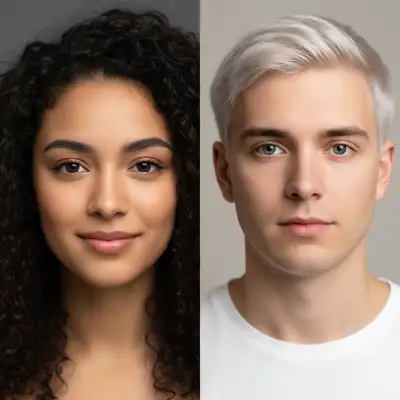
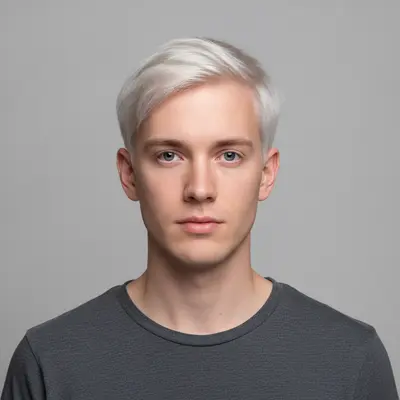
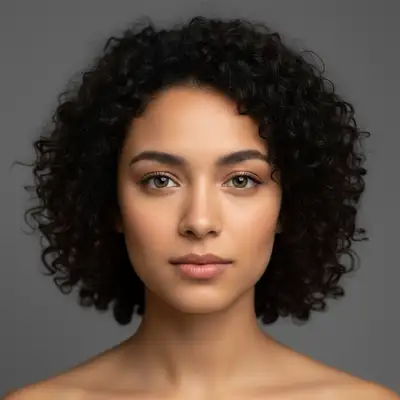
Upload photo to morph faces
"morph the two people in this photo into one new face, an even blend of both as if this were their child, natural and realistic"
Free to try · no sign-up · never used for AI training
Release to upload
How it works
See it in action
Both of these took more than one run. Face morphs vary a lot between attempts on the same two photos — some runs come back looking mostly like one of your uploads. If that happens, run it again rather than re-wording.
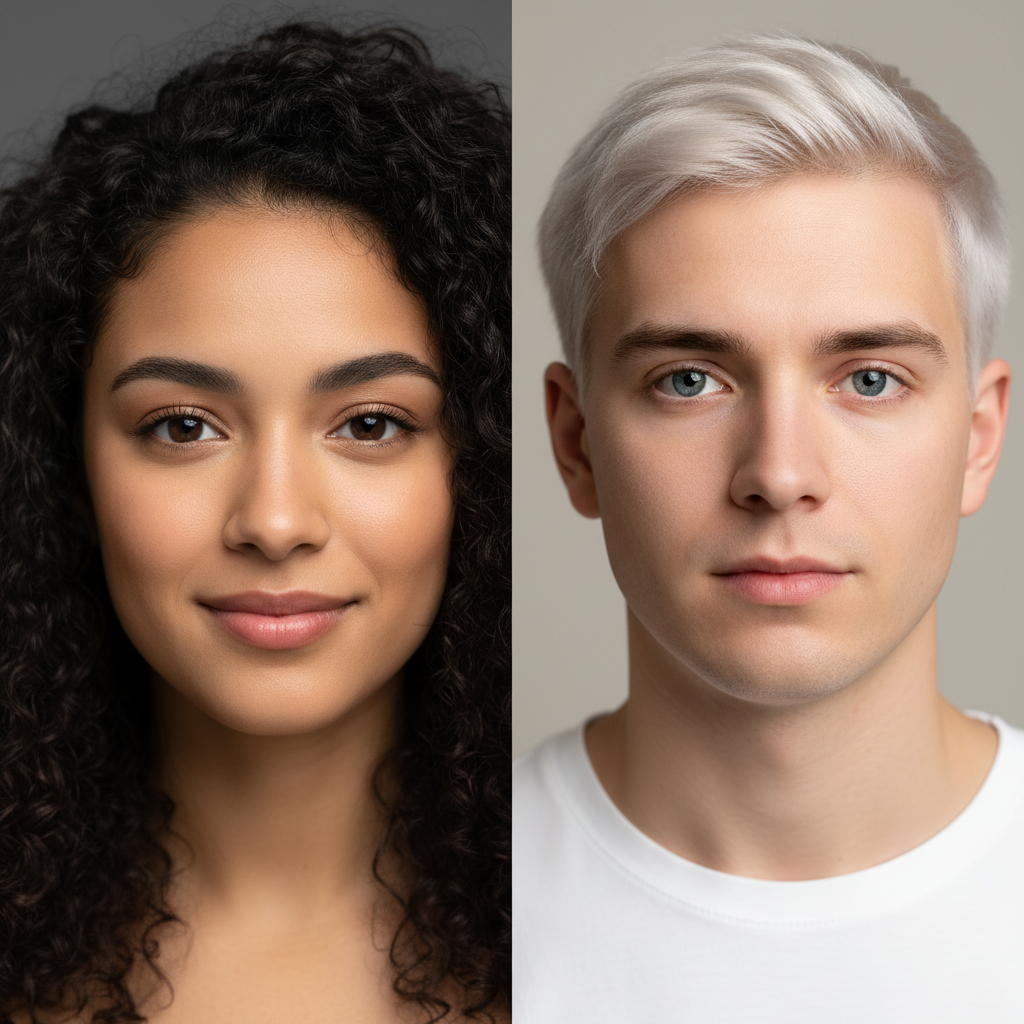
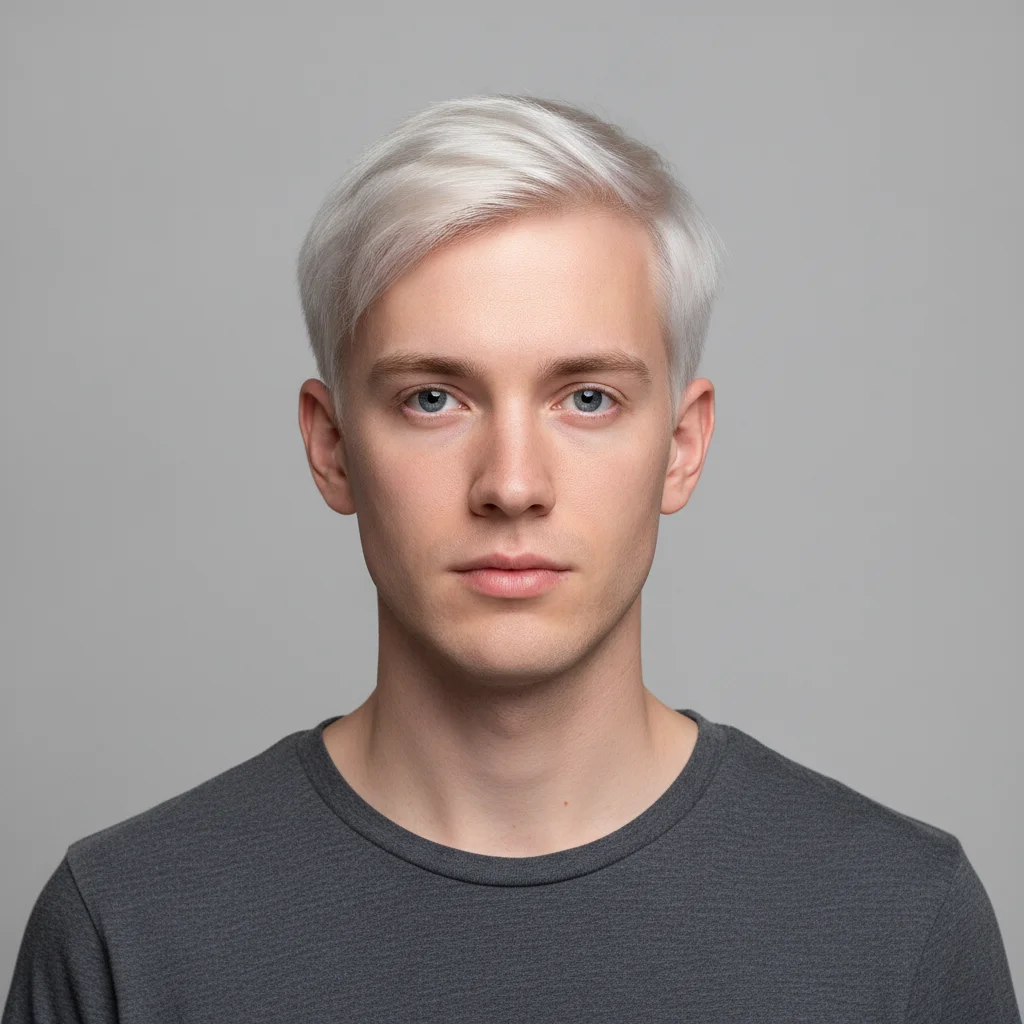
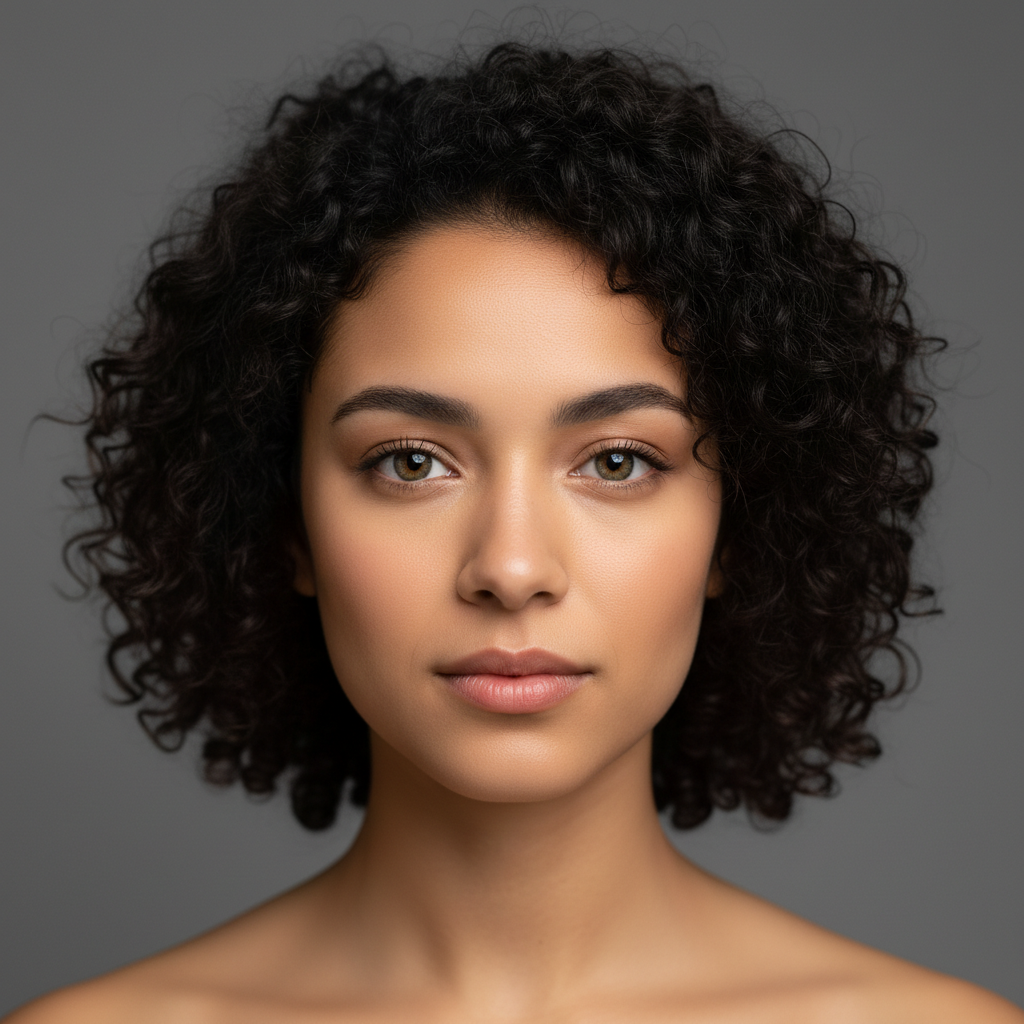
Couple blended into one new face
Two studio portraits went in — a woman with dark curly hair and brown eyes, and a fair-skinned man with blonde hair and blue eyes — and one person came back who is neither of them: her dark curls above his paler skin, narrower jaw and grey-blue eyes. That is what a face morph produces. It is one new face, not the two photos side by side, and it is not a face swap.
blend these two faces together into one combined face, mixing their features evenly into one new person
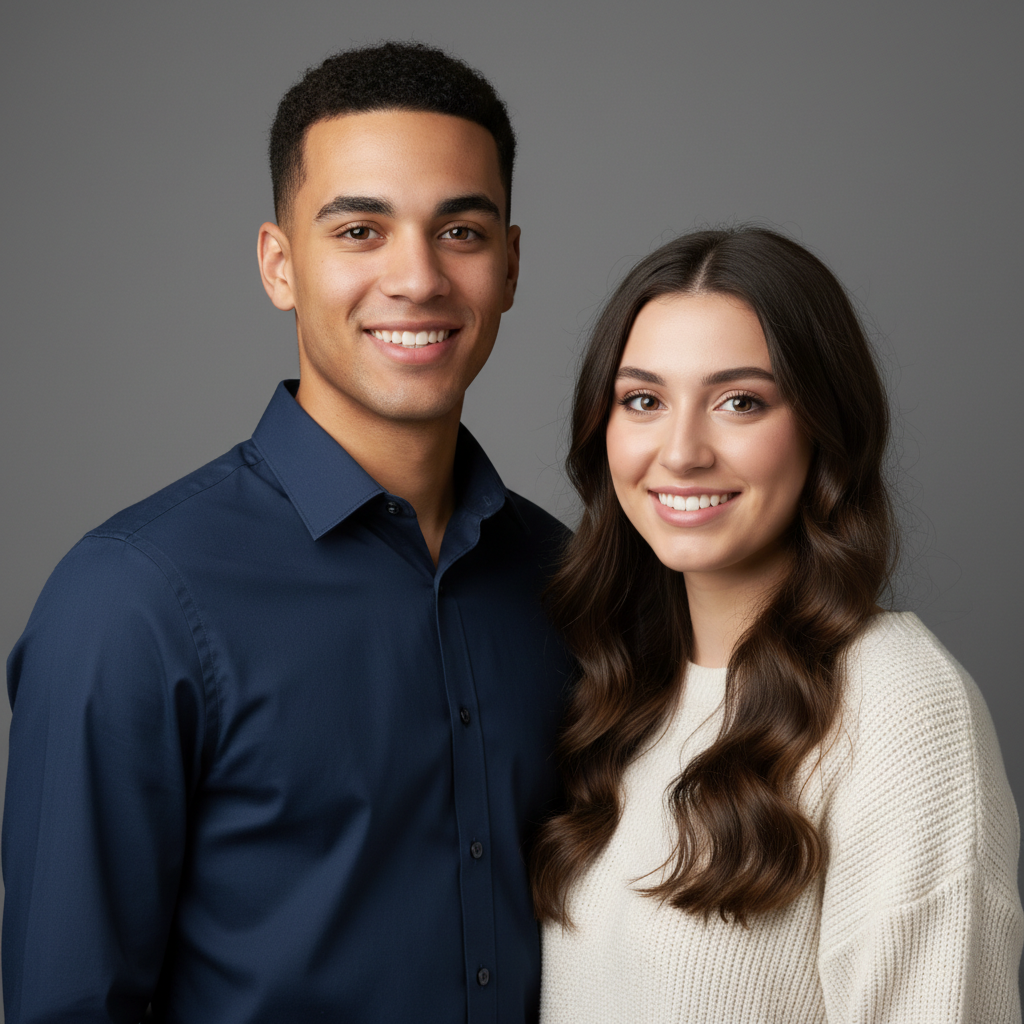
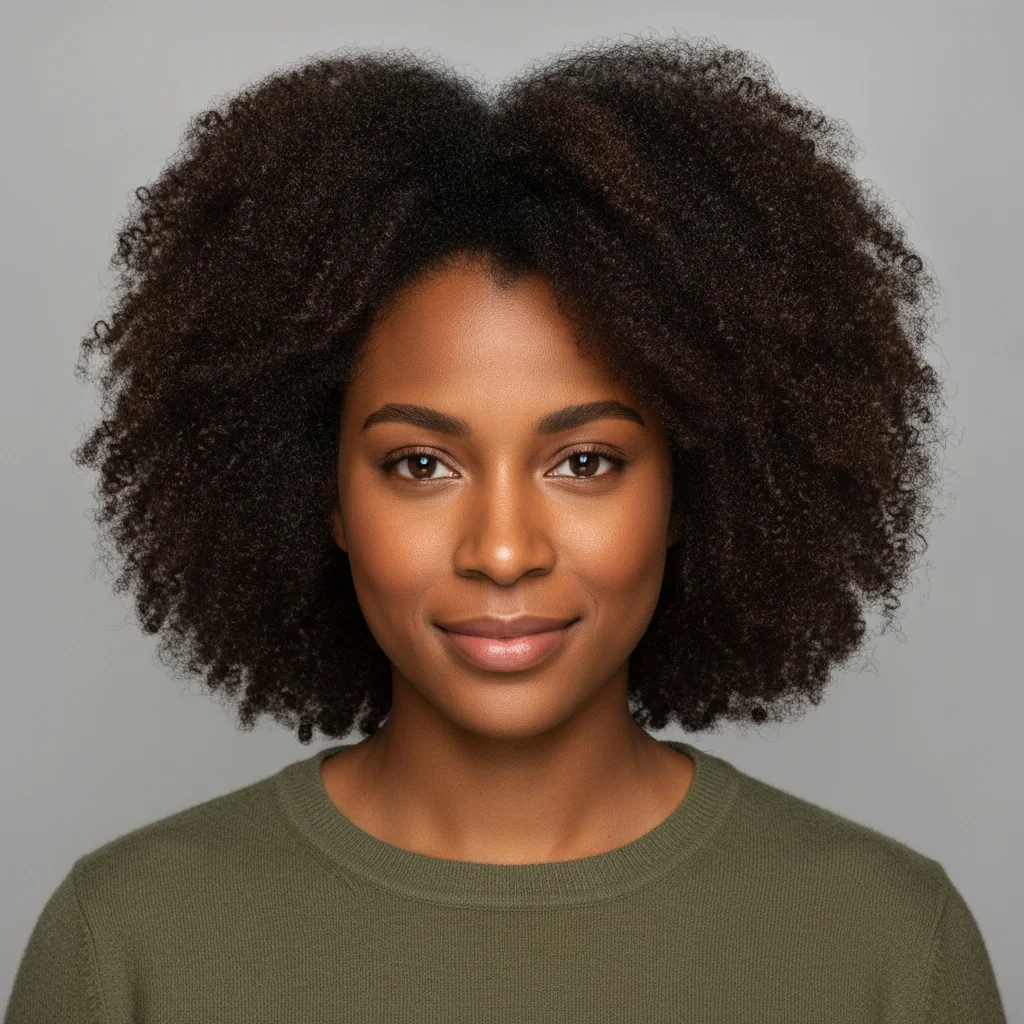
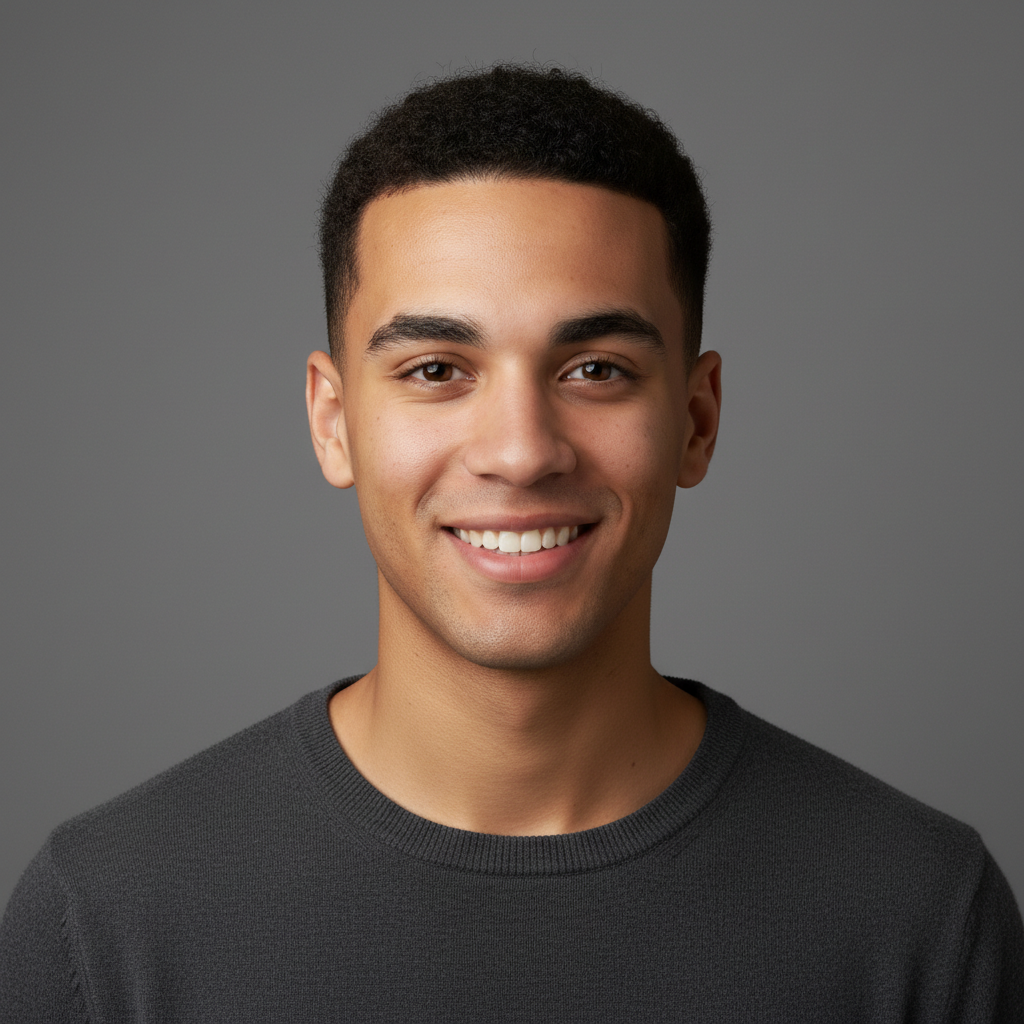
Two friends morphed into one face
Two friends with very different features — straight black hair and dark eyes on one, natural curls and warm brown skin on the other — merged into a single new face. The result keeps the first friend's long straight hair and takes the second's warmer complexion and fuller mouth, landing on someone who is clearly neither of them.
morph these two friends' faces into one new person, blending their features evenly
Quick answers
Popular use cases
Ready to edit your photos?
Free to try. No signup required.