Free • No signup Remove Acne · Free

AI Acne Remover

← Browse all remove tools

Last updated

Just describe what you want and AI handles the acne editing.
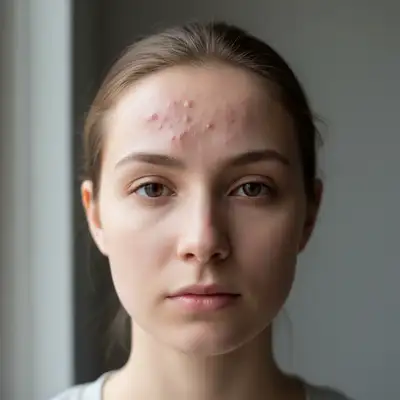
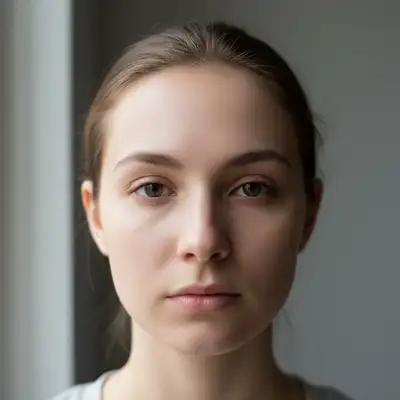
Before ai-acne-remover edit After ai-acne-remover edit

Upload photo to remove acne

"Remove all acne blemishes from the cheek area while maintaining natural skin texture"

Release to upload

50,000+photos edited
<30stypical edit
1 freeedit weekly

1 free edit·then from $4.99

How it works

  1. Upload Your Photo

    Click the upload button or drag and drop your photo. Our AI acne remover works with JPG, PNG, and WebP formats. For best results, use well-lit photos where acne is clearly visible.

    Expect: Your photo will appear in the editor within seconds. You'll see the original image ready for acne removal with no quality loss.
  2. Mark the Acne Areas

    Use the brush tool to paint over acne spots, blemishes, and breakouts you want to remove. The AI will automatically detect skin texture and tone in the surrounding areas to create natural-looking results.

    Copy one of these to get started:

    Remove forehead acne Remove all acne spots from the forehead while preserving the natural skin texture and tone
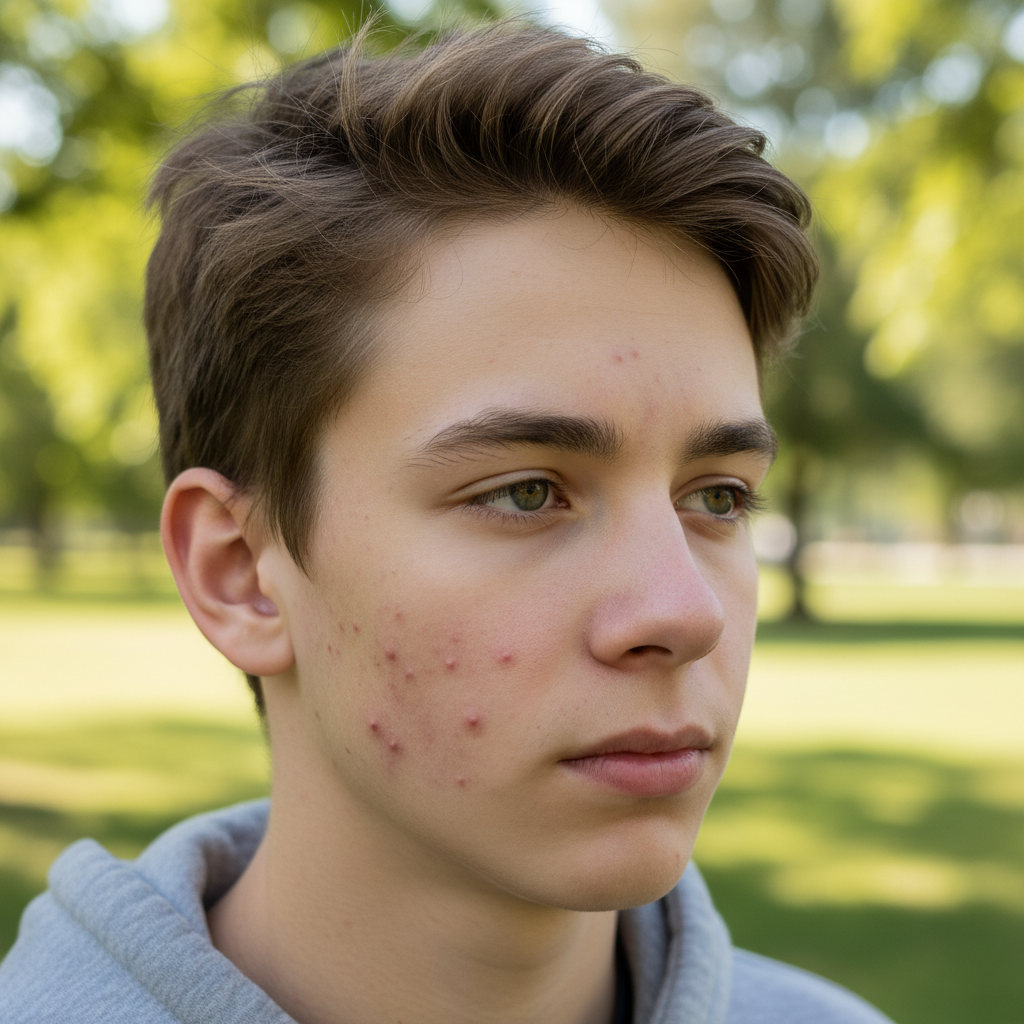
    Clear cheek breakouts Remove all acne blemishes from the cheek area while maintaining natural skin texture
    Remove chin acne Remove acne from the chin area while preserving skin tone and natural contours
    Clear jawline acne Remove all acne spots from the jawline while maintaining natural skin texture and shadows
    2 more prompts
    Remove nose acne Remove acne from the nose while preserving natural nose shape and skin texture
    Clear temple acne Remove all acne from the temple area while maintaining natural skin tone and hairline
  3. Generate Clear Skin

    Click Generate and watch as AI removes acne while preserving natural skin texture, pores, and tone. The process typically takes 3-5 seconds.

  4. Download Your Clear Photo

    Download your acne-free photo in full resolution with no watermark. Your edited image maintains the original quality with smooth, natural-looking skin.

See it in action

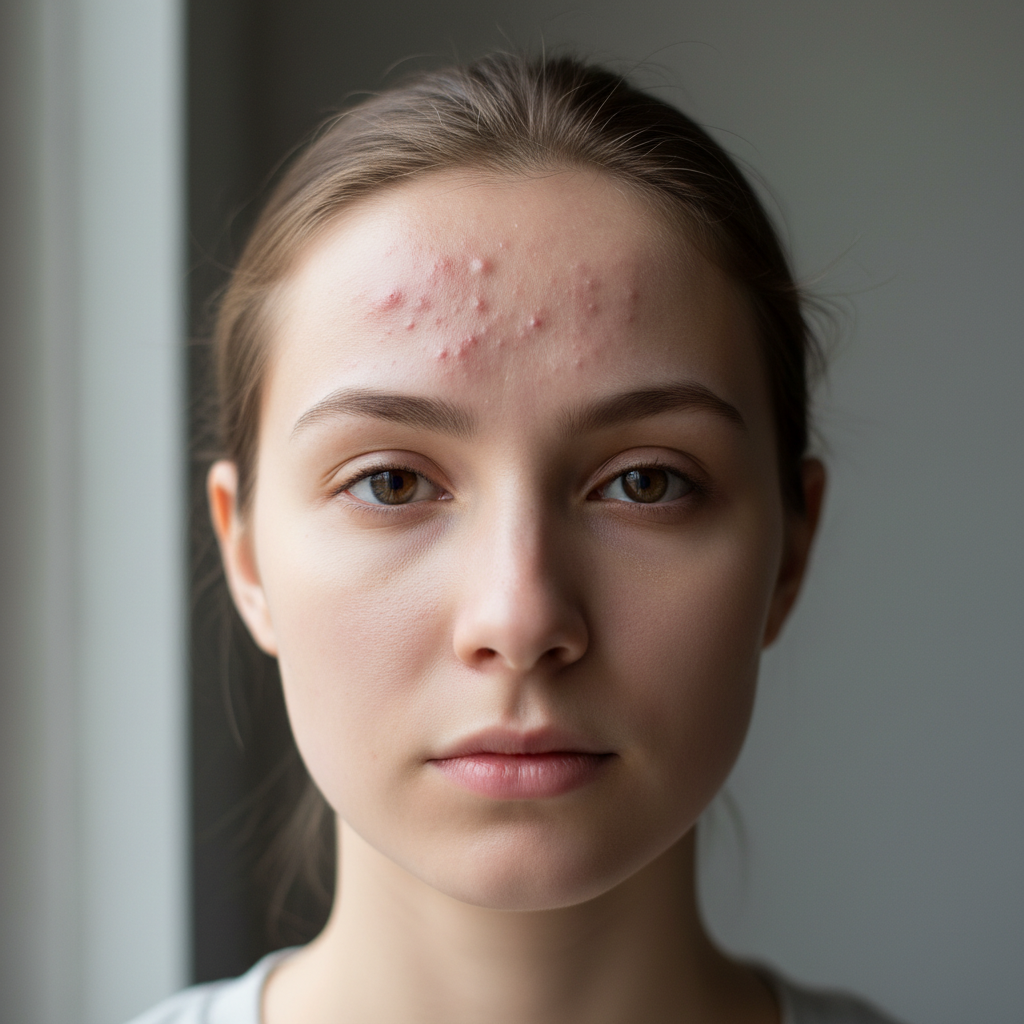
Before ai-acne-remover edit
Before
->
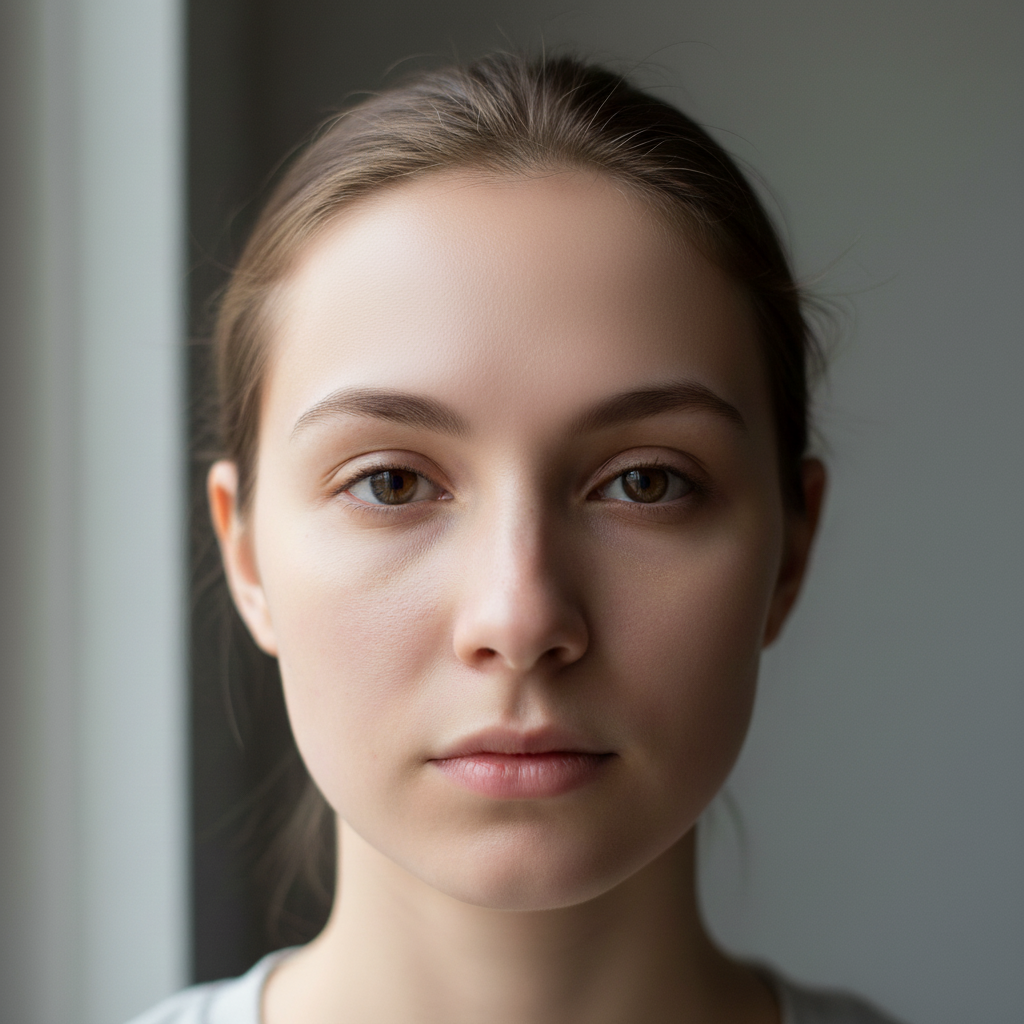
After ai-acne-remover edit
After

Forehead Acne Removal

Removed multiple acne spots from forehead while preserving natural skin texture and tone.

Prompt: Removed multiple acne spots from forehead while preserving natural skin texture and tone.
Before ai-acne-remover edit
Before
->
After ai-acne-remover edit
After

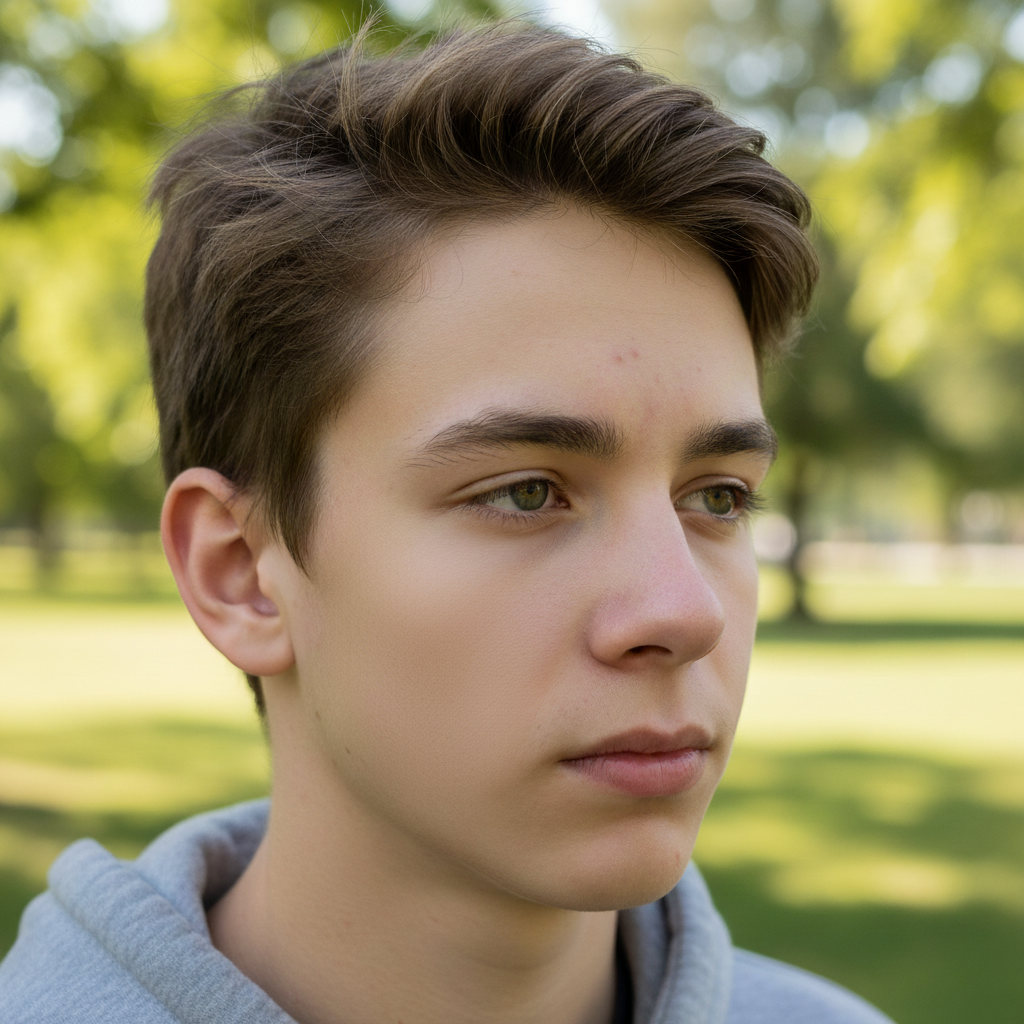
Cheek Breakout Clearing

Cleared severe cheek acne for a professional headshot with natural-looking results.

Prompt: Cleared severe cheek acne for a professional headshot with natural-looking results.

Quick answers

Do I need to mark the acne spots?

Yes, paint over each acne spot you want to remove using the brush tool. This tells the AI exactly which blemishes to eliminate while preserving the rest of your natural skin texture.

Will it look natural or obviously edited?

Our AI analyzes surrounding skin texture, tone, and pores to create natural-looking results. When used on well-lit photos with precise markings, the removal is virtually undetectable.

Can I remove acne scars or just active acne?

This tool works best on active acne, pimples, and fresh blemishes. For acne scars, try our AI Scar Remover which is specifically designed for textured scarring.

Does it work on all skin tones?

Yes, our AI is trained on diverse skin tones and accurately matches texture and color across light, medium, and dark skin. The key is having even, natural lighting in your photo.

Is EditThisPic's AI acne remover really free?

Yes — you get 1 free edit per week, no account needed. Plans start at $4.99/month for 15 edits.

Can I remove acne on my phone?

Yes. EditThisPic works in any mobile browser — iPhone, Android, tablet. No app download needed.

What photo formats does the AI acne remover support?

JPG, PNG, WebP, and HEIC. Upload any common photo format and EditThisPic handles the rest.

How long does it take to remove acne?

Usually 15-30 seconds. Upload your photo, describe what you want, and the AI delivers the result.

How much does EditThisPic cost?

You get 1 free edit per week — no account needed. After that, credit packs start at $1.99 for 3 edits. Monthly plans start at $4.99/mo for 20 edits with unused credits rolling over. All edits are full resolution with no watermark.

Ready to edit your photos?

Free to try. No signup required.

1 free edit included·Credit packs from $4.99