Free • No signup Remove Blemishes · Free

AI Blemish Remover

Just describe what you want and AI handles the blemishes editing.
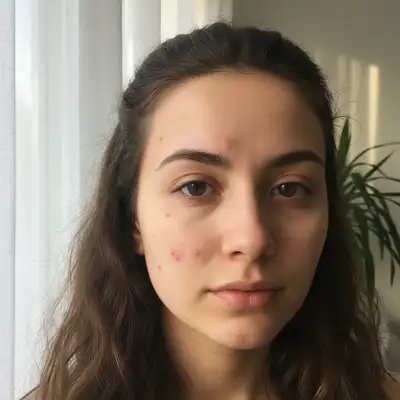
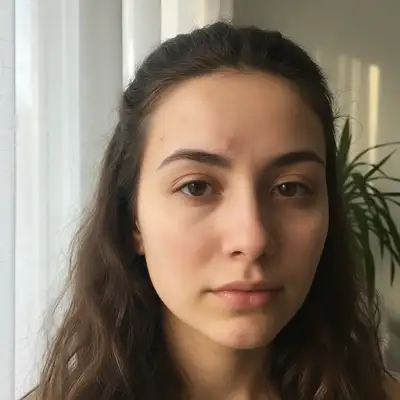
Before ai-blemish-remover edit
Before
After ai-blemish-remover edit
After

AI Blemish Remover

Drop your photo here

or click to browse

Release to upload

Free • No signup

Advertisement
Popular use cases:
  • social media photos
  • professional headshots
  • product photography
  • personal photos

Cost
Free No signup required
Time
Instant results in 15-30 seconds
Works on
Any device - browser, phone, tablet, desktop
Powered by
AI-powered photo editing
Scenario Prompt Time
Remove facial blemishes Remove all facial blemishes including spots, marks, and skin imperfections while preserving natural skin texture 15s
Clear acne and blemishes Remove all acne, pimples, and blemishes to create smooth clear skin 15s
Remove age spots and marks Remove age spots, sun damage, and skin marks while maintaining natural mature skin texture 20s
Clear skin imperfections Remove all skin imperfections, bumps, and marks to achieve smooth clear skin 20s

How it works

  1. Upload Your Photo

    Select a photo with visible blemishes you want to remove. Our AI blemish remover accepts JPG, PNG, and WebP formats. Clear, well-lit photos produce the most natural-looking results.

    Expect: Your photo appears instantly in the editor at full resolution. The original quality is preserved and ready for blemish removal without any compression.
  2. Mark All Blemishes

    Use the brush tool to paint over every blemish, spot, mark, or discoloration you want to remove. The AI analyzes surrounding skin to seamlessly blend each blemish away while maintaining natural texture.

    Copy one of these to get started:

    Remove facial blemishes Remove all facial blemishes including spots, marks, and skin imperfections while preserving natural skin texture
    Clear acne and blemishes Remove all acne, pimples, and blemishes to create smooth clear skin
    Remove age spots and marks Remove age spots, sun damage, and skin marks while maintaining natural mature skin texture
    Clear skin imperfections Remove all skin imperfections, bumps, and marks to achieve smooth clear skin
    2 more prompts
    Remove freckles and spots Remove all freckles and brown spots while preserving natural skin tone and texture
    Clear redness and blemishes Remove all redness, inflamed blemishes, and red marks to create even-toned clear skin
  3. Generate Clear Skin

    Click Generate to remove all marked blemishes. The AI processes your photo in seconds, eliminating imperfections while preserving natural skin texture and tone.

  4. Download Your Flawless Photo

    Save your blemish-free photo in full resolution with no watermark. Your edited image maintains original quality with smooth, clear, natural-looking skin.

Try it free

AI Blemish Remover

Drop your photo here

or click to browse

Release to upload

Free • No signup

"This blemishes tool is incredible. Just described what I wanted and it worked perfectly on the first try." @happy_user

See it in action

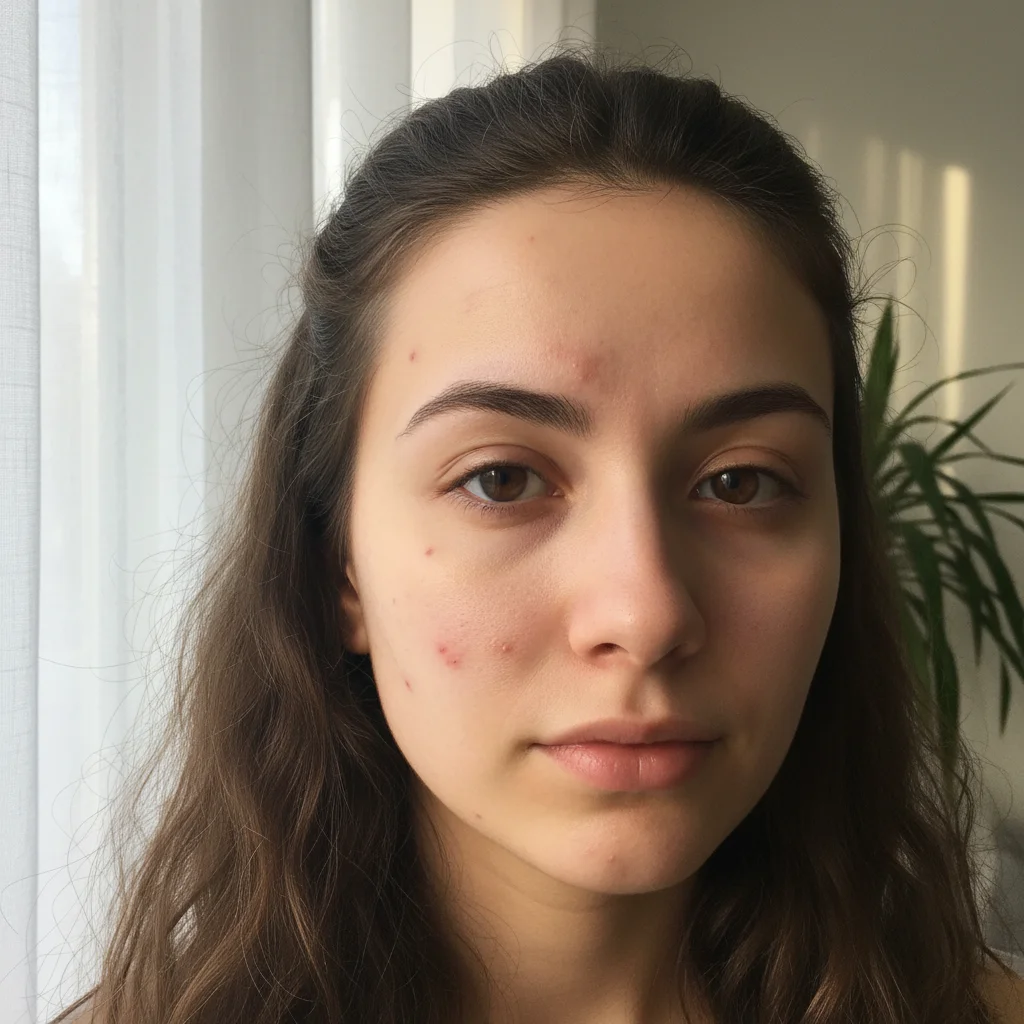
Before ai-blemish-remover edit
Before
->
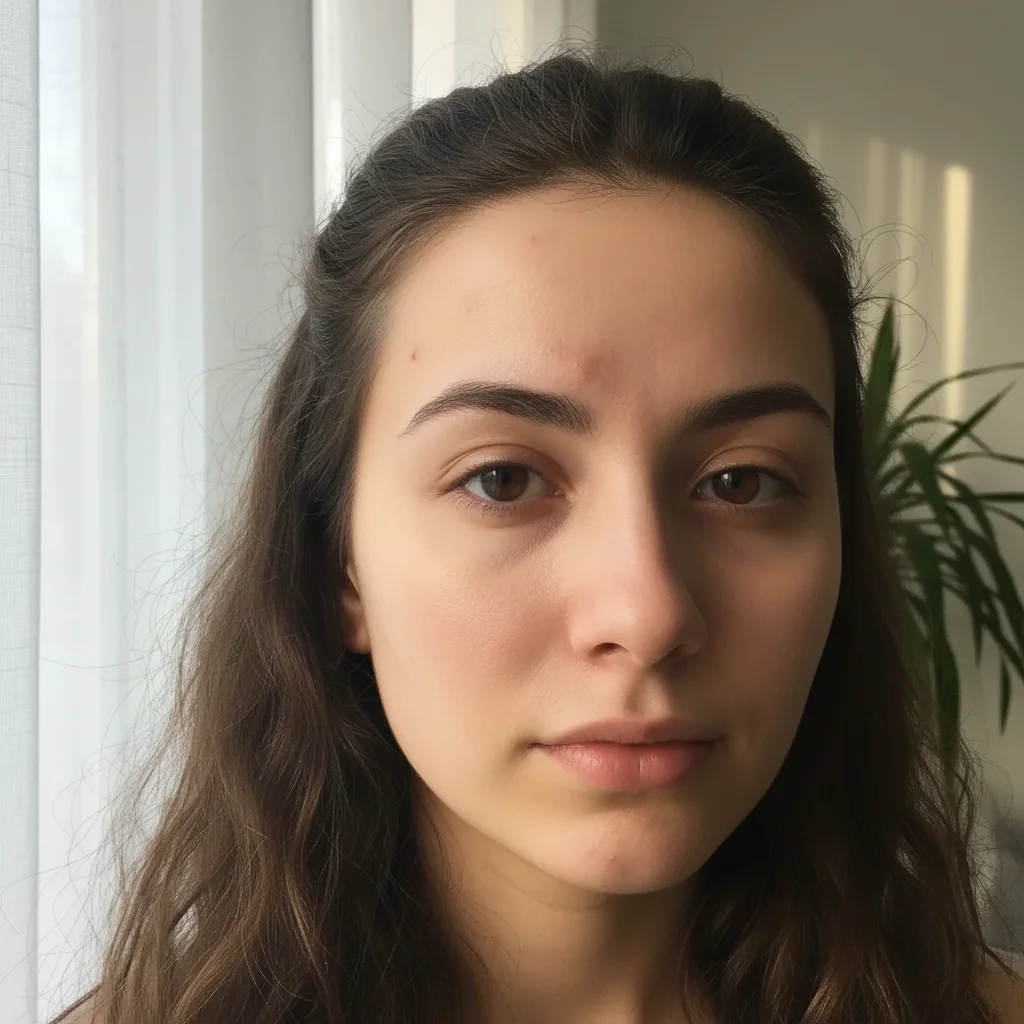
After ai-blemish-remover edit
After

Complete Blemish Removal

Removed all facial blemishes including acne, spots, and marks for a professional headshot.
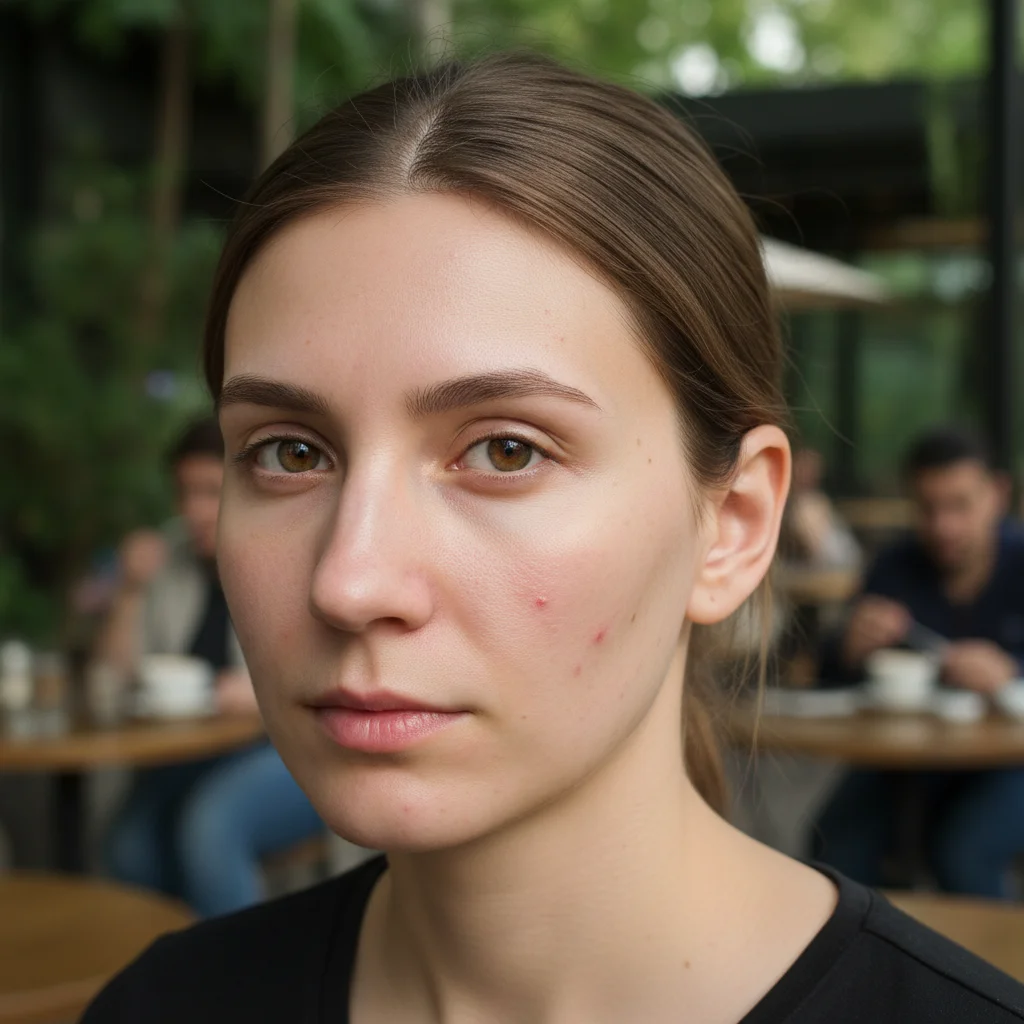
Prompt:
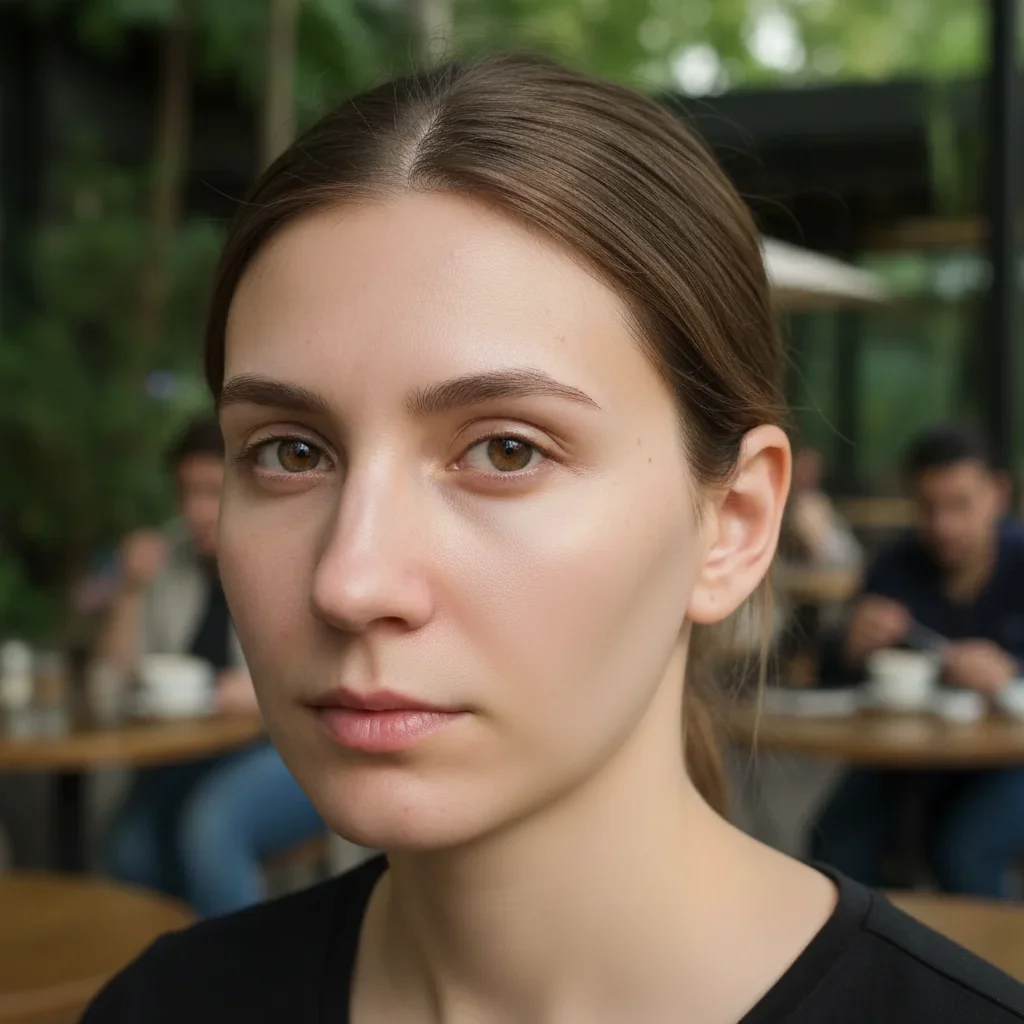
Before ai-blemish-remover edit
Before
->
After ai-blemish-remover edit
After

Age Spot Elimination

Cleared age spots and sun damage while maintaining natural mature skin texture.

Prompt:
Advertisement

If something looks off

AI changed wrong area

Why: The AI interpreted the instruction differently than expected.

Try: Mark only the blemishes themselves, not large areas of surrounding skin. Use a brush size that matches each blemish and be precise with your markings.
Skin looks too smooth or fake

Why: The AI interpreted the instruction differently than expected.

Try: This happens when you mark too much area. Focus on individual blemishes rather than entire regions. The AI preserves natural pores and texture when you mark precisely.
Some blemishes still visible

Why: The AI interpreted the instruction differently than expected.

Try: You may have missed some blemishes in your initial markings. Generate the result, then mark any remaining spots and generate again for complete removal.
Skin tone appears uneven

Why: The AI interpreted the instruction differently than expected.

Try: Ensure your original photo has consistent lighting. Photos with harsh shadows or uneven lighting may produce patchy results. Try a better-lit photo for more uniform tone.

Quick answers

Do I need to mark the blemishes?

Yes, paint over each blemish you want to remove using the brush tool. This tells the AI exactly which marks to eliminate while preserving the rest of your natural skin.

What types of blemishes can it remove?

Our AI removes acne, pimples, spots, marks, age spots, sun damage, freckles, moles, skin tags, discoloration, redness, and any other skin imperfections. It works on all types of temporary and permanent blemishes.

Will it look natural after removal?

Yes, the AI analyzes surrounding skin texture, tone, and pores to create seamless results. When used on well-lit photos with precise markings, blemish removal is virtually undetectable.

Can I remove birthmarks or moles?

Yes, you can remove any type of mark including birthmarks, moles, and beauty marks. The AI treats all marked areas equally and blends them with surrounding skin.

Ready to edit your photos?

Free to try. No signup required.

Try it free