Free • No signup Add Beard · Free

AI Beard Generator

Describe the beard style you want and AI adds it instantly. No marking needed.

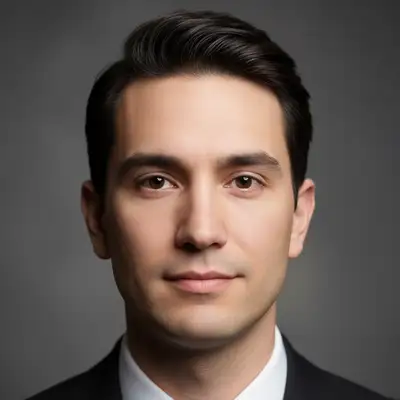
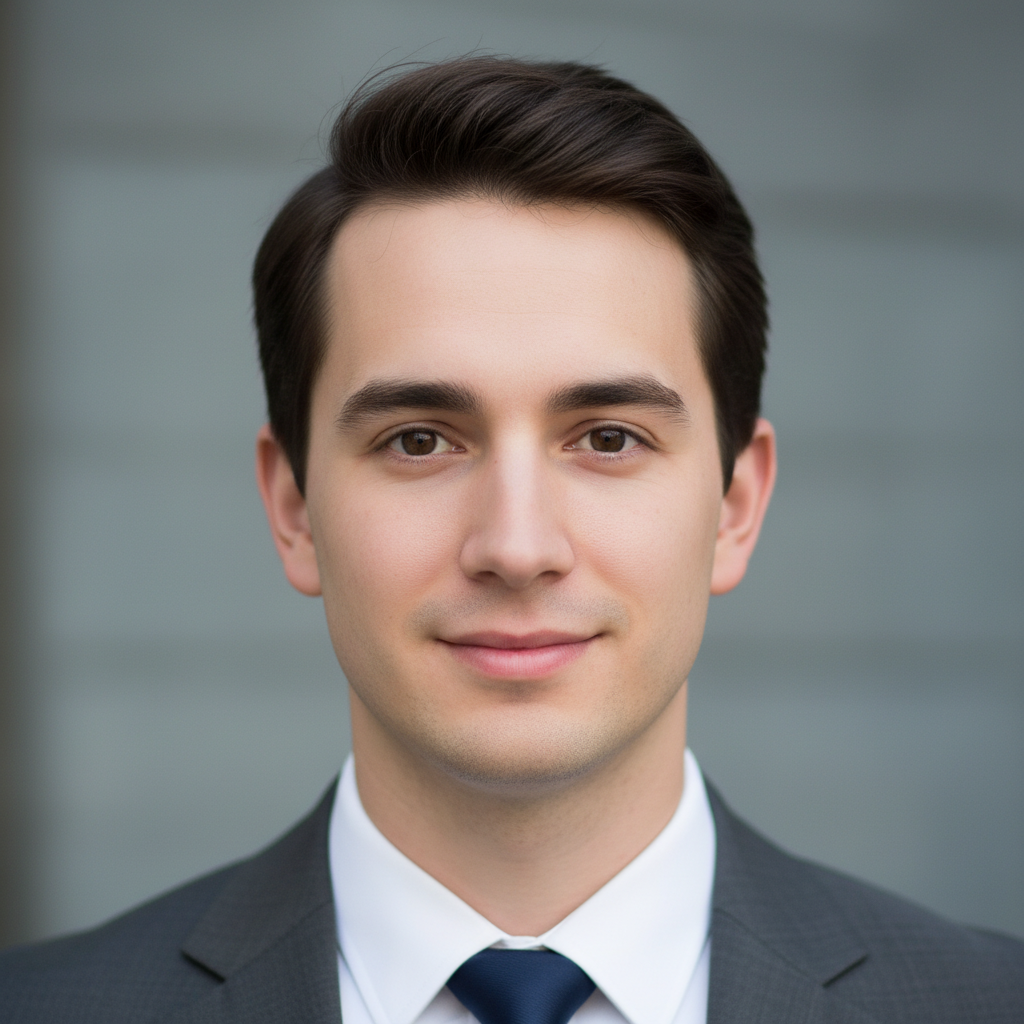
Clean-shaven man with smooth jawline
Before
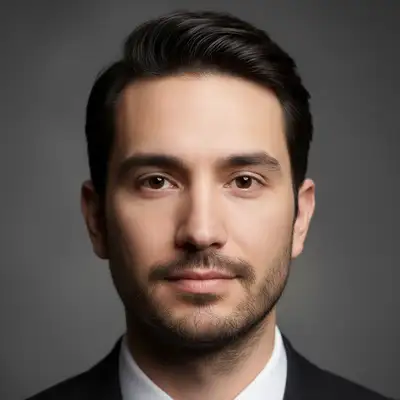
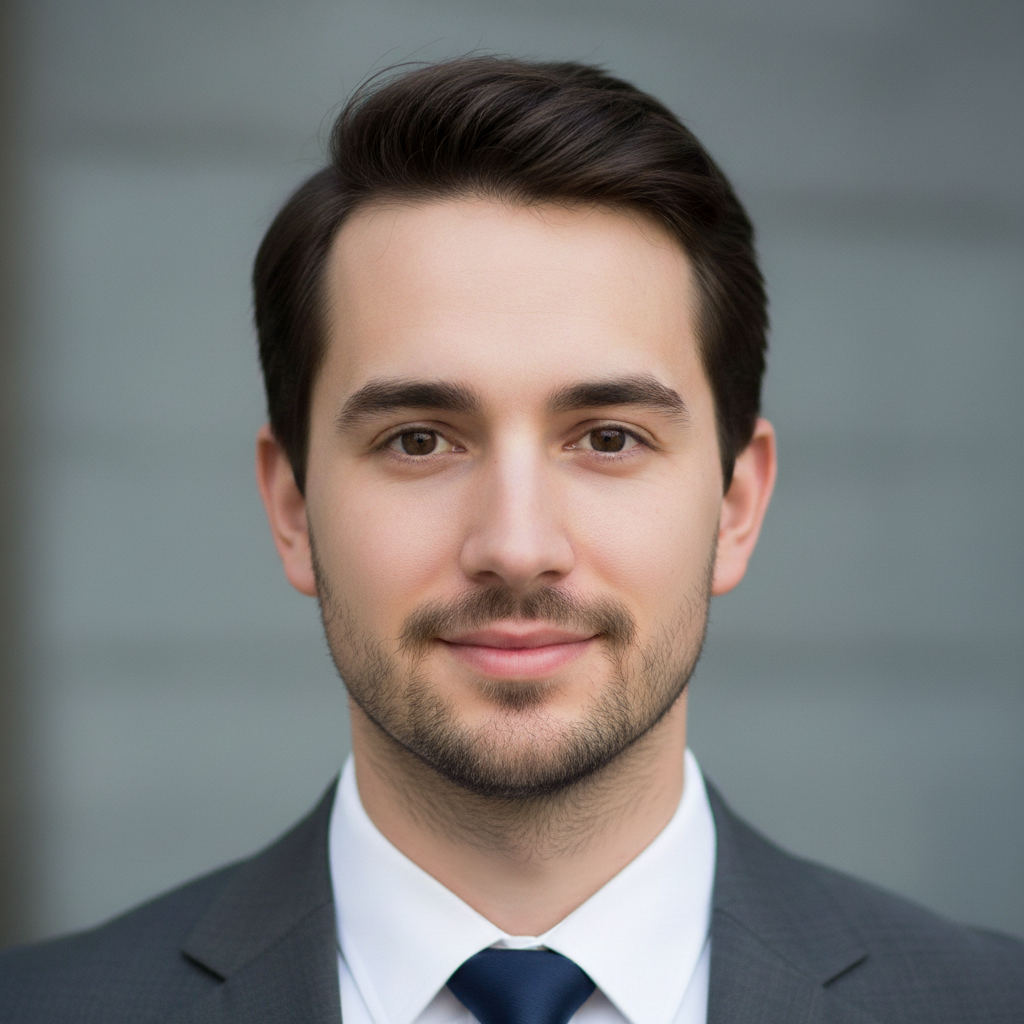
Same man with full thick dark well-groomed beard
After

AI Beard Generator

Drop your photo here

or click to browse

Release to upload

Free • No signup

Advertisement
Popular use cases:
  • beard preview
  • facial hair try on
  • virtual beard
  • beard style visualization
  • growing a beard preview
  • beard filter
  • mustache generator
  • facial hair editor

Cost
Free No signup required
Time
Instant results in 15-30 seconds
Works on
Any device - browser, phone, tablet, desktop
Powered by
AI-powered photo editing
Scenario Prompt Time
Light stubble add neat stubble, 5 o'clock shadow look 30s
Full groomed beard add a full thick beard, well-groomed 35s
Styled beard (Van Dyke, goatee) add a Van Dyke beard with clean-shaven cheeks 40s

How it works

  1. Upload your photo

    Drop your image into EditThisPic. JPG, PNG, WebP up to 7MB. Front-facing photos where the jawline and chin are visible work best. Good lighting on the lower face area produces the most realistic beard results.

    Expect: Simple beard styles: 30-40 seconds. Detailed or styled beards: 40-50 seconds and may need refinements.
  2. Describe the beard you want

    Type what you want: 'add a full thick dark beard' or 'give this person neat trimmed stubble.' Be specific about style, length, and color. No marking needed—the AI knows what 'beard' means and places it correctly on the face.

    Tip: Specify beard color if it should differ from head hair: 'dark brown beard' or 'salt and pepper beard.'

    Copy one of these to get started:

    Full thick beard add a full thick dark beard, well-groomed with natural texture and density
    5 o'clock shadow stubble add neat stubble across the jawline and chin, 5 o'clock shadow look
    Goatee only add a neat trimmed goatee on the chin and mustache area, no hair on the cheeks
    Long flowing beard add a long full beard reaching below the chin, natural and slightly wavy
    3 more prompts
    Mustache with stubble add a thick well-groomed mustache with light stubble on the chin and jawline
    Salt and pepper beard add a full beard with salt and pepper coloring, mix of dark and grey hairs throughout
    Van Dyke style add a Van Dyke beard - connected mustache and goatee with clean-shaven cheeks
  3. Review the result

    Check that the beard follows the jawline naturally and matches the lighting in the photo. Look for realistic hair texture, proper density, and natural edges where beard meets skin.

  4. Refine with markers if needed

    If the beard shape, density, or edges need adjustment around the cheeks or neckline, tap markers on those areas and regenerate. Most beard additions work well on the first try.

    Tip: Markers are for precision refinement only. Try without them first—you usually won't need them.
Try it free

AI Beard Generator

Drop your photo here

or click to browse

Release to upload

Free • No signup

"Wanted to see if a beard would work for my face shape before growing one for three months. Tried a full beard, goatee, and stubble in under a minute. The full beard won." @BeardPreview_Alex

See it in action

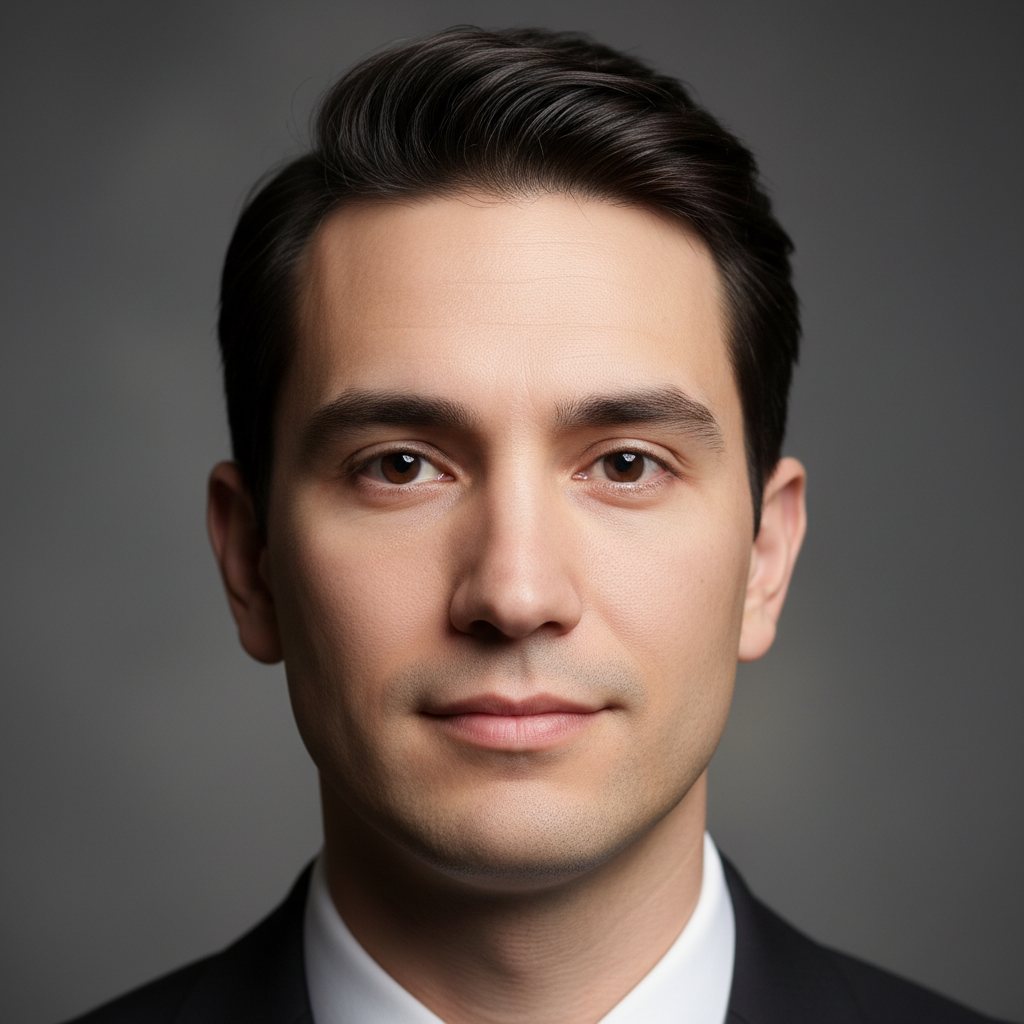
Clean-shaven man with smooth jawline
Before
->
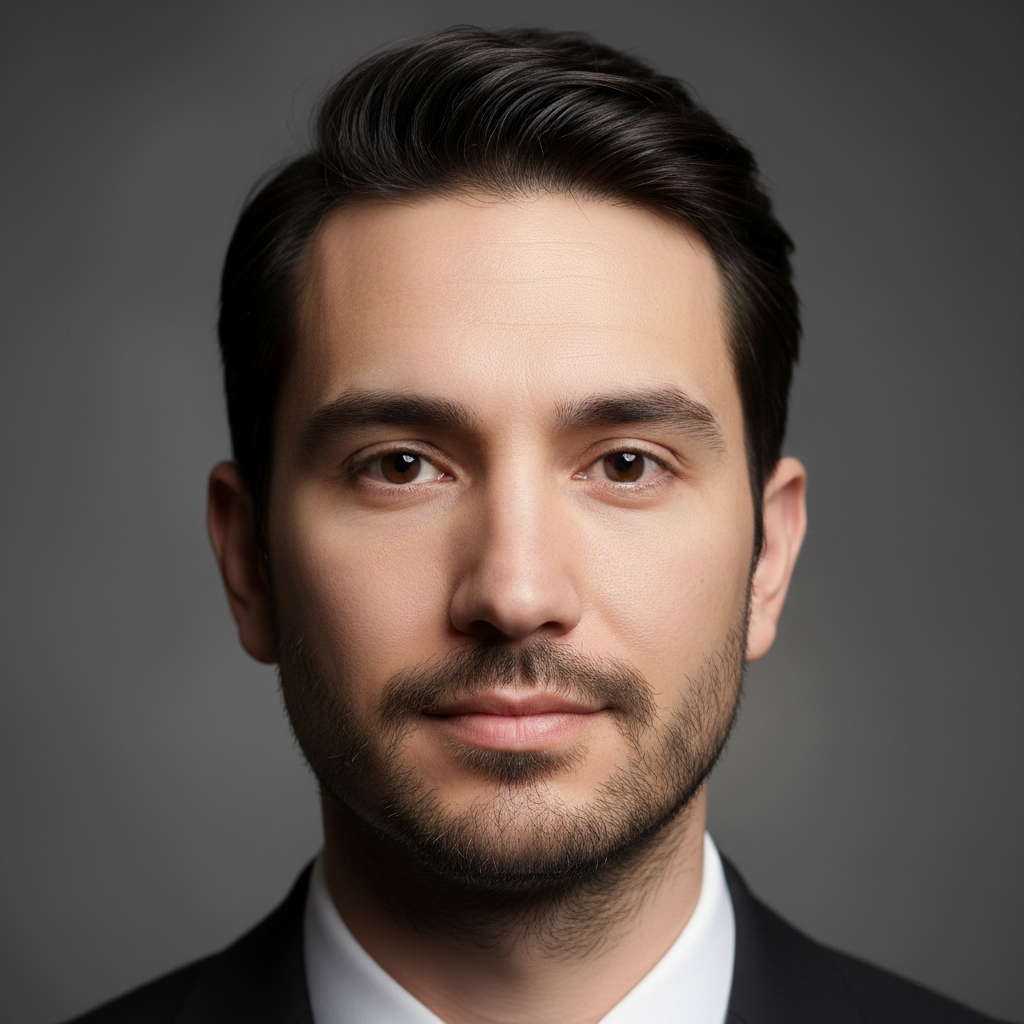
Same man with full thick dark well-groomed beard
After

Clean-shaven to full thick beard

A clean-shaven face transformed with a full well-groomed beard to preview a new look.

Prompt: add a full thick dark beard, well-groomed with natural texture and density
Clean-shaven young man with smooth skin
Before
->
Same man with neat 5 o'clock shadow stubble
After

Adding neat stubble for a rugged look

A smooth face given a 5 o'clock shadow to preview a casual rugged appearance.

Prompt: add neat stubble across the jawline and chin, 5 o'clock shadow look
Advertisement

If something looks off

AI changed the wrong area or something I didn't want changed

Why: The AI couldn't determine exactly which area you meant from description alone. It may have altered other facial features along with adding the beard.

Try: Tap a marker on the chin and jawline area, then regenerate: add a beard here only, keep face and features unchanged

Tip: Markers tell the AI 'I mean THIS area specifically.' Use them when the AI makes unwanted changes to other features.

Beard color doesn't match my hair or looks unnatural

Why: Without specific color guidance, the AI guesses the beard color, which may not match your head hair or skin tone.

Try: add a [specific color] beard that matches the hair color on the head naturally

Tip: Always specify beard color if your head hair is visible. 'Matching' gives the AI a clear reference.

Beard placement or shape doesn't follow the jawline

Why: Unusual face angles or strong shadows can make it harder for the AI to map the beard area accurately.

Try: add a beard that follows the natural jawline and chin contour, shaped to the face

Tip: Front-facing photos with even lighting produce the most natural beard placement.

Beard looks too uniform or painted on

Why: The AI generated a flat texture without the individual hair variation that makes beards look real.

Try: add a beard with realistic individual hair texture, natural variation in density and direction

Tip: 'Individual hair texture' and 'variation in density' push the AI toward photorealistic results.

Beard extends too far or not far enough

Why: Without clear boundaries, the AI may place the beard too high on cheeks or too low on the neck.

Try: add a beard with a clean cheekline at mid-cheek and a trimmed neckline just above the Adam's apple

Tip: Specifying cheekline and neckline boundaries gives the AI precise beard shape parameters.

Quick answers

Do I need to mark where the beard should go before describing it?

No! Just type 'add a full beard' and the AI places it correctly on the face automatically. It understands facial anatomy and beard placement. Only use markers if you want a very specific placement that the AI isn't getting right from description alone.

How do I add a beard to my photo for free?

Upload your photo to EditThisPic and type a beard instruction like 'add a full thick beard.' The AI generates a realistic beard in 30-40 seconds that matches your face shape. Free to use, no account required, no watermarks on the result.

Is there a free AI beard generator that doesn't require login?

Yes, EditThisPic adds beards to photos for free with no account needed. Upload your photo, describe the beard style, and download the result. No watermarks. Works for stubble, goatees, full beards, and any other style.

What's the best free tool to see how I'd look with a beard?

EditThisPic lets you preview any beard style on your own photo in seconds. Unlike apps with preset beard templates that look pasted on, the AI generates a custom beard that matches your face shape, skin tone, and the photo's lighting. Try multiple styles in minutes.

Ready to see yourself with a beard?

Free to try. No signup required.

Try it free