Free • No signup Retouch Face · Free

AI Face Retoucher

← Browse all beauty tools

Last updated

Describe the retouching you want and AI perfects your face naturally. No marking needed.
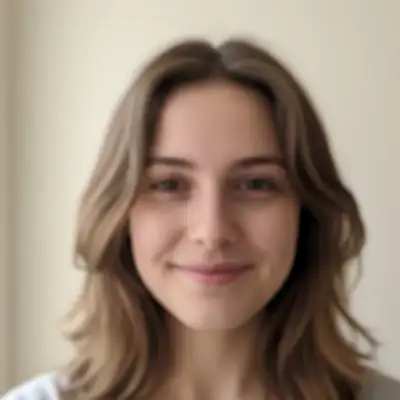
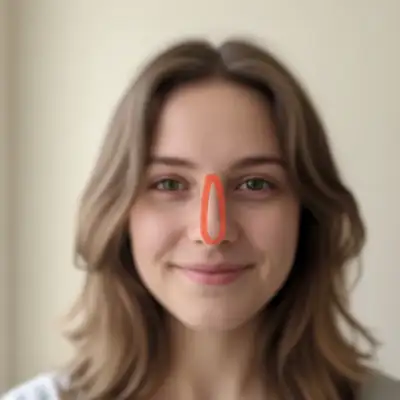
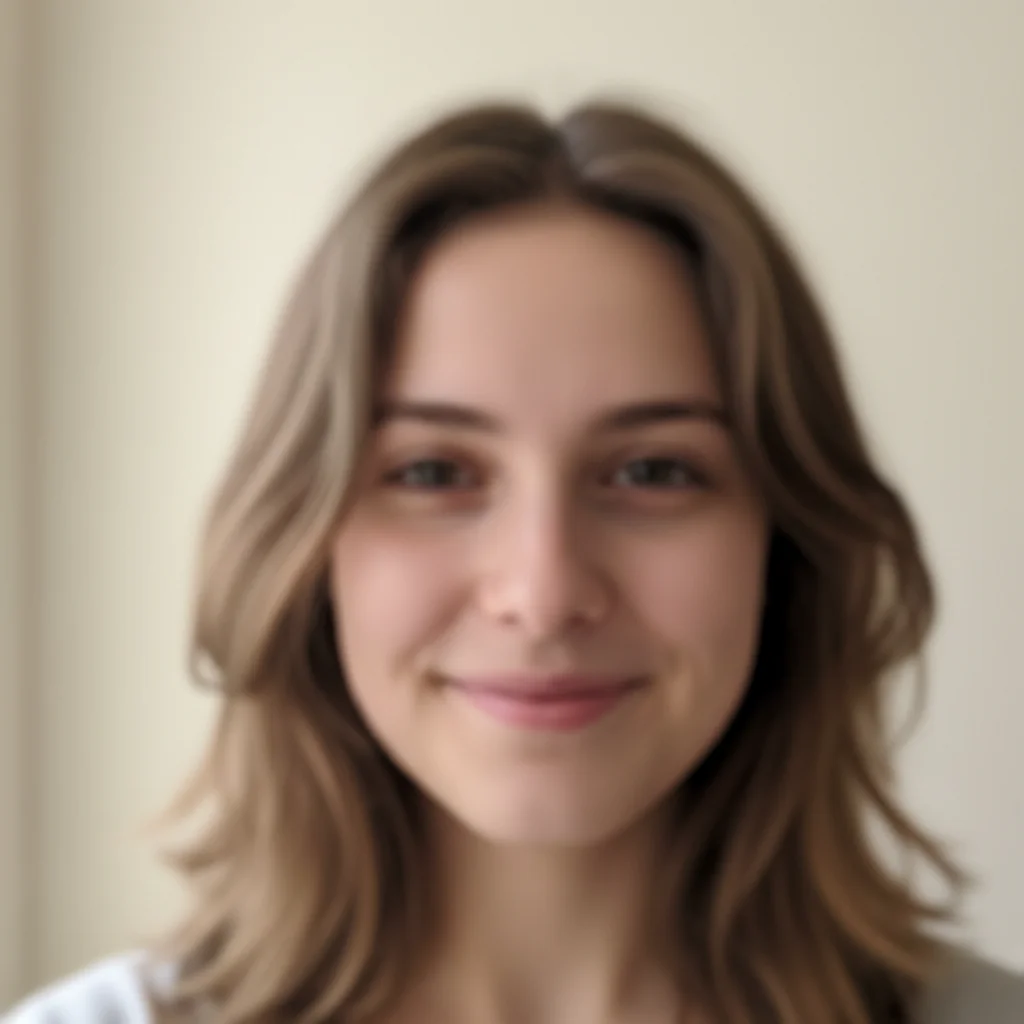
Woman with visible skin blemishes and uneven tone Same woman with smooth, naturally retouched skin

Upload photo to retouch face

"remove all visible blemishes, pimples, and acne marks from the face while preserving natural skin texture"

Release to upload

50,000+photos edited
<30stypical edit
1 freeedit weekly

1 free edit·then from $4.99

How it works

  1. Upload your photo

    Upload a clear, front-facing portrait. Good lighting on the face and visible facial features give the AI the best foundation for face editing. JPG, PNG, WebP up to 7MB.

    Expect: Basic retouching (skin smoothing): 30-40 seconds. Full face retouching (multiple areas): 45-60 seconds and may need refinements.
  2. Describe the retouching you want

    Type what you want: 'retouch the face to smooth skin and reduce blemishes' or 'even out skin tone and soften dark spots under the eyes.' Be specific about which imperfections to fix. No marking needed—the AI understands facial features and skin areas.

    Tip: Mention 'natural' or 'subtle' to avoid over-retouching. The AI keeps pores and texture when you ask for a natural look.

    Copy one of these to get started:

    General face retouching retouch the face to smooth skin, reduce blemishes, and even out skin tone while keeping it natural
    Blemish and acne removal remove all visible blemishes, pimples, and acne marks from the face while preserving natural skin texture
    Under-eye circle reduction reduce the dark circles under the eyes and brighten the under-eye area for a more rested appearance
    Professional headshot polish retouch this portrait for a professional headshot - smooth skin, even tone, reduce shine, and subtle enhancement
    3 more prompts
    Wedding photo retouching retouch the face for a wedding photo - soft, glowing skin with subtle smoothing and a warm natural tone
    Subtle anti-aging touch-up subtly retouch the face to reduce fine lines and age spots while keeping the natural character and expression
    Social media selfie polish retouch this selfie to smooth skin, minimize pores, and add a subtle healthy glow for social media
  3. Review the retouching

    Check that skin looks smooth but still natural. Zoom in on key areas—forehead, cheeks, under eyes, and jawline. Verify that pores and natural texture remain visible and the result doesn't look plastic.

See it in action

Woman with visible skin blemishes and uneven tone
Before
->
Same woman with smooth, naturally retouched skin
After

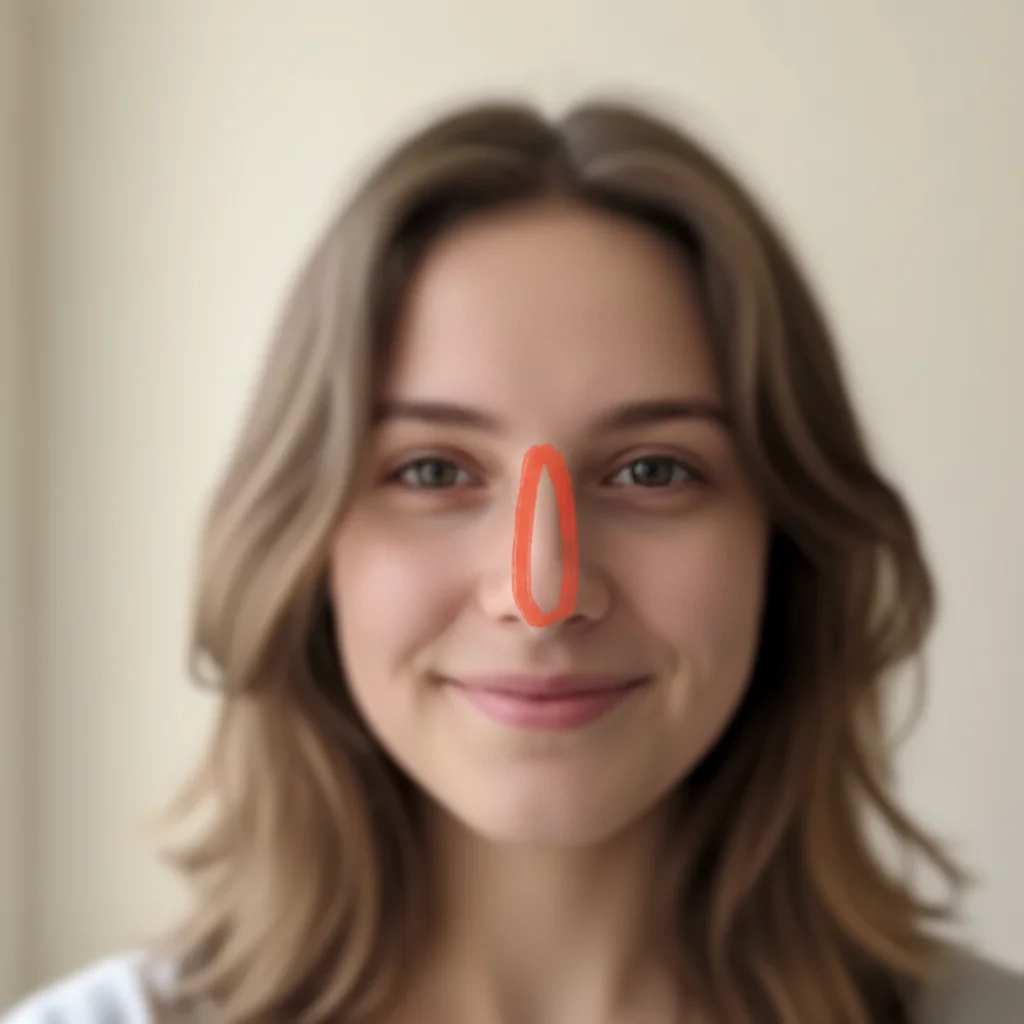
Professional headshot retouching

A casual portrait retouched for professional use with smooth skin and even tone.

Prompt: retouch this face — smooth skin texture, even out skin tone, soften under-eye shadows, brighten complexion, refine subtle imperfections; output a polished natural photograph with NO drawings, NO markers, NO annotations, NO selection ovals, NO highlights of any kind on the image
Man's selfie with oily skin and visible pores
Before
->
Same selfie with smooth skin and healthy glow
After

Selfie polished for social media

A phone selfie enhanced with skin smoothing and a healthy glow for Instagram posting.

Prompt: retouch this selfie to smooth skin, minimize pores, and add a subtle healthy glow for social media

Quick answers

Do I need to mark blemishes before describing the retouching I want?

No! Just describe what you want: 'retouch the face to smooth skin and reduce blemishes.' The AI understands facial features and automatically identifies areas to retouch.

How do I retouch a face in a photo without making it look fake?

Include 'natural' or 'subtle' in your prompt: 'retouch the face naturally, smooth blemishes but keep skin texture visible.' This tells the AI to preserve pores, fine lines, and natural shadows while reducing imperfections. The result looks polished but still real—not plastic or airbrushed.

Is there a free AI face retoucher that doesn't require login?

Yes, EditThisPic is free to try with no account needed. Upload your portrait, describe the retouching you want, and download the result. No watermarks on outputs. Works for blemish removal, skin smoothing, and full face retouching without any commitment.

What's the best free AI tool for retouching portraits and selfies?

EditThisPic offers free AI face retouching with no signup required. Unlike apps that need manual selection or brush tools, just describe what you want retouched. It handles everything from simple blemish removal to full portrait polish, generating natural results in seconds.

Can I retouch face on my phone?

Yes. EditThisPic works in any mobile browser — iPhone, Android, tablet. No app download needed.

What photo formats does the AI face retoucher support?

JPG, PNG, WebP, and HEIC. Upload any common photo format and EditThisPic handles the rest.

How long does it take to retouch face?

Usually 15-30 seconds. Upload your photo, describe what you want, and the AI delivers the result.

Do I need to create an account to retouch face?

No. You can try your first edit without signing up. An account is only needed to save edits and manage a subscription.

How much does EditThisPic cost?

You get 1 free edit per week — no account needed. After that, credit packs start at $1.99 for 3 edits. Monthly plans start at $4.99/mo for 20 edits with unused credits rolling over. All edits are full resolution with no watermark.

Ready to retouch your photos?

Free to try. No signup required.

1 free edit included·Credit packs from $4.99