Free • No signup Change Facial expression · Free

AI Expression Changer

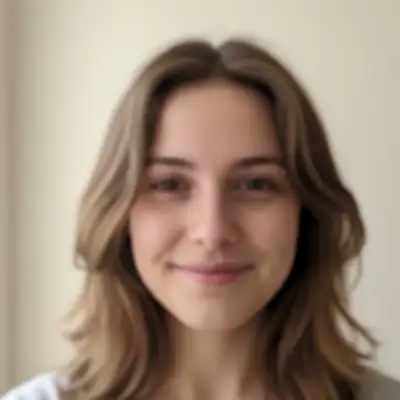
Before
Before
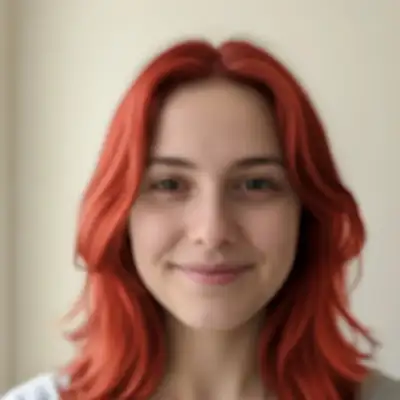
After
After

Free AI Expression Changer

Drop your photo here

or click to browse

Release to upload

Free • No signup

Advertisement

Cost
Free No signup required
Time
Instant results in 15-30 seconds
Works on
Any device - browser, phone, tablet, desktop
Powered by
AI-powered photo editing

How it works

  1. Upload your photo

    Choose any photo where you want to change someone's expression. Works best with clear, front-facing photos where the face is well-lit and the features are visible. Can work with group photos too.

    Expect: Simple expression change: 15-20 seconds. Complex or subtle expressions: 25-35 seconds and may need refinements to get the exact emotion and intensity you want.
  2. Describe the expression you want

    Just describe the new expression you want - like 'make them smile,' 'give them a serious expression,' or 'make them look surprised.' The AI finds the face automatically and changes the expression naturally. No need to mark anything.

    Tip: Be specific about the intensity and type of expression. 'Warm genuine smile' is different from 'slight polite smile.' Mention specific features if needed like 'smile with eyes' or 'slight smirk with one corner of mouth raised.'

    Copy one of these to get started:

    change Make them smile warmly and genuinely
    change Give them a serious, confident expression
    change Make them look surprised with raised eyebrows
    change Give them a subtle, knowing smirk
    3 more prompts
    change Change their expression to a bright, joyful laugh showing genuine happiness
    change Make them look thoughtful and contemplative with a slight furrow in the brow
    change Give them a warm, authentic smile that reaches their eyes (Duchenne smile)
  3. Review the result

    Check that the new expression looks natural and maintains the person's unique facial features. The expression should look authentic, not forced or artificial. Try different descriptions if you want variations.

  4. Download Your Edited Photo

    Save the high-resolution image with the new expression and no watermark. Perfect for improving photos where someone wasn't showing their best expression.

Try it free

Free AI Expression Changer

Drop your photo here

or click to browse

Release to upload

Free • No signup

See it in action

Before
Before
->
After
After

Neutral to Smiling

Make them smile warmly and genuinely

Prompt:
Before
Before
->
After
After

Casual to Serious

Give them a serious, confident expression

Prompt:
Before
Before
->
After
After

Neutral to Surprised

Make them look surprised with raised eyebrows

Prompt:
Advertisement

If something looks off

AI changed the wrong area or something I didn't want changed

Why: The AI couldn't determine exactly which area you meant from description alone.

Try: Tap a marker on the specific area you want to change, then regenerate with the same prompt

Tip: Markers tell the AI 'I mean THIS one specifically.' Use them when description alone is ambiguous.

Quick answers

Do I need to mark the face before describing what I want?

No! Just describe the expression change you want. The AI identifies faces automatically. Only use markers in group photos if you need to specify exactly which person's expression to change.

What expressions can I create?

You can create any common expression: smiling, laughing, serious, surprised, thoughtful, confident, playful, sad, angry, confused, smirking, and more. The more specific your description, the better the result.

Will this work on profile photos or only front-facing?

It works best on front-facing or three-quarter view photos where facial features are clearly visible. Extreme profile shots (90-degree side view) are more challenging because only half the face is visible.

Can I change expressions for multiple people at once?

Yes! You can request 'make everyone smile' or specify different expressions for different people: 'make the person on the left smile and the person on the right look serious.' For complex changes, doing one person at a time often works better.

Will the expression change look realistic?

AI-generated expressions can look very realistic, especially for common expressions like smiling or serious looks. The key is being specific about what you want and requesting 'natural' or 'subtle' changes. Extreme or unusual expressions may look less convincing.

Ready to change facial expressions in your photos?

Free to try. No signup required.

Try it free