Do I need to mark the clothes before describing what I want?
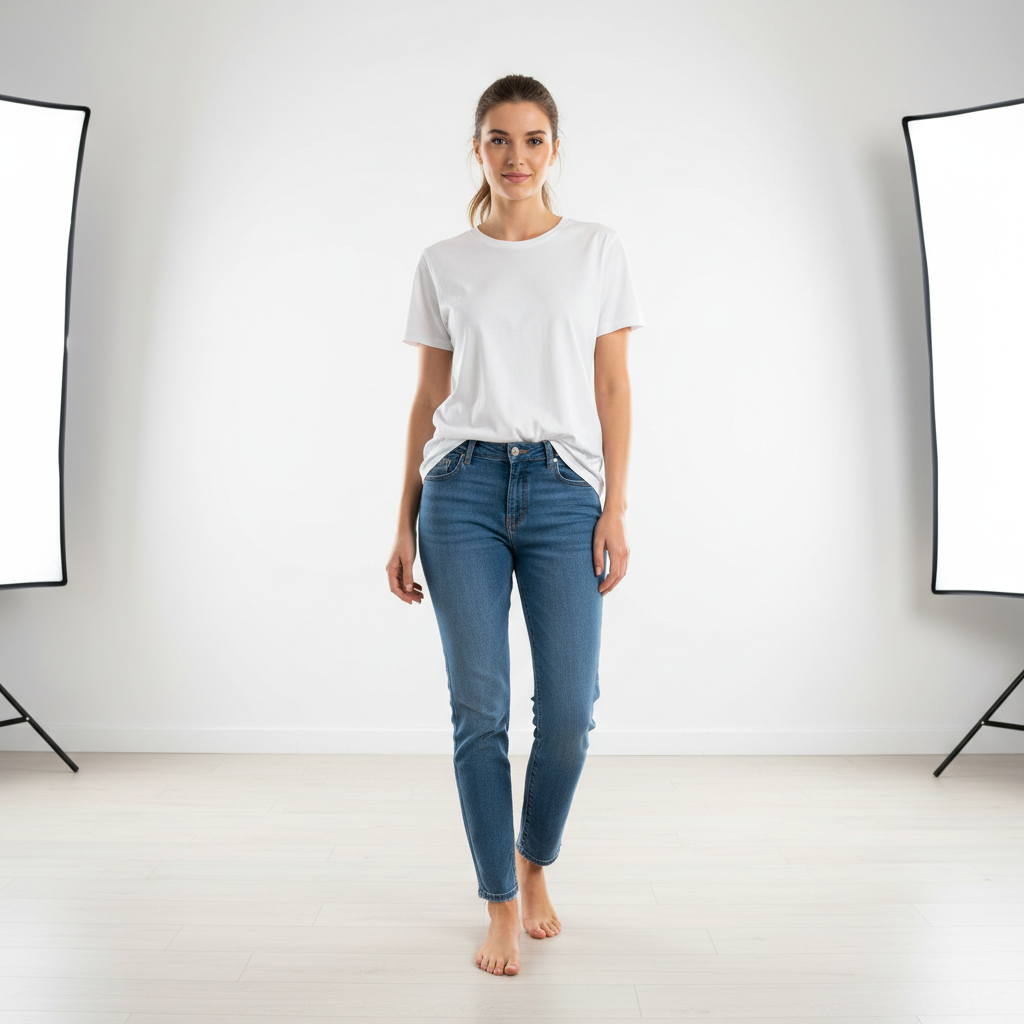
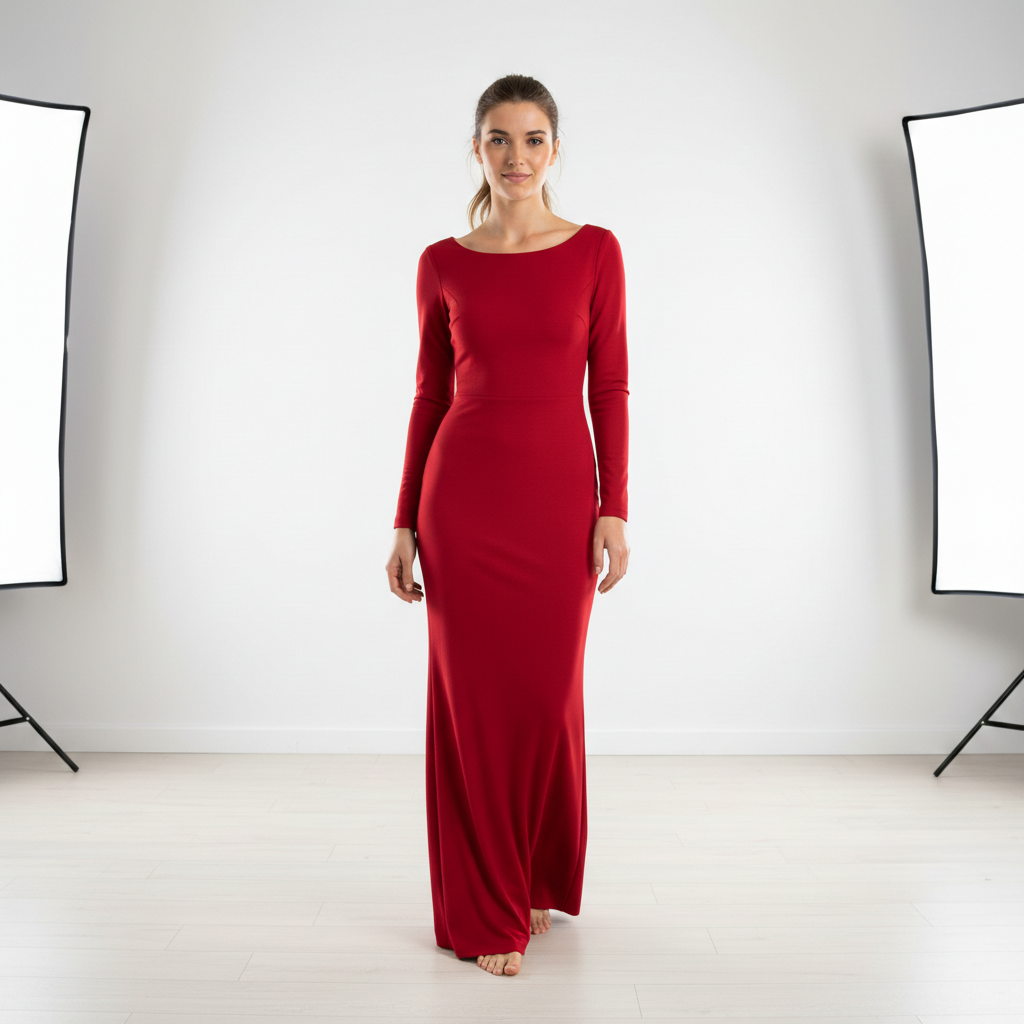
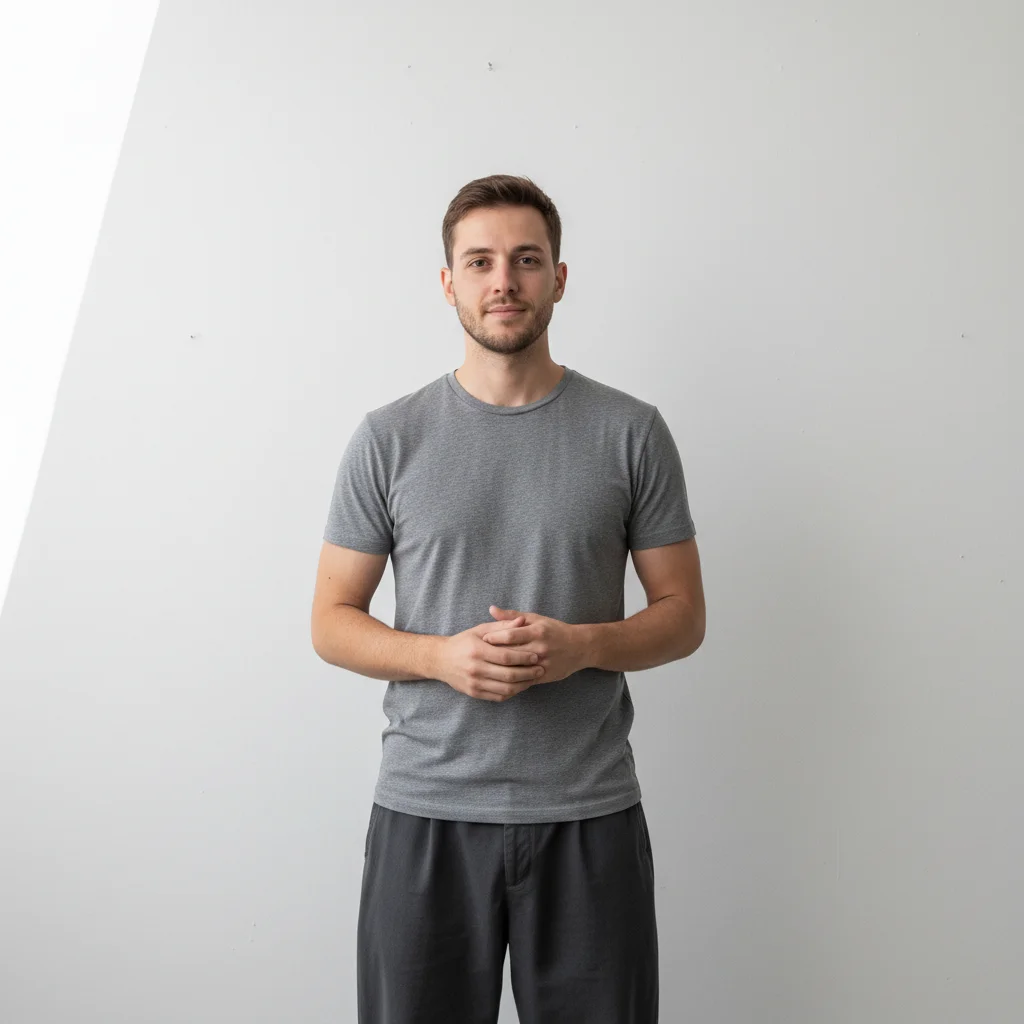
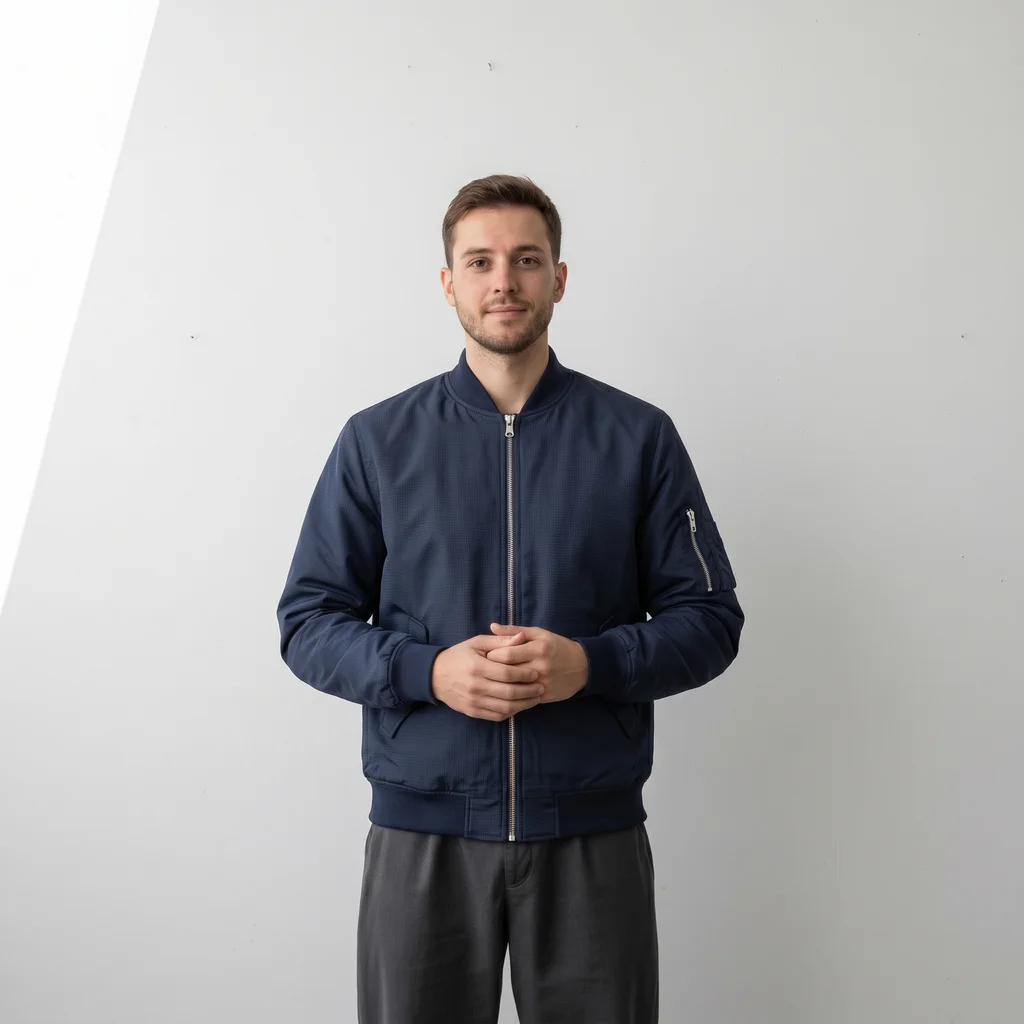
No. Just describe the outfit you want: 'change the outfit to a navy blue suit' or 'put a red dress on this person.' EditThisPic's AI understands what 'clothes', 'outfit', and specific garment names mean.
How do I change clothes in a photo with AI for free?
Upload a fully clothed photo and describe the safe outfit change, then name the face, hair, hands, pose, and setting to preserve. Review the garment edges, identity, and lighting before using the result. Free to try, no account required.
Is there a free AI clothes changer that doesn't require signup?
Yes. EditThisPic is a free AI clothes changer that requires no account, no login, and no app download. Upload your photo, describe the outfit change, and preview the result free — purchased downloads are clean, full quality. Works in any browser on desktop or mobile.
What is the best AI tool for changing clothes in a photo?
EditThisPic is free to try for a safe outfit edit. Upload a fully clothed source photo, describe the garment, and name the identity and pose details to protect. Review the result before use; for a deadline formal portrait, use the Formal Attire Editor.
How do I try on clothes from a photo I have?
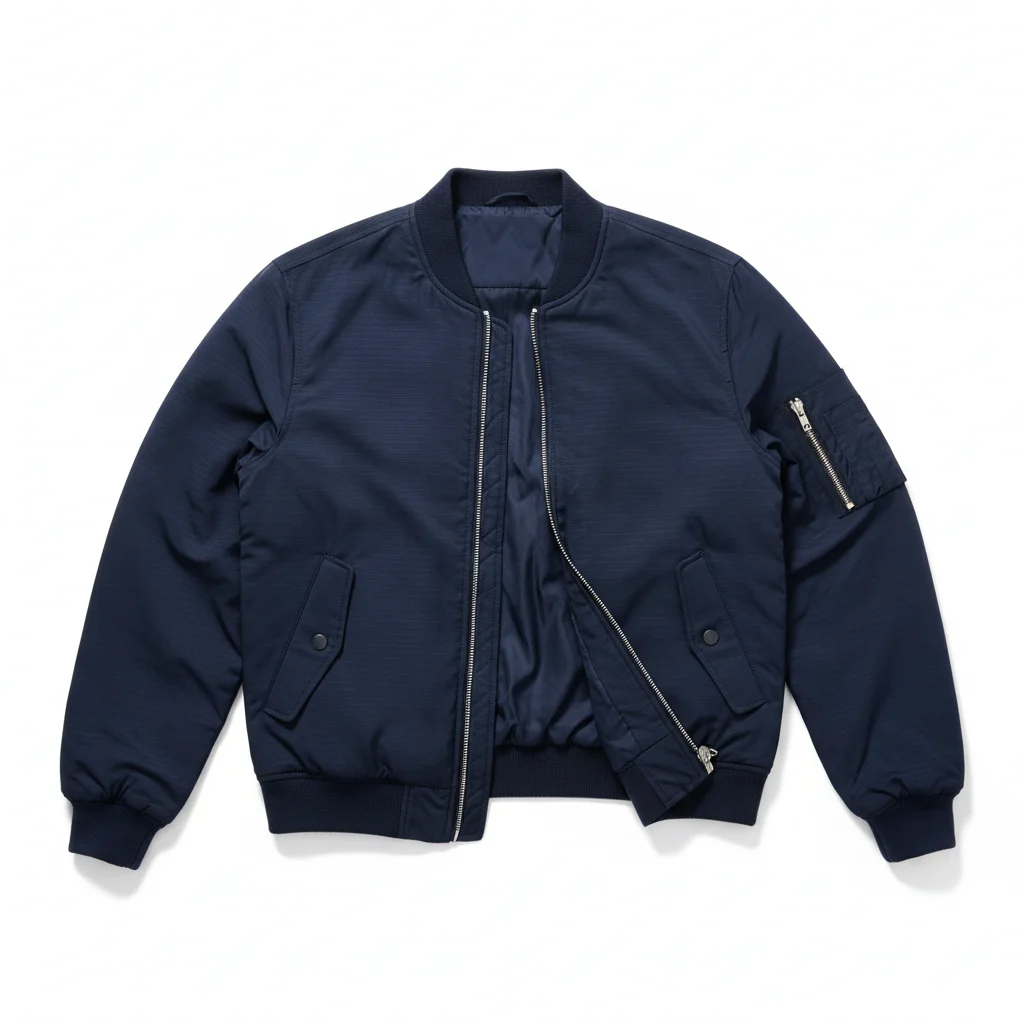
Click '+ Add reference image' and upload a garment photo, then request that outfit while preserving the person's face, hair, hands, pose, and setting. Treat the result as a visual concept and review garment fit, scale, lighting, and edges before relying on it. Free to try.
Does AI clothes changing work for full-body and torso photos equally?
Yes. The AI handles both full-body and head-and-shoulders shots, in standing, sitting, and action poses. The generated clothing fits the actual silhouette in the photo, including coats, suits, and traditional outfits. Best results come from fully-clothed source photos with clear outline against the background.
Can I use a reference image to change clothes in a photo?
Yes. Add a garment reference image and request that outfit while naming the source details that must remain unchanged. Review the result for garment fit, scale, lighting, hands, and edges; a specific reference improves direction but does not replace review.
Does the AI clothes changer work with any outfit style?
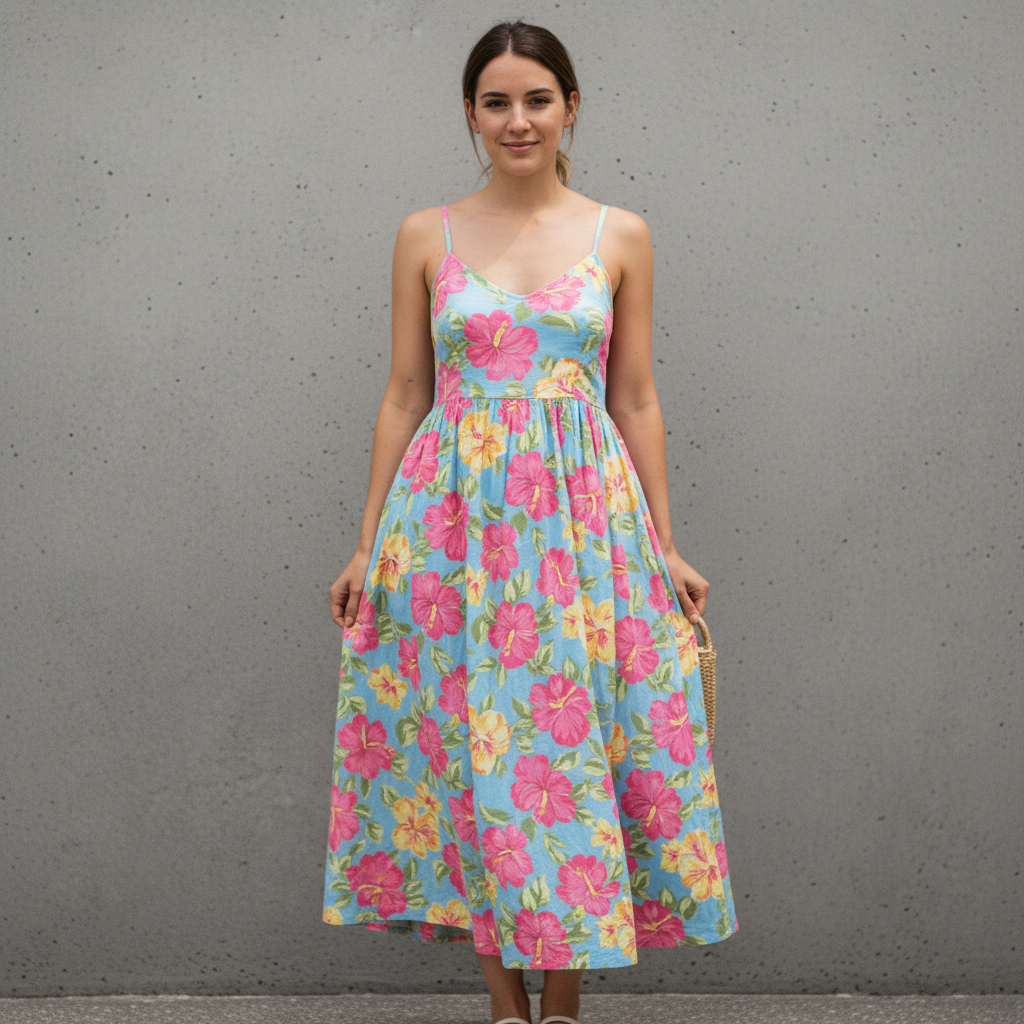
Yes. Casual wear, business suits, formal gowns, sportswear, traditional clothing, and costumes all work. The more specific you describe the outfit (color, fit, material, style), the more accurate the result. Full body and upper body shots both produce good results.
How do I change clothes in a photo without Photoshop?
Upload a fully clothed photo and write the safe outfit request, such as 'change the outfit to a business suit; preserve the face, hair, hands, pose, and setting.' No selection tools or layers are required, but review the output before use. Free to try, no login needed.
Can I change clothes in a photo on my phone?
Yes. EditThisPic works in any mobile browser on iPhone or Android with no app download needed. Upload your photo, type your outfit description, and download the result. The full editing experience works on mobile, including reference image uploads for virtual try-on.
Is AI clothes changing safe for my photos?
Yes. EditThisPic processes your photo only for the edit you request. Photos are not stored permanently or used for training. The tool is designed for legitimate uses like virtual try-on, outfit visualization, and professional headshot updates. Your original photo is never modified.
Can I virtually try on clothes before buying them online in 2026?
Yes. Upload a fully clothed photo of yourself, add a garment reference, and request that outfit while preserving identity and pose. Review fit, scale, lighting, and garment edges before relying on the visualization. Free to try, no login, works on any device.
What types of clothing changes work best with AI?
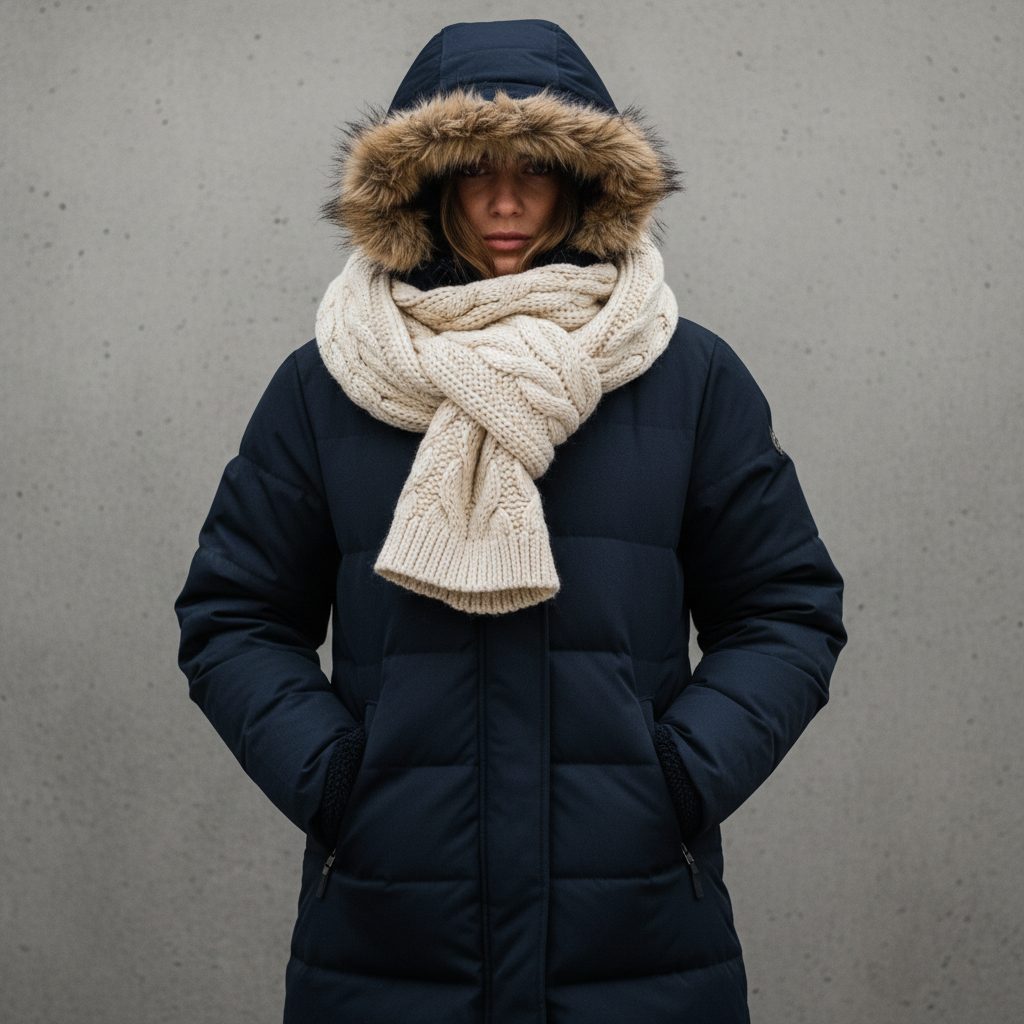
Single-piece swaps like shirts, dresses, and suits work best. Full outfit changes (top + bottom) also work well. Layered looks with coats over shirts may need one refinement. Accessories like hats and scarves can be added in a separate prompt. The AI handles casual, formal, traditional, and costume styles equally well.
How much does EditThisPic cost?
You get 1 free edit per week — no account needed. After that, one-time credit packs start at $4.99 for 10 edits, valid 12 months, no subscription. Power users who edit daily can pick Studio Membership, a monthly workspace at $49.99/mo for 300 edits. Purchased downloads are clean with no watermark.