Do I need to mark the clothing before describing the replacement?
For single-garment photos, no! Just describe what you want: 'replace the shirt with a blue sweater.' The AI identifies the main clothing item automatically.
How do I replace clothing in a photo for free?
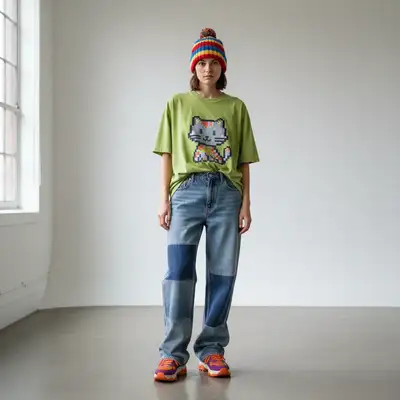
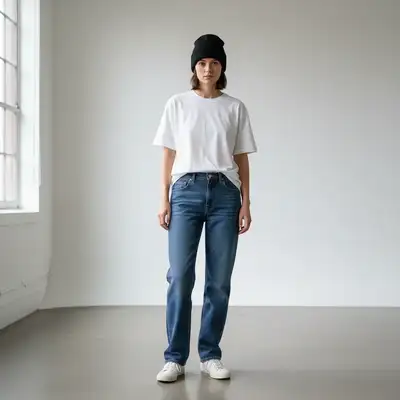
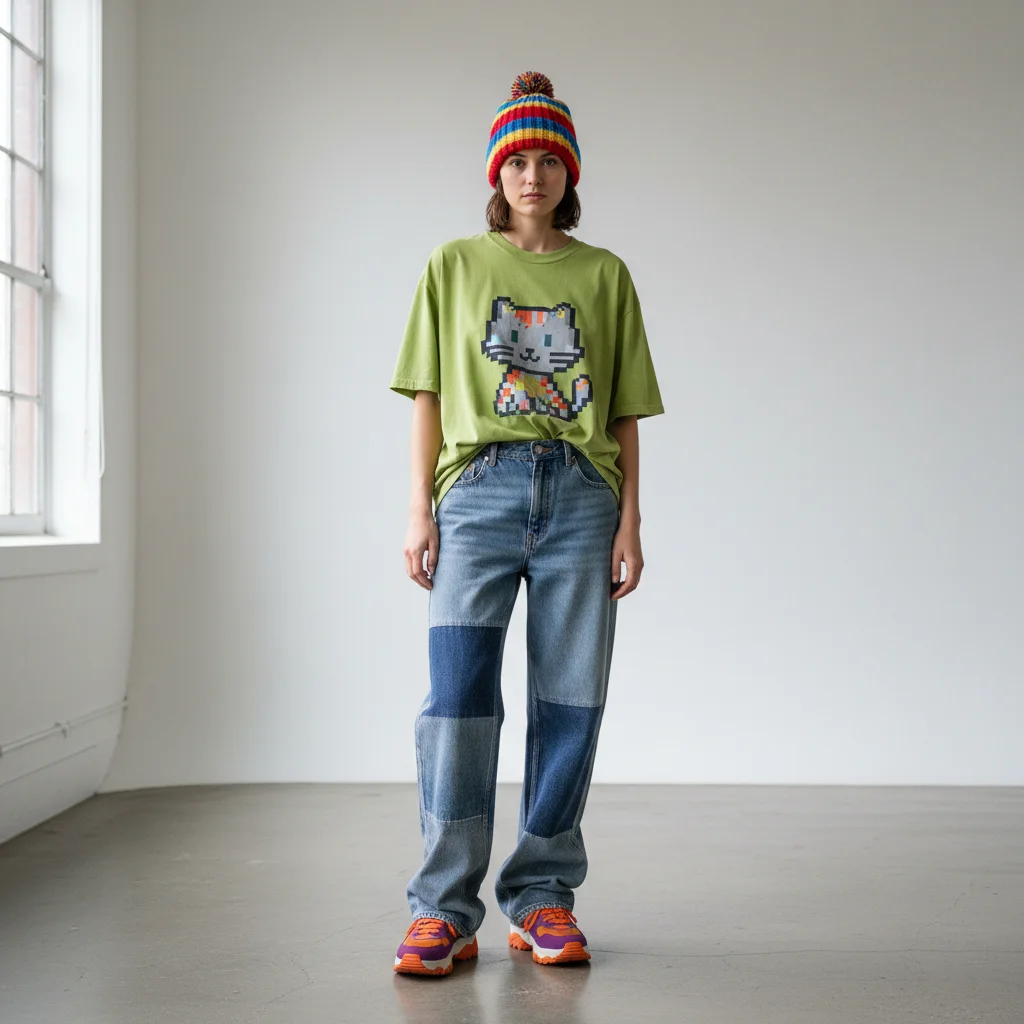
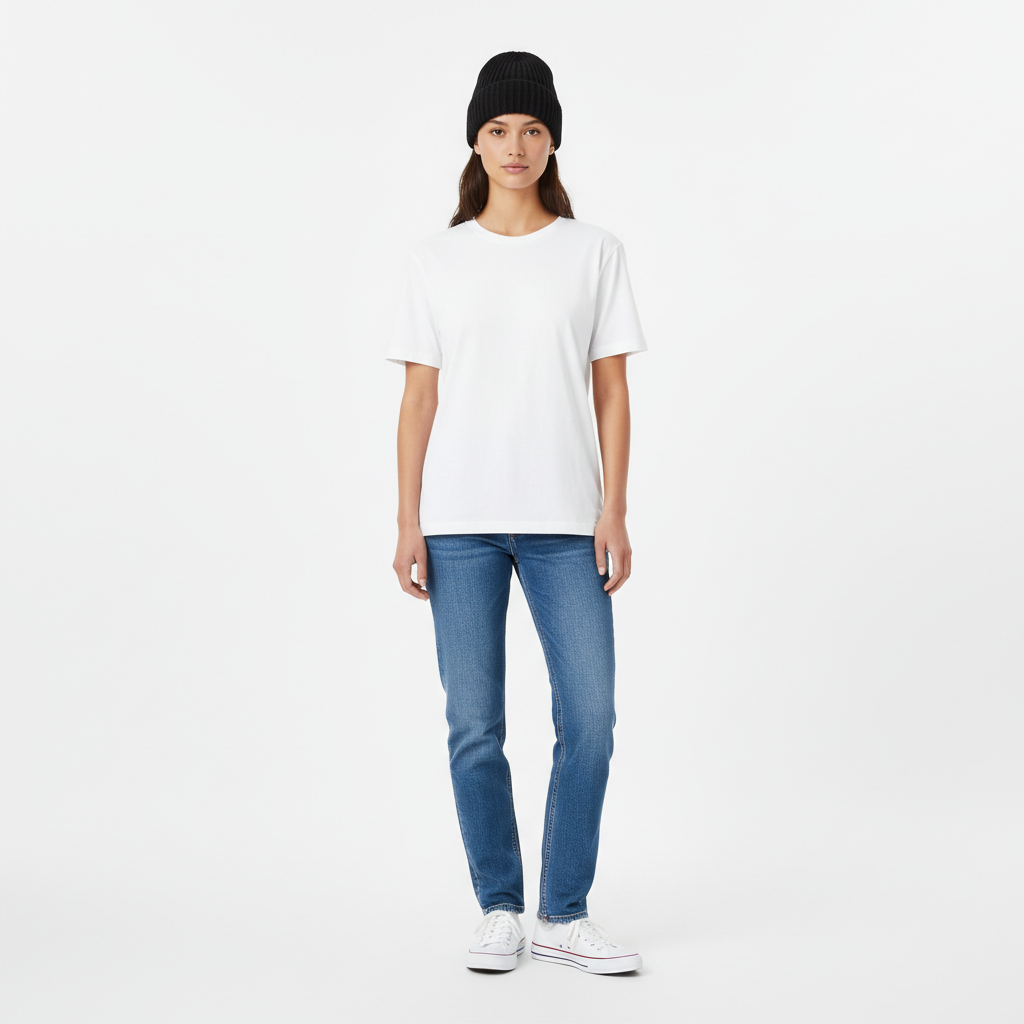
Upload the main photo, describe the replacement outfit, or add a clothing reference. Identify the person and ask to preserve pose, body shape, hands, lighting, and background. You can try a preview without an account.
What is the best free AI tool for replacing clothing in photos?
EditThisPic offers free AI clothing replacement with no signup required. Unlike apps that need manual masking or control points, just describe the new outfit and the AI handles garment detection, fabric rendering, and natural fit automatically. Works on t-shirts, dresses, suits, and any garment type.
How realistic are the fabric textures?
Very realistic for common materials. Describe the material specifically: 'cotton', 'silk', 'leather', 'denim', 'wool knit', 'satin.' The AI generates appropriate textures, wrinkles, and light reflection. Unusual or very specific materials may be approximated to the closest common fabric type.
Can I add accessories like ties, scarves, or jewelry?
Yes! Include them in your prompt: 'add a red silk tie' or 'replace the necklace with a gold chain.' Accessories work best as additions to existing outfits. Complex jewelry or very small details may need higher resolution photos for best results.
Will the original person's face and body stay the same?
Yes! Only the specified clothing changes. Face, body, pose, background, and everything else remains identical. The AI is specifically designed to preserve identity while changing garments. This makes it perfect for visualizing wardrobe options on yourself or clients.
Is EditThisPic's AI clothing replacer really free?
Yes — you get 1 free edit per week, no account needed. Credit packs start at $4.99 for 10 edits.
Can I replace clothing on my phone?
Yes. EditThisPic works in any mobile browser — iPhone, Android, tablet. No app download needed.
What photo formats does the AI clothing replacer support?
JPG, PNG, WebP, and HEIC. Upload any common photo format and EditThisPic handles the rest.
Can I use a photo of real clothing as a reference?
Yes. Click '+ Add another image' and upload a photo of the exact clothing you want. Then say 'replace their outfit with the clothing from the reference image.' The AI transfers that specific garment onto the person with proper fit and lighting. Great for trying on clothes before buying.
Can I preview multiple outfit options on the same photo?
Yes. Run separate edits on the same original photo with different clothing descriptions each time. Save each result to compare side by side. This is perfect for choosing between outfits for a photoshoot, planning event attire, or building a visual lookbook for clients.
How well does it handle complex patterns like plaid or floral prints?
Very well for standard patterns. Describe the pattern specifically: 'red and black buffalo plaid flannel shirt' or 'navy dress with small white polka dots.' The AI generates the pattern with proper perspective distortion following the body's contours, including realistic wrinkles and folds in the fabric.
How much does EditThisPic cost?
You get 1 free edit per week — no account needed. After that, one-time credit packs start at $4.99 for 10 edits, valid 12 months, no subscription. Power users who edit daily can pick Studio Membership, a monthly workspace at $49.99/mo for 300 edits. Purchased downloads are clean with no watermark.