Do I need to mark the logo before describing it?
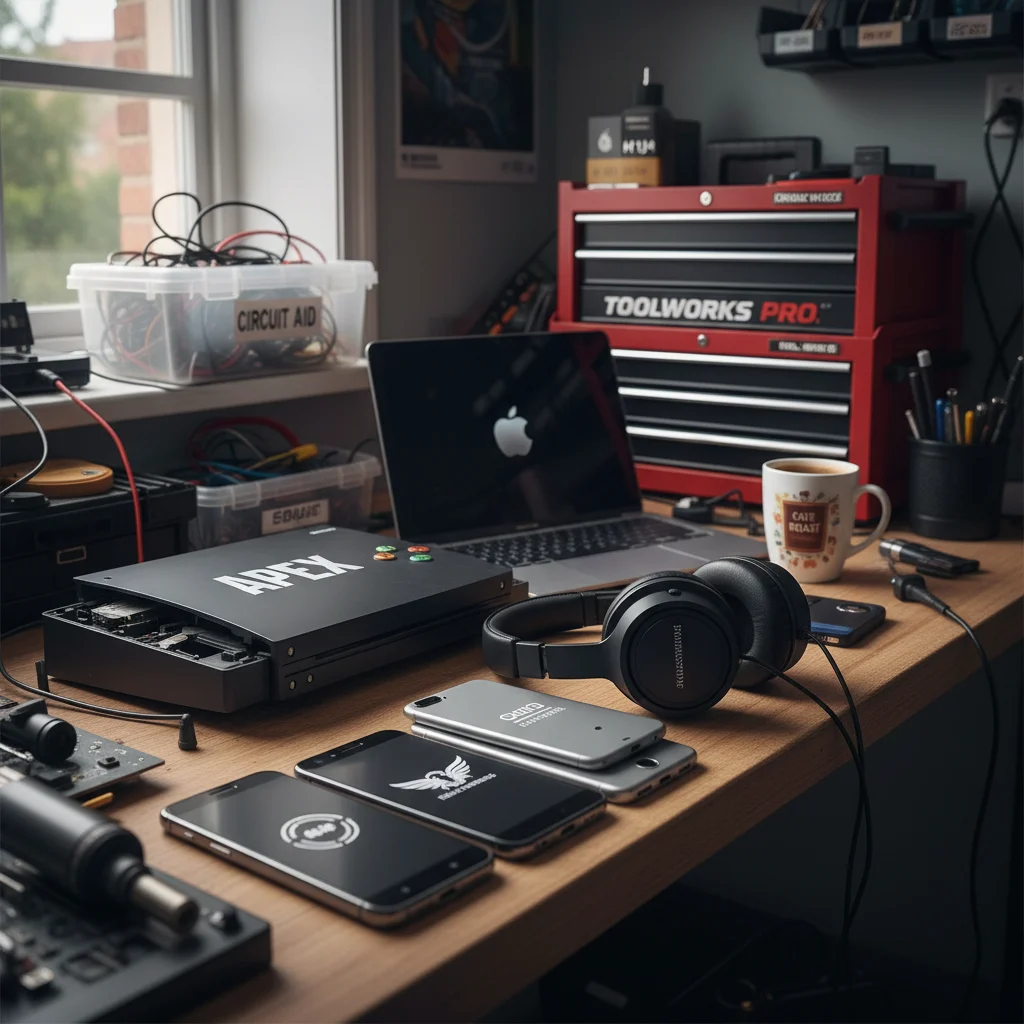
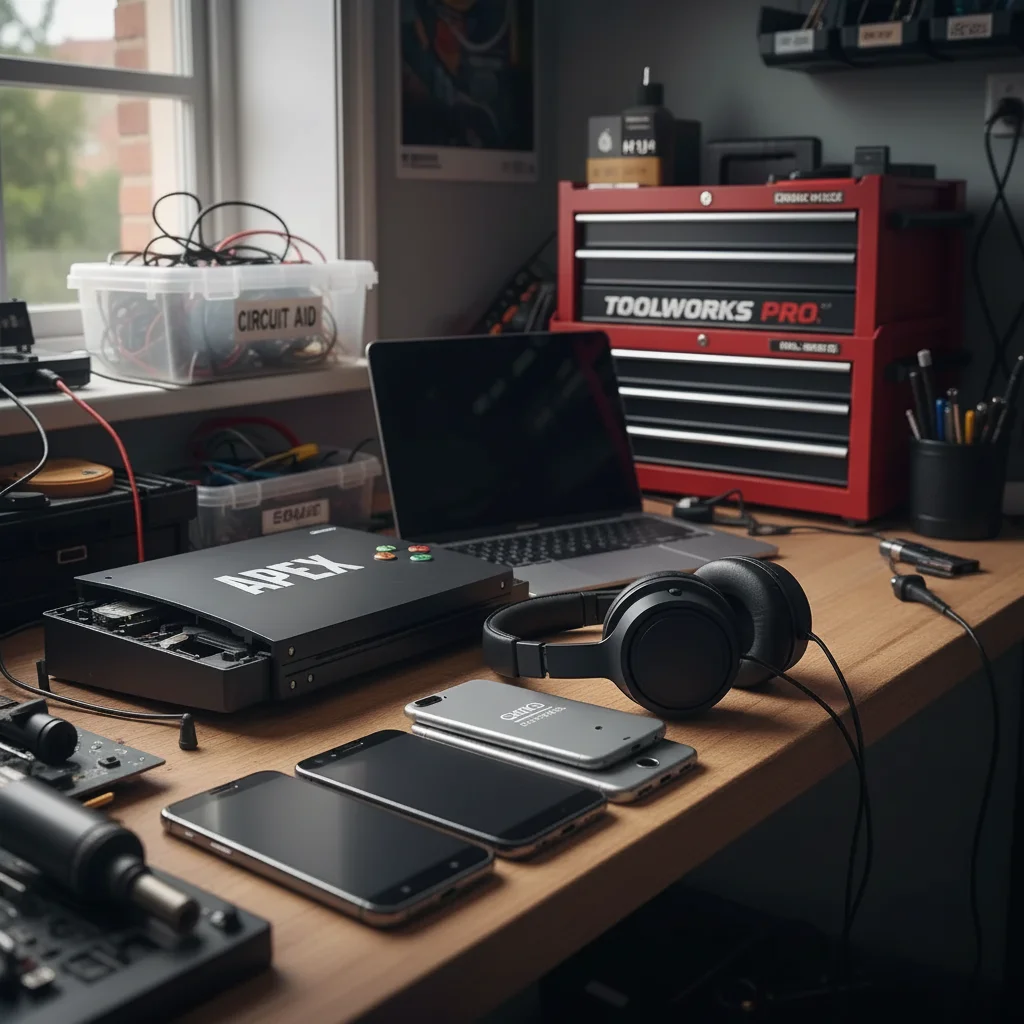
No. Just type 'remove the logo' or 'eliminate the Nike swoosh on the left chest' — the AI recognizes common brand marks automatically.
How do I remove a logo from a photo for free?
Upload your image to EditThisPic, type 'remove the logo,' and click Generate. The AI identifies and removes the logo while filling the area with matching background texture. Results take 15-30 seconds. Free with no account required — one free edit per week, and additional edits start at $4.99 for a 10-pack.
Can I remove logos from clothing in photos?
Yes, and this is one of the most common uses. Describe the specific logo and mention the fabric in your prompt: 'remove the logo from the shirt and blend with fabric texture.' The AI reconstructs the material weave — cotton, denim, jersey mesh — underneath the removed mark. Works on shirts, shoes, bags, and accessories.
How does EditThisPic compare to Photoshop's Content-Aware Fill for logo removal?
Photoshop's Content-Aware Fill gives more control and produces better results on complex textures like embossed logos on glass or intricate patterns — it's the right tool if you're a professional doing 10 images a week. EditThisPic is faster for one-off removals: no software to install, no selection workflow, results in 15 seconds from any browser. For simple logos on solid or fabric backgrounds, results are comparable.
Is it legal to remove a logo from a photo?
Generally, removing logos from photos for private use — editing your own product photos, personal archives, or internal documents — is different from commercial redistribution of another brand's imagery. The risk increases when you're redistributing photos of branded products in a commercial context where the logo affects perceived origin. This is a summary, not legal advice — consult counsel for specifics involving your use case.
Is EditThisPic's AI logo remover really free?
Yes. EditThisPic gives you one free Fast preview edit per week with no account, no card. If you need more, you can also buy a 10-edit pack for $4.99 with no subscription. Most logo removals are simple enough to complete in a single Fast edit. Purchased downloads are clean, full quality.
Can I remove logo on my phone?
Yes. EditThisPic runs in any modern mobile browser — Safari on iPhone, Chrome on Android — so nothing to install. Upload from your camera roll, type your prompt, and download the cleaned image back to Photos. There is also a native iOS app on the App Store if you want a shortcut from your home screen.
What photo formats does the AI logo remover accept?
JPG, PNG, WebP, and HEIC up to 7MB. For output, PNG is recommended over JPG for logo removal work — JPG quality 85 preserves more detail than JPG quality 60, but PNG avoids compression artifacts entirely in the inpainted area. If you're uploading to a marketplace like Amazon or Shopify, check their format requirements before converting.
Can I remove logos from multiple photos at once?
EditThisPic processes one photo at a time for the best reconstruction quality. For bulk work — resellers with 50+ product photos — the most efficient workflow is to use the same prompt across all images. Keep a single text file with your tested prompt ('remove the brand logo and blend with fabric texture'), paste it for each upload, and batch through at 15-20 seconds per image. A paid plan gives you more edits without the weekly wait.
What is the difference between removing a logo and removing a watermark?
Brand logos are typically printed on or part of the surface (fabric, metal, plastic). Watermarks are usually overlaid on top of a photo as a semi-transparent layer. The removal technique differs: for logos, the AI reconstructs the underlying material. For watermarks, the AI infers what the original scene looked like beneath the overlay. Use 'restore the original image underneath' in your prompt for watermark-style overlays.
How does EditThisPic compare to Fotor and Adobe Express for logo removal?
Fotor and Adobe Express use brush-based selection tools — you manually paint over the logo before the AI fills. EditThisPic works from a text description, so there's no selection step. Adobe Express produces slightly higher quality fills on complex textures because its model is tuned for commercial photography. EditThisPic is faster for quick one-offs and doesn't require an account. For logo removal on solid or simple backgrounds, all three produce clean results.
What if the logo is part of a pattern (like a repeated logo print)?
Repeated logo patterns — like an all-over Louis Vuitton print or a logo-repeat fabric — are the hardest class. The AI can remove individual logo instances but reconstructing a full repeat pattern consistently is difficult. For an all-over repeat print, results will vary and may not be suitable for commercial use.
Can I also edit the photo in other ways in the same session?
Yes. You can combine removal with other instructions: 'remove the logo, brighten the background, and sharpen the product.' The AI understands multi-part prompts. For complex combinations, doing the logo removal first and then running other edits as a second prompt tends to give you more control over each step.
How do I remove a logo from a picture for free?
Upload your picture, type 'remove the logo', and download the result. EditThisPic includes one free edit per week with no signup — the AI erases the logo and rebuilds the background behind it in about 15 seconds.
Will removing a logo leave a blur or smudge?
No. Instead of blurring or cloning pixels, the AI reconstructs the area behind the logo with matching texture, fabric, or background detail. If a faint trace remains, follow up with 'clean any remaining traces of the logo'.
How much does EditThisPic cost?
You get 1 free edit per week — no account needed. After that, one-time credit packs start at $4.99 for 10 edits, valid 12 months, no subscription. Power users who edit daily can pick Studio Membership, a monthly workspace at $49.99/mo for 300 edits. Purchased downloads are clean with no watermark.