Free • No signup Add Backsplash · Free

AI Kitchen Backsplash Visualizer

← Browse all kitchen renovation tools

Last updated

Upload your kitchen photo and a tile sample to preview backsplash options before you buy or install.
01Photo 1
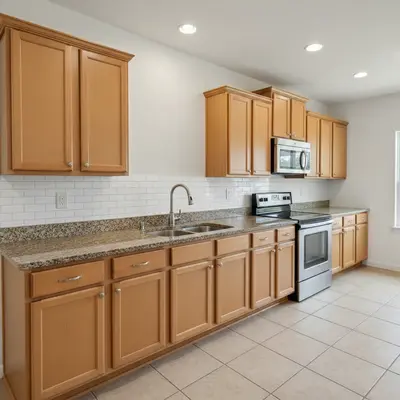
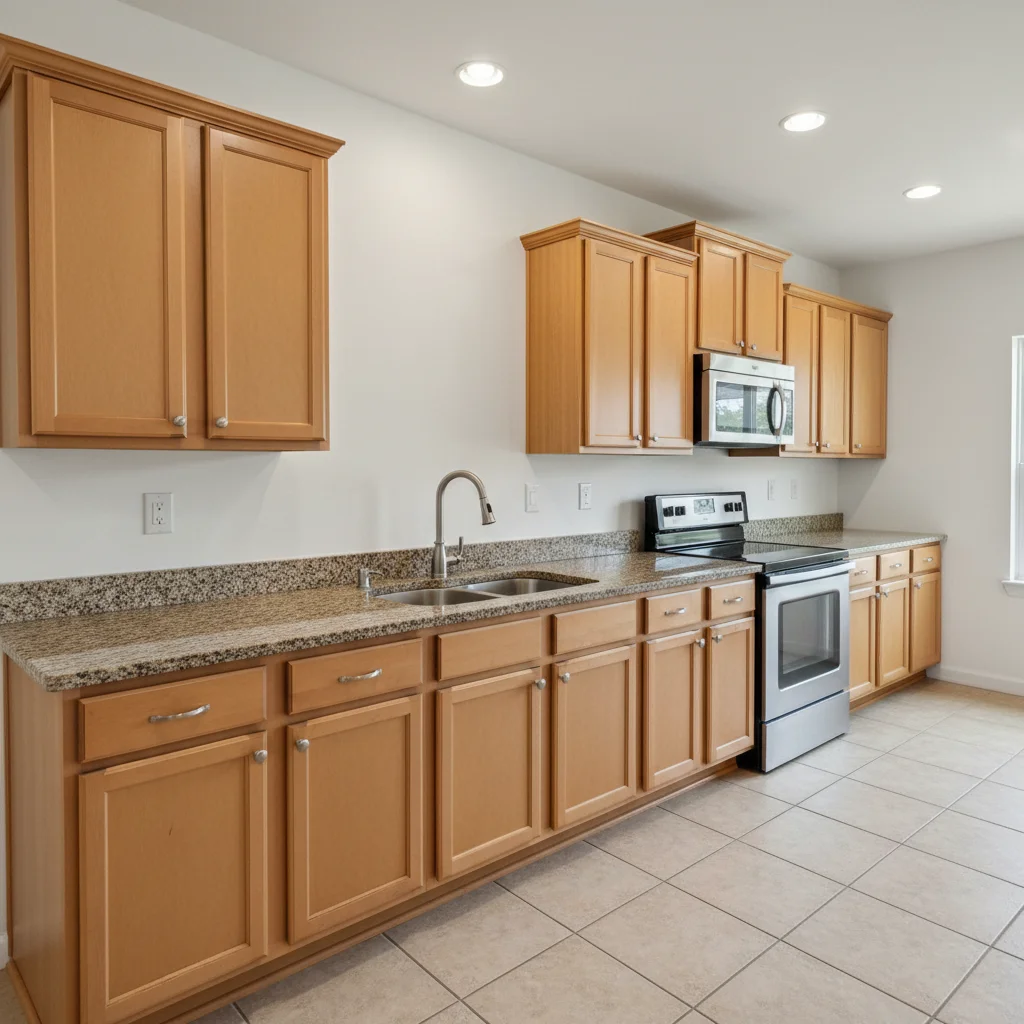
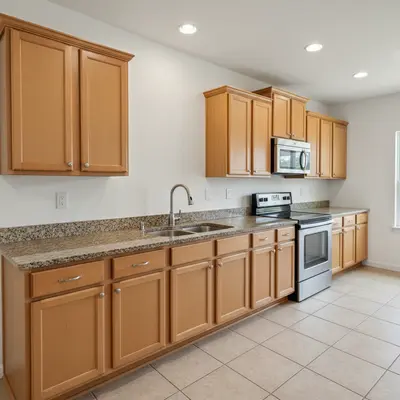
Builder-grade kitchen with bare white wall above countertops, no backsplash
02Photo 2
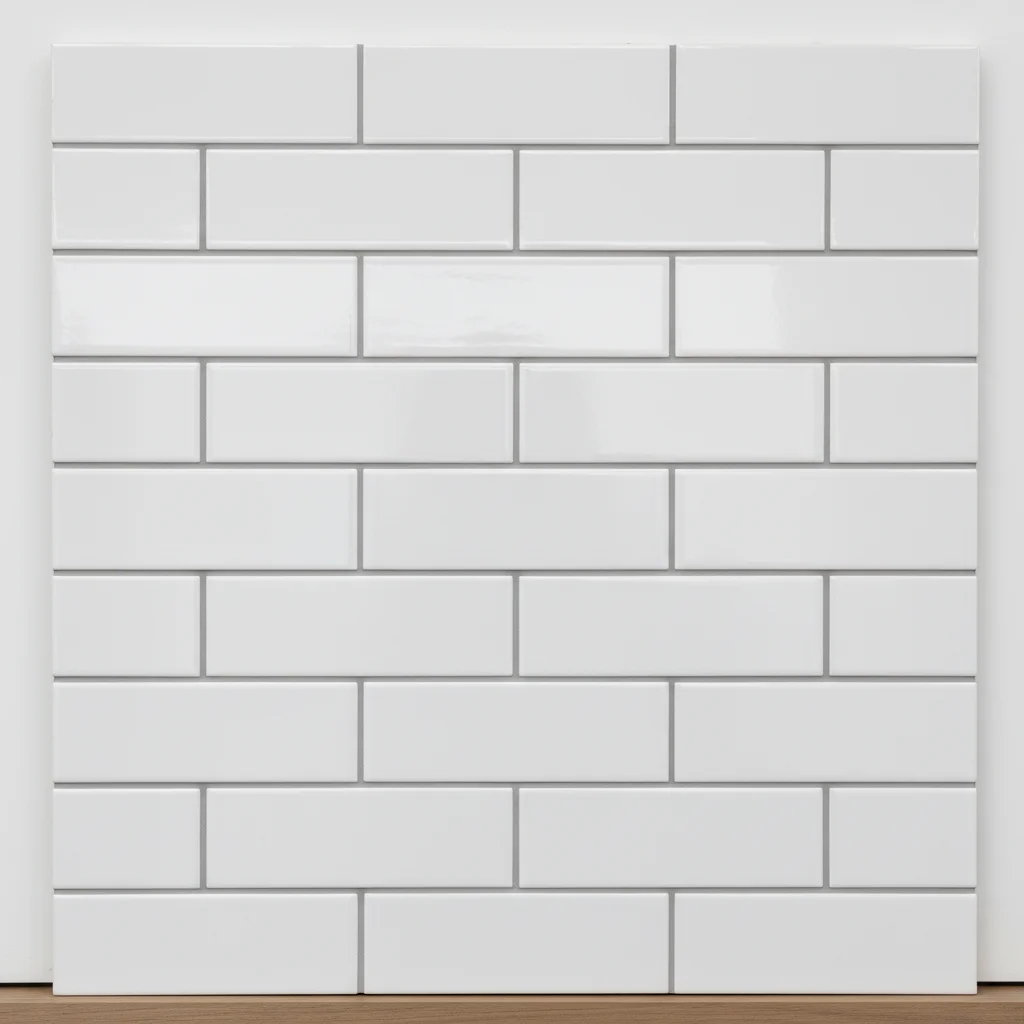
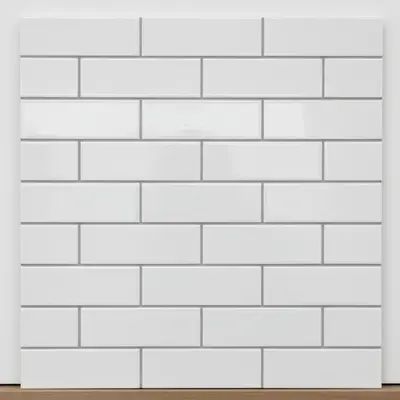
White 3x6 subway tile sample swatch
03Result
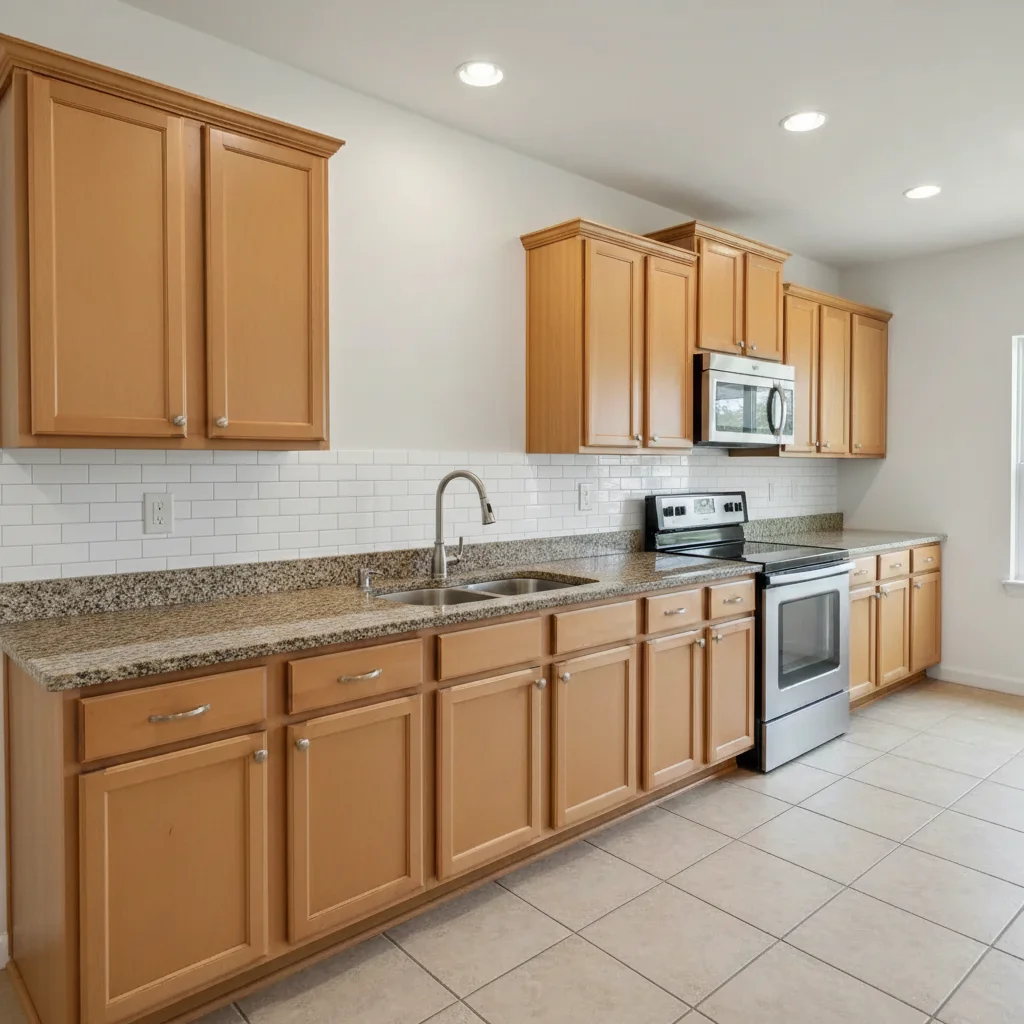
Same kitchen with classic white subway tile backsplash applied from reference sample

Upload photo to add backsplash

"add the reference tile as a herringbone backsplash accent behind the range and hood, centered on the cooking area, stopping at the upper cabinet line"

Release to upload

1 free edit·then from $4.99

How it works

  1. Upload your two photos

    Drop your kitchen photo into EditThisPic first. Then click '+ Add reference photo' and upload a photo of the tile or backsplash sample you want to preview. Use a straight-on tile sample photo or a manufacturer's product image for best accuracy. JPG, PNG, WebP up to 7MB each.

    Expect: The AI reads the tile pattern, scale, and color from your reference photo. A clear, well-lit tile photo gives the most accurate placement.
  2. Describe where to place the tile

    Tell the AI exactly where you want the backsplash: 'apply this tile as the backsplash between the countertop and upper cabinets' or 'add this mosaic tile behind the stove as a focal point accent.' Specify grout color if it matters: 'with dark gray grout' or 'white grout matching the tile.'

    Tip: Mention the grout color and whether tiles should run horizontally, vertically, or in a herringbone pattern for precise results.

    Copy one of these to get started:

    Full subway tile backsplash apply the white subway tile from the reference photo as the backsplash across the entire wall between the countertop and upper cabinets, horizontal lay pattern with thin white grout lines
    Herringbone accent behind stove add the reference tile as a herringbone backsplash accent behind the range and hood, centered on the cooking area, stopping at the upper cabinet line
    Mosaic tile full kitchen apply the mosaic tile sample from the reference photo as the backsplash covering the full wall behind the sink and countertop, with natural stone grout in light gray
    Contractor client proposal place the reference tile as a photorealistic backsplash in this kitchen, matching existing lighting and perspective — this is for a client proposal so it needs to look like an actual photo
    2 more prompts
    Comparing two tile options add the reference tile as the backsplash behind the countertop. Keep the cabinet and countertop colors exactly as they are so I can compare against another tile option
    Real estate listing upgrade add a classic white subway tile backsplash to this listing kitchen photo — it needs to look like a real renovation for the MLS listing, bright and clean
  3. Review scale and grout lines

    Check that tile sizes appear proportional to the kitchen — subway tiles typically run 3x6 inches, so they should look small relative to cabinet heights. Verify grout lines are even and the pattern aligns with countertops and cabinet edges.

See it in action

Builder-grade kitchen with bare white wall above countertops, no backsplash
Main Photo
White 3x6 subway tile sample swatch
Reference
Same kitchen with classic white subway tile backsplash applied from reference sample
Result

Builder-grade kitchen with subway tile upgrade

A contractor used this to show a client two backsplash options in the same kitchen photo before ordering any tile.

Prompt: apply the white 3x6 subway tile from the reference as the backsplash between the countertop and upper cabinets, horizontal pattern with light gray grout
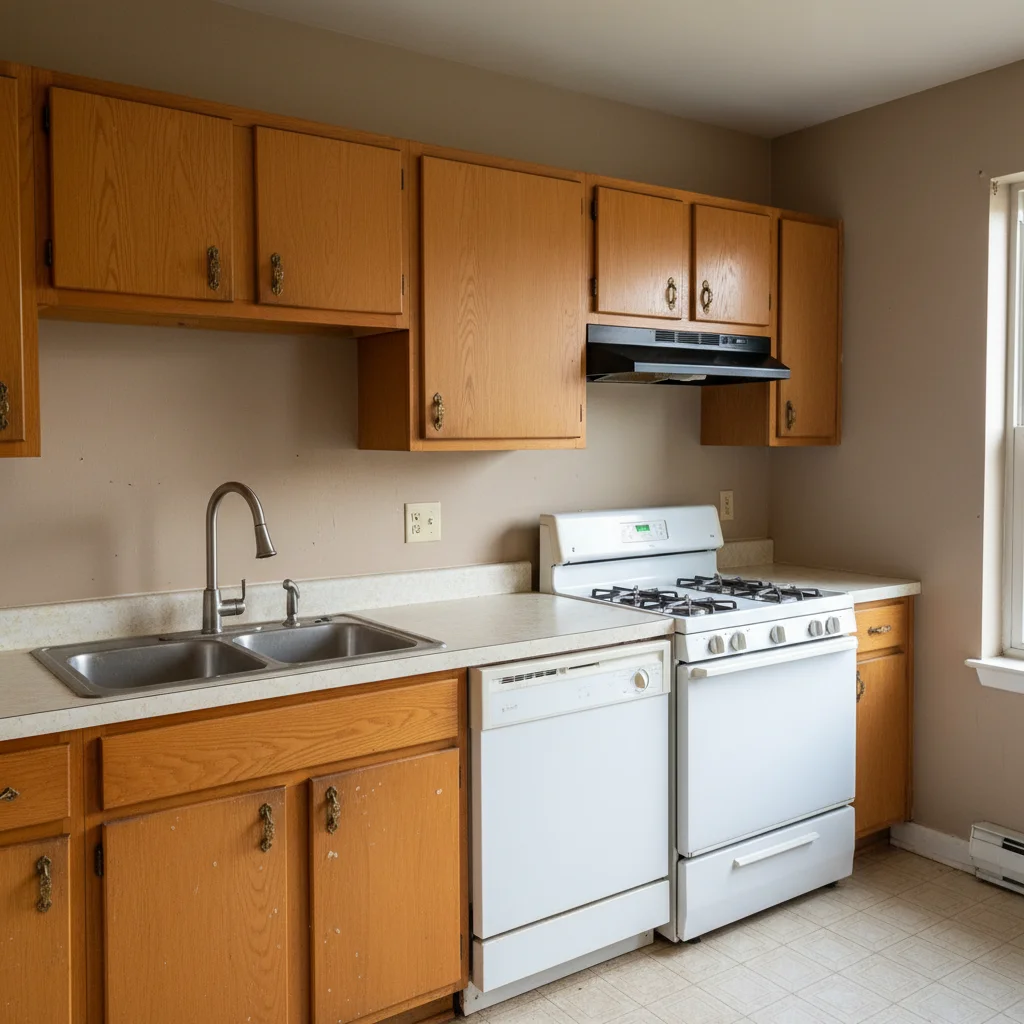
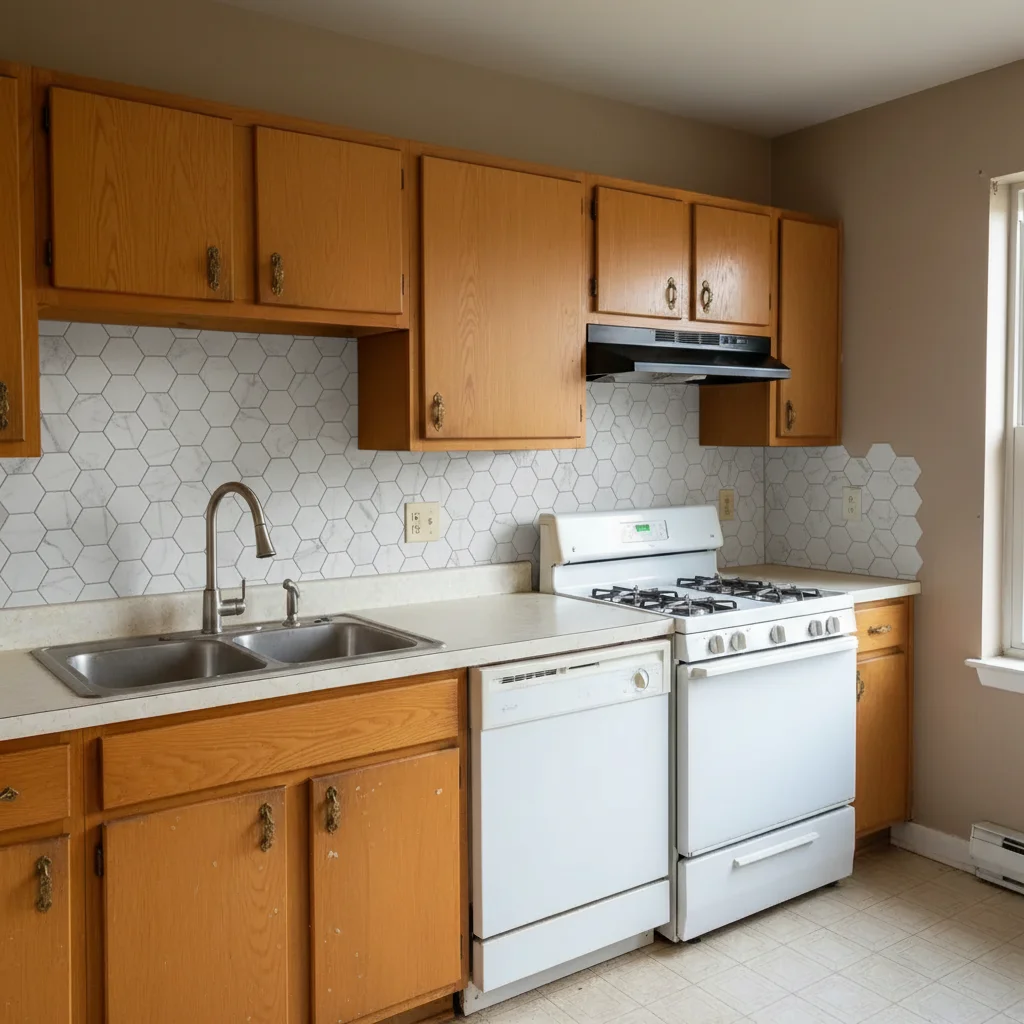
Outdated kitchen with beige walls and no backsplash installed
Main Photo
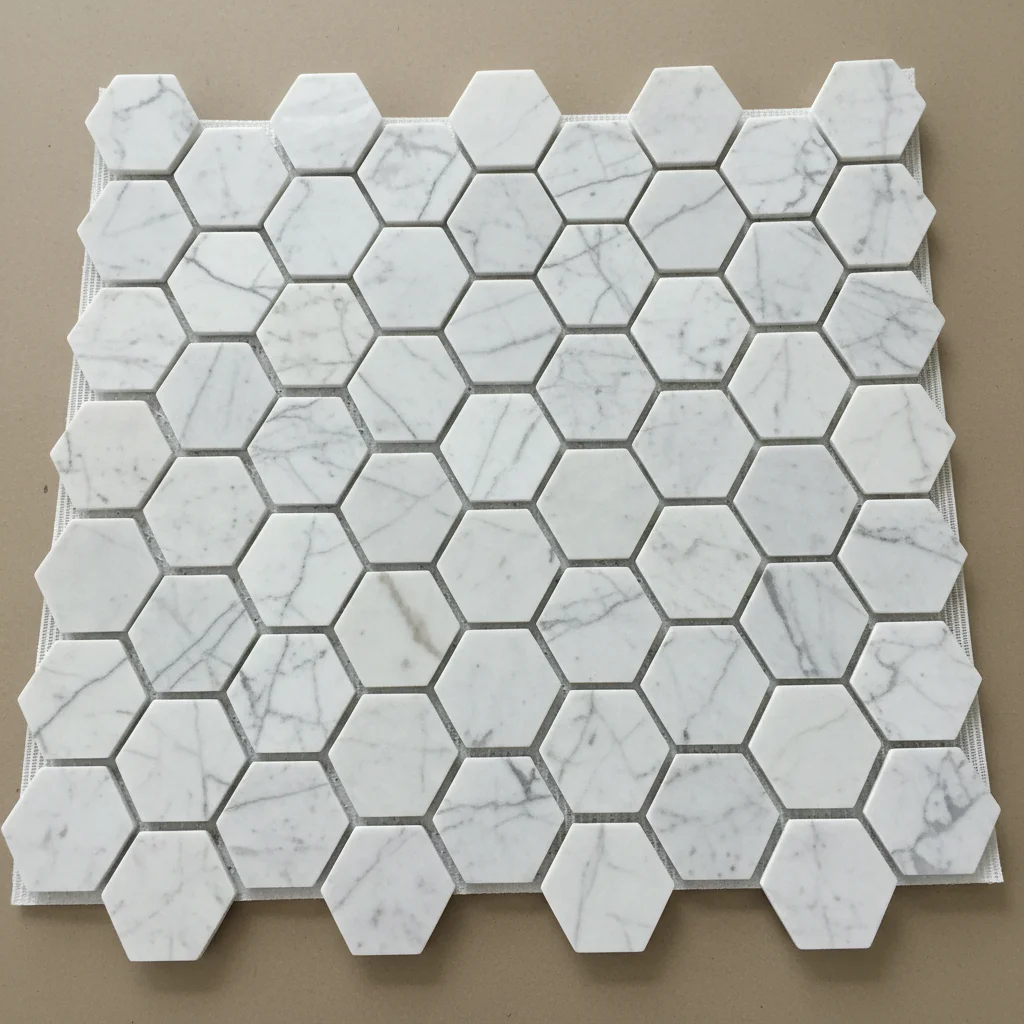
Reference image for AI Kitchen Backsplash Visualizer
Reference
Same kitchen with marble hexagon mosaic tile backsplash from reference sample
Result

Listing photo kitchen refresh

A realtor wanted to show buyers what the dated kitchen would look like with a modern tile backsplash before listing the property.

Prompt: add the marble hexagon mosaic tile from the reference photo as the kitchen backsplash, full wall behind the sink, with light gray grout
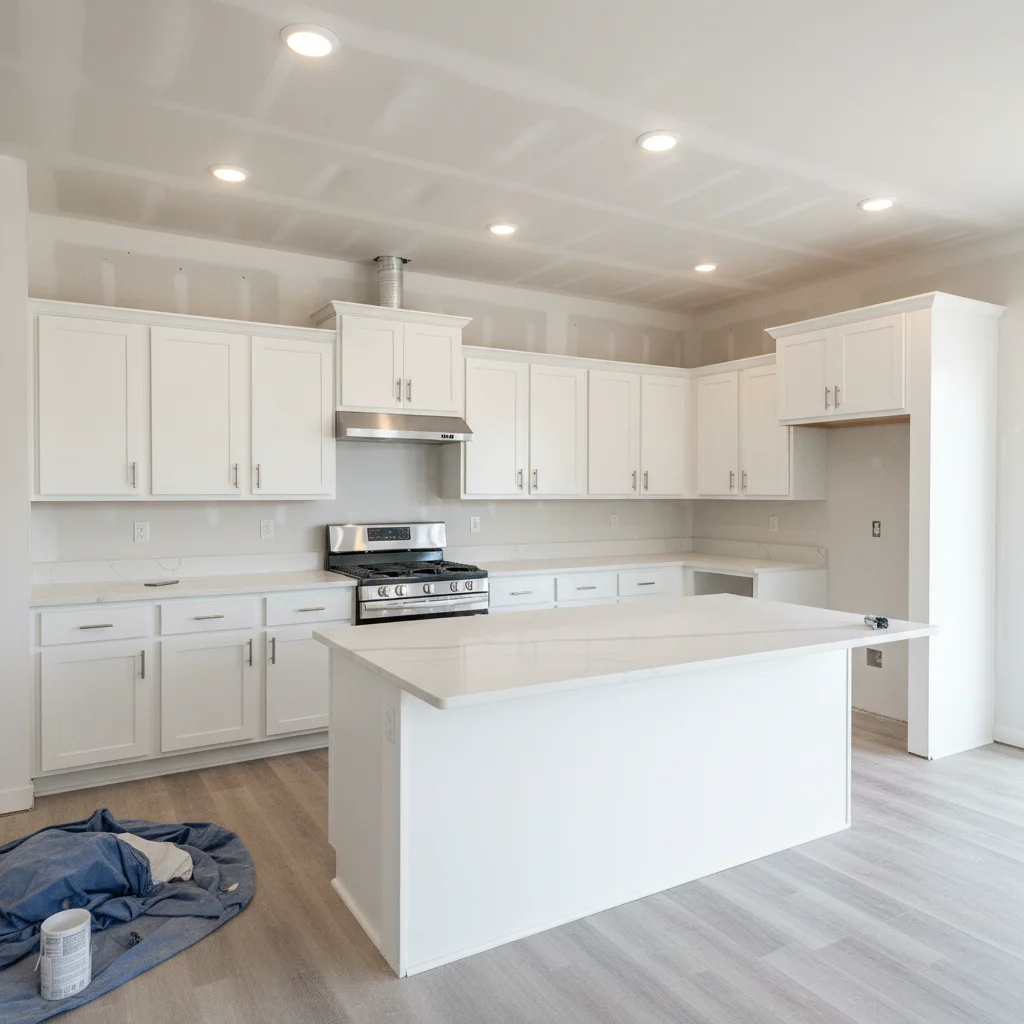
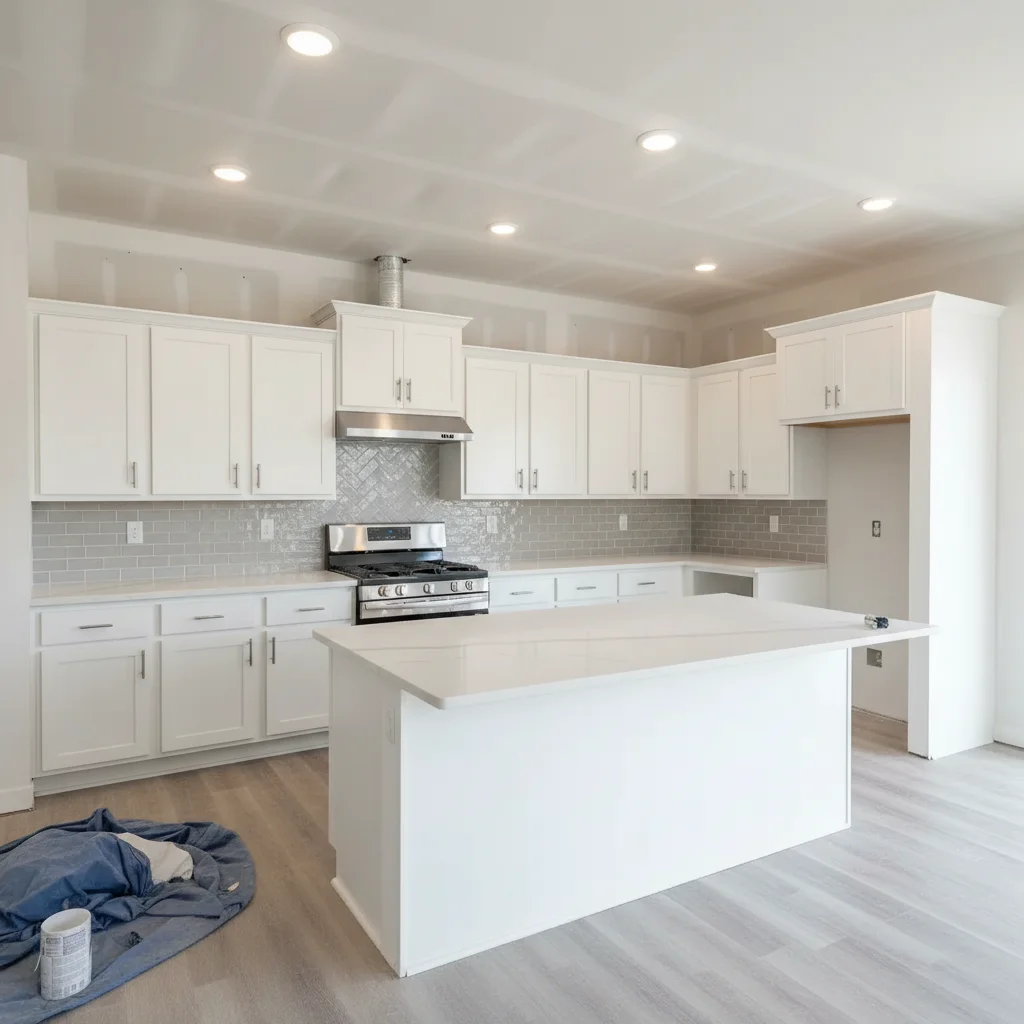
New construction kitchen with bare drywall where backsplash will be installed
Main Photo
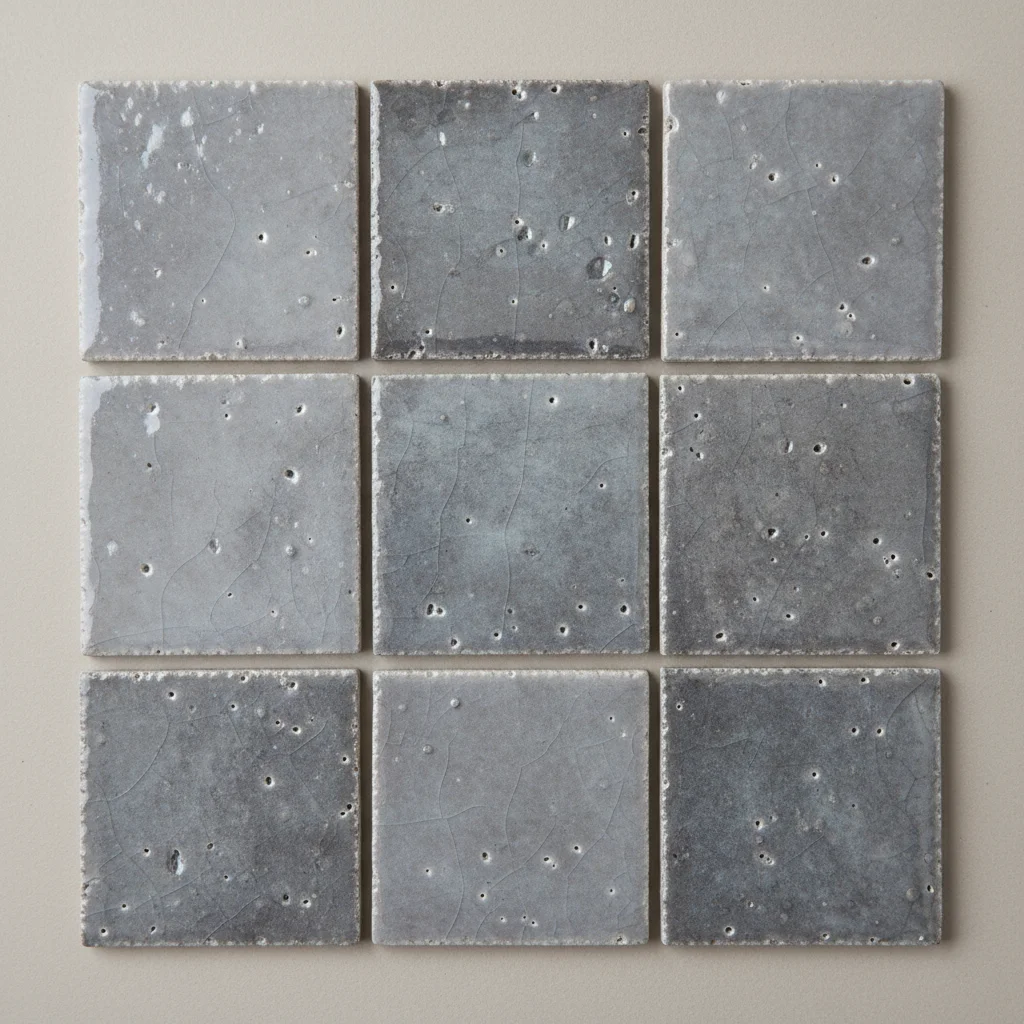
Reference image for AI Kitchen Backsplash Visualizer
Reference
New construction kitchen with gray zellige tile backsplash in herringbone pattern from reference
Result

New construction design selection

A homeowner building a new house previewed three different backsplash tiles in their kitchen rendering before making a final selection with the designer.

Prompt: Use the gray zellige tile from the reference photo as the backsplash in this new construction kitchen. I want a herringbone pattern behind the range and a standard subway pattern on the walls next to it.

Quick answers

Do I need TWO photos for this — a kitchen photo AND a tile sample?

Yes. This tool works best with two photos: (1) your kitchen photo showing the wall where the backsplash will go, and (2) a reference photo of the tile or sample swatch you want to preview. Upload your kitchen photo first, then click '+ Add reference photo' to add the tile sample. The AI reads the tile pattern, scale, and color from your reference to place it accurately in your kitchen.

How do I add a backsplash to a kitchen photo for free?

Upload your kitchen photo to EditThisPic, then add a reference photo of the backsplash tile you're considering. Describe the placement: 'apply this tile as the backsplash between the countertop and upper cabinets.' The AI places the tile with realistic scale, grout lines, and lighting in 15-30 seconds. Free to use, no account required, no watermark.

Can I use this for a client proposal or contractor bid?

Yes. Many contractors and kitchen designers upload a client's kitchen photo alongside tile samples to generate photorealistic previews for proposals. Add 'this is for a client proposal — photorealistic quality' to your prompt. Results are suitable for PDF presentations, email proposals, and design consultations. No signup required.

What tile reference photos work best?

Manufacturer product photos, tile shop sample images, or a straight-on photo of an actual tile sample on a flat surface all work well. Avoid angled or heavily shadowed tile photos — the AI reads the pattern more accurately from a flat, well-lit reference. You can download tile images directly from manufacturer websites and use those as references.

Can realtors use this tool to show kitchen upgrade potential in listings?

Yes. Realtors use EditThisPic to show buyers what a dated or builder-grade kitchen looks like with a backsplash added. Upload the listing kitchen photo, choose a neutral tile reference (white subway tile is the most universally appealing), and include 'for MLS listing photo — photorealistic' in your prompt. Always disclose that photos are virtually staged per MLS requirements.

Can I compare two different tile options in the same kitchen?

Yes. Run the tool once with your first tile reference photo, download the result, then run it again with a second tile reference on the same kitchen photo. You get two versions for side-by-side comparison. This is exactly how homeowners and designers compare options before purchasing tile.

Will it show realistic grout lines?

Yes, especially if you specify grout color and line width in your prompt. For example: 'with 1/8-inch light gray grout lines' or 'dark charcoal grout for contrast.' Without grout guidance, the AI uses the most common grout approach for the tile style — subway tile typically gets white or light gray grout.

How much does EditThisPic cost?

You get 1 free edit per week — no account needed. After that, credit packs start at $1.99 for 3 edits. Monthly plans start at $4.99/mo for 15 edits with unused credits rolling over. All edits are full resolution with no watermark.

Ready to preview your backsplash?

Free to try. No signup required.

1 free edit included·Credit packs from $4.99