AI Backsplash Sample Visualizer
← Browse all real estate photo editingLast updated
Take a photo of any tile sample and see it as a backsplash in your kitchen — before you order a single tile.
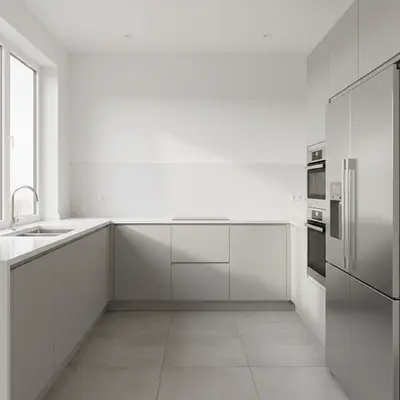
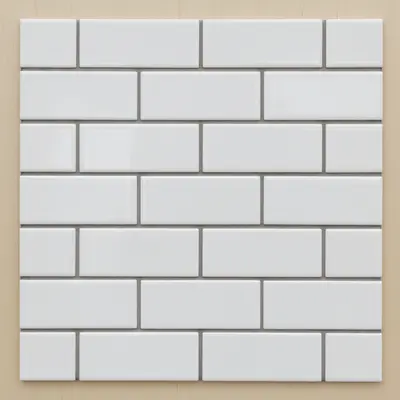
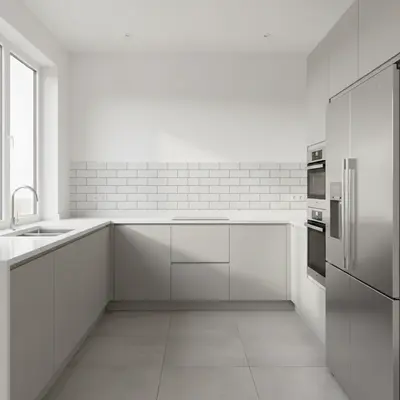
Upload photo to visualize backsplash
"show this tile sample as an accent backsplash only behind the range and hood area — stop at the upper cabinet line and keep the rest of the wall plain"
Free to try · no sign-up · never used for AI training
Release to upload
How it works
See it in action
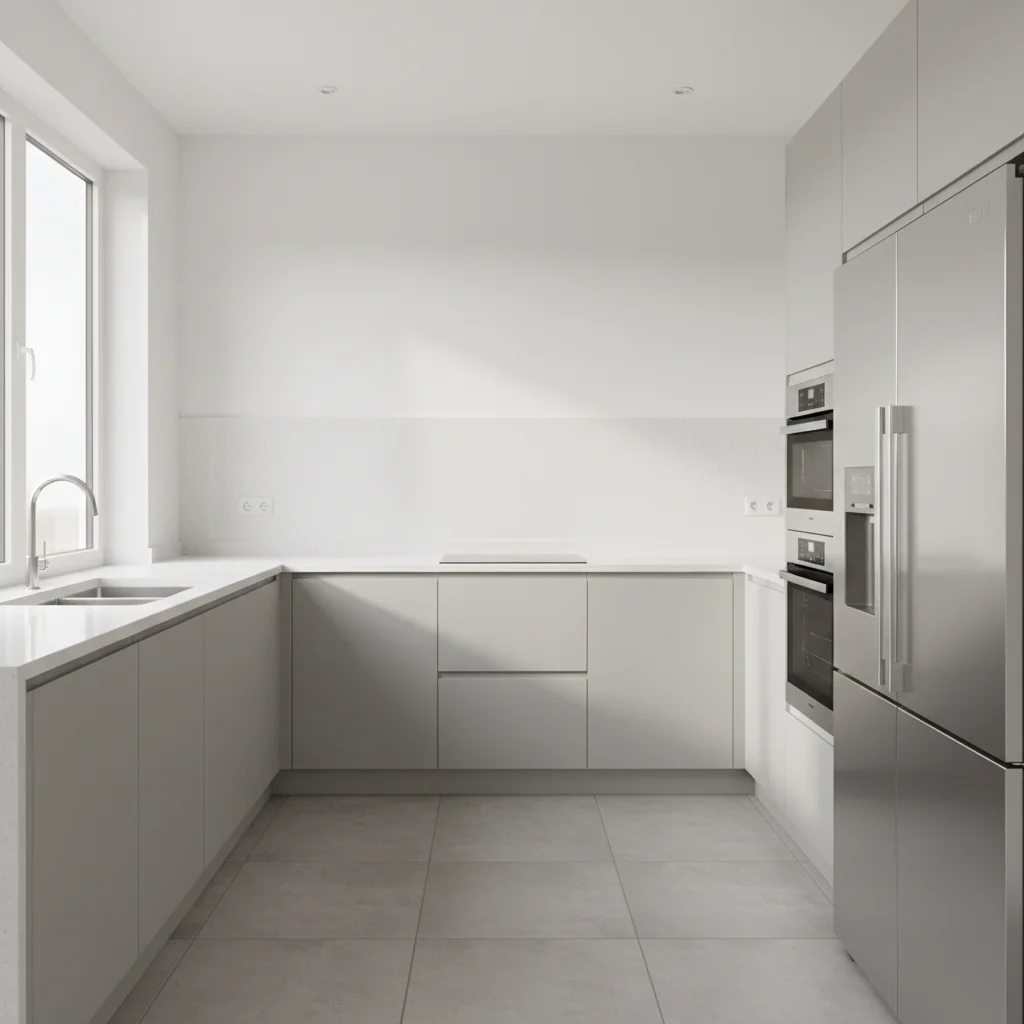
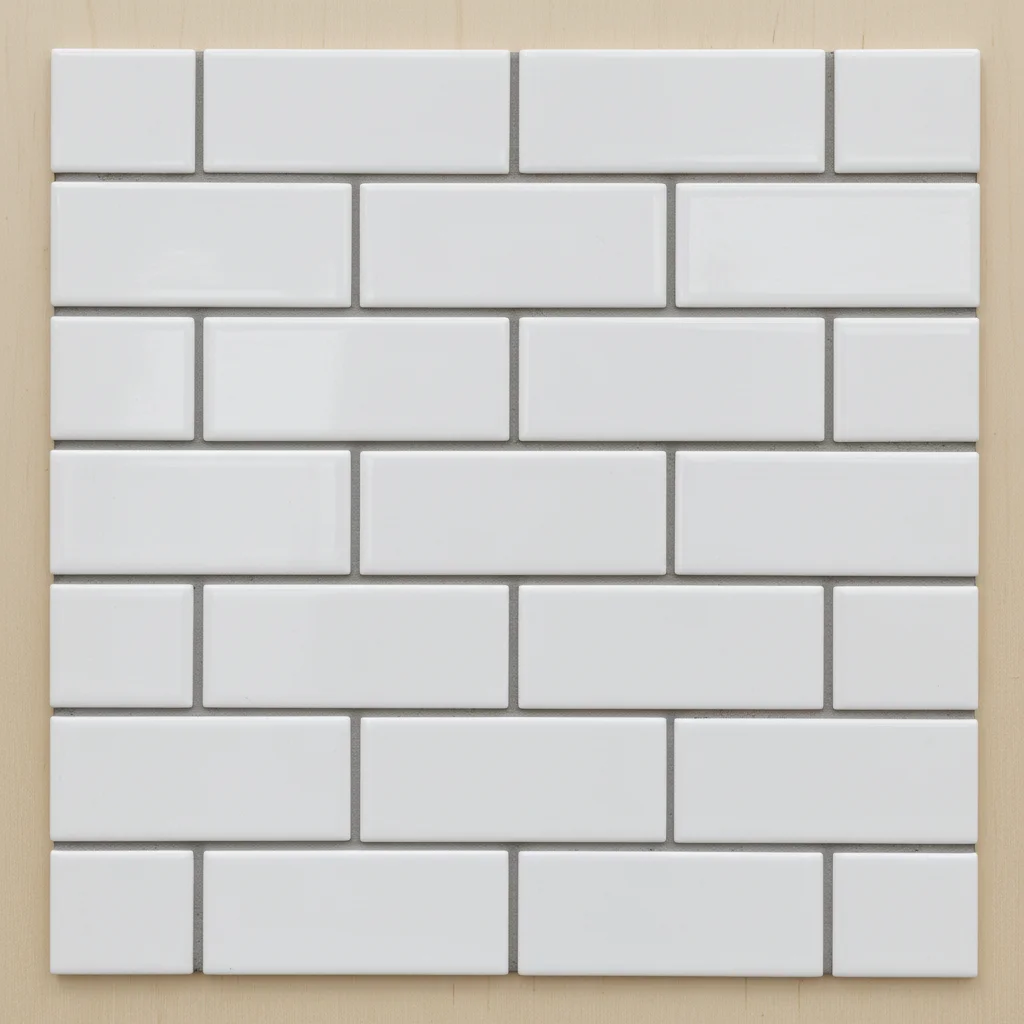
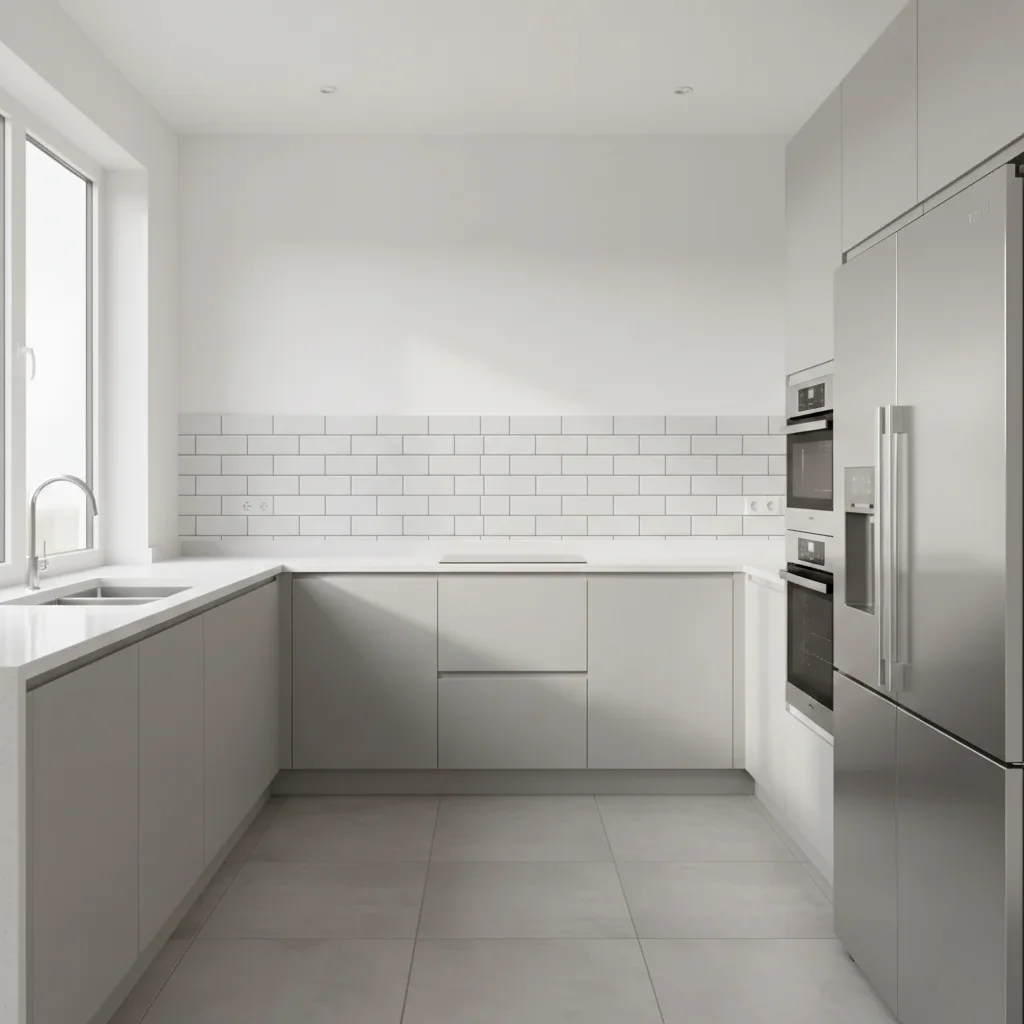
Tile shop decision made in 30 seconds
A homeowner photographed two tile samples at a showroom and tested both in their kitchen photo before deciding which to order.
Use the tile from the reference photo to create the backsplash for this kitchen, preserving its handmade look.
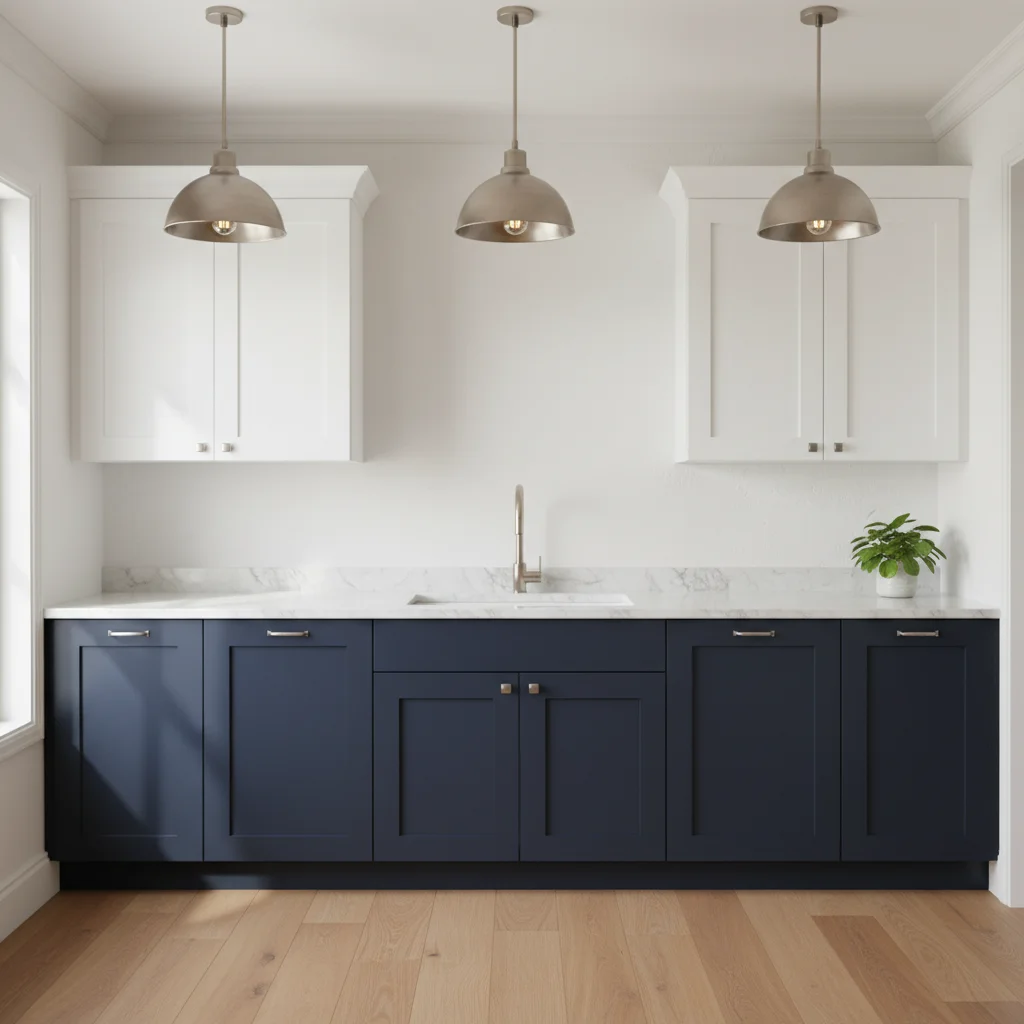
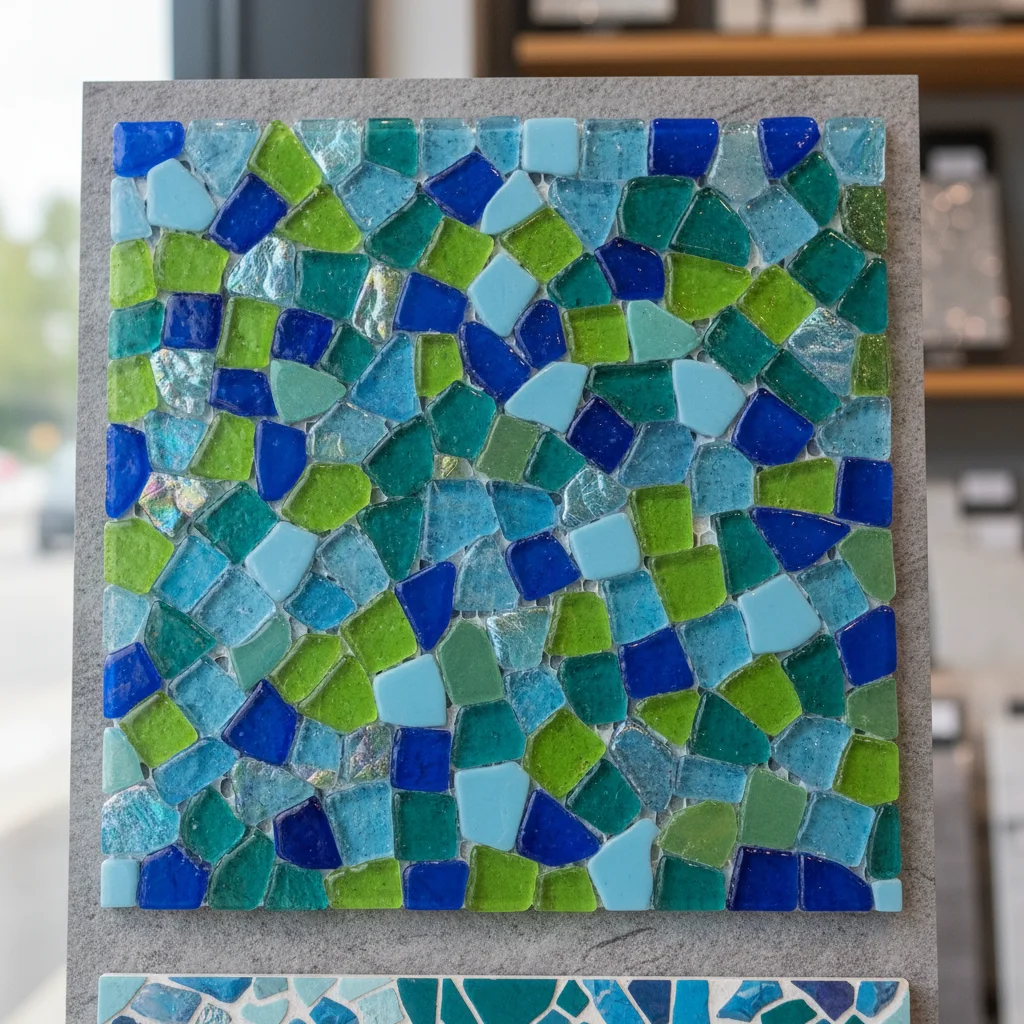
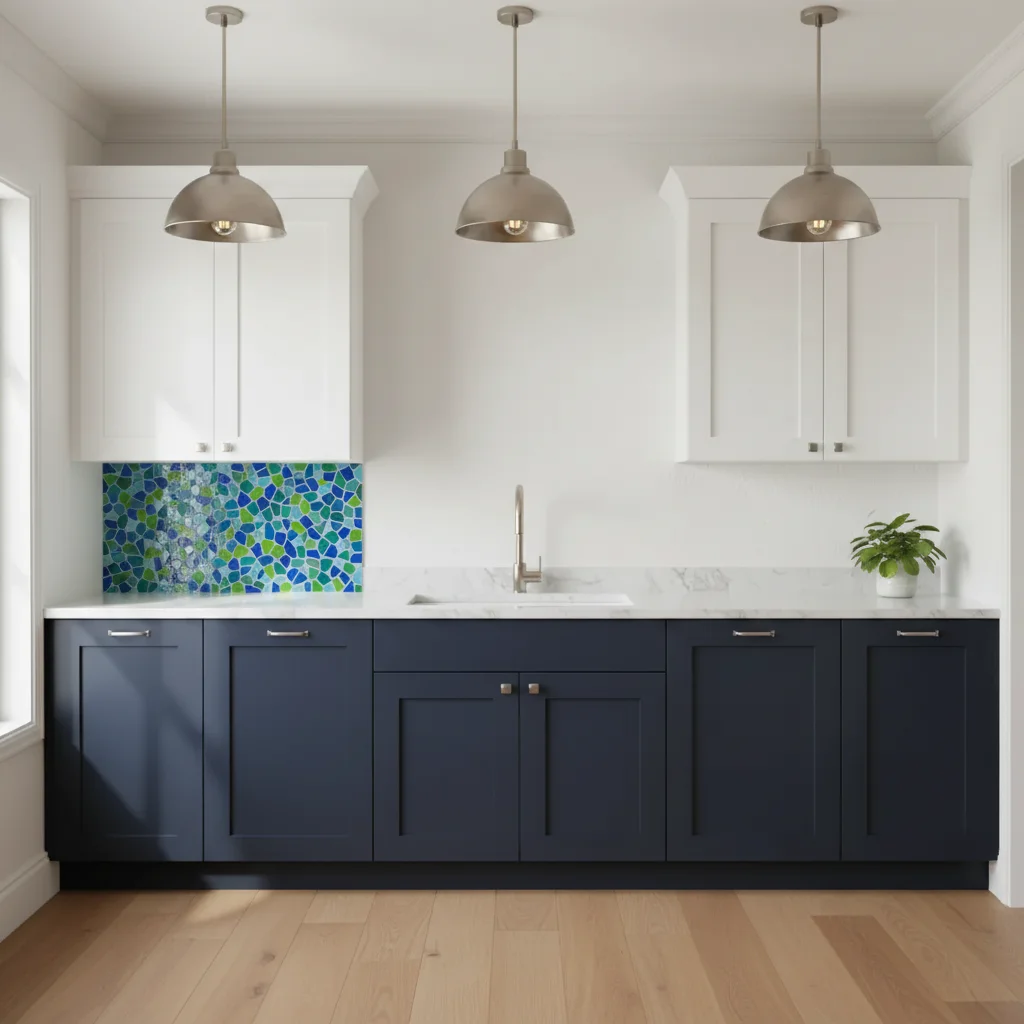
Bold encaustic pattern test
A designer tested whether a client's chosen encaustic pattern tile would overpower the kitchen or work beautifully at full scale.
Visualize the geometric tile from the reference photo as the new backsplash in this kitchen.
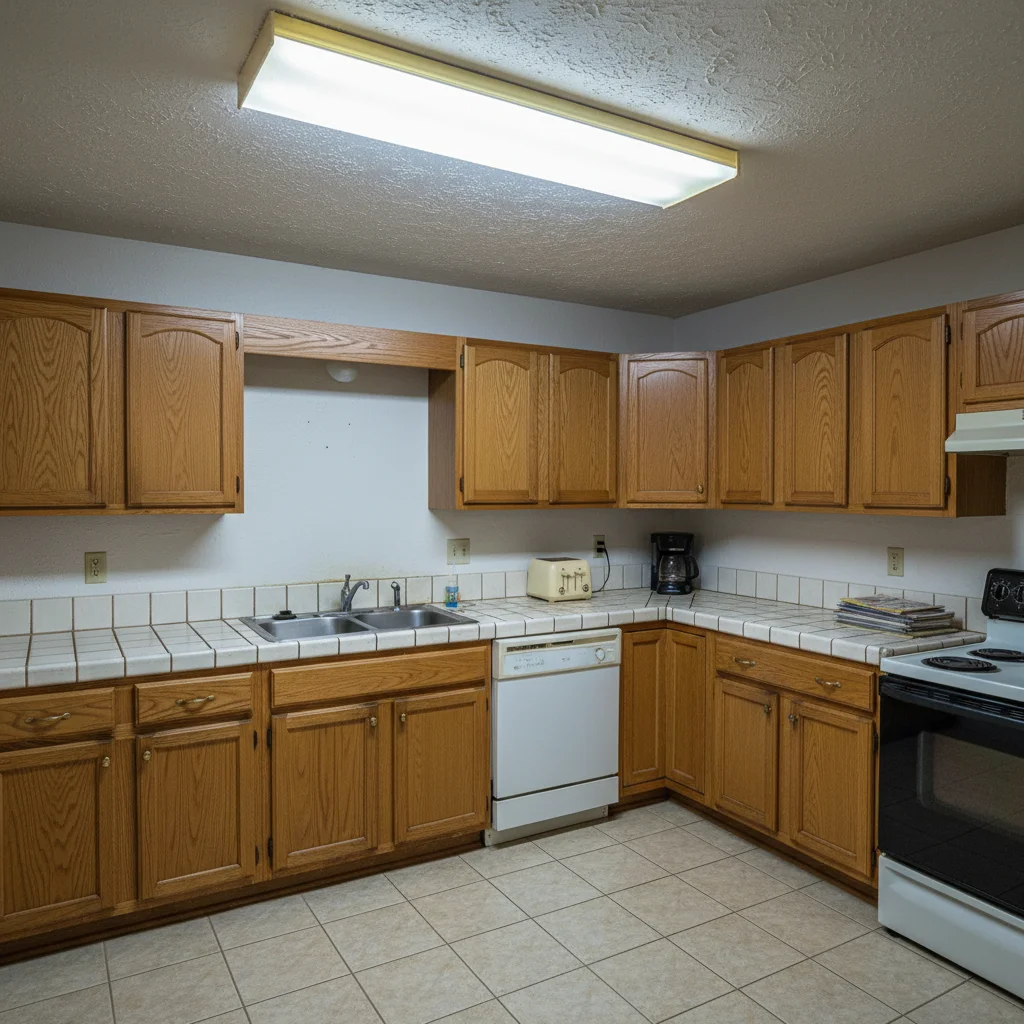
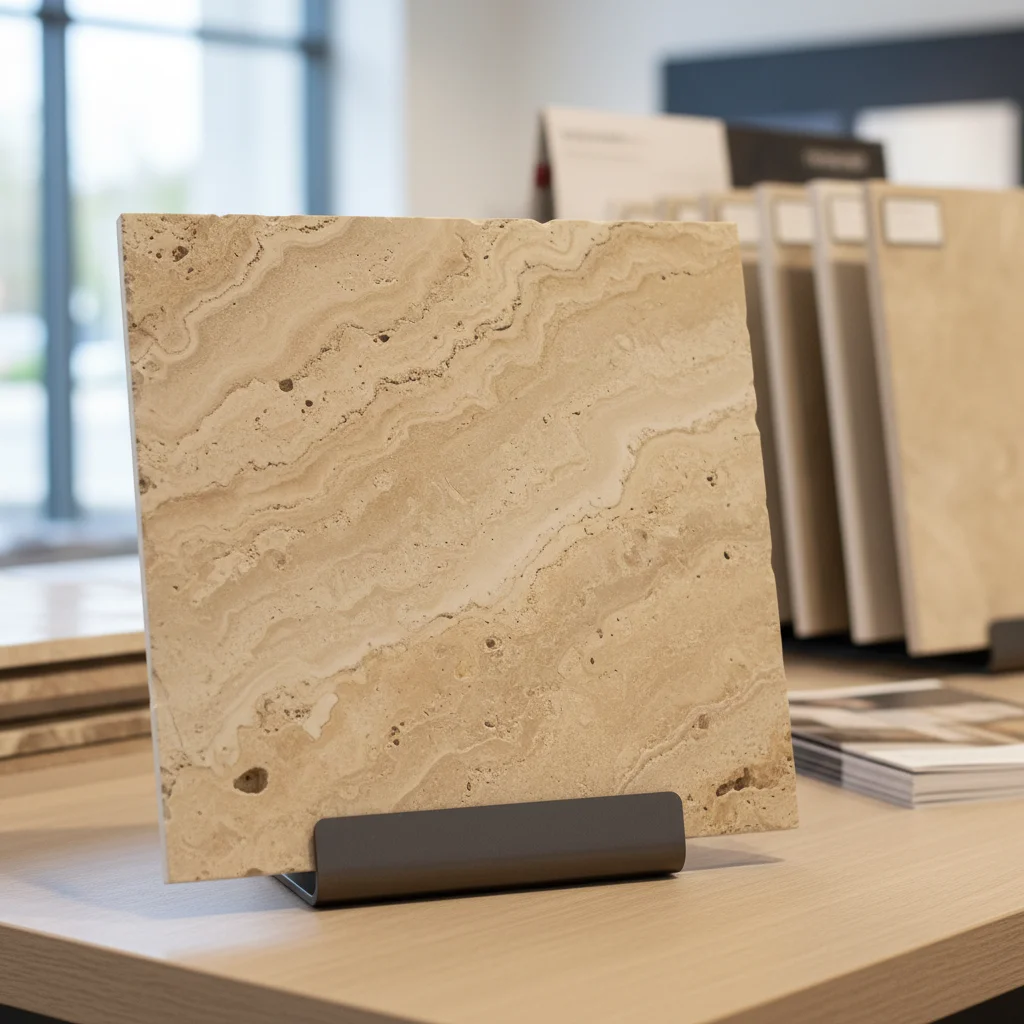
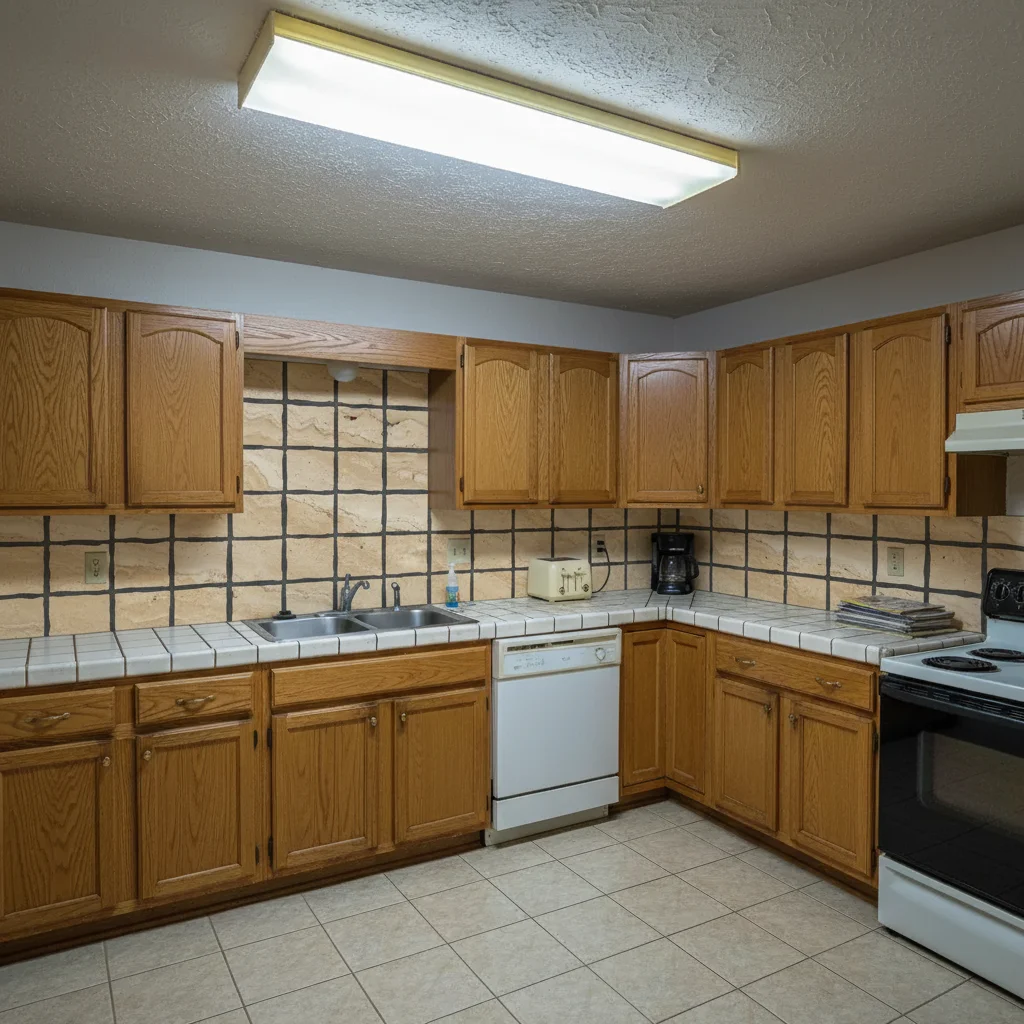
Two tile options for client comparison
A kitchen remodeler ran the same client kitchen photo with two different tile samples to give the homeowner a visual comparison for their final selection meeting.
Use the tile from the reference photo to create a new backsplash for this kitchen. Please use dark charcoal grout.
Quick answers
Ready to see your tile in your kitchen?
Free to try. No signup required.