Free • No signup Add Flooring · Free

AI Flooring Sample Visualizer

← Browse all interior renovation tools

Last updated

Upload your room photo and a flooring sample to see exactly how any floor material looks in your actual space before buying.
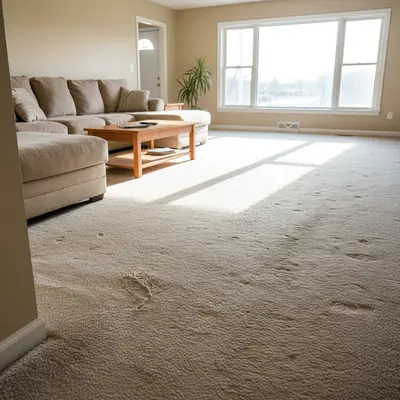
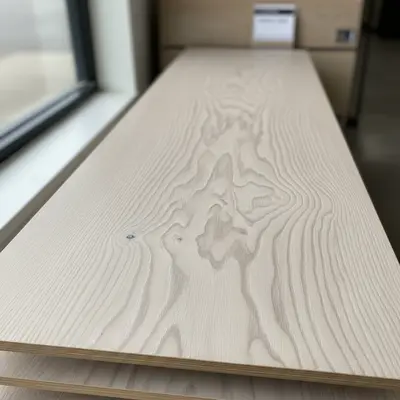
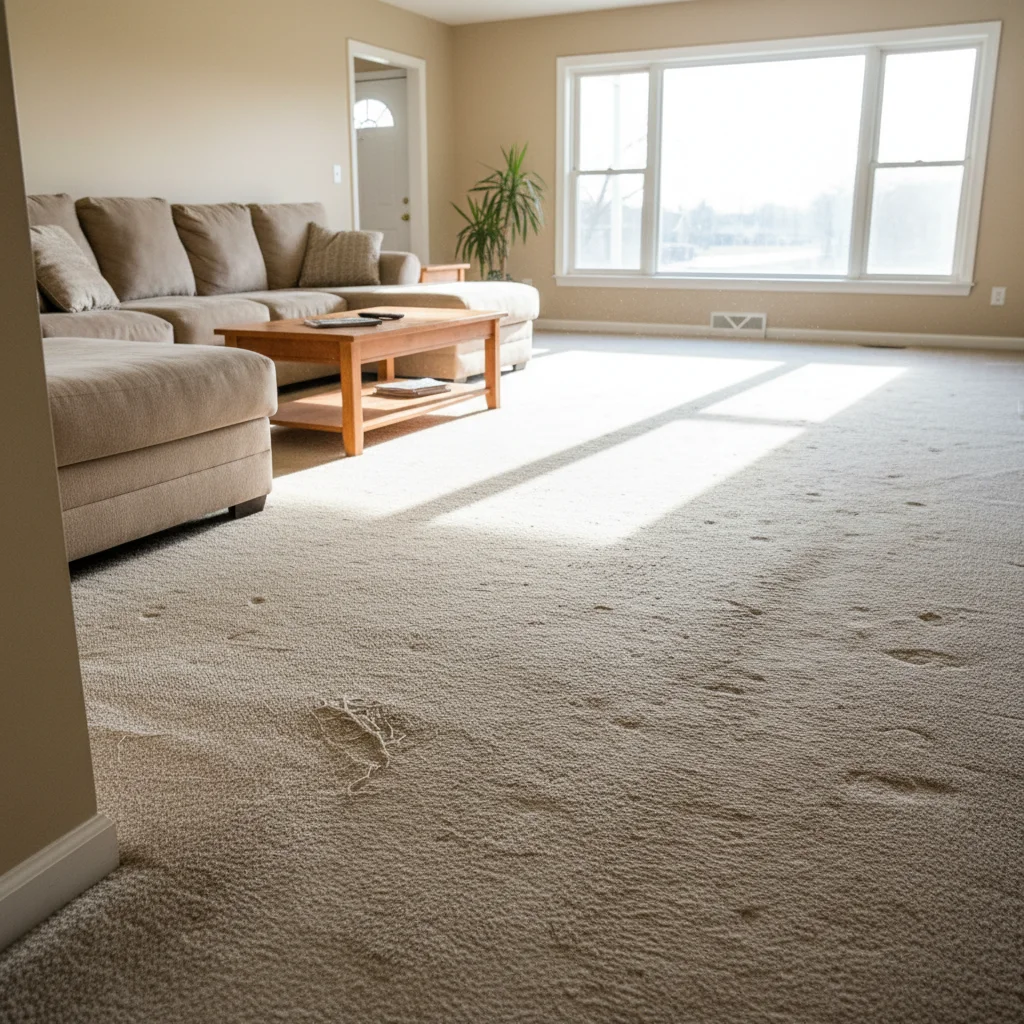
01Photo 1
Living room with worn beige carpet showing full floor area ready for replacement
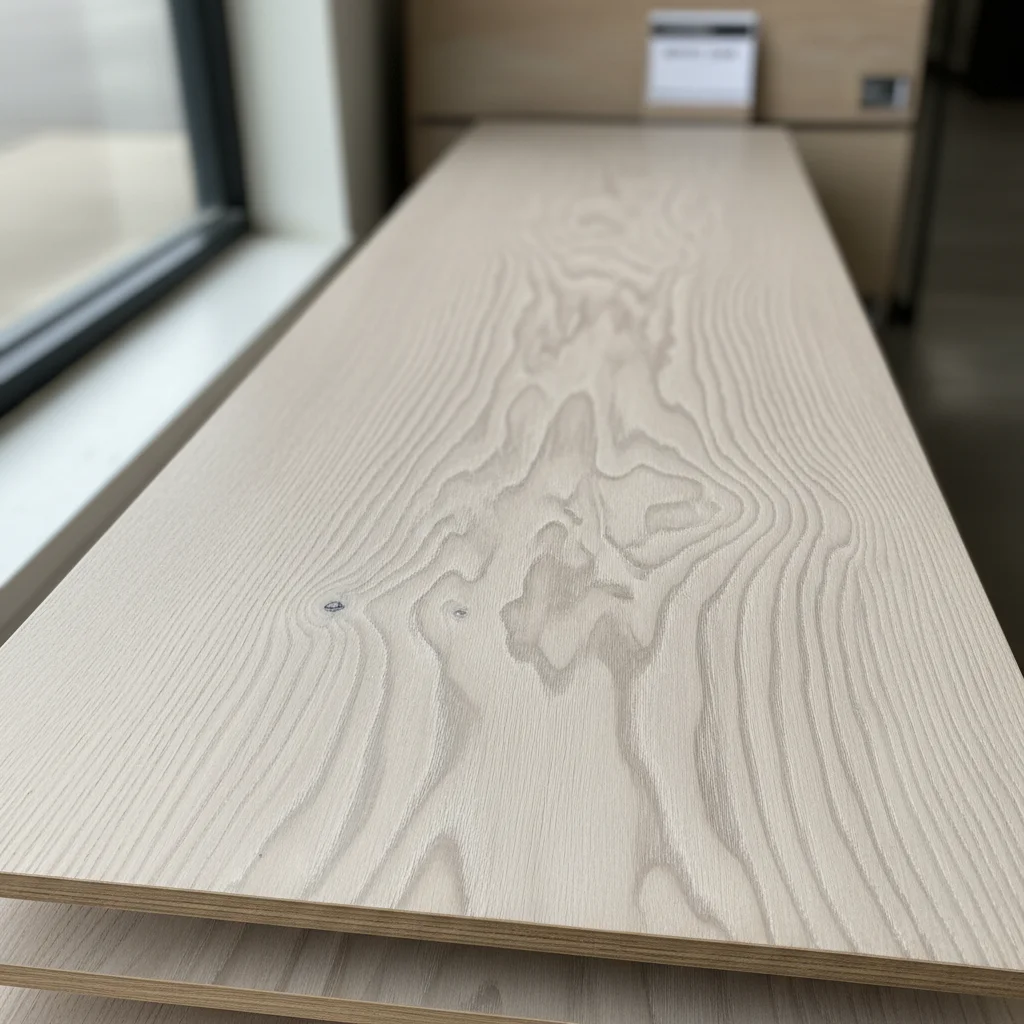
02Photo 2
Wide-plank white oak hardwood flooring sample photographed flat showing wood grain
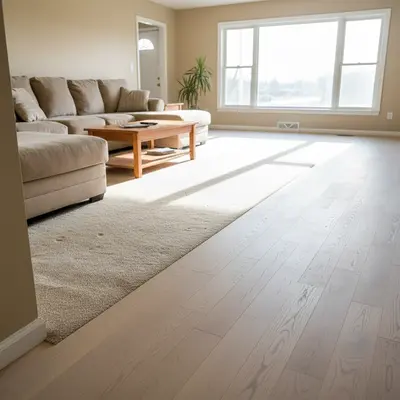
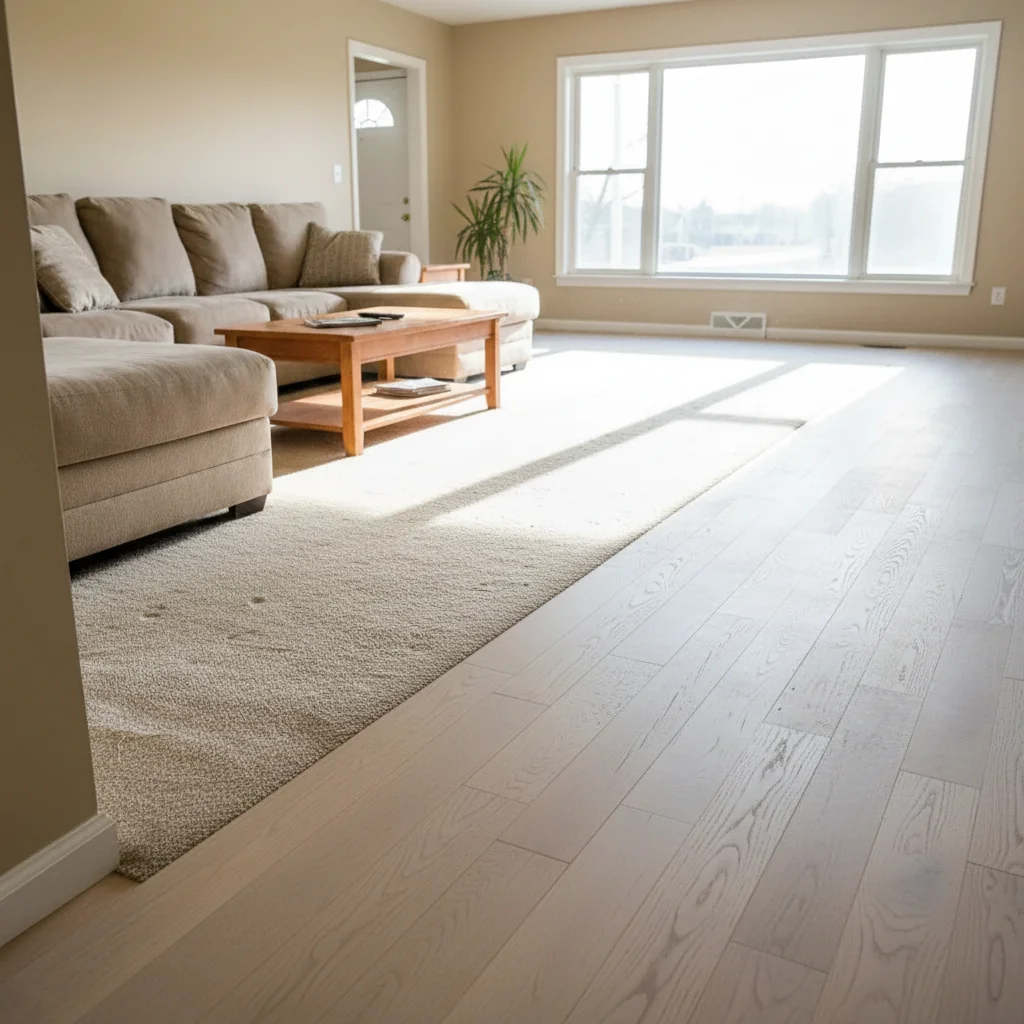
03Result
Same living room with wide-plank white oak hardwood applied from flooring sample reference

Upload photo to add flooring

"add this luxury vinyl plank flooring from the reference photo to the room, replacing the current floor — planks running the length of the room, with the natural variation in the grain pattern"

Release to upload

1 free edit·then from $4.99

How it works

  1. Upload your two photos

    Upload your room photo into EditThisPic first. Then click '+ Add reference photo' and upload a photo of the flooring sample you want to test. Use a product image from the flooring store's website, a photo of an actual sample plank or tile you brought home, or a photo from a showroom display. Clear, flat photos of the sample produce the best color and texture accuracy. JPG, PNG, WebP up to 7MB each.

    Expect: The AI reads the flooring material's grain, color, texture, and pattern from your reference and maps it onto the floor surface in your room.
  2. Describe the flooring material and direction

    Tell the AI what flooring type and how it should run: 'replace the carpet with this hardwood flooring, planks running the length of the room toward the windows' or 'add this LVP flooring with planks running perpendicular to the doorway' or 'apply this 12x24 tile in a staggered pattern.' Specifying plank direction affects the visual perspective dramatically.

    Tip: Planks running away from the camera toward the far wall make rooms look longer. Planks running across the room make spaces feel wider. Specify for the effect you want.

    Copy one of these to get started:

    Hardwood floor replacement replace the existing carpet with the hardwood flooring from the reference sample — planks running toward the far wall, at realistic 5-inch plank width, with natural wood grain showing
    LVP flooring comparison add this luxury vinyl plank flooring from the reference photo to the room, replacing the current floor — planks running the length of the room, with the natural variation in the grain pattern
    Large format tile floor apply this 24x24 inch tile from the reference photo to the floor in a staggered brick pattern — show the tile at correct scale relative to the room with visible grout lines in light gray
    Flooring contractor showroom visualization place the flooring sample from the reference photo on the floor of this client's room — photorealistic quality so the client can see exactly how it will look before we order
    2 more prompts
    Real estate listing floor upgrade replace the dated flooring with the modern hardwood sample from the reference photo — keep the walls, furniture, and lighting exactly as-is, photorealistic for a listing photo
    Herringbone pattern hardwood apply this hardwood flooring sample in a herringbone pattern across the floor — centered in the room with a border at the baseboards
  3. Check perspective and plank scale

    Verify that planks appear at realistic scale — standard hardwood and LVP planks are typically 5-7 inches wide and look proportional to furniture and baseboards. Check that planks converge correctly at the far wall and that the floor color is consistent with room lighting.

See it in action

Living room with worn beige carpet showing full floor area ready for replacement
Main Photo
Wide-plank white oak hardwood flooring sample photographed flat showing wood grain
Reference
Same living room with wide-plank white oak hardwood applied from flooring sample reference
Result

Carpet-to-hardwood floor replacement

A homeowner brought home three hardwood samples and tested each one in their living room photo before ordering.

Prompt: replace the beige carpet with this wide-plank white oak hardwood from the reference photo — planks running toward the large windows, 6-inch plank width, natural light matte finish
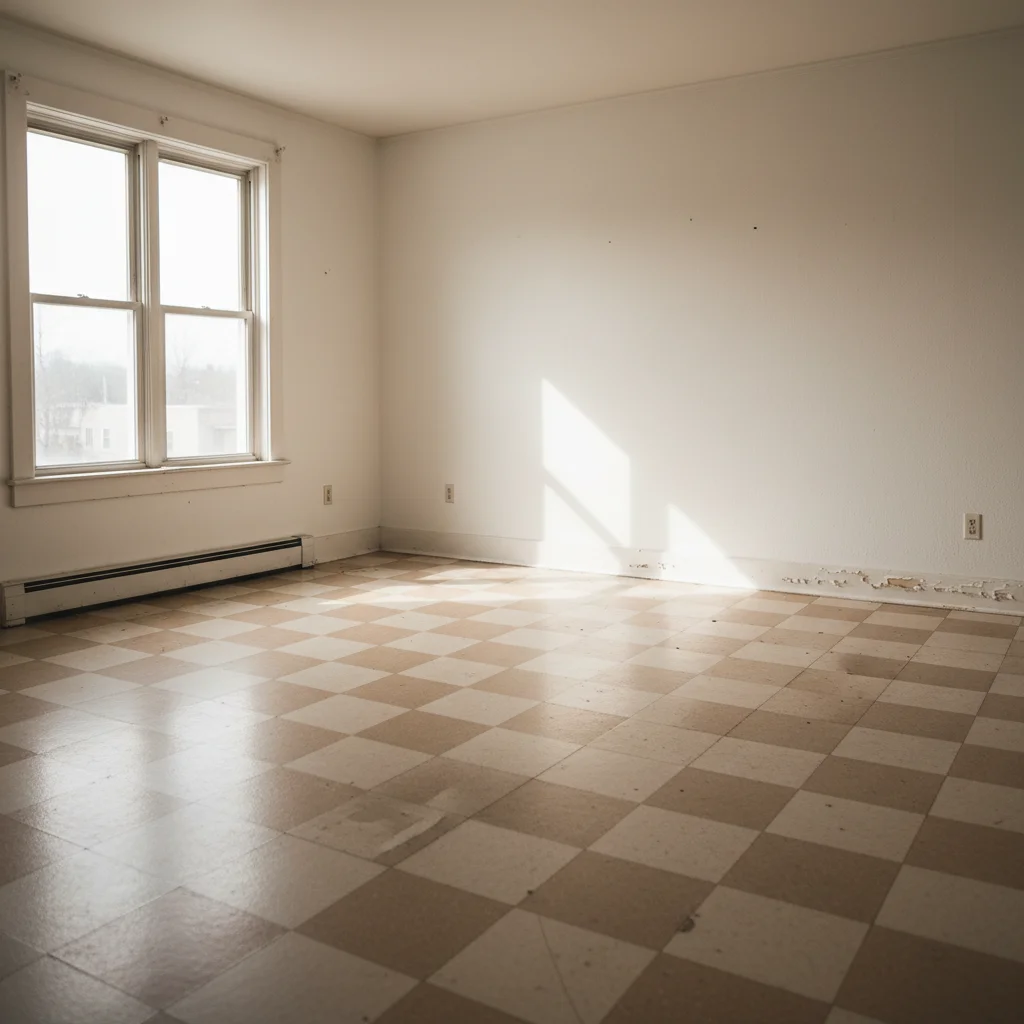
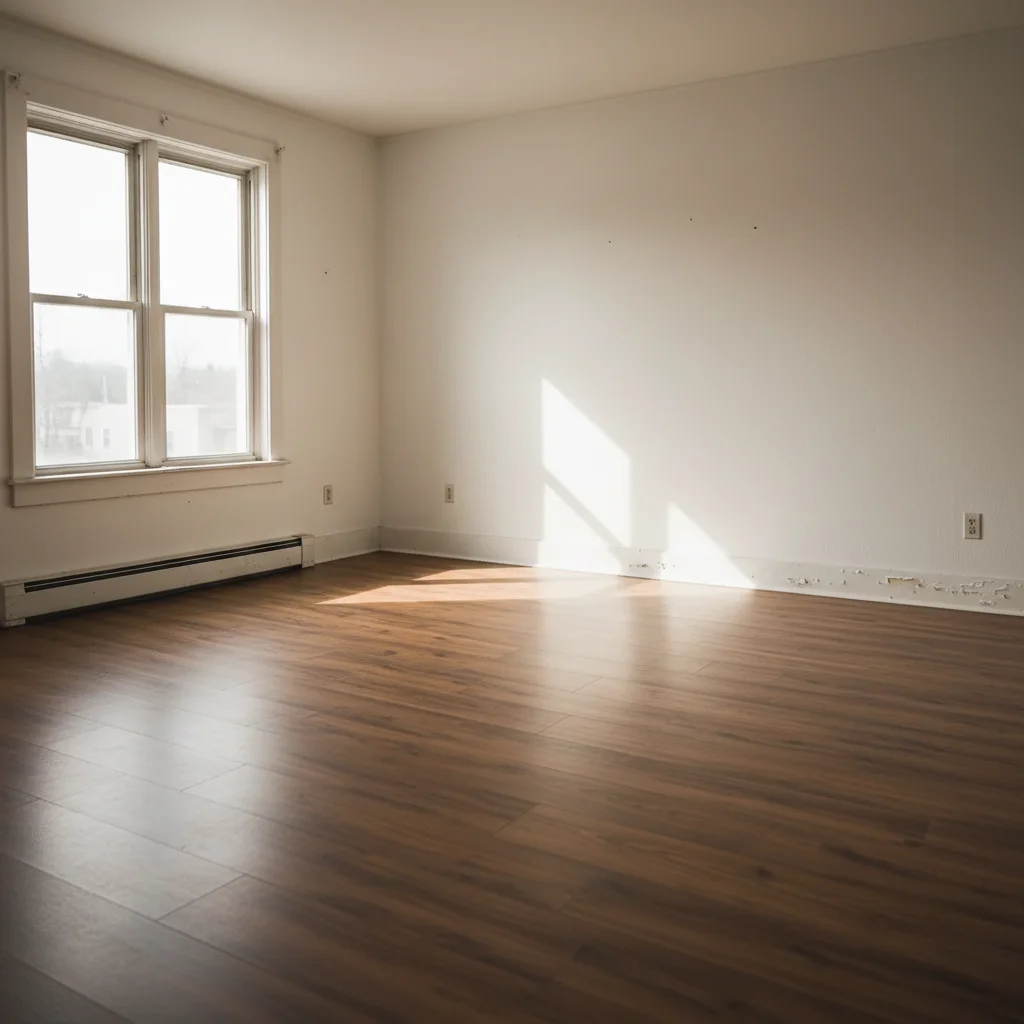
Dated rental apartment with old vinyl tile floor in beige checkerboard pattern
Main Photo
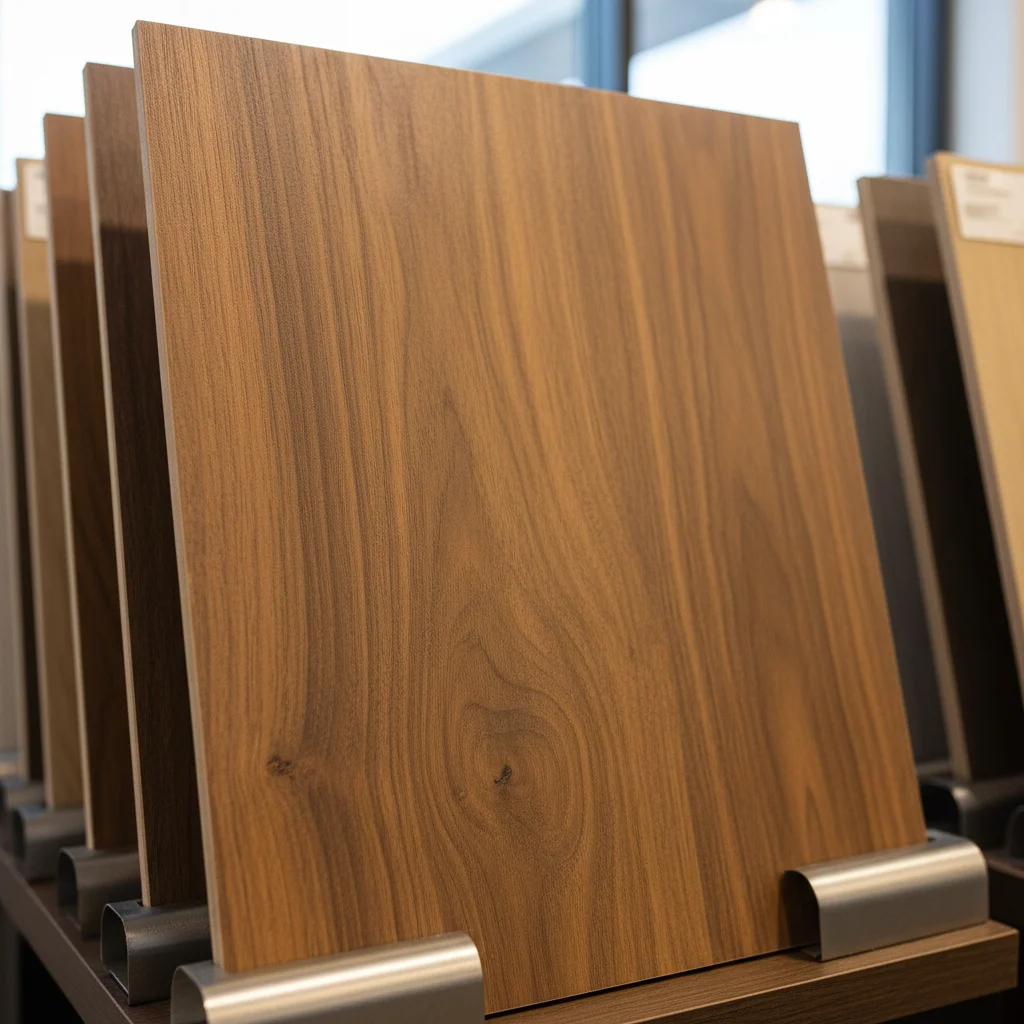
Reference image for AI Flooring Sample Visualizer
Reference
Same rental unit with medium brown LVP flooring applied from property investor's sample
Result

LVP comparison for rental property

A property investor compared two LVP options for a rental unit renovation, running both on the same room photo to decide which to order for all units.

Prompt: add this medium brown LVP flooring from the reference sample to the living room floor — planks running the length of the room, replacing the vinyl tile, realistic LVP grain variation
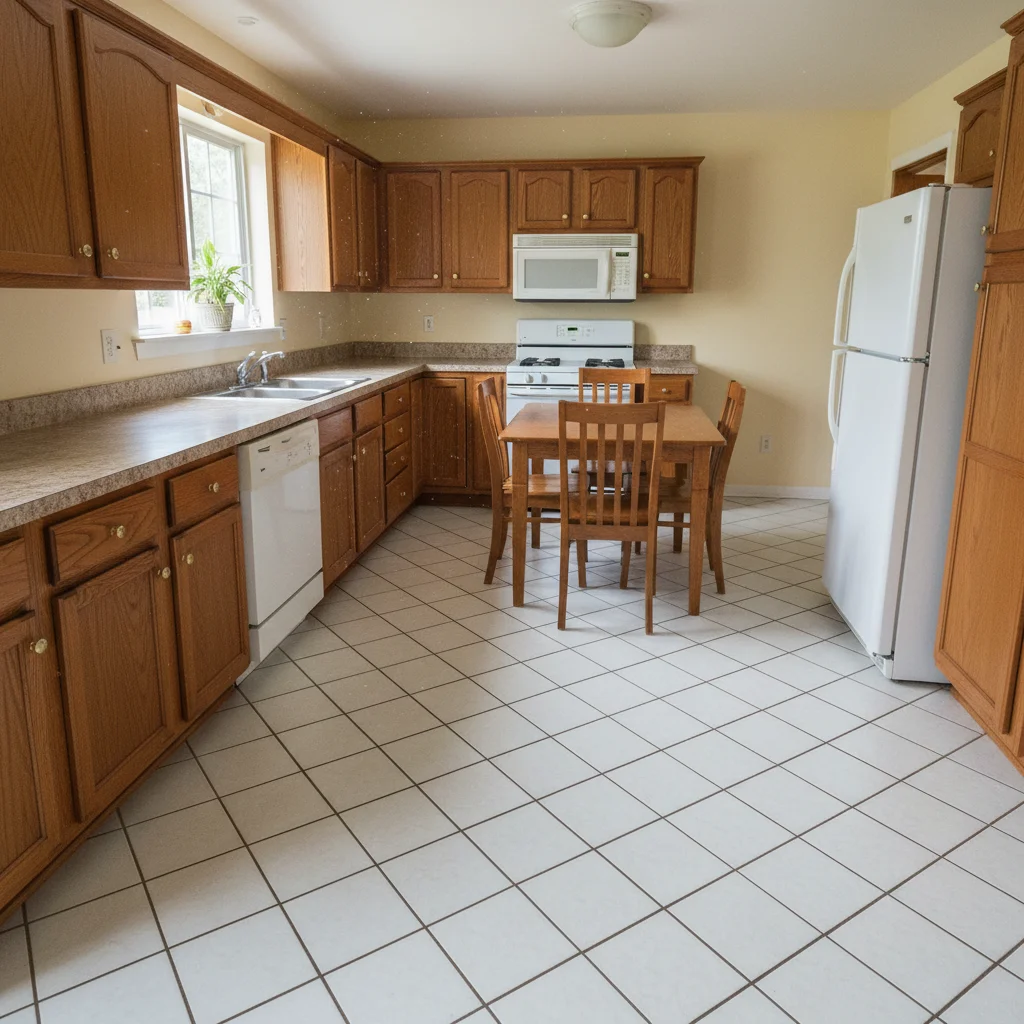
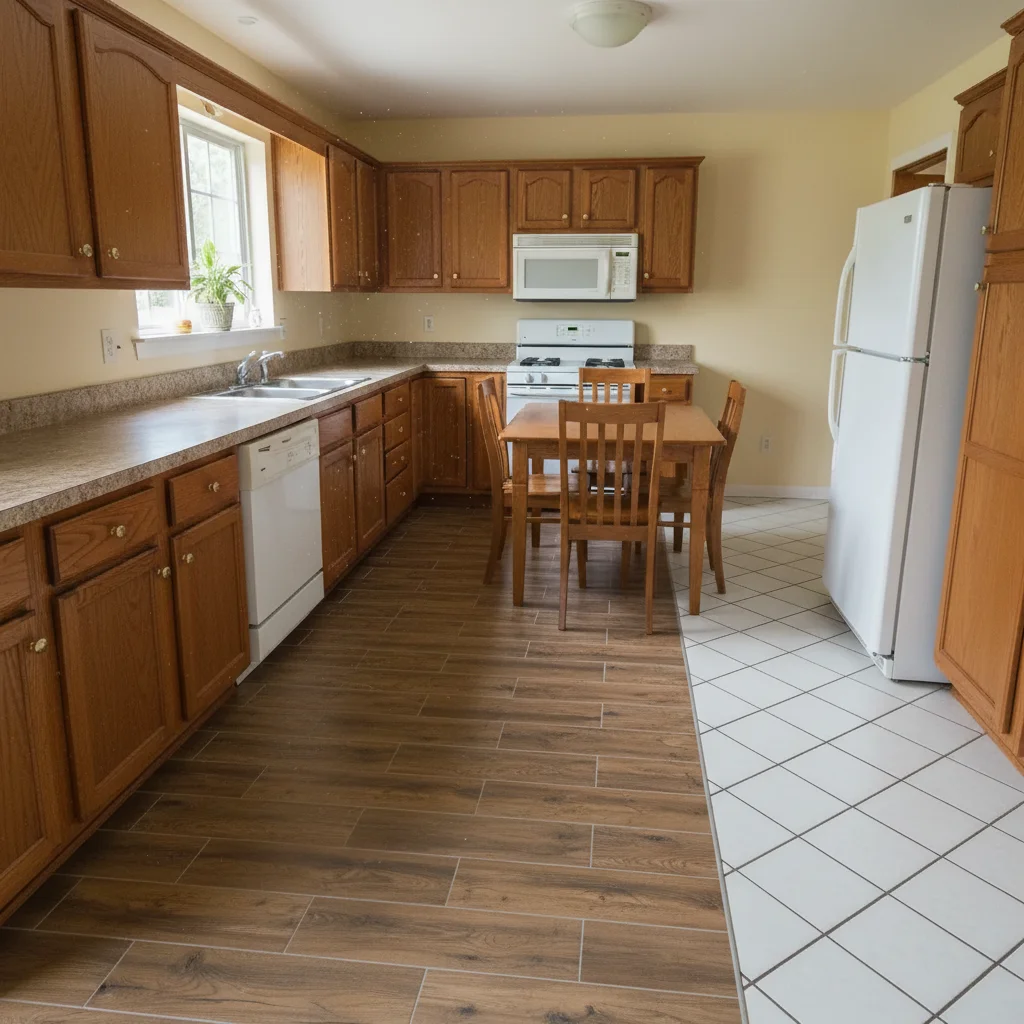
Kitchen with dated 1990s diagonal ceramic tile floor needing modernization
Main Photo
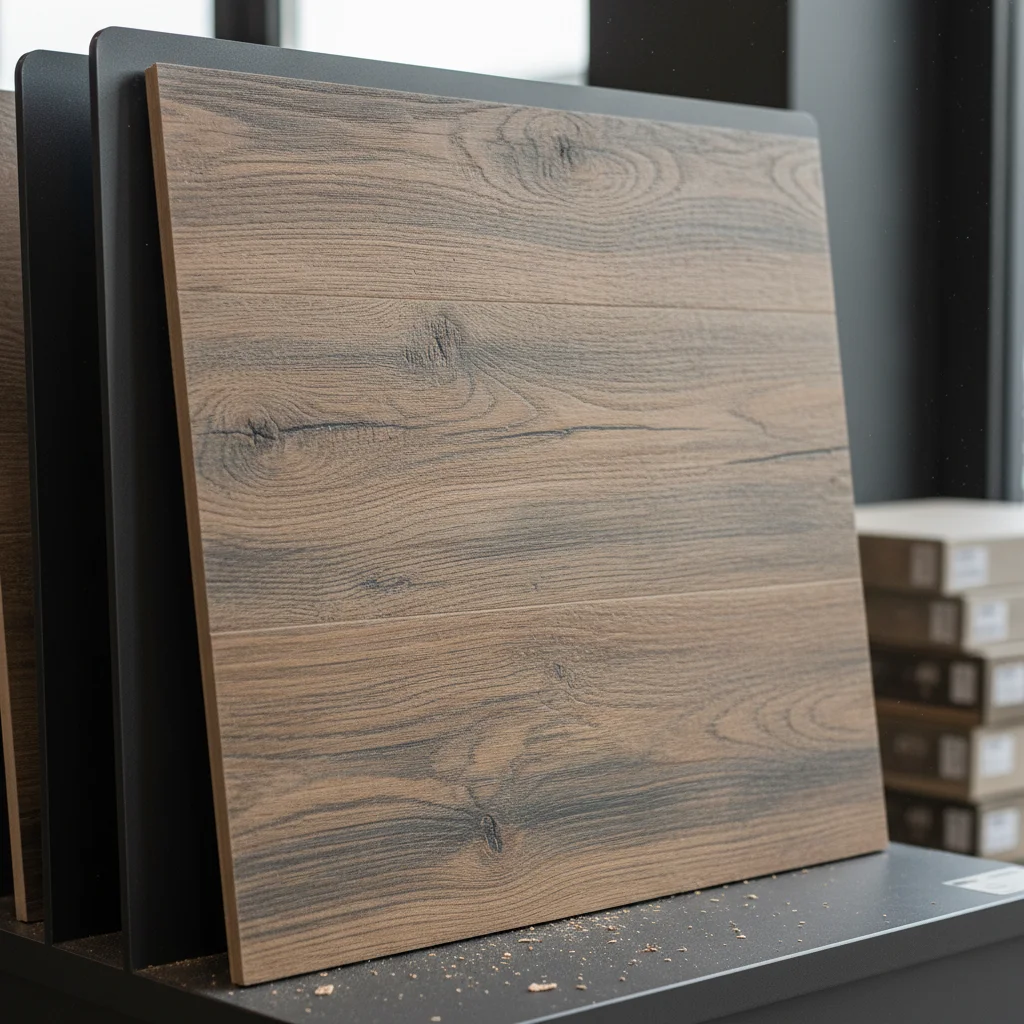
Reference image for AI Flooring Sample Visualizer
Reference
Same kitchen with modern large format tile applied from realtor's reference sample
Result

Listing photo floor staging

A realtor improved a dated listing photo by visualizing a modern tile floor to help buyers see the property's potential.

Prompt: replace the dated small ceramic tile with the large format tile from the reference photo — 24x24 staggered pattern with light gray grout, photorealistic for MLS listing

Quick answers

Do I need TWO photos — my room photo AND a flooring sample?

Yes. This tool uses two photos: (1) your room photo showing the floor you want to change, and (2) a reference photo of the flooring sample, plank, or tile you want to preview. Upload your room photo first, then click '+ Add reference photo' for the flooring sample. The AI reads the material type, color, grain, and texture from your sample to apply it accurately to your room floor.

How do I add a flooring sample to my room photo for free?

Upload your room photo and a reference photo of the flooring sample to EditThisPic. Describe the material and direction: 'replace the carpet with this hardwood flooring, planks running toward the far wall.' The AI applies it with realistic scale and perspective in 15-30 seconds. Free to use, no account required, no watermark.

Can flooring contractors use this for client consultations?

Yes. Flooring contractors bring sample planks to homeowner meetings and test them on photos of the homeowner's rooms on the spot. Upload the room photo and the sample product image, describe the material type and direction, and show the client a realistic visualization in under a minute. Include 'photorealistic, for client decision' in your prompt for best results.

What flooring types can I preview with a sample reference?

Any flooring type that you can photograph: hardwood (solid or engineered), luxury vinyl plank (LVP), ceramic or porcelain tile, stone tile, laminate, and bamboo. For carpet, describe the texture type since a sample photo may be less accurate for soft floor coverage. Just upload a product image or flat photo of the sample as your reference.

Can I test the same flooring sample across multiple rooms?

Yes. Upload your kitchen photo with the sample, download the result, then upload your living room photo with the same sample reference. Run it for each room you're renovating to see how the flooring flows through an open floor plan. This is especially useful for open-concept homes where a consistent floor runs through multiple spaces.

Can realtors use this to improve listing photos?

Yes. Realtors upload dated listing photos with old carpet or vinyl and run a modern flooring sample as a visualization. Include 'photorealistic, for MLS listing' in your prompt. Always disclose that listing photos are virtually staged per MLS requirements.

How much does EditThisPic cost?

You get 1 free edit per week — no account needed. After that, credit packs start at $1.99 for 3 edits. Monthly plans start at $4.99/mo for 15 edits with unused credits rolling over. All edits are full resolution with no watermark.

Ready to preview your new floor?

Free to try. No signup required.

1 free edit included·Credit packs from $4.99