Pricing Edit Clothes · Free

Free AI Clothes Editor

← Browse all body & person tools

Last updated

Make plain-language clothing edits while leaving the person and scene alone.
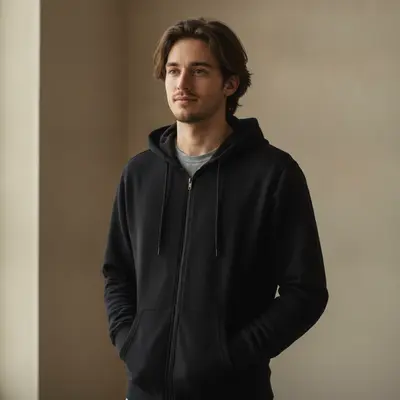
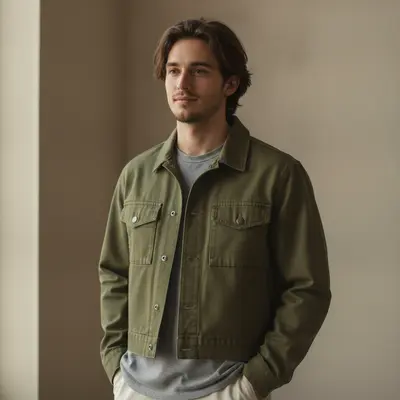
Man in a black zip hoodie against a plain wall The same man in a cropped olive utility jacket, pose and background unchanged

Upload photo to edit clothes

"Extend the shirt sleeves to the wrists with matching fabric and natural folds; keep the shirt color, collar, person, watch, hands, and room unchanged"

Free to try · no sign-up · photos are never shared

Release to upload

<30stypical edit
1 freeedit weekly
Photo on your phone? Scan to open this editor there — free edit works on your phone too.

1 free edit every week·packs from $4.99

Watch it happen: one sentence, one edit

How it works

  1. Upload the picture with the clothes to edit

    Use a portrait where the relevant shirt, jacket, dress, trousers, or accessories can be distinguished. Keep the original nearby so face, body, hands, and background can be compared afterward.

    Expect: One visible garment and a direct request often work in one pass; overlapping layers or edits around hands may need a smaller follow-up.
  2. Say exactly what should change

    Write the request as you would explain it to a retoucher: “Change the visible jacket to a cropped olive utility jacket; preserve the person's face, body, hands, pose, and the entire background.” No special clothing vocabulary is required.

    Tip: Name the current item, the replacement or adjustment, and the protected parts of the picture.

    Copy one of these to get started:

    Change a jacket style Change the visible denim jacket to a cropped olive utility jacket with simple patch pockets; preserve the person's face, body, hands, pose, and full background
    Adjust sleeve length Extend the shirt sleeves to the wrists with matching fabric and natural folds; keep the shirt color, collar, person, watch, hands, and room unchanged
    Replace a graphic tee Replace the graphic t-shirt with a plain cream crew-neck t-shirt, keeping the same fit and preserving the person's identity, posture, arms, and backdrop
    Refine a dress fit Make the existing blue dress slightly more tailored at the waist while preserving its neckline, length, fabric, the person's body proportions, pose, and background
    2 more prompts
    Add a garment detail Add two subtle brass buttons to the front of the brown cardigan and leave its knit texture, color, person, hands, and surroundings exactly as shown
    Change trousers Replace the visible jeans with straight-leg charcoal trousers that follow the same seated pose; keep the upper clothing, body proportions, shoes, chair, and background unchanged
  3. Compare the person and surroundings

    Check that the requested clothes changed and nothing else did. Zoom around hair, neck, fingers, waist, and chair or wall edges where garment boundaries often meet protected content.

  4. Use a marker only for a precise correction

    Most clothes edits begin and end with a description. If the editor misses one cuff, pocket, or hem, optionally mark that small region and describe only the remaining fix.

    Tip: Do not mark the whole outfit; isolate the single unresolved detail.

See it in action

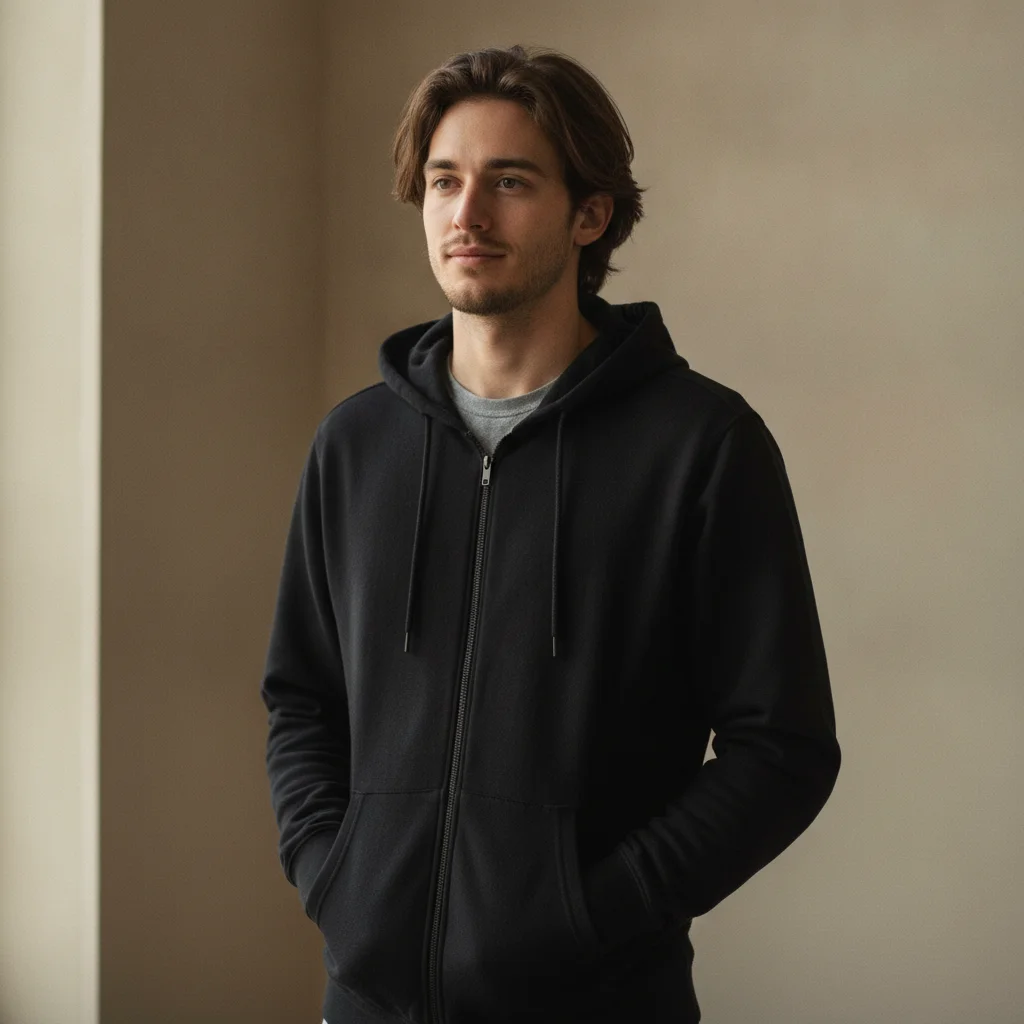
Man in a black zip hoodie against a plain wall
Before
->
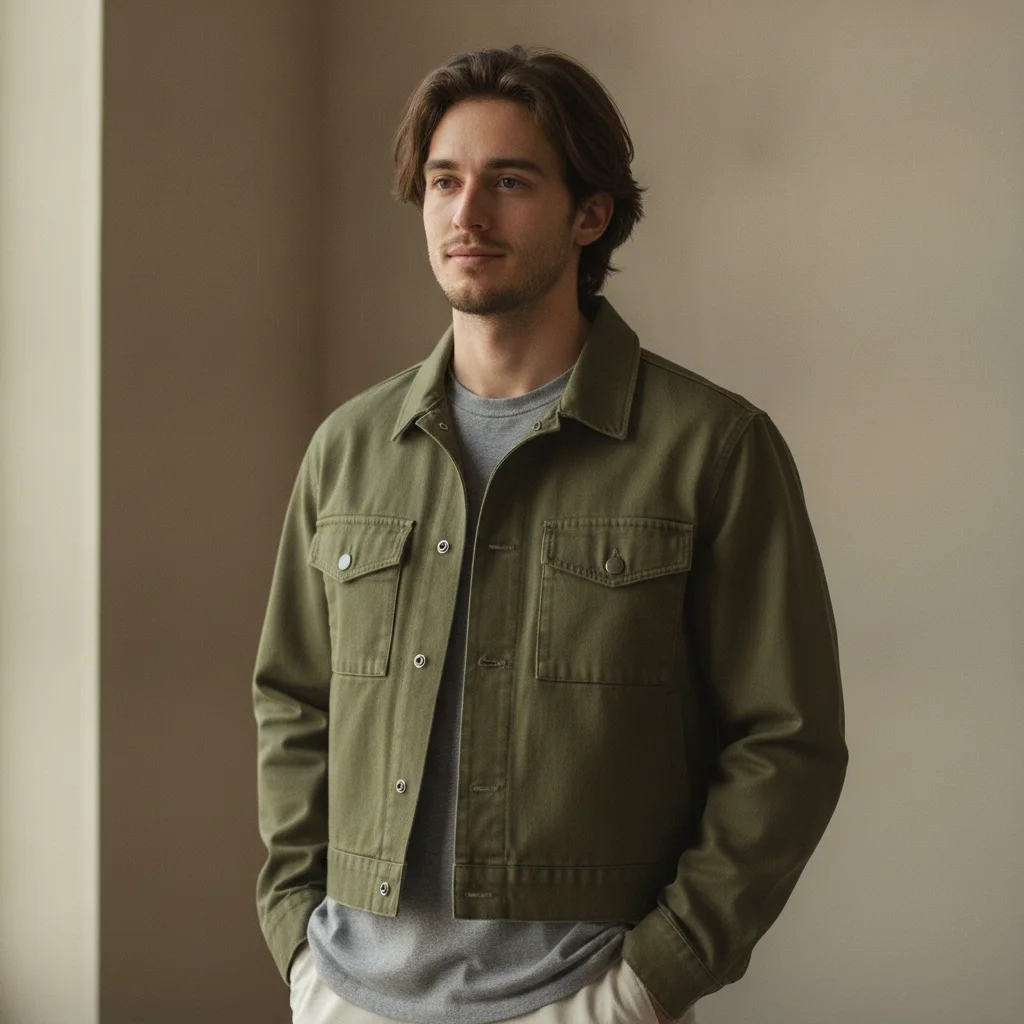
The same man in a cropped olive utility jacket, pose and background unchanged
After

Black hoodie to olive utility jacket

A single clothing swap from a black hoodie to a cropped olive utility jacket, keeping the person, pose, and full background unchanged.

Prompt: Change the visible jacket to a cropped olive utility jacket; preserve the person's face, body, hands, pose, and the entire background

Quick answers

Do I need to select or mark the clothes before editing?

No. Begin with a complete written request naming the garment and desired change. A marker is optional only when one cuff, pocket, hem, or similar detail remains unresolved.

How do I edit clothes in a photo for free?

Upload the picture, describe the exact style, fit, color, or detail change, and state that the person and background must remain fixed. EditThisPic is free to try and does not ask you to sign up.

Is there a free clothes editor with no login?

Yes. A clothes edit can be tried without creating an account. Use one specific instruction instead of a fragment so the editor knows both what to change and what to preserve.

What is the best AI clothes editor for simple photo changes?

For broad everyday requests, use natural language that identifies the current garment, desired result, pose, and protected content. The best workflow is the one you can verify against the original at full zoom.

Can I edit a single clothing detail without changing the person?

Yes. Ask for one bounded change such as longer sleeves, plain fabric, new buttons, or a different jacket. Explicitly preserve face, body proportions, hands, pose, every other garment, and background.

How much does EditThisPic cost?

You get 1 free edit per week — no account needed. After that, one-time credit packs start at $4.99 for 10 edits, valid 12 months, no subscription. Power users who edit daily can pick Studio Membership, a monthly workspace at $49.99/mo for 300 edits. Purchased downloads are clean with no watermark.

Ready to edit clothes?

Free to try. No signup required.

1 free edit included·Credit packs from $4.99