Pricing Formalize Attire · Free

Formal Attire Editor

Last updated

Formalize a portrait while keeping the person, pose, and setting recognizable.
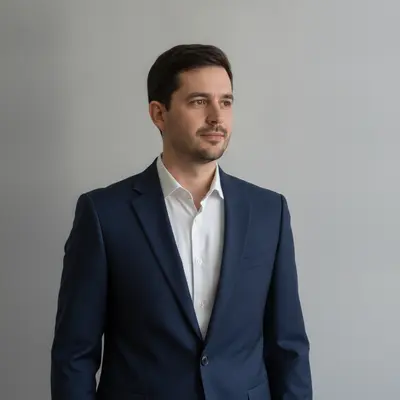
Man in a plain grey t-shirt against a neutral wall The same man in a tailored navy formal suit, face and background unchanged

Upload photo to formalize attire

"Replace the hoodie with a charcoal single-breasted blazer over a pale blue collared shirt, matching the existing light direction and preserving the person's expression and posture"

Free to try · no sign-up · photos are never shared

Release to upload

<30stypical edit
1 freeedit weekly
Photo on your phone? Scan to open this editor there — free edit works on your phone too.

1 free edit every week·packs from $4.99

How it works

  1. Upload the portrait you need to formalize

    Choose the resume headshot, ceremony portrait, or corporate photo you actually plan to use. The outfit should be visible enough to define its neckline, sleeves, and body position.

    Expect: A clear upper-body portrait often needs one generation; crossed arms, hidden hands, or layered clothing may require a focused refinement.
  2. Describe the complete formal look

    Type the garment, cut, color, and occasion in one instruction, then name what must stay fixed. For example: “Change the visible outfit to a tailored navy formal suit with a white shirt; preserve the person's face, hair, body, pose, hands, and background.”

    Tip: For ceremonies, name the dress code—business formal, black tie, graduation, or gala—instead of relying on “make it nicer.”

    Copy one of these to get started:

    Resume portrait Change the visible casual top to a tailored navy business suit with a crisp white shirt; keep the face, hair, body shape, pose, hands, and background exactly as photographed
    Corporate profile Replace the hoodie with a charcoal single-breasted blazer over a pale blue collared shirt, matching the existing light direction and preserving the person's expression and posture
    Awards ceremony Change the outfit to an elegant floor-length emerald formal dress with modest sleeves; preserve the person's face, hairstyle, jewelry, pose, and venue background
    Graduation announcement Replace the casual shirt with a clean black formal jacket and white blouse suitable for a graduation portrait; leave the person, hands, crop, and backdrop unchanged
    2 more prompts
    Black-tie portrait Dress the person in a fitted black tuxedo with satin lapels, white dress shirt, and black bow tie; retain the original body proportions, pose, face, and lighting
    Ceremony guest photo Change only the visible clothing to a knee-length burgundy formal dress with a simple neckline and natural fabric folds; keep identity, stance, hands, and room unchanged
  3. Check fit, identity, and occasion details

    Compare the result with the source at full zoom. Confirm the face and body proportions are unchanged, then inspect lapels, buttons, cuffs, dress edges, jewelry, and shadows for believable continuity.

  4. Add an optional marker for one stubborn edge

    Most portraits need only the written instruction. If a sleeve, hem, or neckline remains wrong, place a marker on that exact garment area and request the correction without changing the rest of the person.

    Tip: Markers are a precision fallback for one clothing region, not a required first step.

See it in action

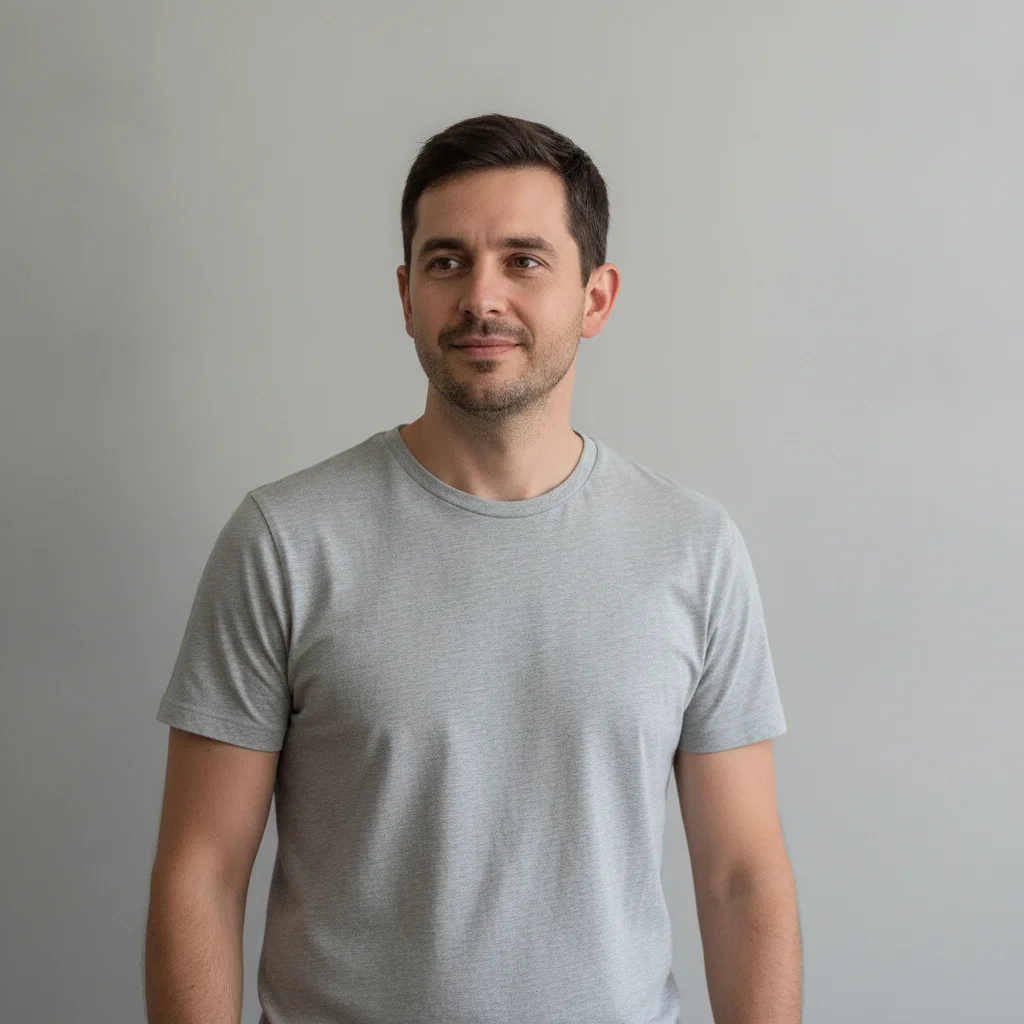
Man in a plain grey t-shirt against a neutral wall
Before
->
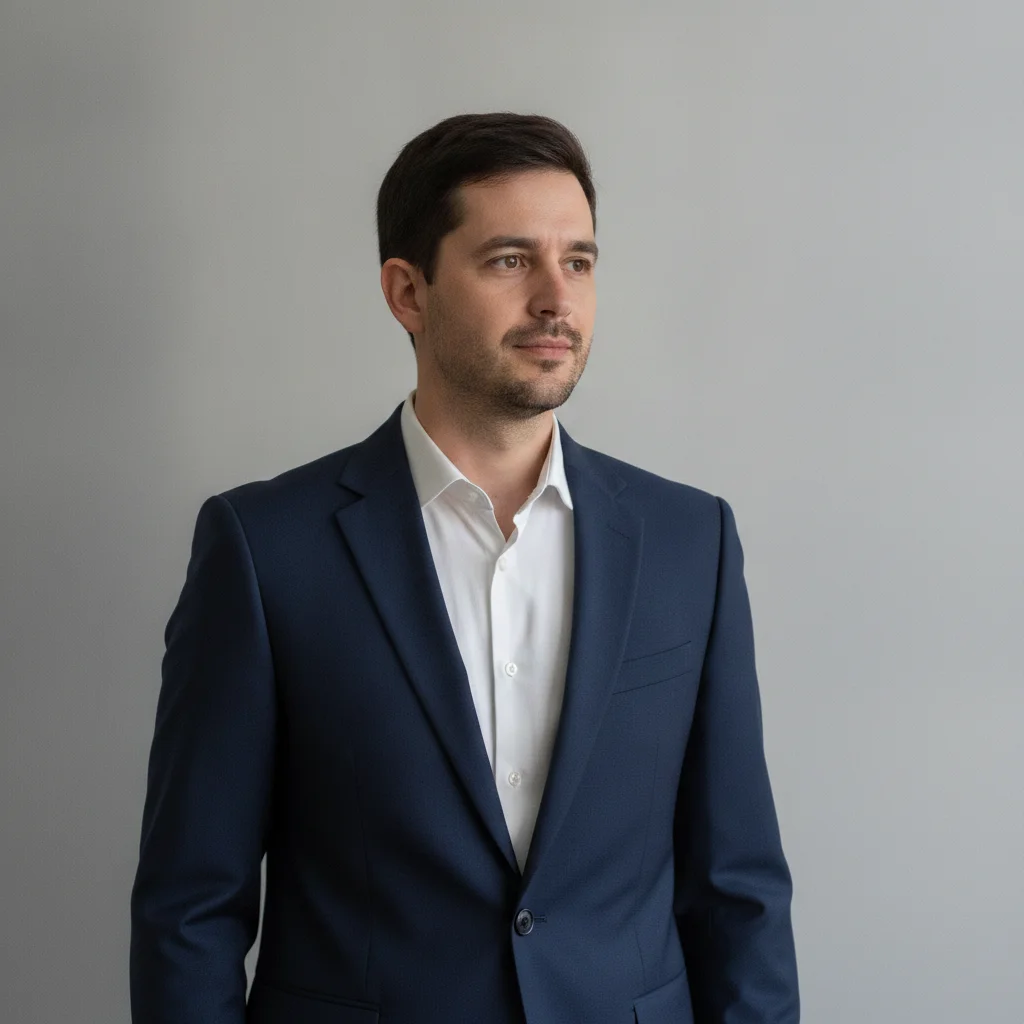
The same man in a tailored navy formal suit, face and background unchanged
After

Grey t-shirt to navy formal suit

A casual t-shirt portrait re-dressed in a tailored navy suit and white shirt, with the face, hair, pose, and background unchanged.

Prompt: Change the visible outfit to a tailored navy formal suit with a white shirt; preserve the person's face, hair, body, pose, hands, and background

Quick answers

Do I need to mark the clothes before requesting formal attire?

No. Upload the portrait and describe the complete formal outfit first. If one sleeve, hem, or neckline needs correction afterward, a marker can optionally identify only that stubborn area.

How do I turn casual clothes into formal attire for free?

Upload a fully clothed portrait, request a specific suit, jacket, or dress, and list the face, body, pose, hands, and background as protected details. EditThisPic is free to try and does not require signup.

Is there a free formal attire editor that does not require login?

Yes. You can try a formal-clothing edit without creating an account. Start with one complete natural-language prompt and review the garment edges before using the image professionally.

What is the best AI attire editor for a resume or ceremony portrait?

Use an editor that accepts a precise written dress code and lets you protect identity and composition. For this page, choose business formal for resumes and name the exact ceremony style for event portraits.

Will the formal attire editor keep my face and pose unchanged?

That is the intended constraint, but every generated result should be checked. Explicitly preserve the face, hair, body proportions, pose, hands, jewelry, and background, then compare the output with the source at full zoom.

How much does EditThisPic cost?

You get 1 free edit per week — no account needed. After that, one-time credit packs start at $4.99 for 10 edits, valid 12 months, no subscription. Power users who edit daily can pick Studio Membership, a monthly workspace at $49.99/mo for 300 edits. Purchased downloads are clean with no watermark.

Ready to formalize attire?

Free to try. No signup required.

1 free edit included·Credit packs from $4.99