AI Eye Contact Fixer
← Browse all creative effectsLast updated
Make eyes look directly at the camera for professional-looking photos instantly.
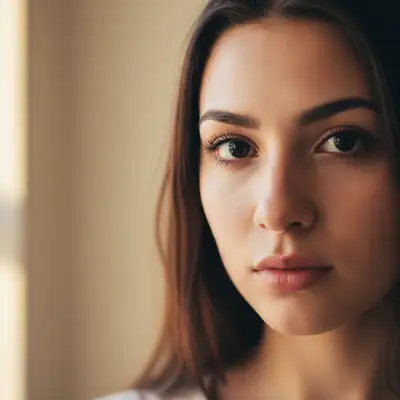
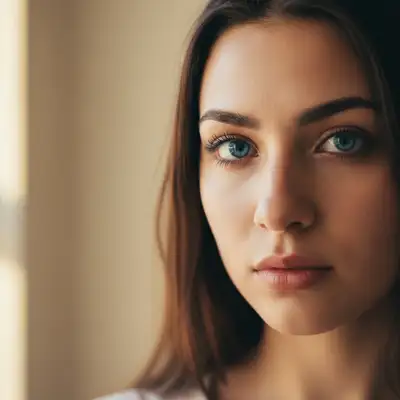
Upload photo to fix eye contact direction
"Adjust their eyes to look straight ahead at the viewer"
Free to try · no sign-up · photos are never shared
Release to upload
<30stypical edit
1 freeedit weekly
Photo on your phone?
Scan to open this editor there — free edit works on your phone too.
How it works
See it in action
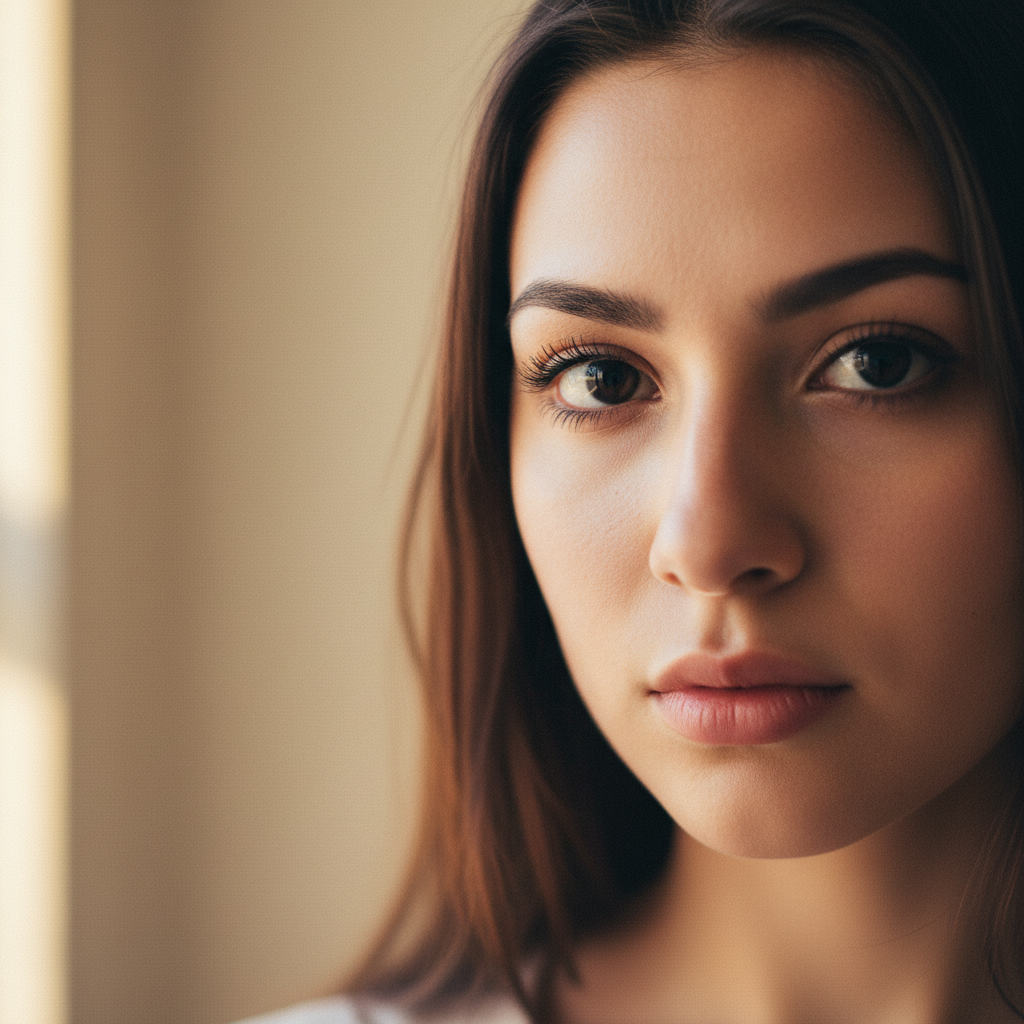
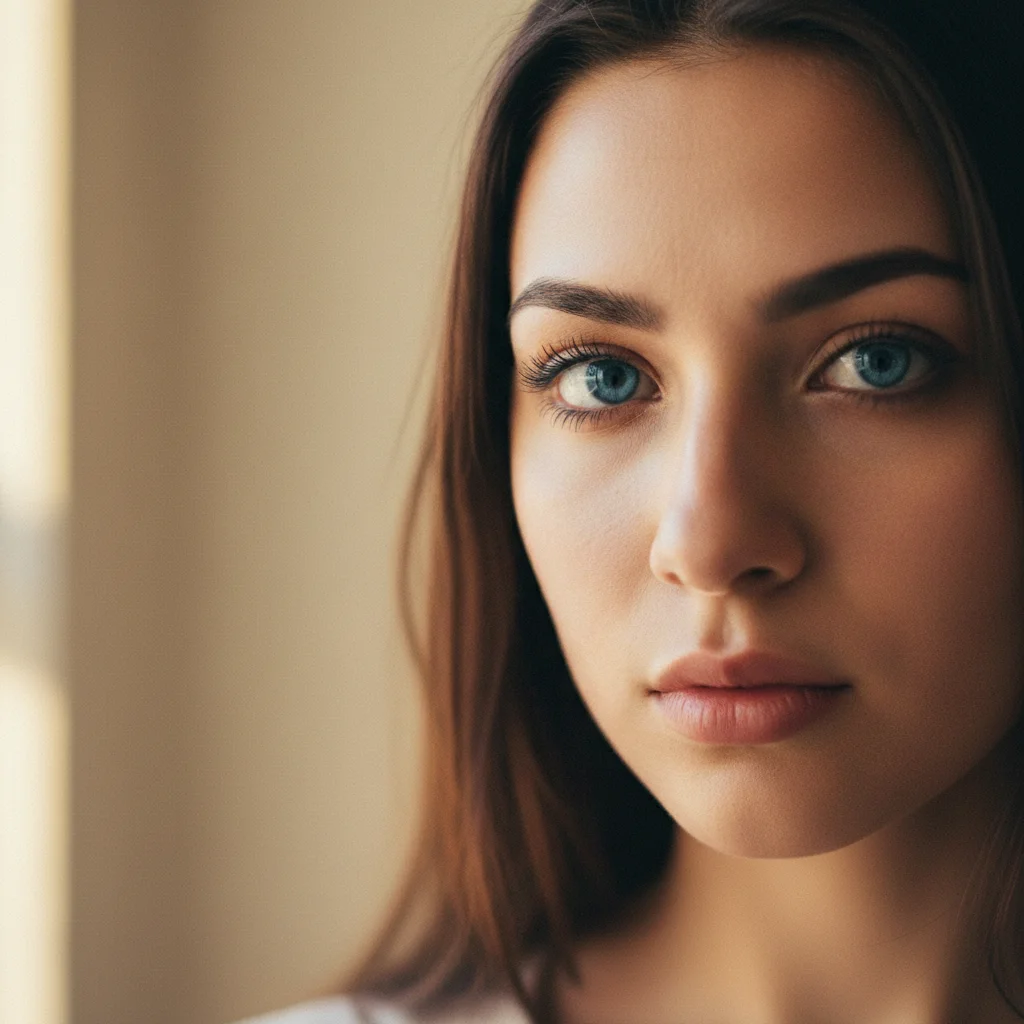
Off-camera gaze redirected to the lens
His head was already toward the camera but his eyes were looking well off to one side. They now meet the lens, with the pupils level and his brown eye colour, head angle and studio lighting all unchanged.


Downward gaze corrected to direct eye contact
A woman at a cafe table was looking down at her coffee when the photo was taken. Her eyes now meet the camera with a natural, relaxed expression, and the cafe, the window light and her likeness are kept.
Prompt:
adjust her eye direction so she is looking directly into the camera lens with natural, direct eye contact — keep her head position, face, hair, clothing and the background exactly the same
Quick answers
Popular use cases
Ready to fix eye contact in your photos?
Free to try. No signup required.