Free • No signup Create Pop art · Free

AI Pop Art Maker

Describe the pop art style and AI transforms your photo into bold, graphic artwork in seconds.
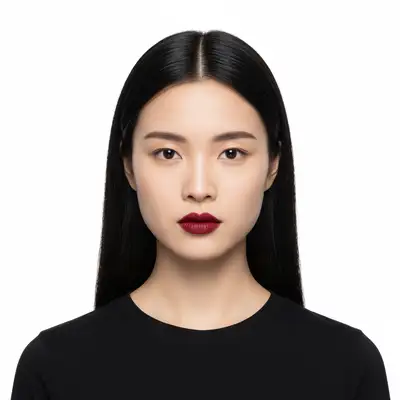
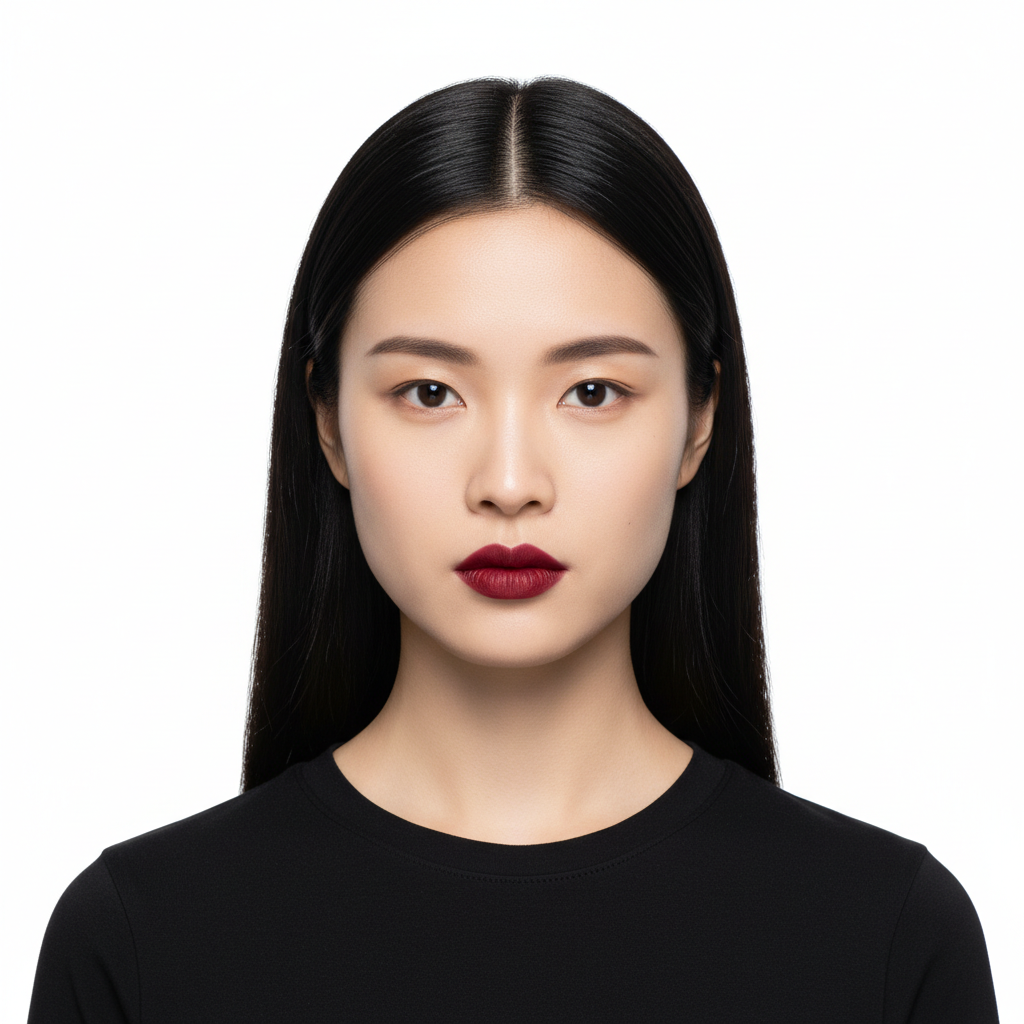
Woman with red lipstick and sunglasses in high-contrast portrait
Before
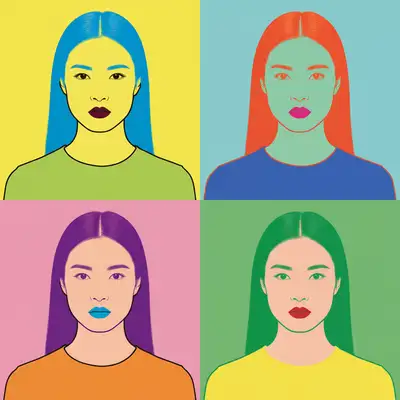
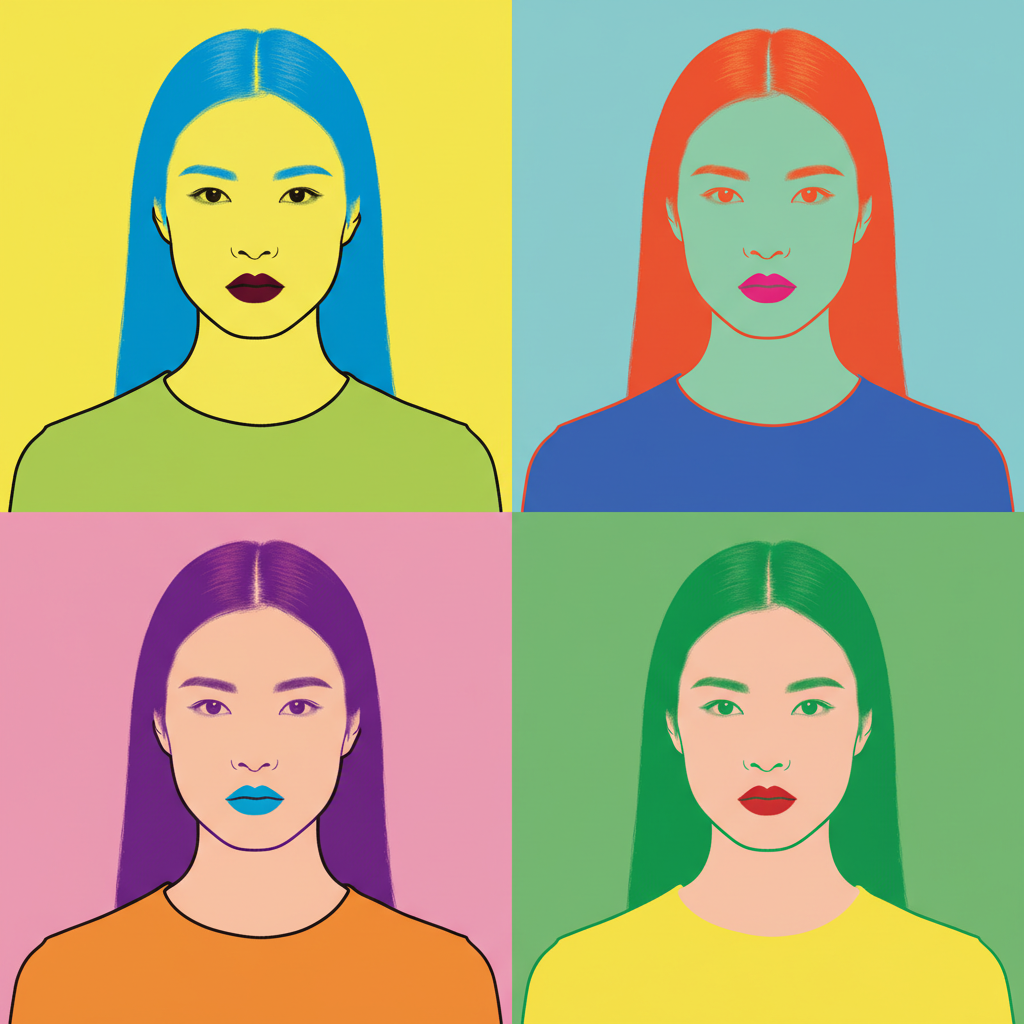
Same woman as bold Warhol-style pop art with flat colors
After

AI Pop Art Maker

Drop your photo here

or click to browse

Release to upload

Free • No signup

Advertisement
Popular use cases:
  • wall art prints
  • custom gifts
  • party decorations
  • social media content
  • poster design
  • room decor
  • birthday gifts
  • t-shirt designs

Cost
Free No signup required
Time
Instant results in 15-30 seconds
Works on
Any device - browser, phone, tablet, desktop
Powered by
AI-powered photo editing
Scenario Prompt Time
Classic Warhol portrait convert to Warhol pop art with bold flat colors 30s
Lichtenstein comic art create Lichtenstein-style with Ben-Day dots and outlines 40s
Multi-panel Warhol grid create four-panel grid with different color combinations 50s

How it works

  1. Upload your photo

    Drop your image into EditThisPic. JPG, PNG, WebP up to 7MB. High-contrast photos with clear subjects make the most impactful pop art. Bold portraits and simple compositions work best.

    Expect: Simple pop art conversion: 30-40 seconds. Complex multi-panel or detailed pop art: 45-60 seconds.
  2. Describe the pop art style you want

    Type your instruction: 'convert this photo to Andy Warhol pop art with bold flat colors, halftone dots, and high contrast' or 'create a Roy Lichtenstein pop art with thick black outlines and Ben-Day dots.' Specify the pop art movement, color palette, and graphic elements. No marking needed—the AI transforms the entire image.

    Tip: Specify a color scheme: 'neon pink, electric blue, and bright yellow' for Warhol-style or 'red, blue, yellow with black outlines' for Lichtenstein.

    Copy one of these to get started:

    Classic Warhol portrait convert this photo to Andy Warhol pop art style with bold flat colors, high contrast, and four-color limited palette
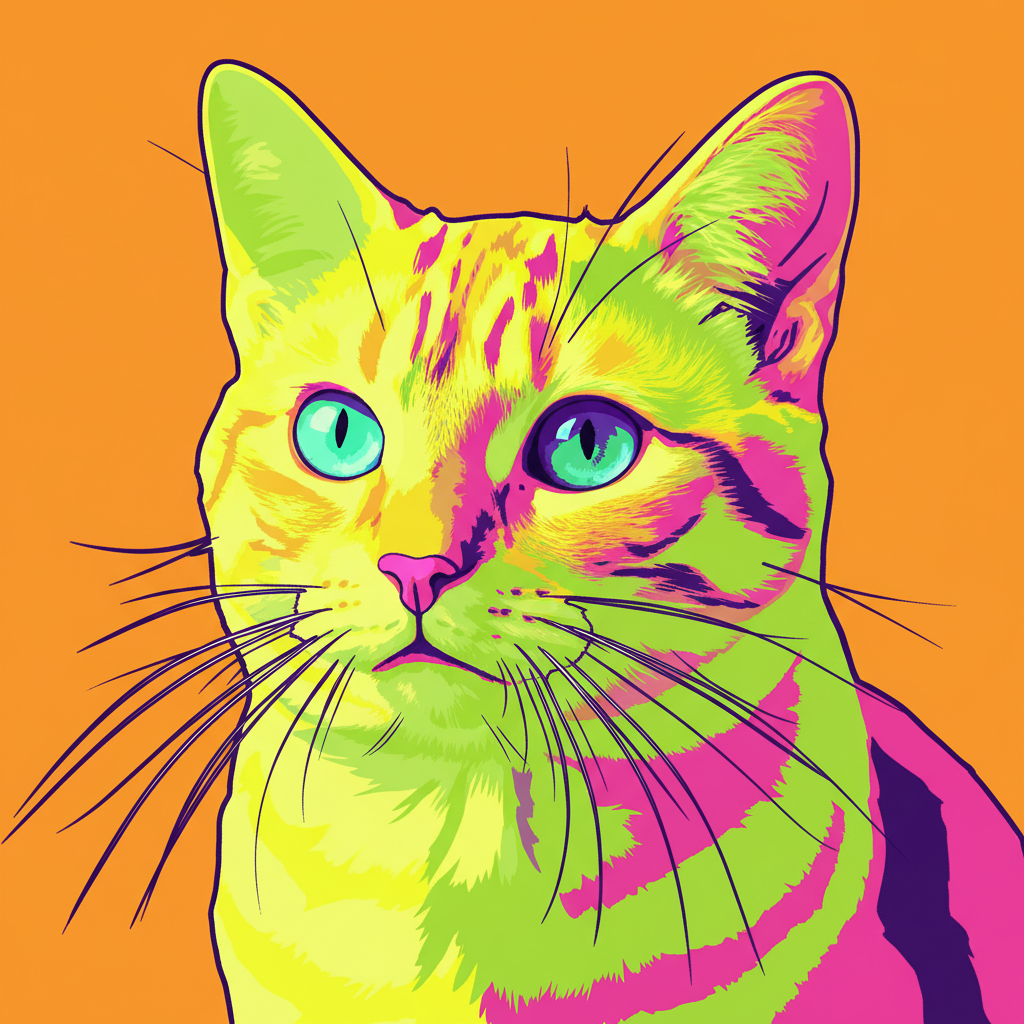
    Lichtenstein comic pop art create Roy Lichtenstein-style pop art with thick black outlines, Ben-Day dots pattern, primary colors, and comic book aesthetic
    Multi-panel Warhol grid convert this portrait to a Warhol-style four-panel grid with the same image in different bold color combinations
    Modern pop art with neon transform this photo into modern pop art with neon colors, graphic simplification, bold outlines, and contemporary street art influence
    3 more prompts
    Pop art with speech bubble create comic-style pop art with the subject in bold colors, halftone dots, and add an empty speech bubble for text
    Psychedelic pop art transform this into psychedelic pop art with swirling rainbow colors, distorted proportions, and trippy visual effects
    Minimalist pop art convert to minimalist pop art with only 3 colors, stark contrast, flat shapes, and maximum graphic simplification
  3. Review the pop art result

    Check for bold graphic impact, consistent color blocking, and the characteristic pop art aesthetic. The best results look like gallery prints—graphic, bold, and instantly recognizable. Verify that key features are preserved.

  4. Refine with markers if needed

    If specific areas need different color treatment or more graphic emphasis, tap markers on those spots and regenerate. Most pop art conversions look striking on the first try.

    Tip: Markers are for precision refinement only. Try without them first—pop art's bold simplification usually works perfectly.
Try it free

AI Pop Art Maker

Drop your photo here

or click to browse

Release to upload

Free • No signup

"Made pop art versions of my friend's face for her birthday party—four panels in different colors, just like Warhol. She literally screamed when she saw them." @PopArtPartyKim

See it in action

Woman with red lipstick and sunglasses in high-contrast portrait
Before
->
Same woman as bold Warhol-style pop art with flat colors
After

Portrait to Warhol-style pop art

A standard portrait transformed into bold Andy Warhol-style pop art with flat colors and high contrast.

Prompt: convert this photo to Andy Warhol pop art style with bold flat colors, high contrast, and four-color limited palette
Young man with strong jaw looking to the side
Before
->
Same man as Lichtenstein-style comic pop art with Ben-Day dots and thick outlines
After

Photo to Lichtenstein comic pop art

A portrait converted to Roy Lichtenstein-style pop art with Ben-Day dots, thick outlines, and primary colors.

Prompt: create Roy Lichtenstein-style pop art with thick black outlines, Ben-Day dots pattern, primary colors, and comic book aesthetic
Advertisement

If something looks off

AI changed the wrong area or something I didn't want changed

Why: The AI couldn't determine which part you wanted in pop art style from description alone.

Try: Tap a marker on the specific area you want in pop art style, then regenerate with the same prompt

Tip: Markers tell the AI 'I mean THIS area specifically.' Use them for selective pop art treatment.

Result looks like a color filter, not real pop art

Why: The AI only adjusted colors without applying the graphic simplification that defines pop art.

Try: convert to pop art with heavily simplified flat shapes, eliminated gradients, bold graphic outlines, and no photographic detail remaining

Tip: 'Eliminated gradients' and 'no photographic detail' push the AI past the filter look into true pop art.

Colors are too subtle for pop art impact

Why: Pop art demands bold, saturated colors—the AI chose colors that are too muted.

Try: create pop art with extremely bold, highly saturated primary colors—bright red, yellow, blue—maximum visual impact

Tip: Pop art colors should almost hurt your eyes. Use 'extremely bold' and 'maximum impact' for authentic vibrancy.

No halftone dots or Ben-Day dots visible

Why: The AI applied flat color instead of the characteristic dot pattern that defines much of pop art.

Try: create pop art with very visible Ben-Day dots pattern across the entire image, like a printed comic strip enlarged

Tip: 'Very visible Ben-Day dots' and 'enlarged comic strip' specifically request the dot pattern technique.

Face is unrecognizable in the pop art version

Why: The AI over-simplified, reducing the face to abstract shapes beyond recognition.

Try: create pop art that simplifies colors and adds graphic outlines while keeping the person's facial features recognizable and distinct

Tip: 'Keeping features recognizable' tells the AI to balance graphic simplification with portrait accuracy.

Quick answers

Do I need to mark any areas before creating pop art?

No! Just upload your photo and describe the pop art style: 'convert to Warhol-style pop art with bold flat colors.' The AI handles everything automatically. Only use markers if you want pop art treatment on specific areas while keeping others realistic.

How do I make pop art from a photo for free?

Upload your photo to EditThisPic and type 'convert this to Andy Warhol pop art with bold flat colors and halftone dots.' The AI generates the pop art in about 30 seconds. Free to use, no account needed, no watermark.

Is there a free pop art maker that doesn't require login?

Yes. EditThisPic creates pop art from photos with no signup required. Upload your image, describe the style—Warhol, Lichtenstein, modern, minimalist—and download. No watermarks, no account walls.

What's the best free AI tool for making pop art from photos?

EditThisPic lets you describe the exact pop art style—Warhol screen prints, Lichtenstein comics, multi-panel grids, or modern neon. Unlike preset filters, you control the artistic direction. Free, no login, results in 30 seconds.

Ready to make pop art from your photos?

Free to try. No signup required.

Try it free