Do I need to mark areas before converting to line art?
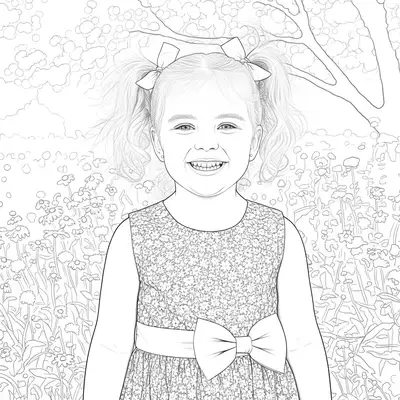
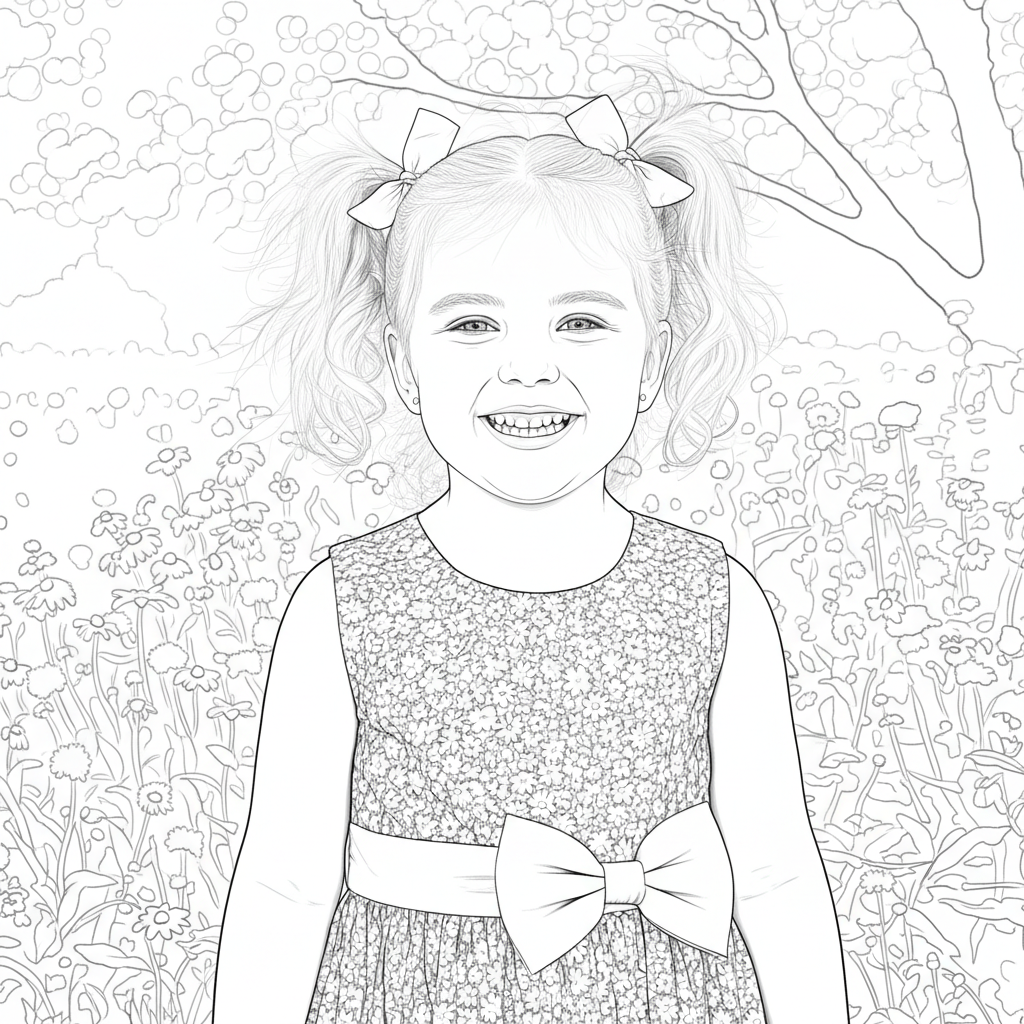
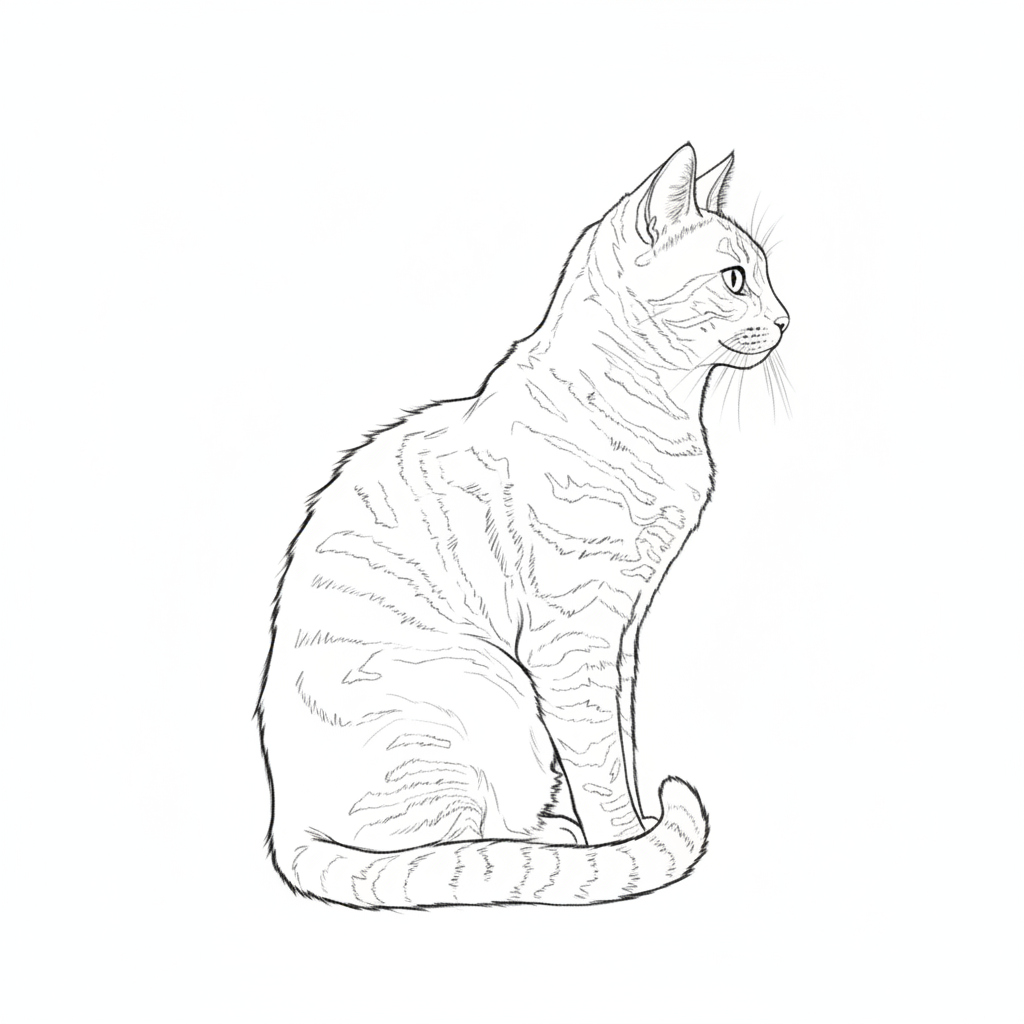
No! Just describe what you want: 'convert to clean line art with bold outlines' or 'transform into minimalist line drawing.' The AI understands line art techniques and applies edge detection to the entire image.
How do I convert a photo to line art for free?
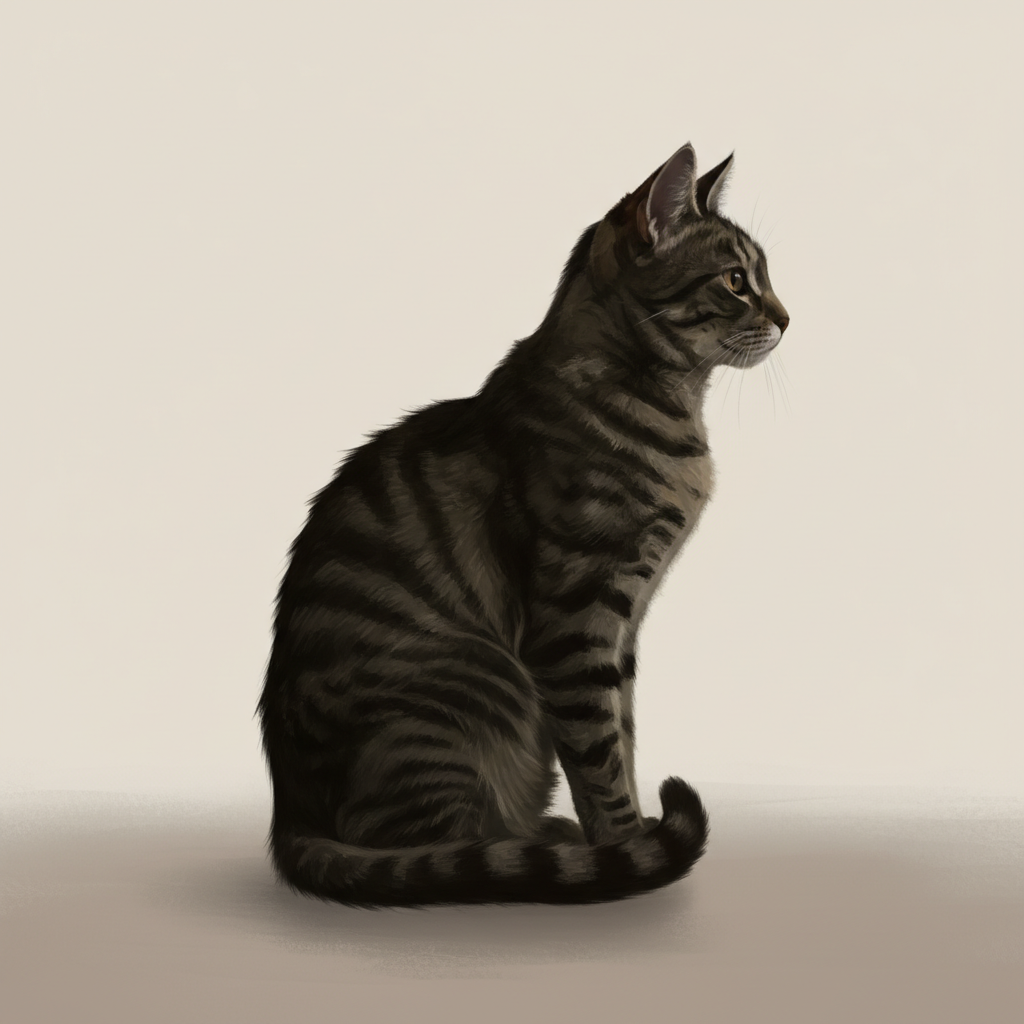
Upload your photo to EditThisPic and type 'convert to clean line art with bold black outlines.' The AI transforms your image into crisp line drawing in 20-40 seconds. Free to use, no account required — the free edit is a preview; purchased downloads are clean, full quality. Works on portraits, objects, and any photo with clear edges.
What's the best free line art converter without signup?
EditThisPic converts photos to line art with AI completely free, no signup or account needed. Unlike basic edge detection filters, our AI creates clean, usable line art by intelligently simplifying details and extracting meaningful edges. Just upload, describe the line style you want, and preview it free — purchased downloads are clean, full quality.
Can I use the line art for coloring books or commercial projects?
Yes, you own the line art created from your photos. The output is yours to use for coloring books, graphic design, merchandise, or any commercial purpose. Purchased downloads are clean, full quality, with no usage restrictions on your converted images.
How do I control line thickness and detail level?
Specify line weight and detail in your prompt. Use 'bold thick lines' for strong outlines, 'fine thin lines' for delicate work, 'simplified shapes' for minimal detail, or 'preserved fine details' for intricate line art. The AI adjusts line weight and complexity based on your description.
Is EditThisPic's AI line art converter really free?
Yes — you get 1 free edit per week, no account needed. Credit packs start at $4.99 for 10 edits.
Can I convert line art on my phone?
Yes. EditThisPic works in any mobile browser — iPhone, Android, tablet. No app download needed.
What photo formats does the AI line art converter support?
JPG, PNG, WebP, and HEIC. Upload any common photo format and EditThisPic handles the rest.
How much does EditThisPic cost?
You get 1 free edit per week — no account needed. After that, one-time credit packs start at $4.99 for 10 edits, valid 12 months, no subscription. Power users who edit daily can pick Studio Membership, a monthly workspace at $49.99/mo for 300 edits. Purchased downloads are clean with no watermark.