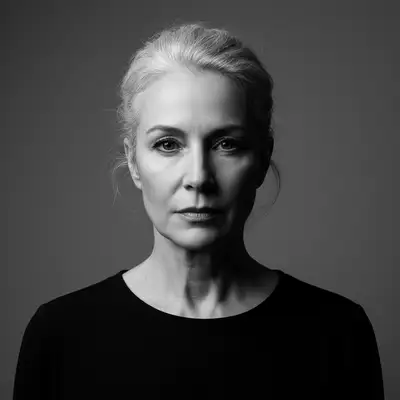
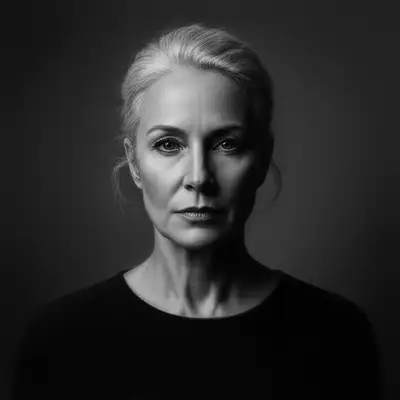
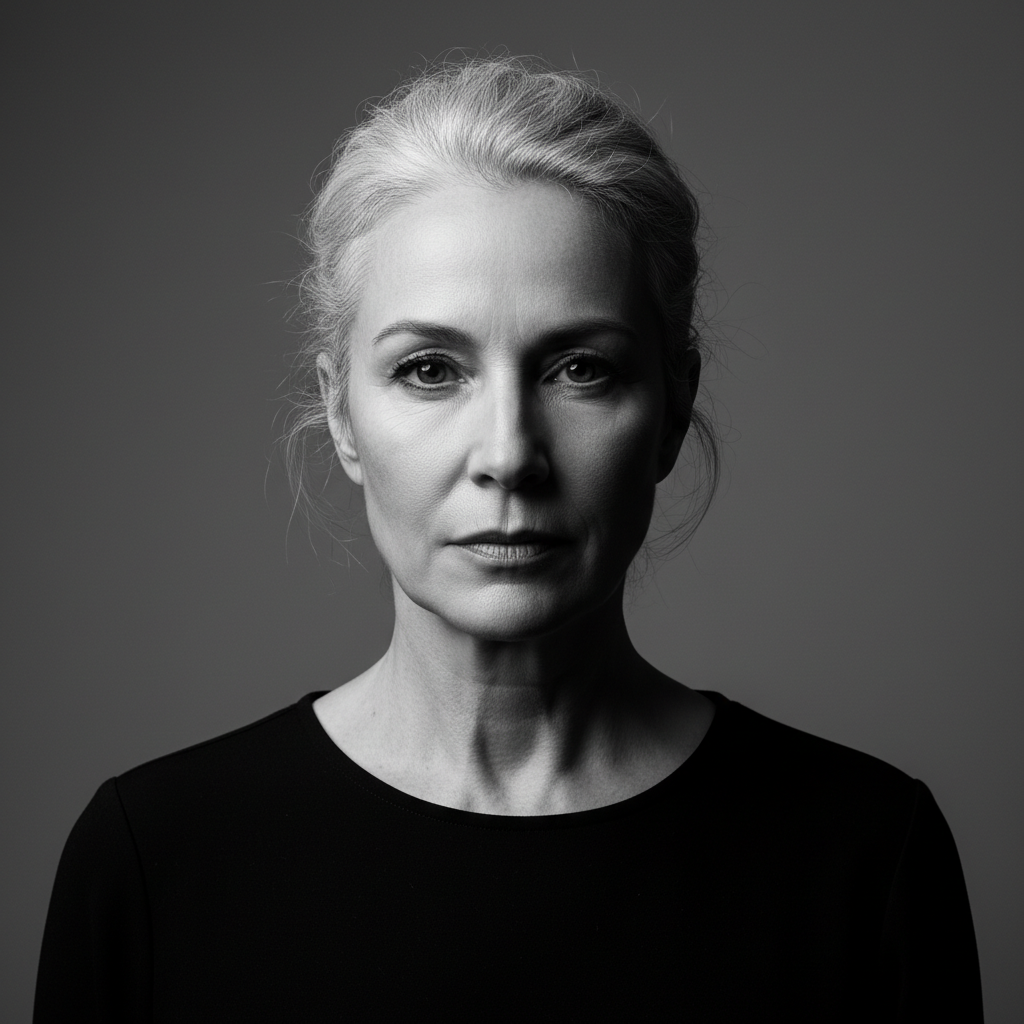
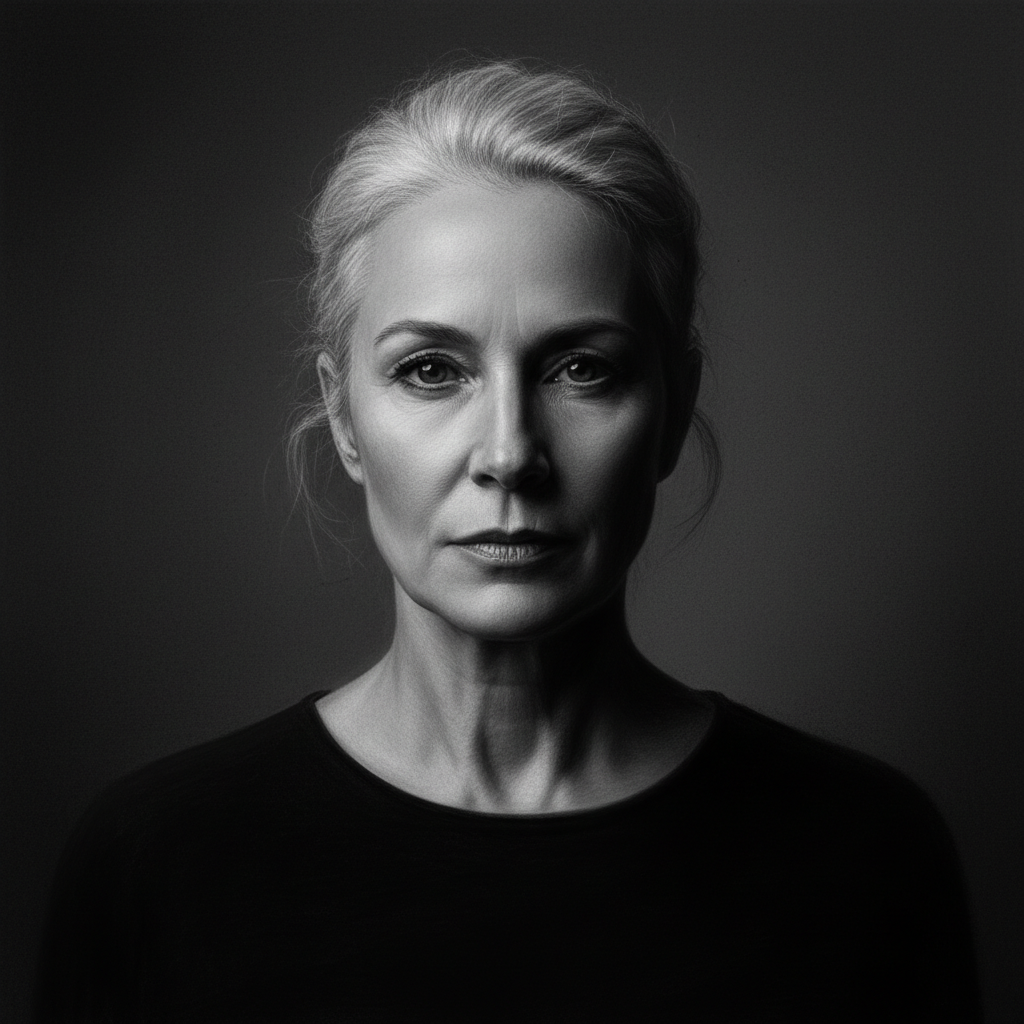
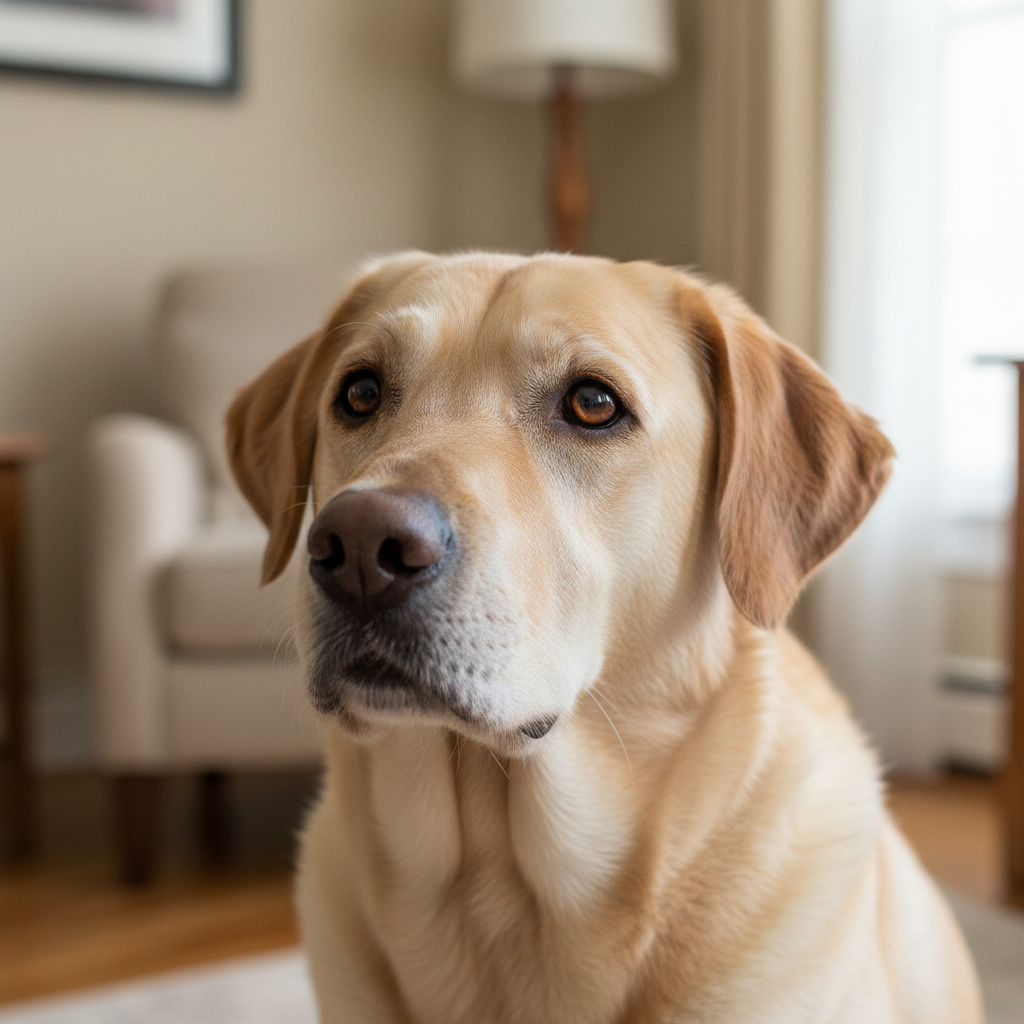
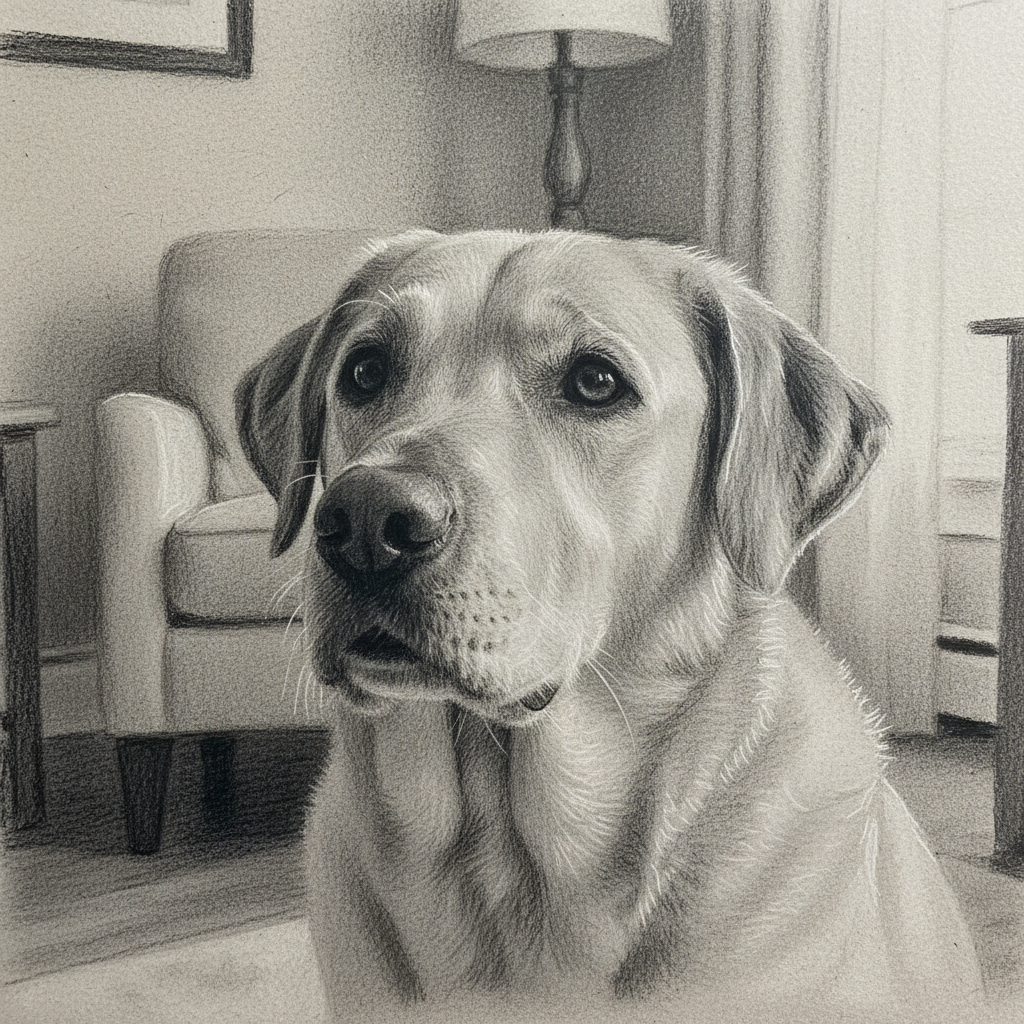
Do I need to mark areas before converting to charcoal drawing?
No! Just describe what you want: 'convert to charcoal drawing with soft shading' or 'transform into realistic charcoal sketch.' The AI understands charcoal art techniques and applies the effect to the entire image.
How do I convert my photo to a charcoal drawing for free?
Upload your photo to EditThisPic and type 'convert to charcoal drawing with soft blending and gentle shading.' The AI transforms your image into a realistic charcoal sketch in 20-40 seconds. Free to use, no account required — the free edit is a preview; purchased downloads are clean, full quality.
What makes a good photo for charcoal conversion?
Photos with good contrast, clear subjects, and distinct lighting work best. Portraits with side lighting, landscapes with dramatic skies, and still life with strong shadows all convert beautifully. Avoid very flat or low-contrast images as charcoal relies on tonal variation for artistic effect.
Can I control how realistic or artistic the charcoal sketch looks?
Yes, specify style details in your prompt. Use 'fine rendering and smooth gradients' for realistic drawings, 'visible strokes and loose sketching' for artistic interpretations, or 'rough texture with paper showing through' for authentic hand-drawn appearance. The AI adjusts based on your description.
Is there a free charcoal drawing converter that doesn't require login?
Yes, EditThisPic converts photos to charcoal drawings with AI completely free, no signup or account needed. Just upload your image, describe the charcoal style you want, and preview the result free — purchased downloads are clean, full quality. Works on any device with a web browser.
What photo formats does the AI charcoal drawing converter support?
JPG, PNG, WebP, and HEIC. Upload any common photo format and EditThisPic handles the rest.
How long does it take to convert charcoal drawing?
Usually 15-30 seconds. Upload your photo, describe what you want, and the AI delivers the result.
Do I need to create an account to convert charcoal drawing?
No. You can try your first edit without signing up. An account is only needed to save edits and manage a subscription.
How much does EditThisPic cost?
You get 1 free edit per week — no account needed. After that, one-time credit packs start at $4.99 for 10 edits, valid 12 months, no subscription. Power users who edit daily can pick Studio Membership, a monthly workspace at $49.99/mo for 300 edits. Purchased downloads are clean with no watermark.