Free • No signup Convert Chalk drawing · Free

AI Chalk Drawing Maker

Just describe the chalk effect you want and AI transforms your photo.
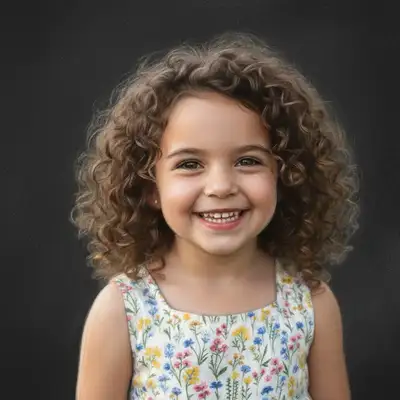
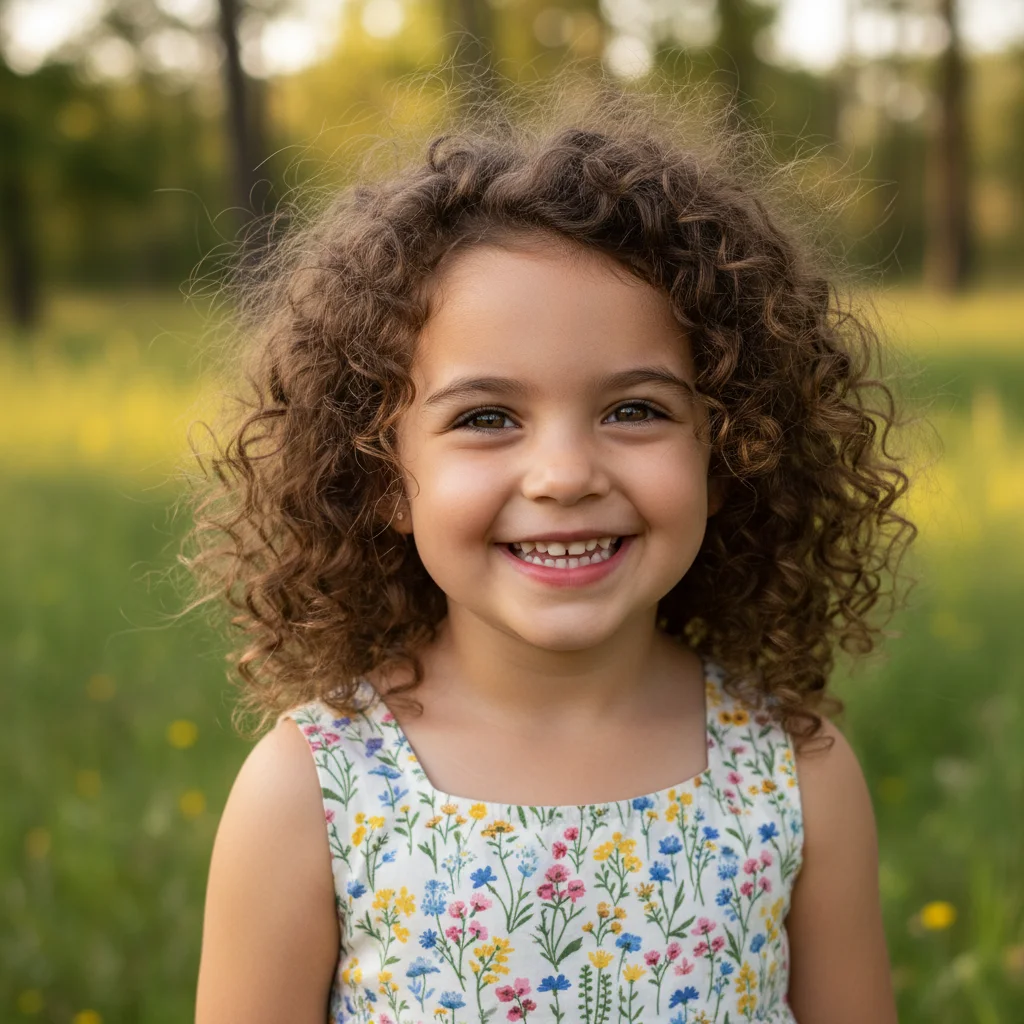
Clear portrait photo of young girl
Before
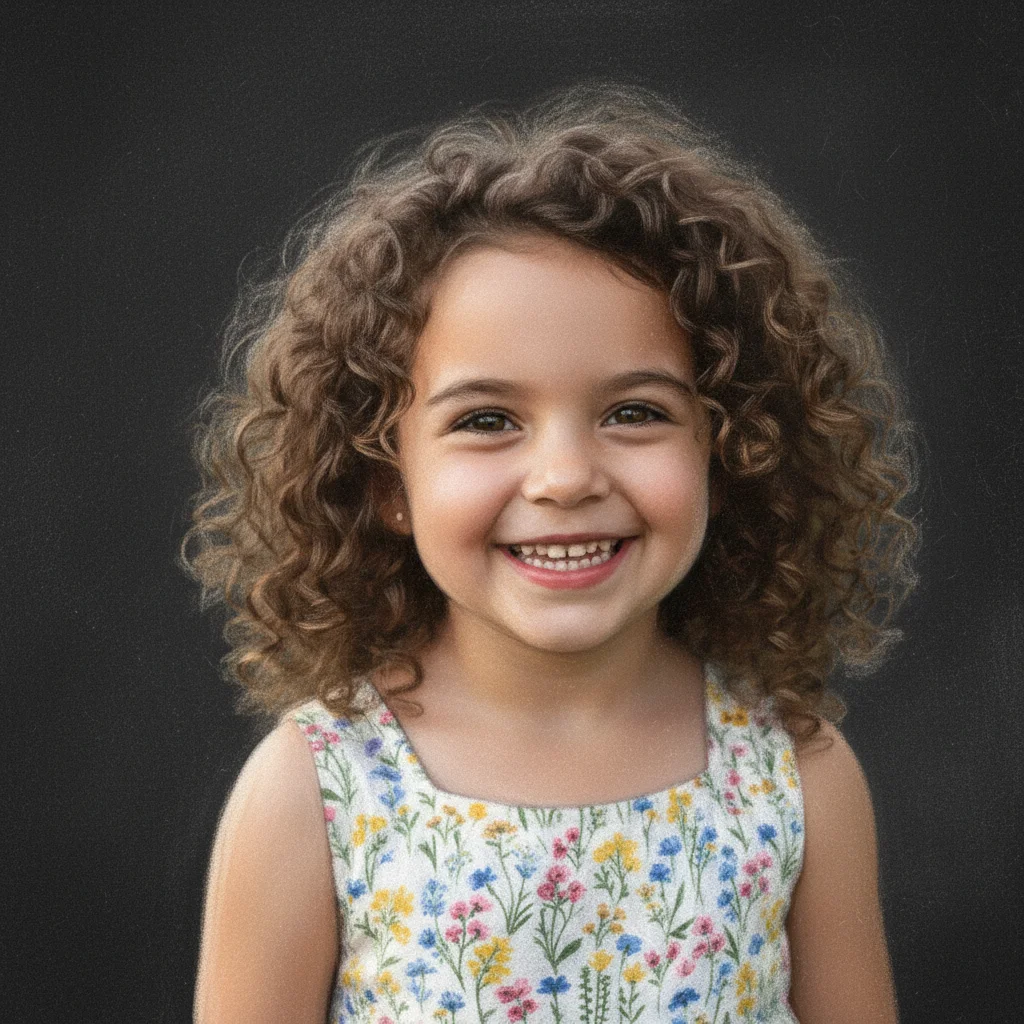
Portrait transformed into soft blackboard chalk drawing
After

Convert Photo to Chalk Drawing

Drop your photo here

or click to browse

Release to upload

Free • No signup

Advertisement
Popular use cases:
  • classroom materials
  • educational posters
  • Instagram posts
  • artistic prints
  • social media graphics
  • creative projects

Cost
Free No signup required
Time
Instant results in 15-30 seconds
Works on
Any device - browser, phone, tablet, desktop
Powered by
AI-powered photo editing
Scenario Prompt Time
Blackboard chalk convert to white chalk drawing on dark blackboard with soft dusty texture and gentle smudging 20s
Sidewalk chalk transform into vibrant sidewalk chalk art with multiple colors and rough pavement texture 25s
Portrait chalk convert portrait to detailed chalk drawing with smooth blending and soft shading 20s

How it works

  1. Upload your photo

    Drop your image into EditThisPic. JPG, PNG, WebP up to 7MB. Portraits create soft chalk renderings, landscapes produce atmospheric chalk art, and high-contrast images make bold chalk drawings.

    Expect: Simple conversions: 15-30 seconds. Complex scenes: may need one refinement for texture balance.
  2. Describe the chalk style

    Type your instruction: 'convert to chalk drawing on blackboard with soft dusty texture' or 'transform into colorful sidewalk chalk art with rough texture.' Be specific about chalk type (white, colored), surface (blackboard, pavement), and texture (dusty, rough, smooth). No marking needed—the AI understands the whole image should be converted.

    Tip: Specify 'smudged edges' or 'finger-blended shading' for authentic chalk drawing techniques.

    Copy one of these to get started:

    Classic blackboard chalk convert this photo into white chalk drawing on dark blackboard with soft dusty texture and gentle smudging
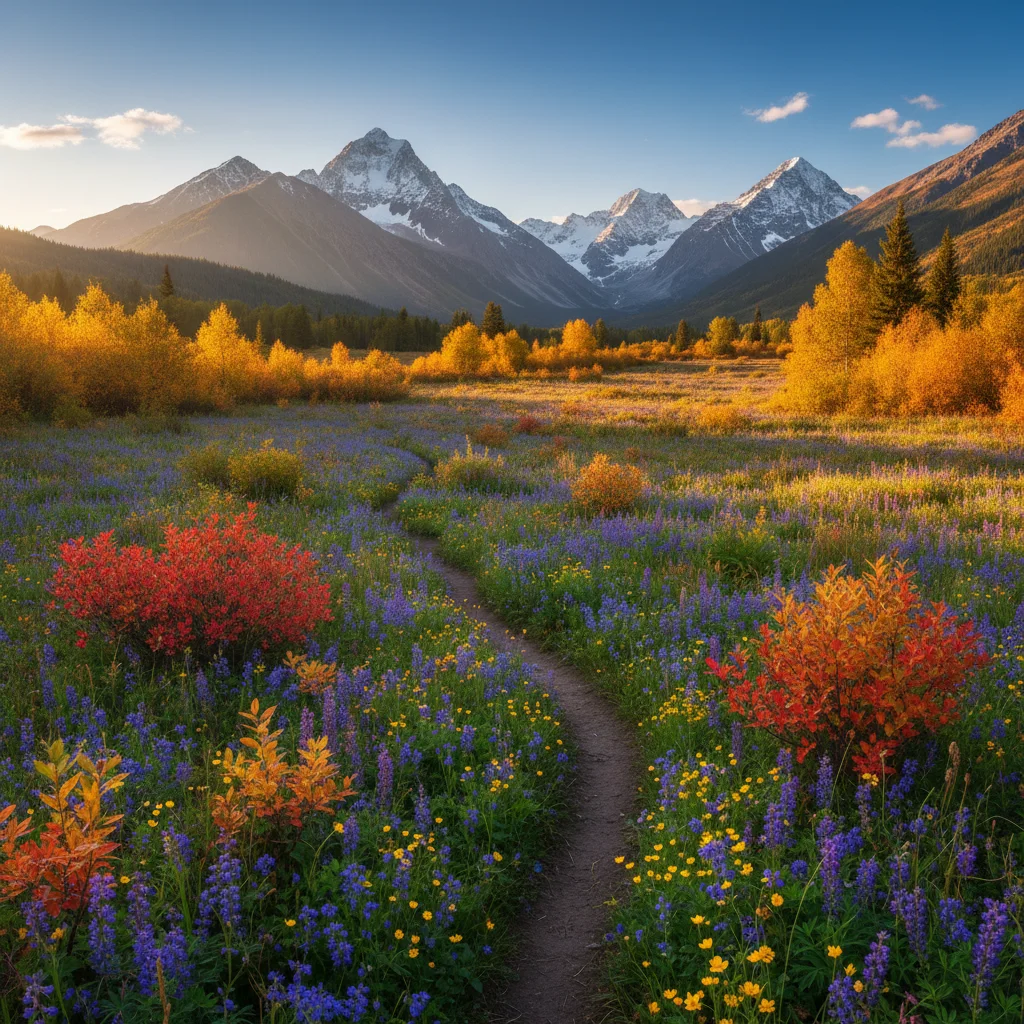
    Colorful sidewalk chalk transform into vibrant sidewalk chalk art with multiple colors, rough pavement texture, and bold lines
    Portrait chalk sketch convert portrait to detailed chalk drawing with smooth blending, soft shading, and realistic skin tones on dark background
    Artistic chalk illustration transform into artistic chalk illustration with visible stroke marks, layered colors, and hand-drawn character
    3 more prompts
    High-contrast chalk drawing convert to high-contrast chalk drawing on blackboard with bold white lines and dramatic shadows
    Monochrome chalk art transform into monochrome chalk drawing with grayscale tones, subtle shading, and chalk dust texture
    Textured chalk mural convert to textured chalk mural with rough surface, layered chalk marks, and vibrant street art style
  3. Generate and review

    Click Generate and watch your photo transform into chalk art. Zoom in to check chalk texture, dusty grain, and edge blending. The AI adds characteristic chalk surface and hand-drawn qualities.

  4. Refine with markers if needed

    If specific areas need more or less chalk texture, tap markers on those spots and regenerate. This is optional—most conversions work without markers.

    Tip: Markers are for precision refinement, not required. Try without them first.
Try it free

Convert Photo to Chalk Drawing

Drop your photo here

or click to browse

Release to upload

Free • No signup

"Turned my photos into beautiful chalk art for my classroom. The dusty texture looks so authentic!" @teacher_sarah

See it in action

Clear portrait photo of young girl
Before
->
Portrait transformed into soft blackboard chalk drawing
After

Portrait to Blackboard Chalk

Converted portrait into soft white chalk drawing on blackboard with gentle shading and authentic dusty texture.

Prompt: convert this photo into white chalk drawing on dark blackboard with soft dusty texture and gentle smudging
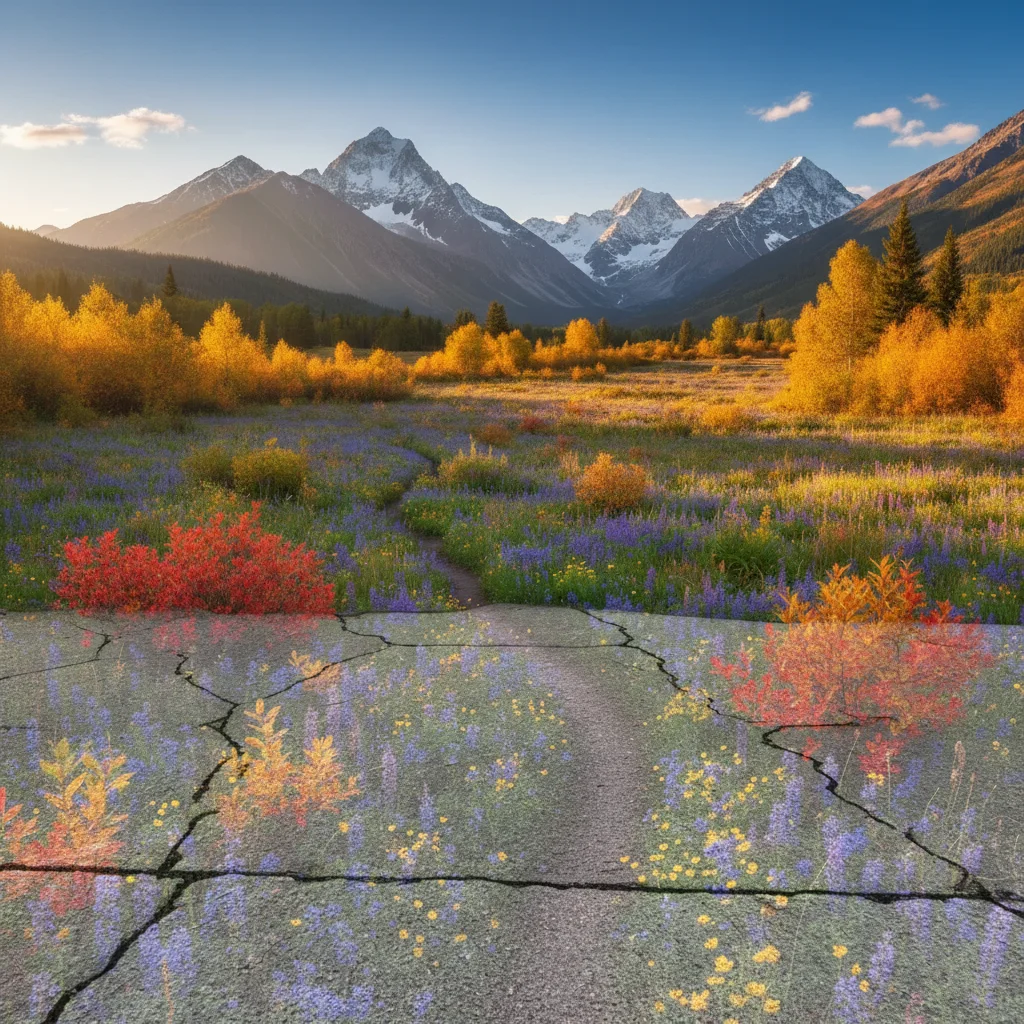
Clear landscape photo with mountains and flowers
Before
->
Landscape transformed into colorful sidewalk chalk art
After

Landscape to Sidewalk Chalk

Transformed landscape into vibrant sidewalk chalk mural with bold colors and characteristic rough chalk texture.

Prompt: transform into vibrant sidewalk chalk art with multiple colors, rough pavement texture, and bold lines
Clear close-up photo of red rose
Before
->
Rose transformed into detailed chalk drawing
After

Flower to Detailed Chalk

Created detailed chalk drawing with smooth blending techniques and subtle shading for botanical illustration style.

Prompt: convert to detailed chalk drawing with smooth blending, soft shading, and realistic tones on dark background
Advertisement

If something looks off

AI changed wrong area or applied chalk unevenly

Why: The AI couldn't determine which areas need more or less chalk texture from description alone.

Try: Tap markers on areas that need adjustment, then regenerate with the same prompt

Tip: Markers tell the AI 'apply stronger chalk texture HERE' or 'soften THIS area.'

Chalk texture is too subtle or invisible

Why: The chalk effect was applied too lightly for the image characteristics.

Try: Add to prompt: 'with pronounced chalk texture, visible grain, and dusty surface quality'

Tip: Words like 'pronounced' and 'visible grain' create more apparent chalk texture.

Result looks too rough or scratchy

Why: The chalk texture was applied too aggressively.

Try: Modify prompt to 'soft chalk texture with gentle blending and smooth transitions'

Tip: For portraits, specify 'soft' and 'smooth' to maintain refined quality.

Colors don't look like chalk

Why: Digital colors remained too saturated instead of taking on chalk's muted quality.

Try: Request 'muted chalk colors, dusty pastel tones, characteristic of chalk medium'

Tip: Real chalk has softer, less saturated colors than digital images.

Missing characteristic chalk smudging

Why: The hand-drawn qualities of chalk weren't emphasized in the description.

Try: Add 'smudged edges, finger-blended shading, hand-drawn chalk marks' to your prompt

Tip: Smudging and blending are signature characteristics of authentic chalk drawings.

Quick answers

Do I need to mark areas before describing the chalk style?

No! Just describe the chalk effect you want: 'convert to chalk drawing on blackboard' or 'transform into sidewalk chalk art.' The AI understands to apply the chalk effect to the entire image. Only use markers when you need different textures in specific areas—like rougher texture on background, smoother on subject.

How do I make chalk drawings for free without drawing skills?

EditThisPic converts photos to authentic chalk art using AI. Upload your photo, describe the style ('convert to white chalk drawing on blackboard with soft texture'), and download the result. Completely free, no art skills needed, no account required.

Can I choose between blackboard and sidewalk chalk styles?

Yes. Specify 'blackboard chalk drawing' for white or colored chalk on dark background, or 'sidewalk chalk art' for vibrant colors on pavement texture. Each has distinct characteristics.

What's the difference between chalk and pastel drawings?

Chalk has a dustier, rougher texture with more visible grain and smudging. Pastels are softer, more blended, and have richer colors. Both available—specify your preference in the prompt.

Can I create colored chalk drawings?

Yes. Request 'colorful chalk art', 'multi-colored chalk drawing', or 'vibrant chalk colors.' Or use 'white chalk only' or 'monochrome chalk' for classic blackboard style.

Ready to transform your photos into chalk art?

Free to try. No signup required.

Try it free