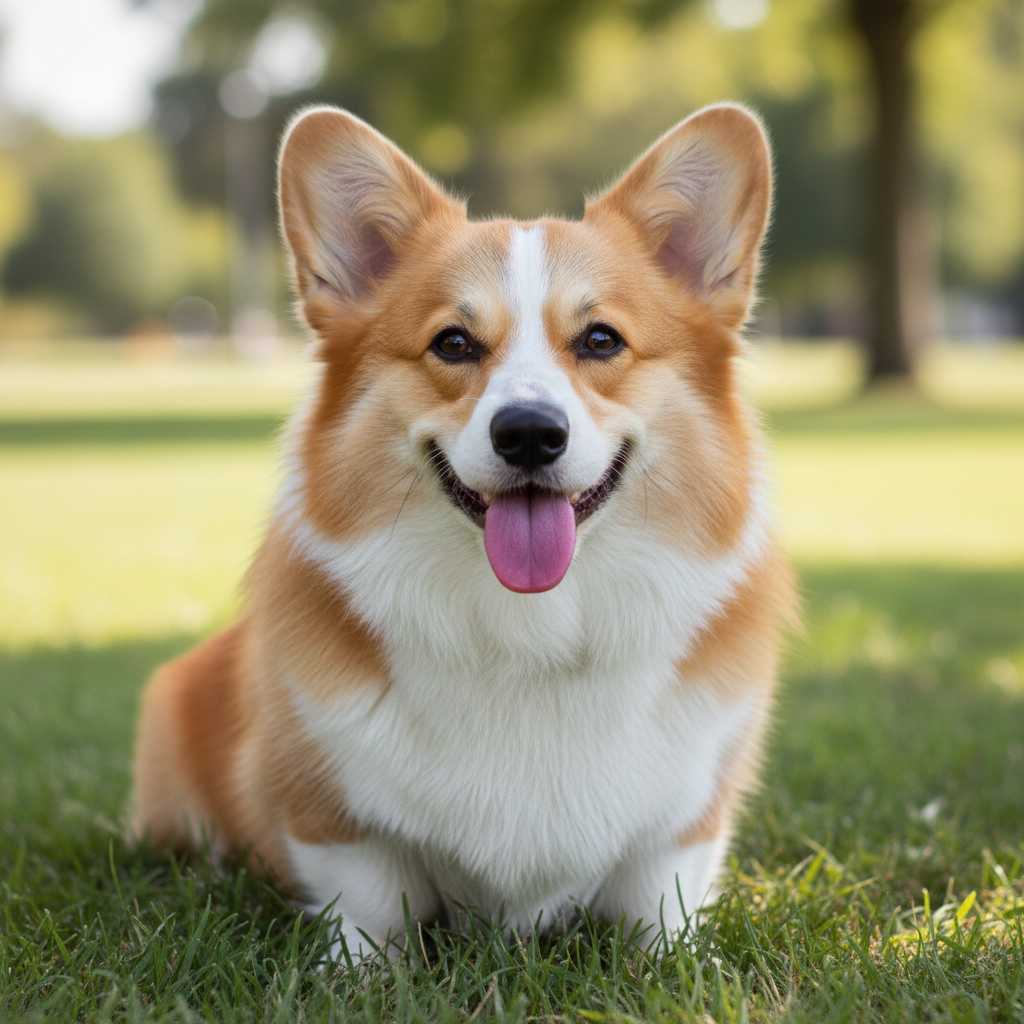
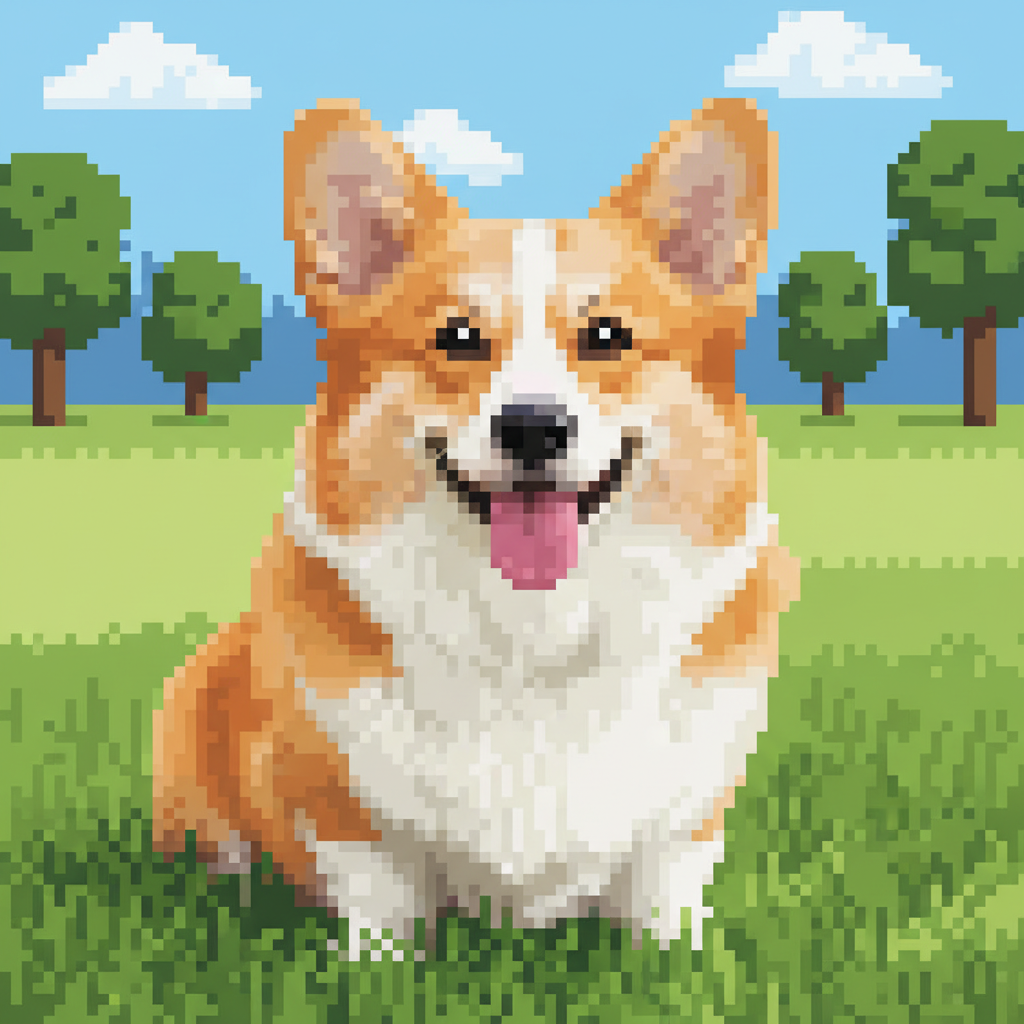
Do I need to mark areas before converting to pixel art?
No! Just describe the pixel art style you want: 'convert to 16-bit SNES pixel art' or 'make it 8-bit NES style with chunky pixels.' The conversion applies to the whole image.
What's the difference between 8-bit, 16-bit, and 32-bit pixel art?
8-bit (NES, Game Boy) has chunky pixels and very limited colors (typically 4-16), creating the most retro look. 16-bit (SNES, Genesis) has smaller pixels and richer colors (hundreds available), allowing more detail. 32-bit (PlayStation, Saturn) has even finer pixels and thousands of colors, bridging pixel art and modern graphics. Choose based on how retro and simplified you want the result.
Is there a free pixel art converter that doesn't require signup?
Yes. EditThisPic converts photos to retro pixel art with AI for free, no account needed. Just upload, describe the style (8-bit NES, 16-bit SNES, Game Boy), and download. No watermarks.
What's the best free AI tool for making pixel art from photos?
EditThisPic's AI understands classic gaming aesthetics. Instead of generic pixelation, you describe era-specific styles: NES 8-bit with limited colors, SNES 16-bit with dithering, or Game Boy monochrome. The AI applies authentic techniques like palette reduction, dithering, and proper pixel sizing to create genuine retro game art.
Can I create specific console styles like NES, SNES, or Game Boy?
Yes. Name the console in your prompt: 'convert to NES 8-bit pixel art,' 'SNES 16-bit style,' or 'Game Boy green monochrome.' The AI recognizes these platforms and applies their characteristic color palettes, resolution limits, and visual styles. You can also reference specific games or genres like 'Final Fantasy portrait style' or 'Mega Man sprite style.'
How do I prevent losing too much detail in the conversion?
Use higher-bit styles (16-bit or 32-bit instead of 8-bit), specify 'preserve detail in faces' or 'medium resolution,' and start with photos that have clear subjects and simple backgrounds.
Can I convert pixel art on my phone?
Yes. EditThisPic works in any mobile browser — iPhone, Android, tablet. No app download needed.
What photo formats does the AI pixel art converter support?
JPG, PNG, WebP, and HEIC. Upload any common photo format and EditThisPic handles the rest.
How much does EditThisPic cost?
You get 1 free edit per week — no account needed. After that, one-time credit packs start at $4.99 for 10 edits, valid 12 months, no subscription. Power users who edit daily can pick Studio Membership, a monthly workspace at $49.99/mo for 300 edits. Purchased downloads are clean with no watermark.