Free β€’ No signup Convert Oil painting style Β· Free

AI Oil Painting Style Converter

Transform any photo into classical oil painting style - just describe what you want

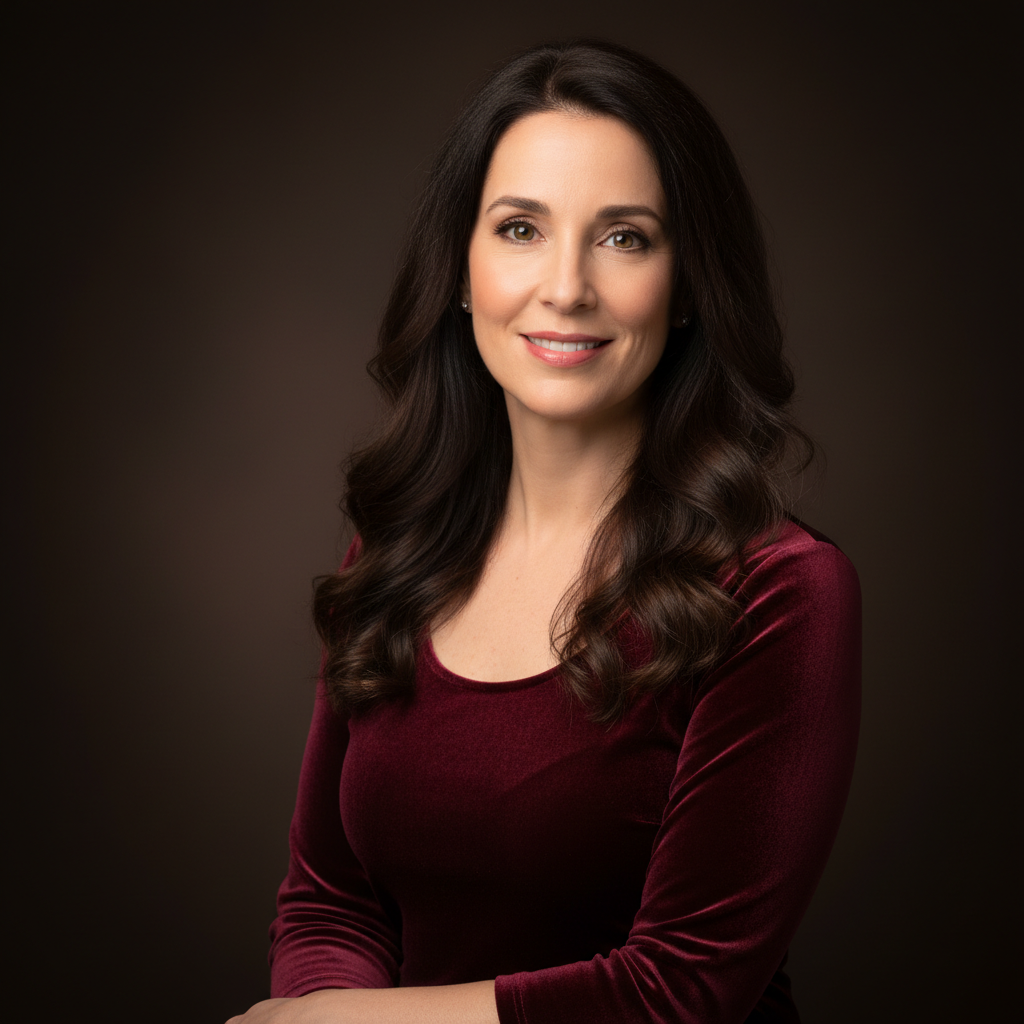
Professional headshot of blonde woman in blue blazer
Before
β†’
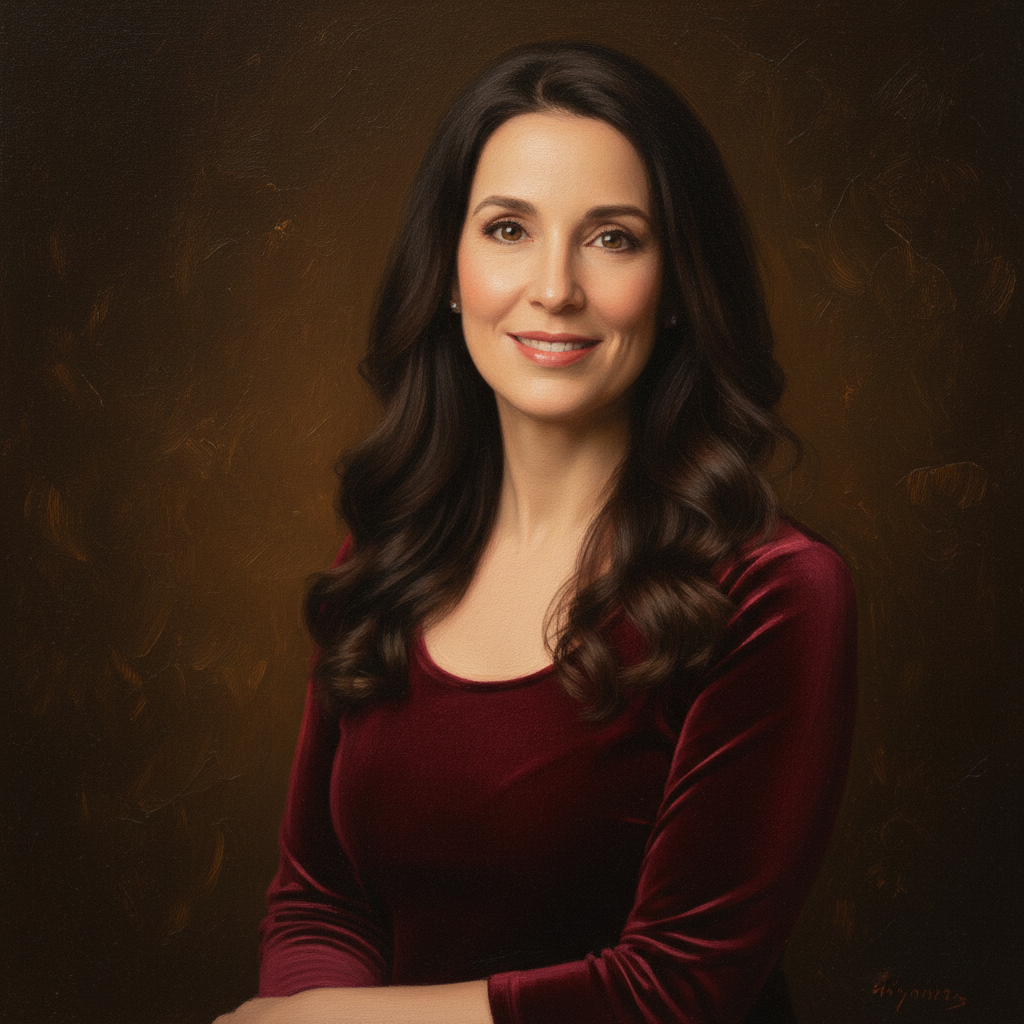
Same portrait converted to classical oil painting with visible brushstrokes and rich colors
After

AI Oil Painting Style Converter

Upload photo to convert oil painting style

Free β€’ Results in 30 seconds β€’ No signup

Release to upload

FreeNo signupNo watermark

Cost
Free No signup required
Time
Instant results in 15-30 seconds
Works on
Any device - browser, phone, tablet, desktop
Powered by
AI-powered photo editing
Scenario Prompt Time
Portrait convert this portrait to classical oil painting style with visible brushstrokes 20s
Landscape transform this landscape into Renaissance oil painting with warm tones 25s
Still Life convert to classical still life oil painting with impasto texture 15s
Contemporary convert to modern oil painting style with bold brushstrokes 20s
Impressionist transform into impressionist oil painting with soft brushwork 25s
Vintage convert to vintage oil portrait from the 1800s with aged patina 30s

How it works

  1. Upload your photo

    Drop your image into EditThisPic. JPG, PNG, WebP up to 7MB. Portraits, landscapes, and still life work best for oil painting conversion.

    Expect: Simple photos: 15-30 seconds. Complex scenes with multiple subjects: may need 2-3 refinements for optimal brushwork.
  2. Describe your oil painting style

    Type your instruction: 'convert to classical oil painting style' or 'transform into Renaissance oil painting with visible brushstrokes.' Be specific about painting characteristics - classical, impressionist, contemporary, or vintage oil techniques. No marking neededβ€”the AI understands artistic terminology.

    Tip: Include specific oil painting terms like 'impasto texture,' 'visible brushstrokes,' or 'Renaissance style' for more authentic results

    Copy one of these to get started:

    Classic portrait oil painting convert this portrait to classical oil painting style with visible brushstrokes and rich colors
    Renaissance landscape painting transform this landscape into Renaissance oil painting with classical composition and warm tones
    Impressionist oil style convert to impressionist oil painting with soft brushwork and luminous colors
    Still life oil painting transform into classical still life oil painting with impasto texture and dramatic lighting
    3 more prompts
    Contemporary oil portrait convert to modern oil painting style with bold brushstrokes and vibrant palette
    Vintage oil painting with aging transform into vintage oil portrait from the 1800s with classical techniques and aged patina
    Oil painting with canvas texture convert to oil painting on canvas with visible fabric texture and traditional brushwork
  3. Review the painting transformation

    Check the oil painting conversion at full resolution. Look for authentic brushstroke patterns, proper color blending, and classical painting composition. The AI applies traditional oil painting techniques automatically.

  4. Refine with markers if needed

    If you want to emphasize oil painting effects on specific areas or adjust the painting style in certain regions, tap markers on those spots and regenerate. This is optionalβ€”most oil painting conversions work perfectly without markers.

    Tip: Markers are helpful for focusing brushwork on faces in group photos or enhancing specific objects with different oil techniques.
Try it free ↓

AI Oil Painting Style Converter

Upload photo to convert oil painting style

Free β€’ Results in 30 seconds β€’ No signup

Release to upload

Free β€’ No signup

See it in action

Professional headshot of blonde woman in blue blazer
Before
->
Same portrait converted to classical oil painting with visible brushstrokes and rich colors
After

Portrait to Classical Oil Painting

A professional headshot transformed into museum-quality oil painting with authentic brushstroke textures and classical composition.

Prompt: convert this portrait to classical oil painting style with visible brushstrokes and rich colors
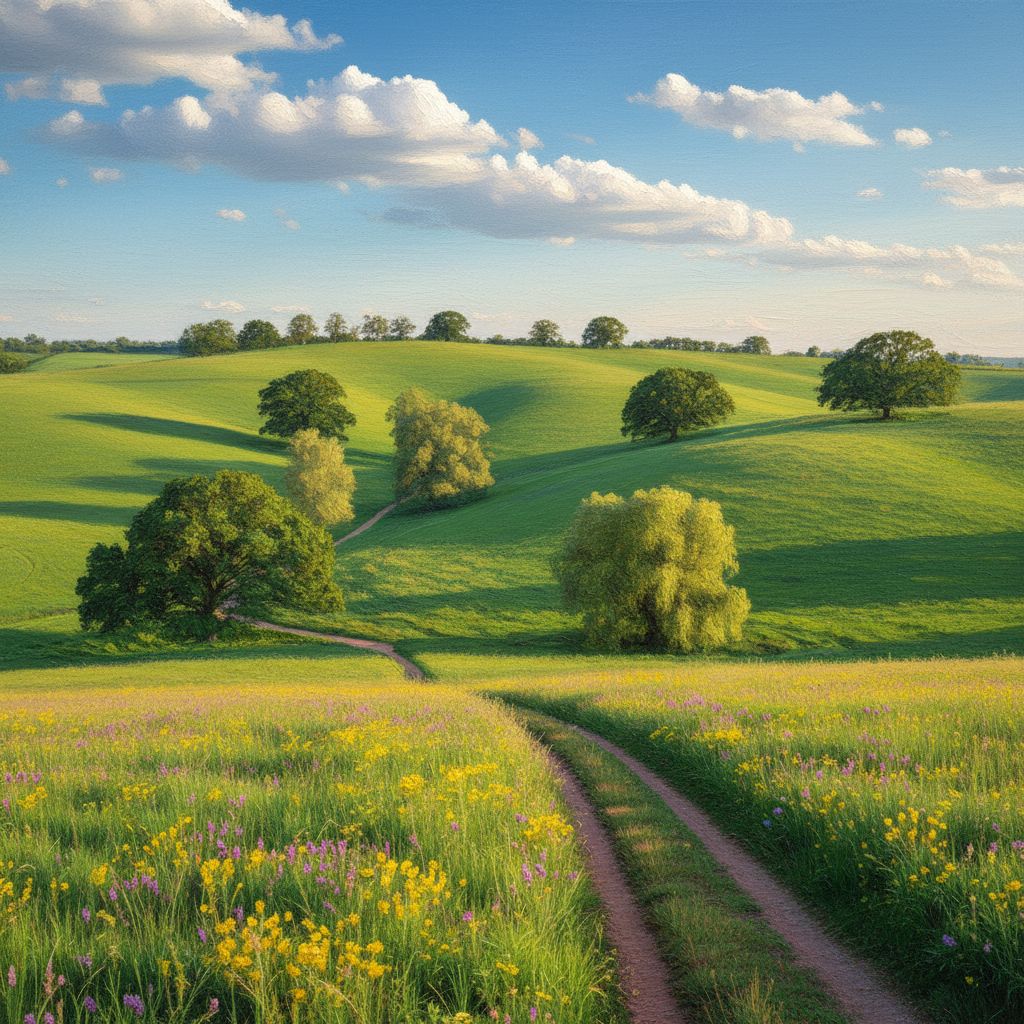
Mountain landscape with green meadow and snow peaks
Before
->
Same landscape converted to Renaissance oil painting with warm tones and classical composition
After

Landscape to Renaissance Oil Style

A modern landscape photo transformed into Renaissance-era oil painting with rich earth tones and classical painting techniques.

Prompt: transform this landscape into Renaissance oil painting with classical composition and warm tones
Yellow sunflowers in glass vase on wooden table
Before
->
Same flowers converted to classical still life oil painting with impasto texture and dramatic lighting
After

Still Life Oil Painting Transformation

Flowers transformed into classical still life oil painting with impasto texture and traditional Dutch Golden Age painting style.

Prompt: transform into classical still life oil painting with impasto texture and dramatic lighting

If something looks off

AI changed the wrong area or something I didn't want changed

Why: The AI couldn't determine exactly which area you meant from description alone. This happens with ambiguous requests.

Try: Tap a marker on the specific area you want to change, then regenerate with the same prompt

Tip: Markers tell the AI 'I mean THIS one specifically.' Use them when description alone is ambiguous.

Oil painting effect looks too subtle or not painterly enough

Why: The AI interpreted your request as a light filter rather than full oil painting transformation.

Try: Add 'with thick visible brushstrokes and impasto texture' to your prompt

Tip: Be specific about oil painting characteristics - mention brushwork, texture, or painting technique for stronger effects.

Colors look too different from the original photo

Why: Oil painting conversion naturally shifts colors to match traditional painting palettes and techniques.

Try: Add 'maintaining original photo colors' or 'preserving realistic skin tones' to your instruction

Tip: Oil paintings traditionally have warmer, richer colors than photos. This is often desirable for authentic classical results.

Face or important details got distorted in the painting

Why: The oil painting effect sometimes simplifies fine details during artistic transformation.

Try: Place a marker on the face area and specify 'convert to oil painting while preserving facial details and expression'

Tip: For portraits, marking the face helps maintain accuracy while applying authentic oil painting effects.

Brushstrokes don't look realistic or appear artificial

Why: The AI may need more specific guidance about the type of oil painting technique desired.

Try: Specify the exact style like 'classical Renaissance brushwork' or 'impressionist painting technique'

Tip: Reference famous oil painting styles or periods for more authentic brushstroke patterns and artistic techniques.

Background didn't convert properly to oil painting style

Why: Complex backgrounds sometimes resist oil painting transformation or convert unevenly.

Try: Add 'including background converted to oil painting style' to ensure complete transformation

Tip: Simpler backgrounds generally convert more successfully to authentic oil painting appearance.

Quick answers

Do I need to mark areas before converting to oil painting style?

No! Just describe what you want converted. The AI will transform your entire photo into oil painting style automatically with authentic brushstrokes and classical techniques. Only use markers when you want to focus the oil painting effect on specific areas or preserve certain details.

How do I convert photos to oil painting for free?

Upload your photo to EditThisPic and describe the oil painting transformation you want - like 'convert to classical oil painting style.' It's completely free to try with no account needed. The AI creates authentic oil painting effects with visible brushstrokes and traditional painting textures.

Is there a free oil painting converter that doesn't require login?

Yes, EditThisPic is free to try with no account needed. Just upload your photo and describe the oil painting style you want - classical, Renaissance, impressionist, or contemporary. No downloads, installations, or registrations required.

What's the difference between oil painting conversion and photo filters?

EditThisPic creates authentic oil painting characteristics like visible brushstrokes, impasto texture, traditional color blending, and classical composition. Unlike simple filters that overlay effects, our AI understands oil painting techniques and creates realistic paint textures with proper artistic depth.

Can I convert multiple photos to oil painting style at once?

Process one photo at a time for best results. Each image needs individual attention to achieve the proper oil painting transformation, authentic brushwork quality, and appropriate classical painting composition.

Will oil painting conversion work on any type of photo?

Yes! Portraits, landscapes, still life, architecture, and street photography all work well. Clear, well-lit photos with good contrast produce the most authentic oil painting effects. The AI adapts the painting style and brushwork techniques to suit your image type.

What oil painting styles can I create with the AI converter?

You can create classical oil paintings, Renaissance style, impressionist works, contemporary oil art, vintage portraits, still life paintings, and landscape oils. Specify the style in your prompt - like 'Renaissance oil painting' or 'impressionist style with soft brushwork' - for targeted results.

How long does oil painting style conversion take?

Simple portraits and landscapes typically convert in 15-30 seconds. Complex scenes with multiple subjects or detailed backgrounds may take up to 45 seconds and might need refinements for optimal brushwork and classical painting quality.

What's the best free AI tool for creating oil painting effects?

EditThisPic specializes in authentic oil painting transformations with classical techniques, visible brushstrokes, and traditional artistic composition. Unlike generic art filters, it creates museum-quality oil painting effects that capture the essence of traditional painting methods.

Can I save and download my oil painting conversions?

Yes, you can download your converted oil paintings in high quality. The AI maintains image resolution while adding authentic brushstroke textures and classical painting effects. Your transformed artwork is ready for printing or digital use.

Do oil painting conversions work well for portrait photography?

Absolutely! Portrait oil painting conversion is one of our most popular features. The AI expertly handles facial features, skin tones, and hair texture while applying authentic brushstrokes and classical portrait painting techniques. Great for family photos and professional headshots.

How realistic do the oil painting brushstrokes look?

Very realistic. The AI creates authentic brushstroke patterns, impasto texture, and proper paint layering that mimics traditional oil painting techniques. You'll see visible brush marks, natural color blending, and classical painting depth that captures the essence of hand-painted artwork.

Your photo. Convert in seconds.

No account. No watermark. Just results.