Free • No signup Transform Photo style · Free

Transform Photo to Cyberpunk Style

← Browse all creative effects

Last updated

Give any photo the look of a cyberpunk world — neon glows, dark streets, and futuristic atmosphere.
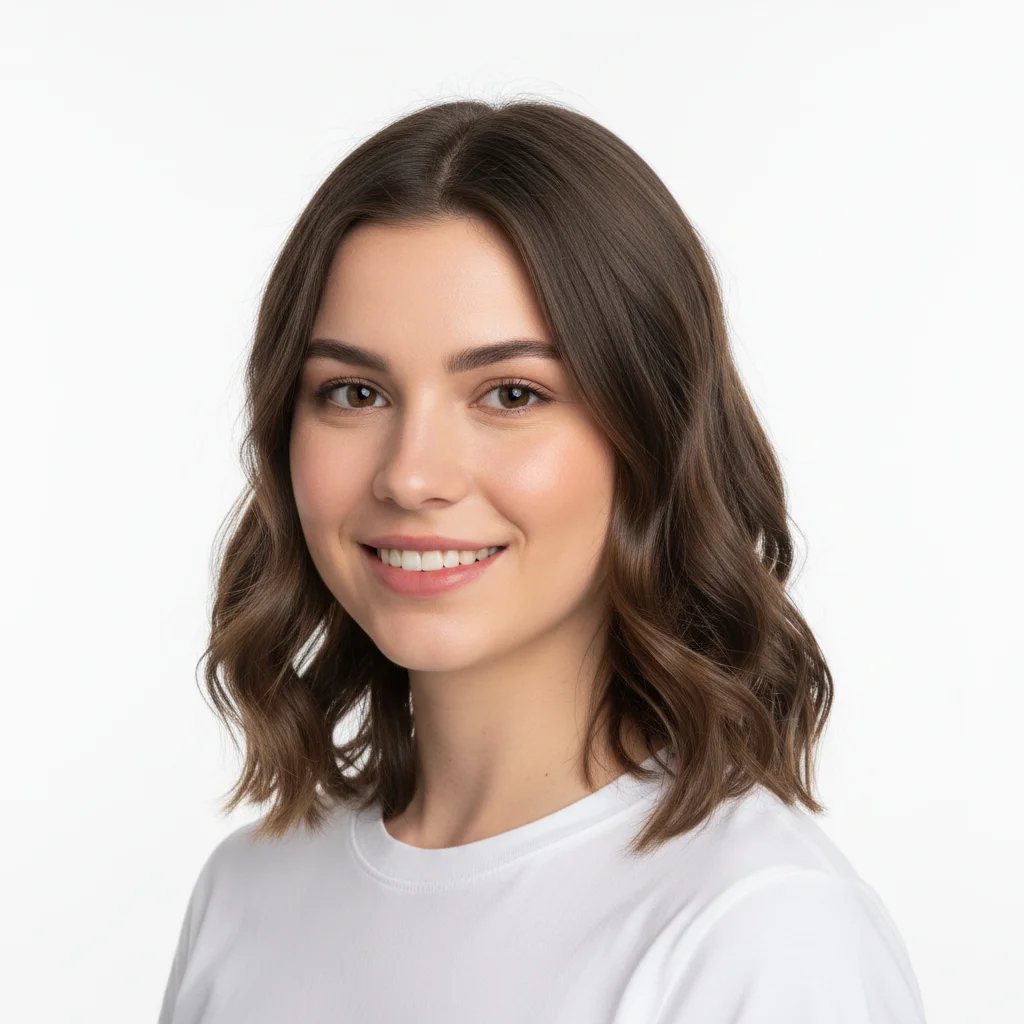
Standard studio portrait of a woman with white background
Before
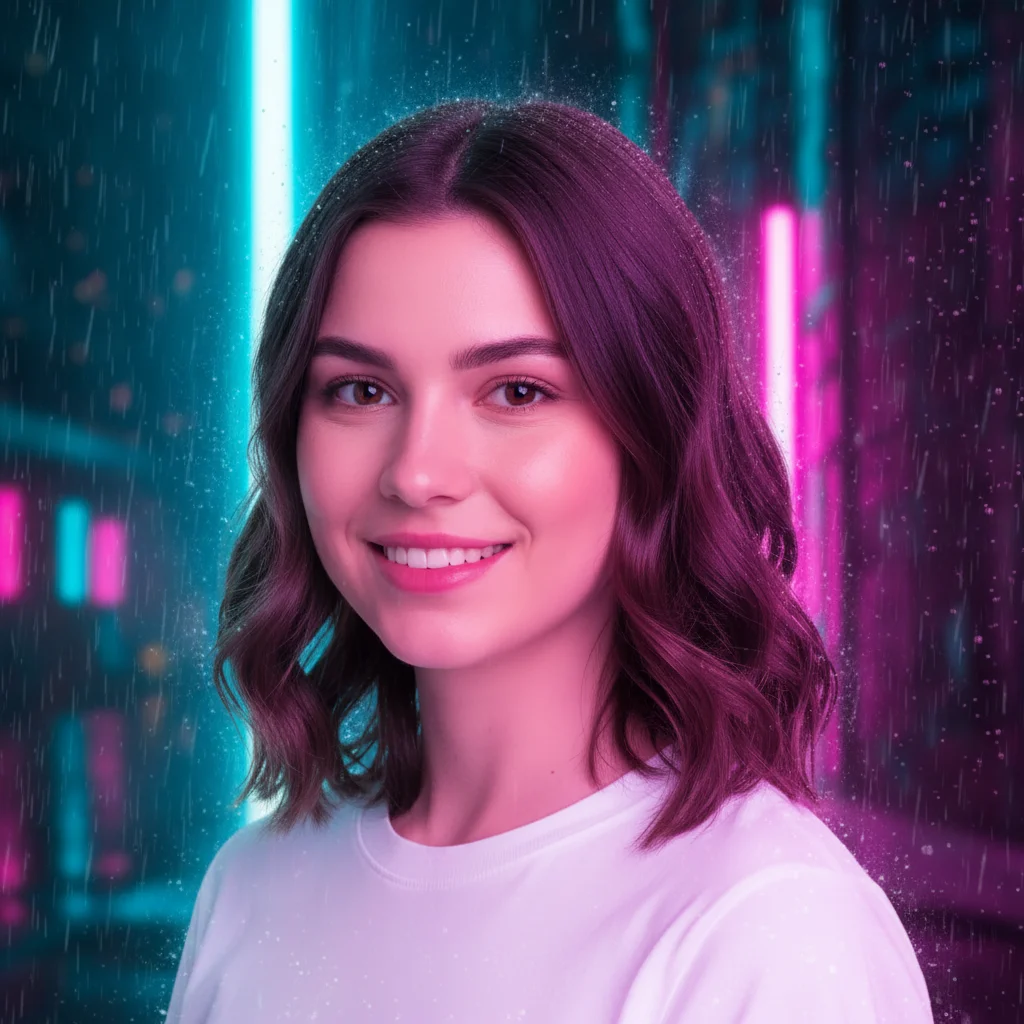
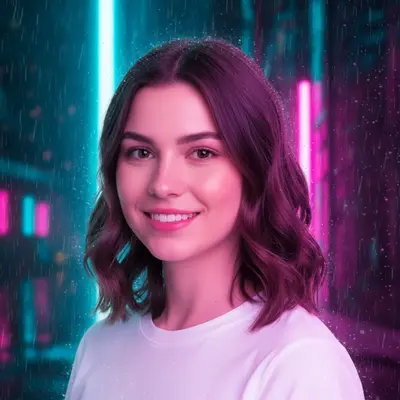
Same portrait transformed into cyberpunk style with neon cyan and magenta lighting
After

Upload photo to transform photo style

"give this a dark atmospheric cyberpunk look with neon signs, wet streets reflecting light, and a moody overcast sky"

Release to upload

FreeNo signupNo watermark

1 free edit·then from $1.99

Popular use cases:
  • cyberpunk photo effect
  • neon photo filter
  • dark futuristic photo style
  • cyberpunk portrait effect
  • neon city photo transformation

Cost
Free No signup required
Time
Instant results in 15-30 seconds
Works on
Any device - browser, phone, tablet, desktop
Powered by
AI-powered photo editing
Scenario Prompt Time
Portrait neon transform this into cyberpunk style with vivid neon cyan and magenta lighting 20s
Street scene give this a dark atmospheric cyberpunk look with neon signs and wet streets 30s
Subtle glow add subtle cyberpunk neon edge lighting with purple and blue tones 20s

How it works

  1. Upload your photo

    Drop any portrait, street scene, or cityscape photo into EditThisPic. JPG, PNG, or WebP up to 7MB. Photos with people, urban settings, or architectural elements respond especially well to cyberpunk transformation — the neon contrast effects are most dramatic against darker or neutral tones.

    Expect: Portraits and street scenes: 20-35 seconds. Complex cityscapes with many elements: 35-50 seconds and may benefit from a more specific style prompt.
  2. Describe the cyberpunk aesthetic you want

    Type your instruction: 'transform this into cyberpunk style with neon pink and blue lights' or 'give this a dark futuristic cyberpunk atmosphere with rain-slicked streets.' Specify elements — neon color palette, rain effects, holographic overlays, or particular neon hues. No need to mark any area — the AI applies the style transformation based on your description alone.

    Tip: Add 'cyan and magenta neon' or 'rain reflections on wet pavement' for more specific cyberpunk character. The style is defined by the aesthetic — not by any particular franchise or IP — so describe the visual vibe you want.

    Copy one of these to get started:

    Classic neon cyberpunk portrait transform this into cyberpunk style with vivid neon cyan and magenta lighting against a dark rain-soaked background
    Gritty street scene give this a dark atmospheric cyberpunk look with neon signs, wet streets reflecting light, and a moody overcast sky
    Futuristic character transform this photo into a cyberpunk aesthetic with holographic overlays, electric blue highlights, and a high-tech dark atmosphere
    Minimal neon glow add subtle cyberpunk neon edge lighting to this photo with purple and blue tones without altering the main subject
    3 more prompts
    Night city atmosphere turn this into a cyberpunk night cityscape with towering lit buildings, flying vehicles, and electric neon advertisement signs
    Monochrome neon transform this into a dark monochrome cyberpunk style with only electric green neon accents, high contrast, gritty texture
    Dystopian portrait give this portrait a dystopian cyberpunk look with neon reflections on rain-soaked skin, dark shadows, and electric city light glow
  3. Review the transformation

    Check for the hallmarks of cyberpunk aesthetic — high contrast neon colors against dark backgrounds, atmospheric moodiness, and futuristic visual language. Verify that faces remain recognizable while picking up neon glow effects. Look at edges and light sources for the characteristic electric coloring.

  4. Refine specific areas if needed

    If a particular area needs stronger neon treatment or a face detail looks off, tap a marker on that zone and regenerate with additional style guidance. Most transformations succeed without this step.

    Tip: For portraits: markers on the background help apply heavy neon effects there while the face gets a subtler treatment.
Try it free

Upload photo to transform photo style

"transform this photo into a cyberpunk aesthetic with holographic overlays, electric blue highlights, and a high-tech dark atmosphere"

Release to upload

Free • No signup

See it in action

Standard studio portrait of a woman with white background
Before
->
Same portrait transformed into cyberpunk style with neon cyan and magenta lighting
After

Portrait to neon cyberpunk

A standard indoor portrait transformed with vivid neon lighting and dark atmospheric background.

Prompt: transform this into cyberpunk style with vivid neon cyan and magenta lighting against a dark rain-soaked background
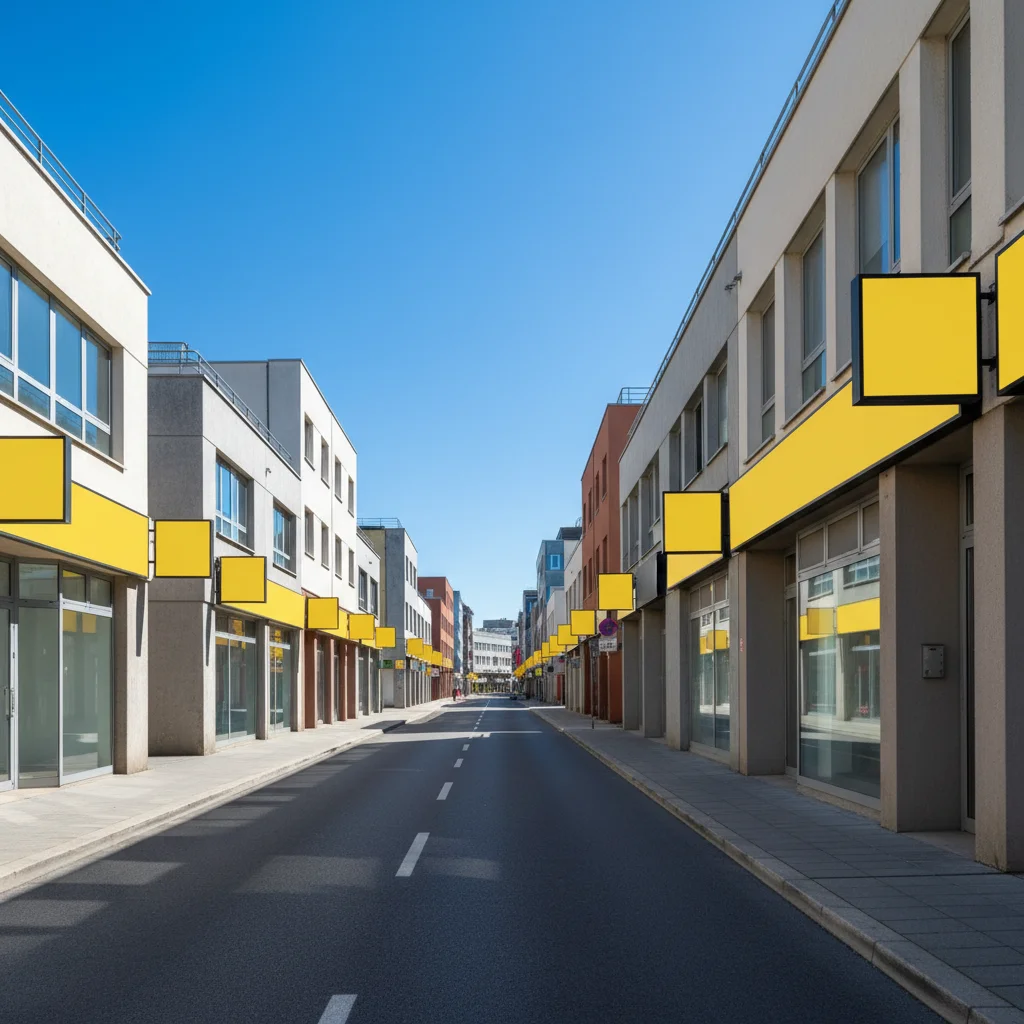
Bright daytime urban street with storefronts
Before
->
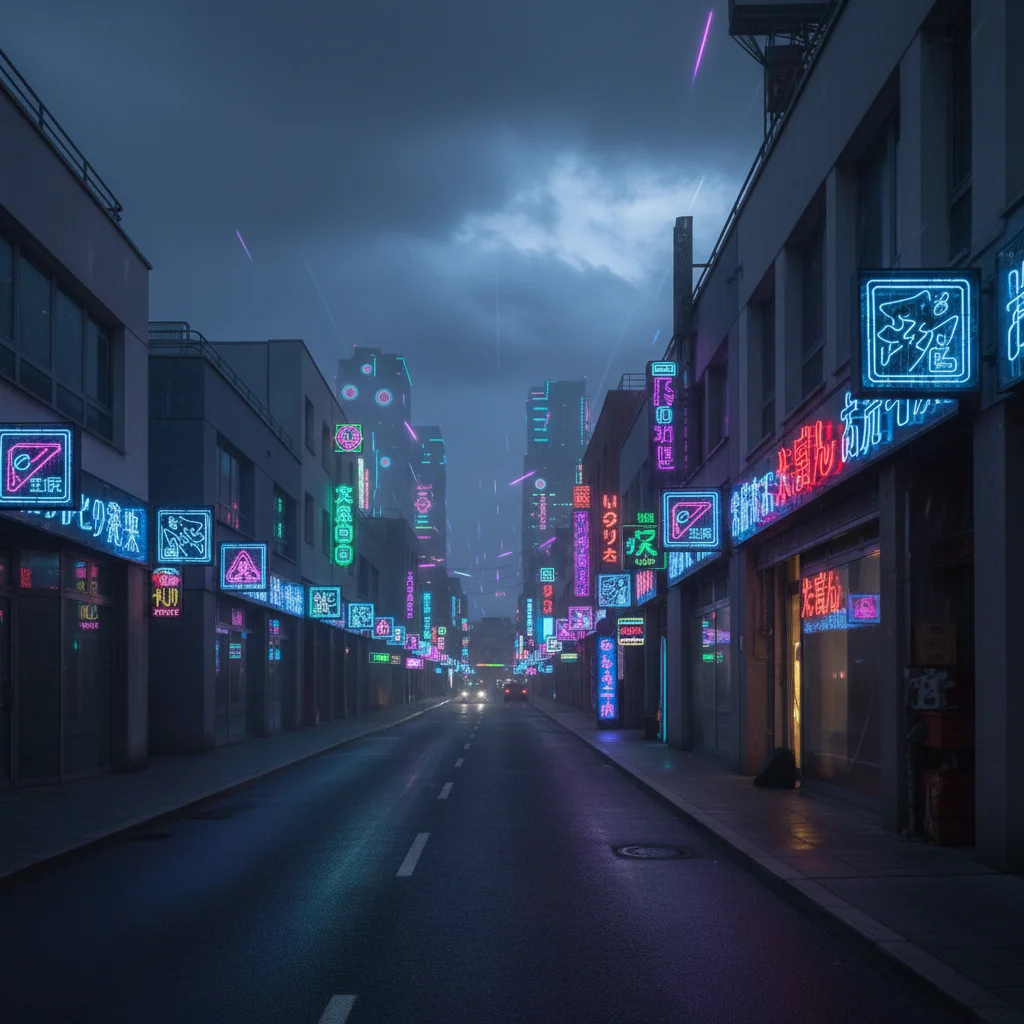
Same street transformed into dark cyberpunk cityscape with neon signs and wet reflective pavement
After

Street scene to cyberpunk city

A daytime street photo reimagined as a dark neon-lit cyberpunk cityscape.

Prompt: give this a dark atmospheric cyberpunk look with neon signs, wet streets reflecting light, and a moody overcast sky
Casual portrait of a man in orange jacket against grey wall
Before
->
Same portrait transformed with holographic cyberpunk overlays and electric blue atmosphere
After

Character with holographic cyberpunk overlay

A casual portrait enhanced with holographic accents and electric blue atmosphere.

Prompt: transform this photo into a cyberpunk aesthetic with holographic overlays, electric blue highlights, and a high-tech dark atmosphere

If something looks off

The neon colors are too subtle or barely visible

Why: The AI may have applied a light-touch interpretation of the style request.

Try: apply strong vivid neon cyberpunk lighting with high contrast between the dark background and bright neon cyan and magenta accents

Tip: Use words like 'intense,' 'vivid,' or 'saturated neon' to push the effect further.

AI changed the wrong area or something I didn't want changed

Why: The AI couldn't determine exactly which area you meant from description alone.

Try: Tap a marker on the specific area you want to change, then regenerate with the same prompt

Tip: Markers tell the AI 'I mean THIS one specifically.' Use them when description alone is ambiguous.

The face looks distorted or unrecognizable

Why: Heavy style transfer can occasionally deform facial features.

Try: apply cyberpunk neon atmosphere to the background and lighting only, preserve the natural face features and proportions

Tip: Adding 'preserve face details' to your prompt keeps the subject recognizable through the style transformation.

The result looks more fantasy than cyberpunk

Why: Generic 'futuristic' prompts can drift toward fantasy aesthetics.

Try: make this look like an urban cyberpunk city aesthetic — dark rain-soaked streets, neon advertisements, industrial buildings, not fantasy or medieval

Tip: Grounding the prompt in urban and industrial elements prevents drift toward unrelated fantasy styles.

Colors are desaturated or the result looks washed out

Why: The photo's original tone may be fighting the desired neon palette.

Try: boost contrast significantly and add saturated neon colors — cyan, magenta, and electric blue — against a deep dark background

Tip: Starting with a photo that already has good exposure helps the AI work with the existing tones.

Quick answers

Do I need to mark or select areas before applying the cyberpunk style?

No — just describe the style you want and the AI applies it to the whole photo. Only use markers if you want to protect a specific area from being changed or concentrate the effect on one zone.

How do I get cyberpunk-style photos for free?

EditThisPic applies cyberpunk style transformation for free with no account needed. Upload your photo, describe the neon and dark atmosphere you want, and download the result — no signup, no watermark.

Will this infringe any game or film IP?

No — the cyberpunk aesthetic is a visual genre predating any specific franchise. EditThisPic applies the general visual style (neon colors, dark atmospheres, futuristic elements) without referencing specific characters, logos, or IP from any game, film, or other work.

What types of photos work best for cyberpunk style?

Portraits, street scenes, and architectural photos produce the most dramatic results. Photos with good contrast and clearly defined subjects transform more consistently. Very bright or overexposed photos sometimes need stronger prompt language to push the dark moodiness.

Can I choose specific neon colors?

Yes — specify them in your prompt. 'Neon cyan and magenta,' 'electric green and purple,' or 'red and blue neon' all work. The AI applies the color palette you describe to the lighting and atmospheric effects.

How much does EditThisPic cost?

You get 1 free edit per week — no account needed. After that, credit packs start at $1.99 for 3 edits. Monthly plans start at $4.99/mo for 15 edits with unused credits rolling over. All edits are full resolution with no watermark.

Ready to transform your photo to cyberpunk style?

Free to try. No signup required.

1 free edit included·Credit packs from $1.99