Do I need to mark areas before matching to a reference image?
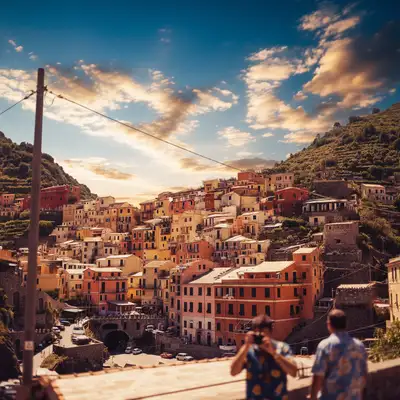
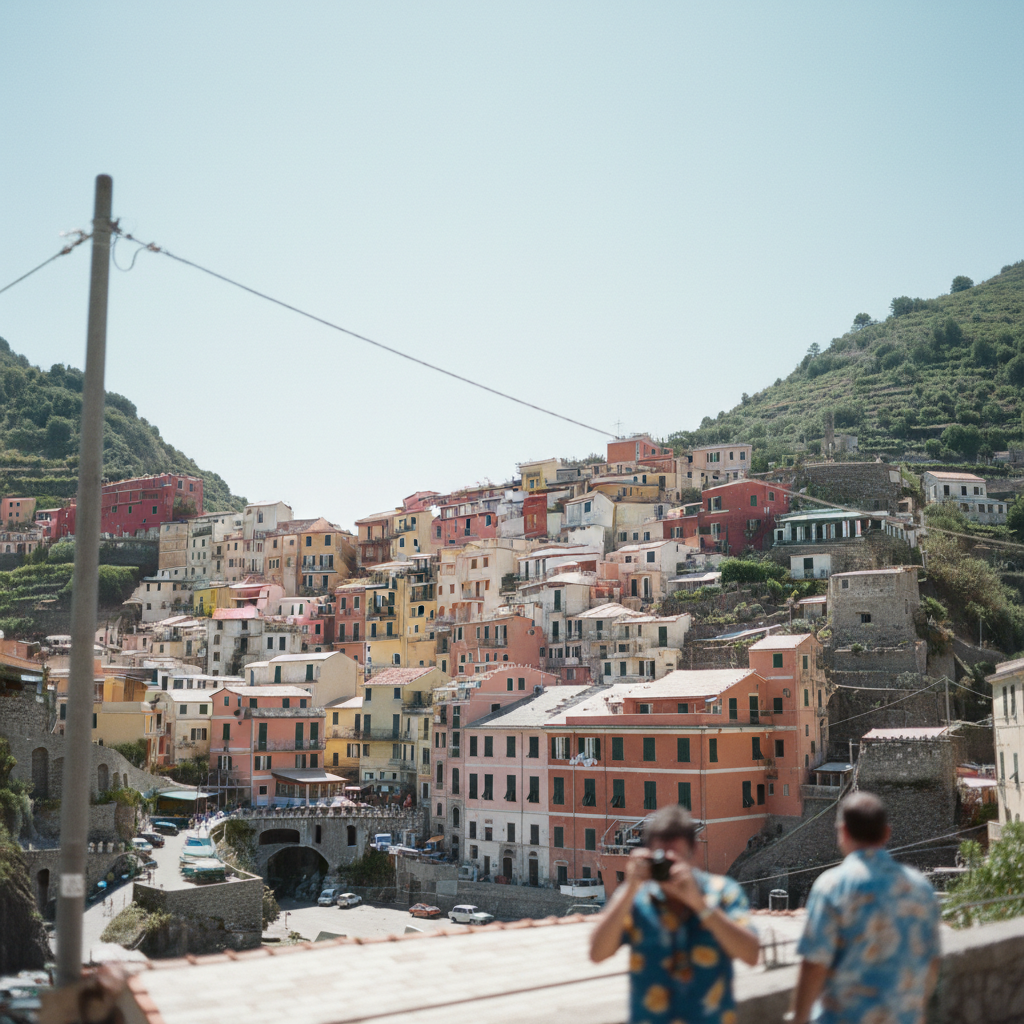
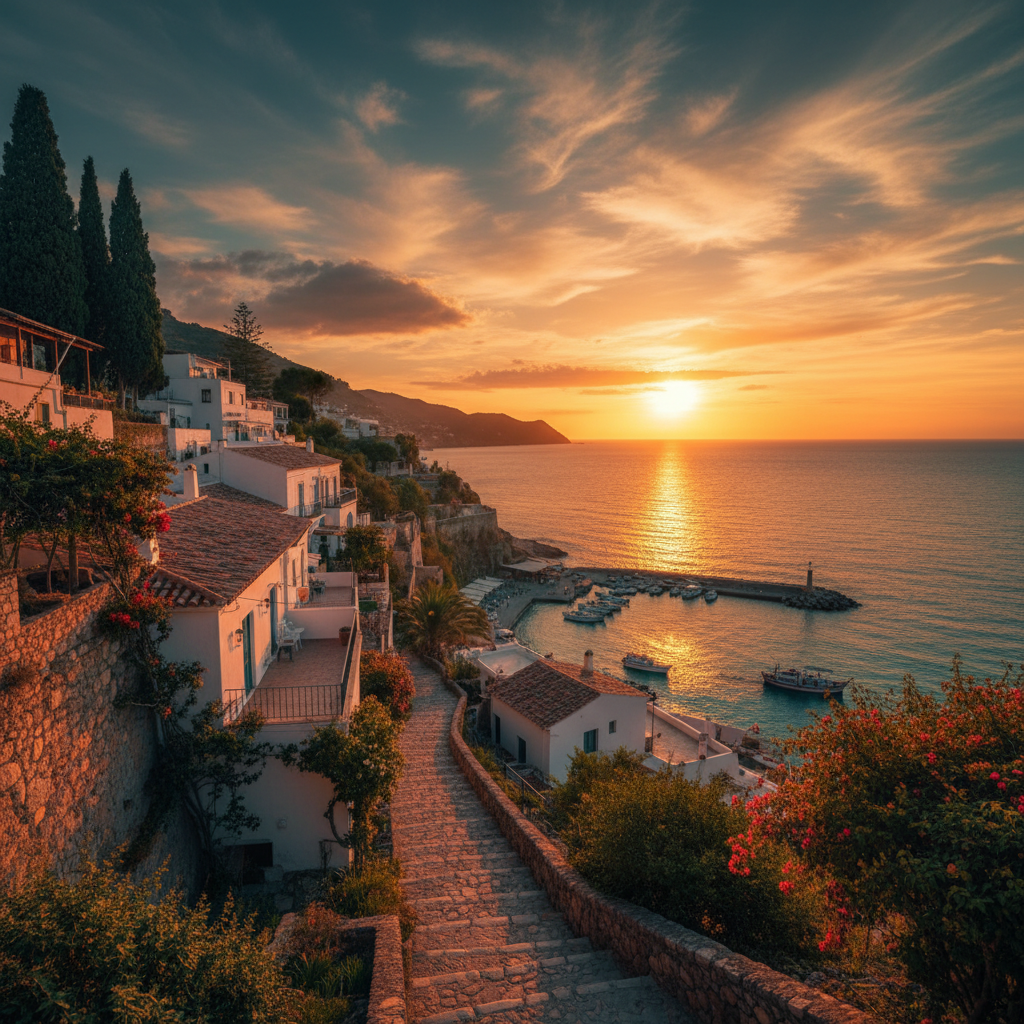
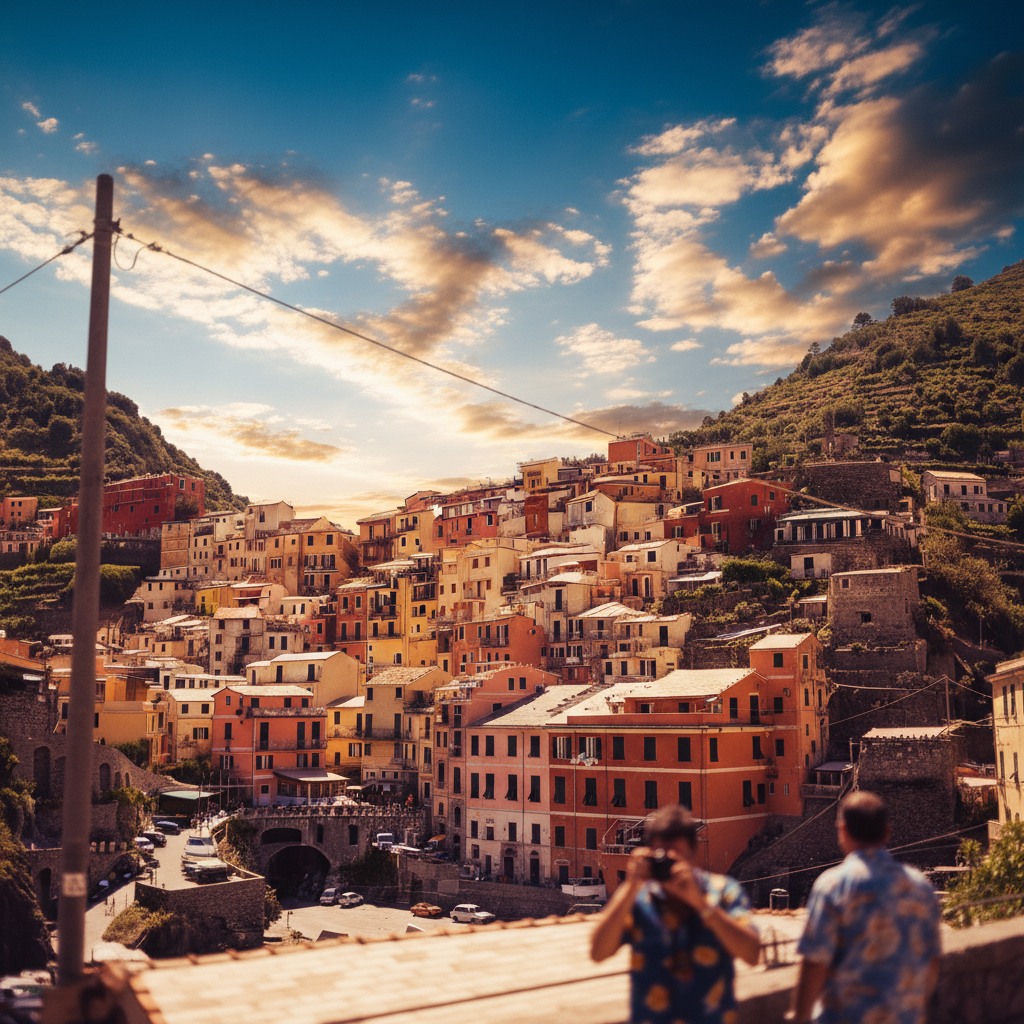
No! Just upload both images and describe what to match: 'match the color grading and mood of the reference photo.' The AI analyzes both images and transfers the style automatically. Only use markers if you want to protect specific areas from being changed—like preserving original skin tones while matching the reference's overall color palette.
What makes a good reference image for style matching?
The best reference images have similar lighting conditions to your photo (both outdoor, both golden hour, both studio, etc.), clear distinctive style you want to replicate, and similar subject matter. An outdoor golden hour portrait reference works better on outdoor photos than indoor ones. The more similar the shooting conditions, the more natural the style transfer will look.
Can I match style from professional photographer edits to my iPhone photos?
Yes! This is one of the most popular uses. Upload your iPhone photo and a professionally edited image as reference, then describe what to match. The AI transfers the color grading, contrast, and mood from the professional edit to your snapshot. It won't change your composition or add details that weren't there, but it will apply the same stylistic treatment.
How is this different from just describing the style I want without a reference?
Describing style ('warm vintage tones') works well, but a reference image gives the AI an exact template to match. Instead of interpreting what 'warm vintage' means, it analyzes the specific color values, contrast curves, and tonal characteristics of your reference. This produces more consistent results, especially when matching an entire photo series to one aesthetic.
Will this work for making my Instagram feed look consistent?
Absolutely. Find one post with your ideal aesthetic, use it as a reference for all future photos. Upload each new photo with the same reference and prompt, and your entire feed will have cohesive color grading. This is how influencers achieve that 'curated feed' look without manual editing in Lightroom.
Is EditThisPic's AI style matcher really free?
Yes — you get 1 free edit per week, no account needed. For unlimited edits, plans start at $3.99/month.
What photo formats does the AI style matcher support?
JPG, PNG, WebP, and HEIC. Upload any common photo format and EditThisPic handles the rest.
How long does it take to match style?
Usually 15-30 seconds. Upload your photo, describe what you want, and the AI delivers the result.