Free • No signup Enhance Low-light photo · Free

AI Low Light Enhancer

← Browse all enhance tools

Last updated

Describe what to brighten and AI rescues your dark photo instantly. No exposure sliders to adjust.
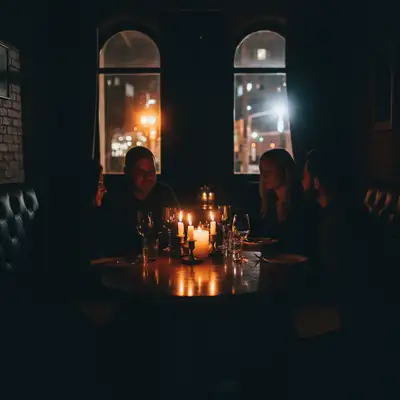
Extremely dark restaurant photo with barely visible faces Same restaurant photo brightened with clear faces and warm ambiance

Upload photo to enhance low-light photo

"brighten the person's face and body in this backlit photo without blowing out the bright background"

Release to upload

50,000+photos edited
<30stypical edit
1 freeedit weekly

1 free edit·then from $4.99

How it works

  1. Upload your photo

    Drop your dark image into EditThisPic. JPG, PNG, WebP up to 7MB. Even extremely dark photos work—the AI can recover detail that's invisible to your eye.

    Expect: Standard brightening: 20-30 seconds. Extreme low-light with noise reduction: 30-45 seconds and may need refinements.
  2. Describe the enhancement you want

    Type what you need: 'brighten this dark photo and recover the details' or 'fix the low light, reduce noise, and make the subject visible.' Be specific about what matters—faces, background, or the whole scene. No exposure sliders needed—the AI understands 'dark' and 'brighten.'

    Tip: Add 'reduce noise' to your prompt if the photo was taken at high ISO—the AI handles noise cleanup alongside brightening.

    Copy one of these to get started:

    General dark photo fix brighten this dark photo, lift the shadows, recover hidden details, and reduce noise
    Backlit subject rescue brighten the person's face and body in this backlit photo without blowing out the bright background
    Nighttime outdoor shot enhance this nighttime photo, make the scene brighter and visible while keeping the night atmosphere
    Indoor low-light portrait brighten this indoor portrait, improve the skin tones, and reduce the grain from low-light shooting
    3 more prompts
    Concert or event photo brighten this concert photo, make the performers visible while keeping the dramatic stage lighting
    Sunset or dusk shot rescue brighten the foreground of this sunset photo so the subject is visible, keep the sky colors as they are
    Extremely dark photo recovery maximize brightness and recover all possible detail from this very dark photo, reduce noise aggressively
  3. Review the enhancement

    Check that shadows are lifted without washing out highlights. Zoom in on faces and details—they should be clear and natural. Verify that noise hasn't been amplified in the brightened areas.

See it in action

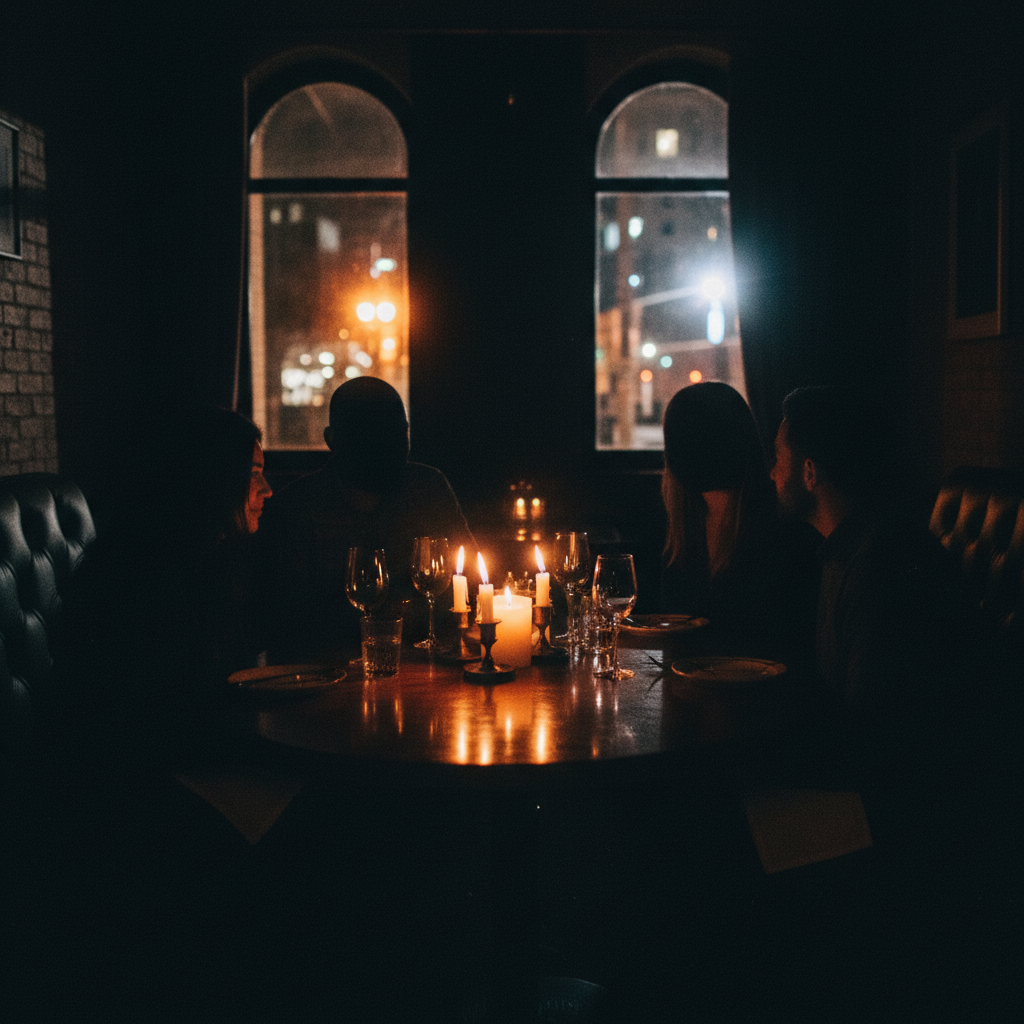
Extremely dark restaurant photo with barely visible faces
Before
->
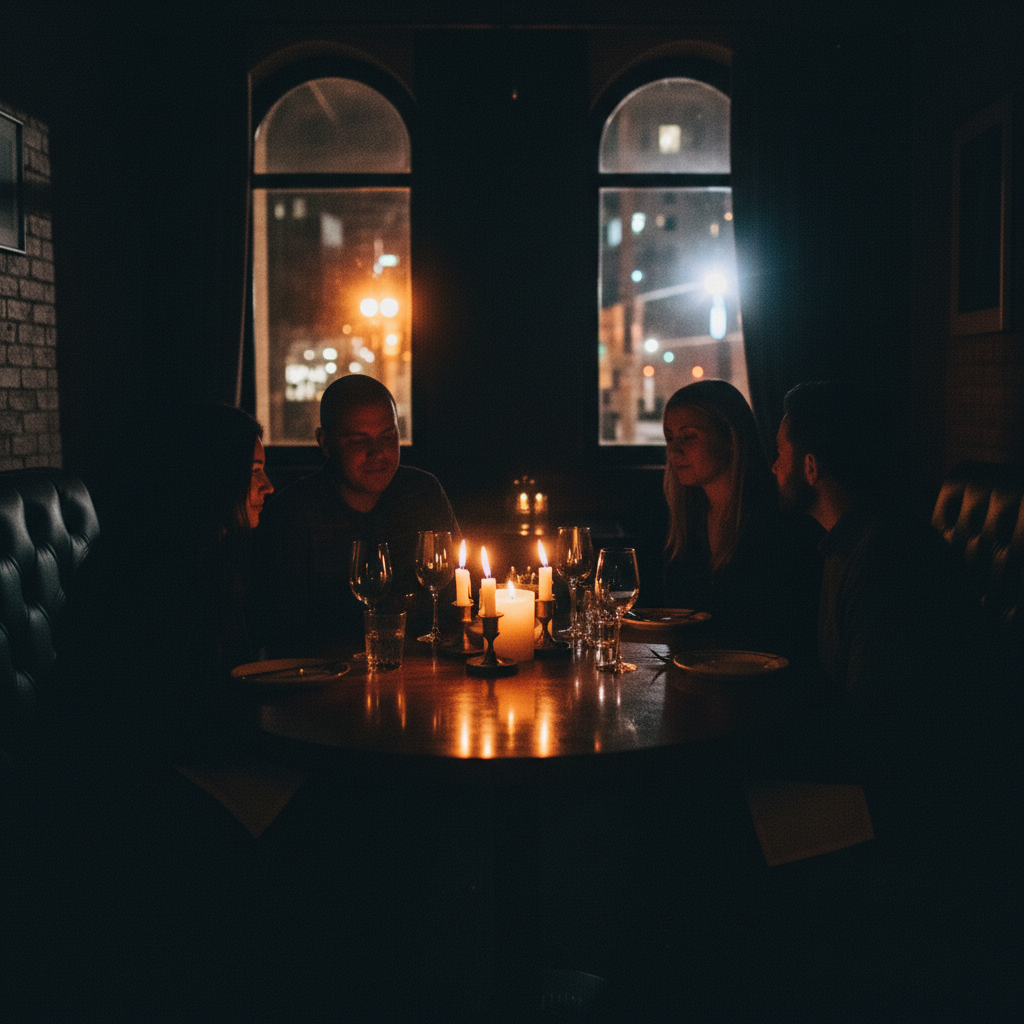
Same restaurant photo brightened with clear faces and warm ambiance
After

Restaurant photo rescued from darkness

A nearly black indoor restaurant photo brightened to reveal clear faces and warm ambiance.

Prompt: brighten this dark photo, lift the shadows, recover hidden details, and reduce noise
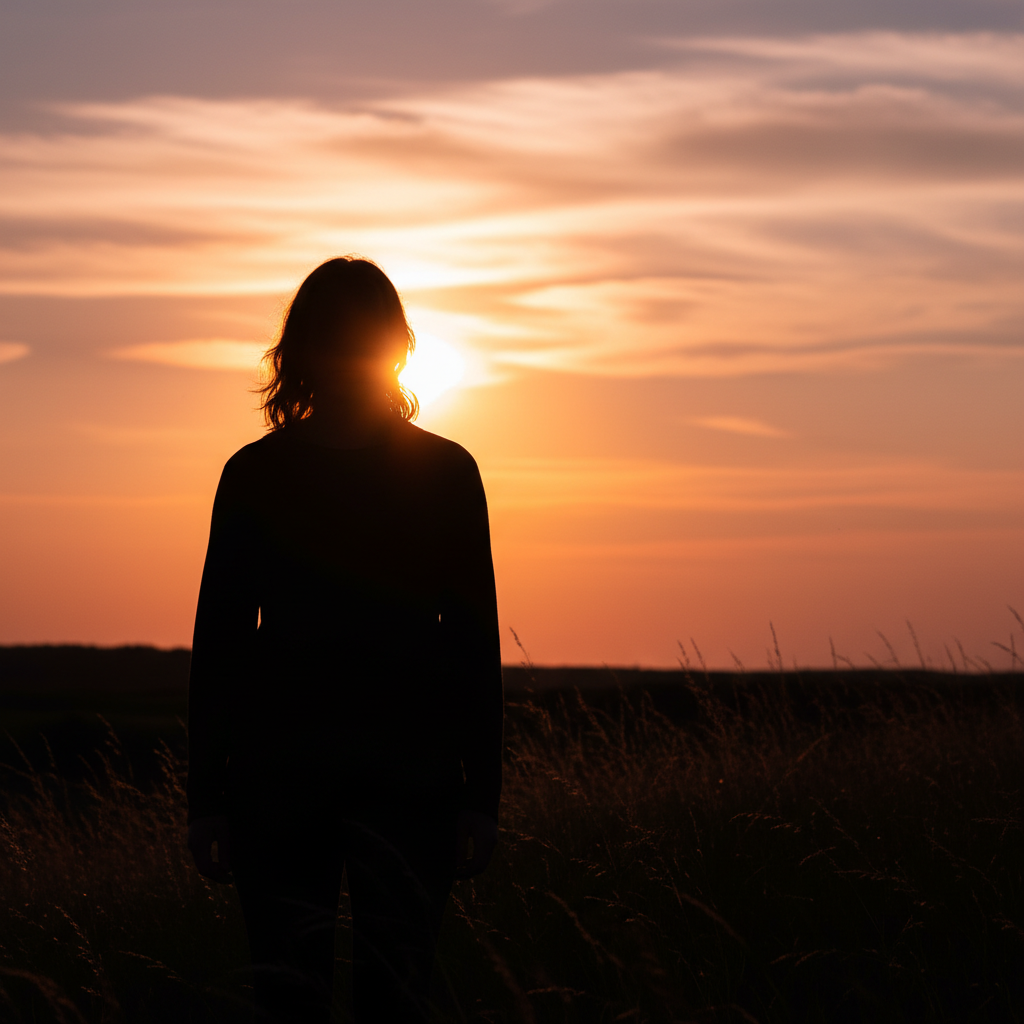
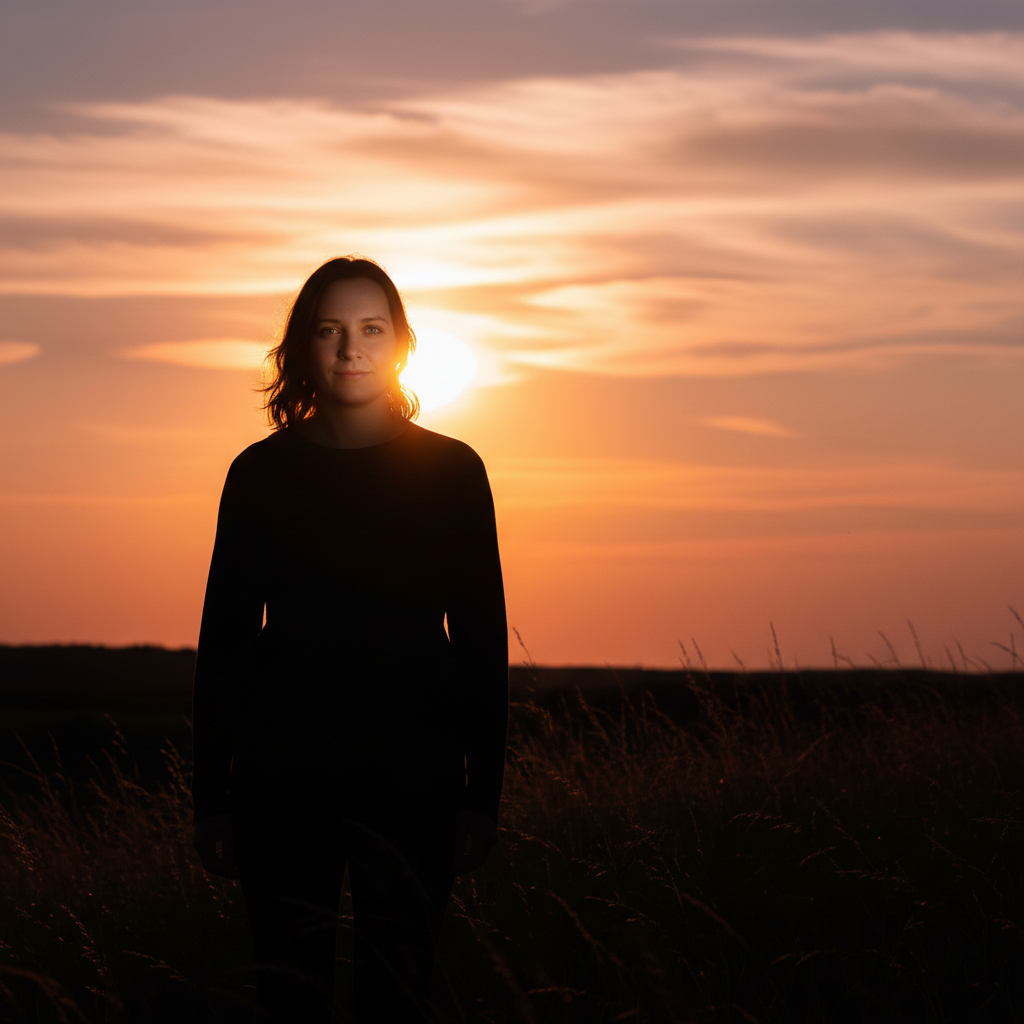
Backlit silhouette of person against bright window
Before
->
Same photo with person's face clearly visible and window properly exposed
After

Backlit portrait fixed

A person photographed against a bright window, face completely in shadow, rescued with targeted brightening.

Prompt: brighten the person's face and body in this backlit photo without blowing out the bright background

Quick answers

Do I need to select the dark areas before describing what to fix?

No! Just type 'brighten this dark photo' and the AI identifies and fixes underexposed areas automatically.

How do I fix a dark photo taken in low light for free?

Upload your dark photo to EditThisPic and type 'brighten this photo, lift shadows, and reduce noise.' The AI brightens underexposed areas, recovers hidden details, and cleans up noise in 20-30 seconds. Works on nighttime, indoor, and backlit photos. Free to use, no account required.

Is there a free AI low-light photo enhancer that doesn't require login?

Yes, EditThisPic fixes dark photos for free with no account needed. Upload your underexposed image, describe the fix, and download the brightened result. No watermarks on outputs. Handles extreme darkness, backlighting, and indoor low-light situations.

Can AI recover details from an extremely dark photo?

Yes! Even photos that look nearly black often have hidden detail the AI can recover. Upload your darkest photo and type 'maximize brightness and recover all possible detail.' The results depend on how much data the camera sensor captured—RAW files recover more than heavily compressed JPEGs.

Can I enhance low-light photo on my phone?

Yes. EditThisPic works in any mobile browser — iPhone, Android, tablet. No app download needed.

What photo formats does the AI low-light photo enhancer support?

JPG, PNG, WebP, and HEIC. Upload any common photo format and EditThisPic handles the rest.

How long does it take to enhance low-light photo?

Usually 15-30 seconds. Upload your photo, describe what you want, and the AI delivers the result.

Do I need to create an account to enhance low-light photo?

No. You can try your first edit without signing up. An account is only needed to save edits and manage a subscription.

How much does EditThisPic cost?

You get 1 free edit per week — no account needed. After that, credit packs start at $1.99 for 3 edits. Monthly plans start at $4.99/mo for 20 edits with unused credits rolling over. All edits are full resolution with no watermark.

Ready to enhance your photos?

Free to try. No signup required.

1 free edit included·Credit packs from $4.99