Free • No signup Fix Blur · Free

Make Blurry Picture Clear

Last updated

Upload a blurry photo and type 'make this photo sharp and clear'. The AI corrects motion blur, camera shake, and soft focus automatically. Works on portraits, phone photos, and action shots. Free, no account needed.
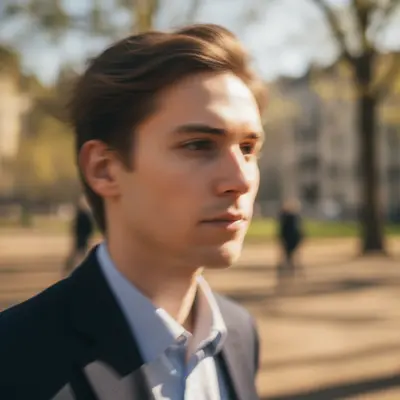
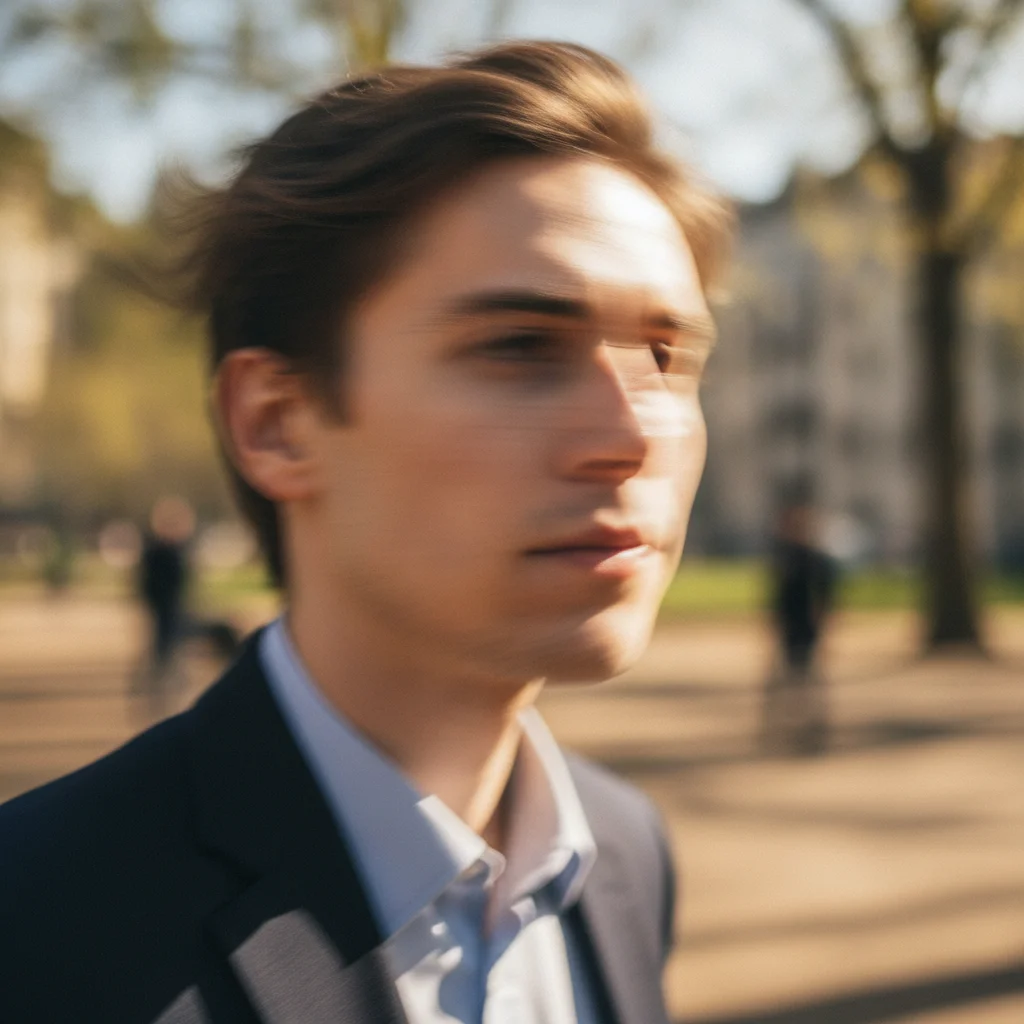
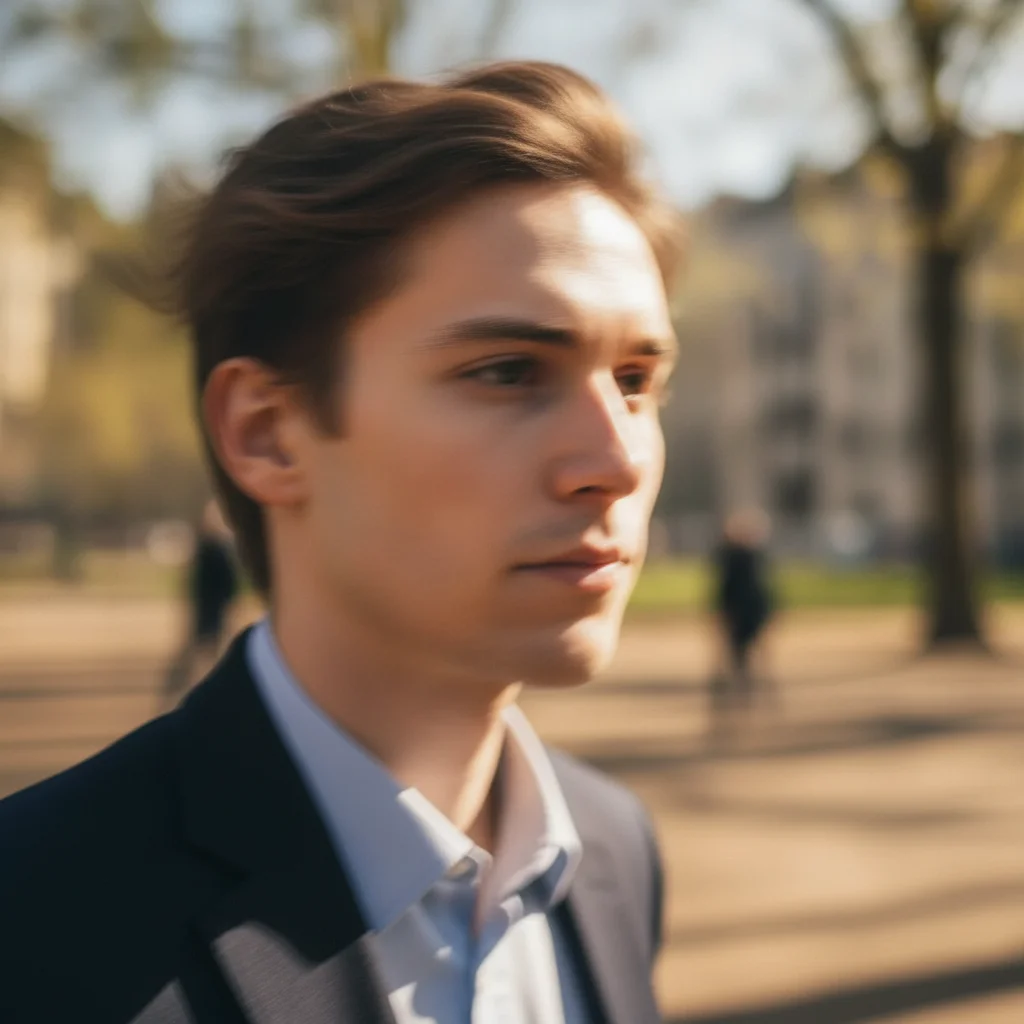
Portrait with horizontal motion blur obscuring facial features Same portrait with motion blur removed and clear facial detail restored

Upload photo to fix blur

"remove the motion blur from this photo and restore sharp detail throughout"

Release to upload

50,000+photos edited
<30stypical edit
1 freeedit weekly

1 free edit·then from $4.99

How it works

  1. Upload your blurry photo

    Upload the blurry image. Motion blur, camera shake, soft focus, and low-light blur all respond to deblurring. Very extreme blur where content is unrecognizable may only partially recover. JPG, PNG, WebP up to 7MB.

    Expect: Most deblurring takes 15-25 seconds. Motion-blurred or heavily shaken photos may take 30-40 seconds.
  2. Describe what you want

    Type 'make this blurry photo sharp and clear' for a general fix. For more targeted results, describe the type of blur: 'fix the motion blur in this photo', 'sharpen the out-of-focus face', or 'fix camera shake and make the details clear'. No marking is required — the AI reads the blur pattern in the image.

    Tip: If only one part of the image is blurry (like a face that's out of focus while the background is sharp), add 'sharpen only the face — keep the background as-is'.

    Copy one of these to get started:

    General blur fix make this blurry photo sharp and clear
    Motion blur from movement remove the motion blur from this photo and restore sharp detail throughout
    Out-of-focus portrait sharpen the face in this photo — it's out of focus, make the facial features clear without blurring the background
    Camera shake fix fix the camera shake blur in this photo and make the subject and background both sharp and clear
    2 more prompts
    Low-light blurry photo sharpen this low-light blurry photo — make the subject clear and reduce the noise at the same time
    Sharpen without over-processing make this photo clearer and sharper but keep it natural — no halos or artificial sharpening artifacts
  3. Review the result

    Check edges, text, and fine detail. A good deblur restores crisp edges without adding artificial noise or halos. If the result looks over-sharpened, refine with 'sharpen without adding halos or noise'.

See it in action

Portrait with horizontal motion blur obscuring facial features
Before
->
Same portrait with motion blur removed and clear facial detail restored
After

Motion-blurred portrait — sharpened

A portrait blurred from subject movement during a slow shutter shot. Motion blur removed and facial features restored.

Prompt: remove the motion blur from this portrait and restore the facial features clearly
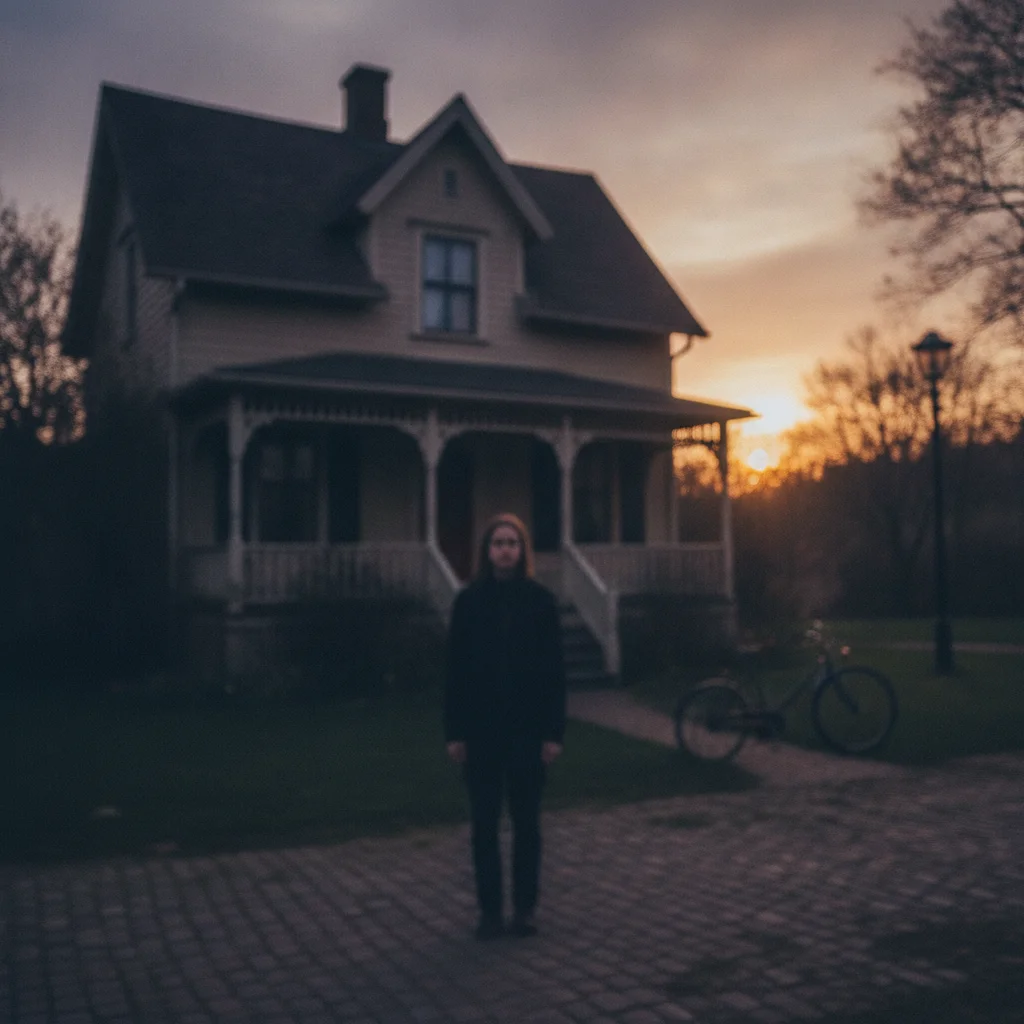
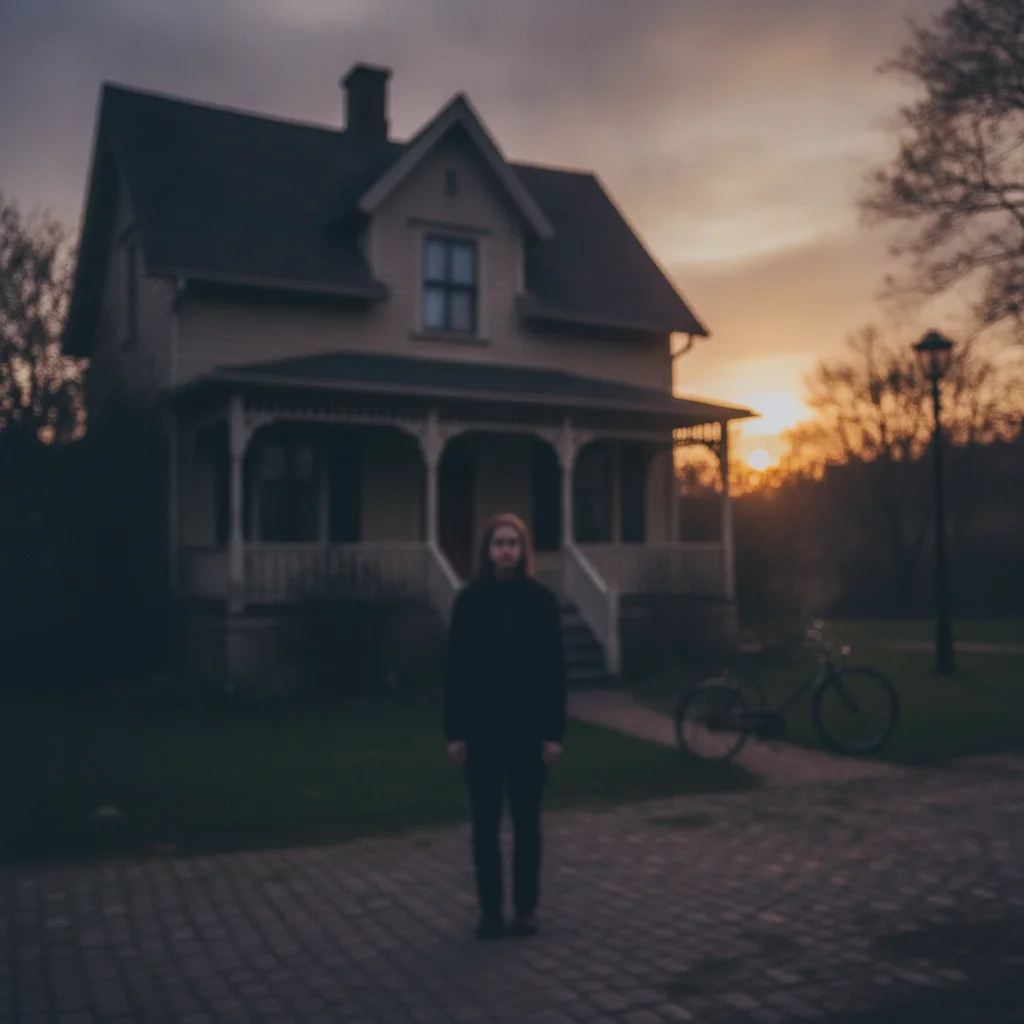
Outdoor photo with uniform camera shake blur across the entire frame
Before
->
Same photo with camera shake removed and sharp detail restored throughout
After

Camera shake — whole-frame sharpening

An outdoor photo taken handheld in low light where camera shake blurred the entire frame. Full-image sharpening restored detail throughout.

Prompt: fix the camera shake in this outdoor photo — sharpen the entire frame, subject and background

Quick answers

Do I need to mark the blurry areas before fixing them?

No. Just type 'make this blurry photo sharp and clear'. EditThisPic's AI reads the blur pattern in the image and corrects it automatically. If only one part is blurry — like an out-of-focus face — you can describe it: 'sharpen the face, keep the background as-is'.

Can AI really make a blurry photo clear for free?

Yes. Upload your blurry photo to EditThisPic and type 'make this blurry photo sharp and clear'. The AI sharpens it in about 20 seconds. Free, no login, no watermark. Works on motion blur, camera shake, soft focus, and low-light blur.

What's the difference between this and unpixelate-image?

Deblurring fixes photos where the content was captured in focus but the image was smeared by motion, camera shake, or lens soft focus — the details exist but are spread across pixels. Unpixelating fixes photos where the image was captured or saved at low resolution, creating blocky pixels rather than directional smearing. The symptoms look similar but the causes and fixes are different.

Can extremely blurry photos be fixed?

It depends on the severity. Light to moderate blur — camera shake, mild motion blur, slight soft focus — typically recovers well. Extreme blur where no subject detail is visible is much harder; the AI can sharpen what's there but can't invent detail that was never captured. The best results come from photos where the subject is at least partially recognizable.

How much does EditThisPic cost?

You get 1 free edit per week — no account needed. After that, credit packs start at $1.99 for 3 edits. Monthly plans start at $4.99/mo for 20 edits with unused credits rolling over. All edits are full resolution with no watermark.

Ready to make your blurry photo clear?

Free to try. No signup required.

1 free edit included·Credit packs from $4.99