Free • No signup Enhance Photo · Free

AI Photo Enhancer

← Browse all enhance tools

Last updated

Describe the improvement you want and AI enhances your photo instantly. No filters to adjust.
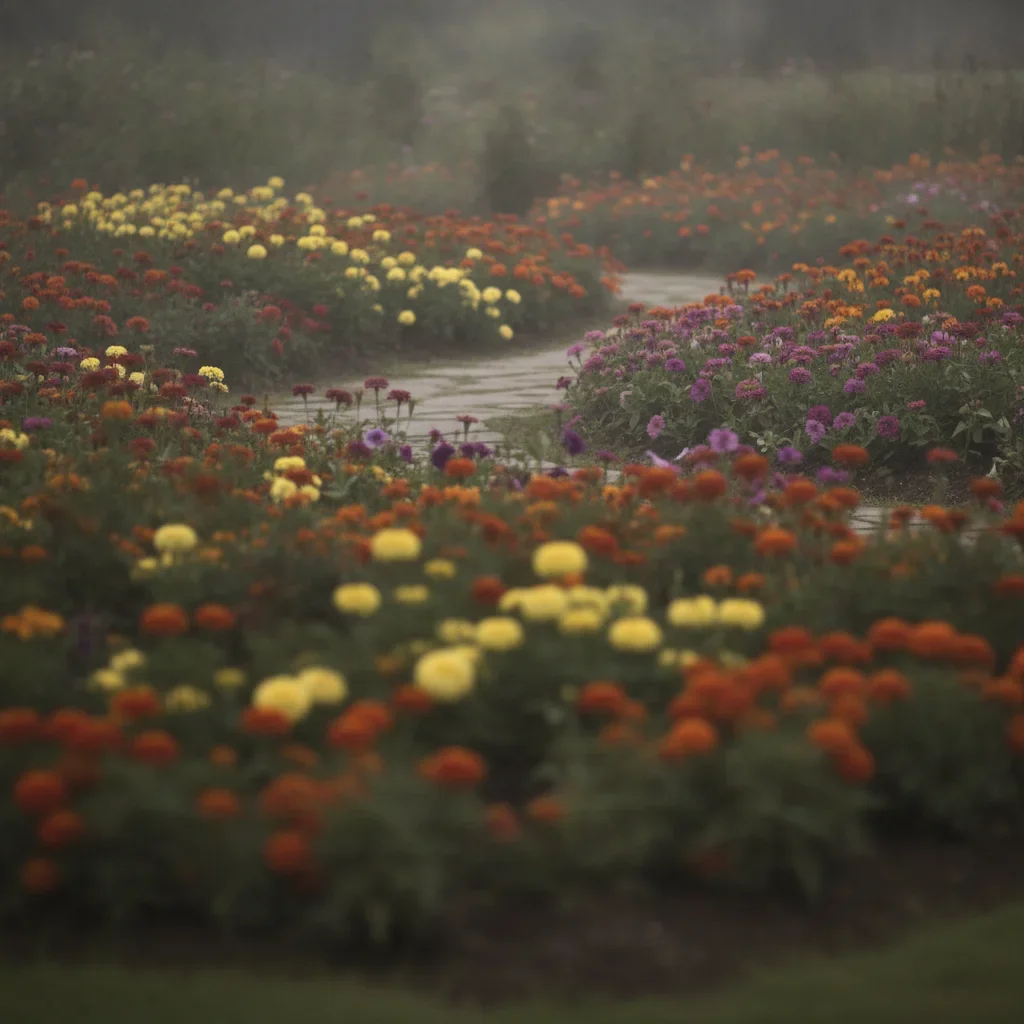
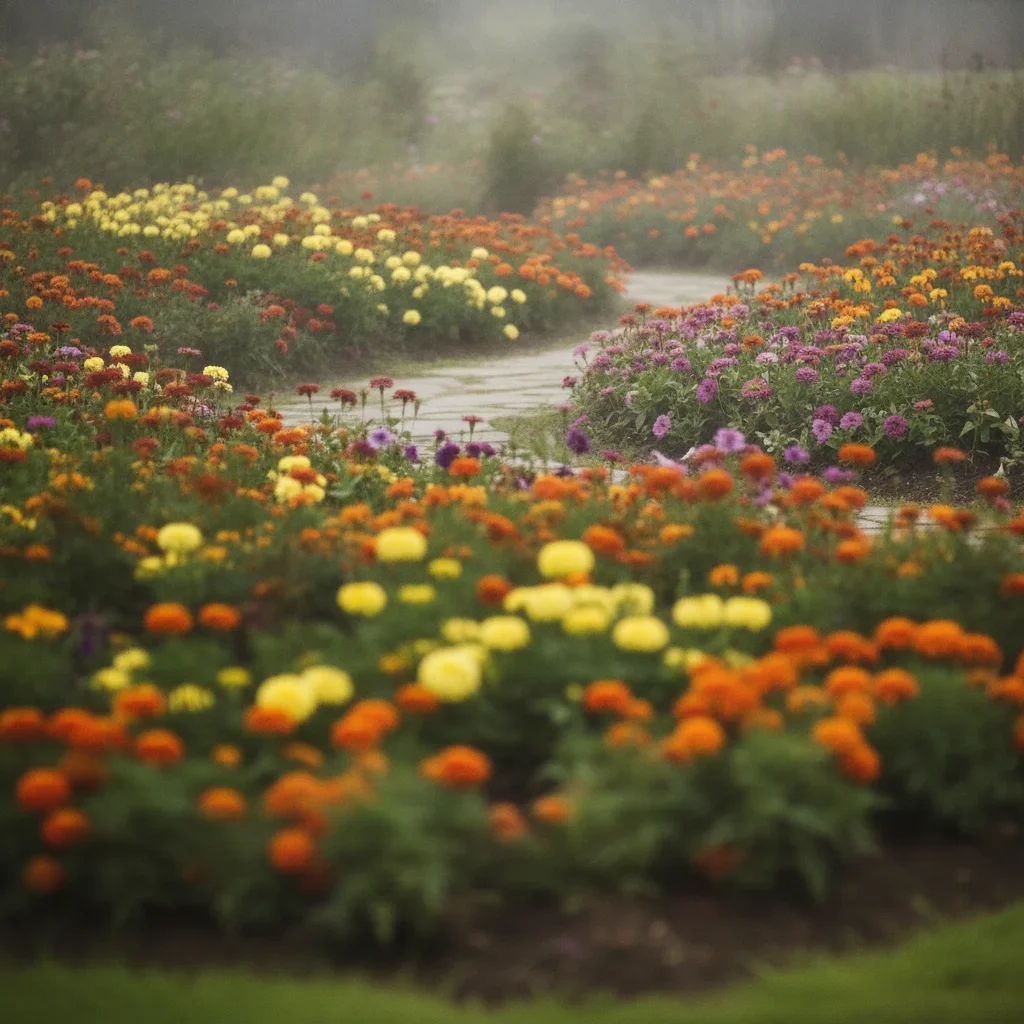
Dull blurry phone photo of a flower garden Same flower garden enhanced with vivid colors and sharp details

Upload photo to enhance photo

"sharpen this photo and bring out the fine details, make it look crisp and clear"

Release to upload

50,000+photos edited
<30stypical edit
1 freeedit weekly

1 free edit·then from $4.99

How it works

  1. Upload your photo

    Upload the photo that needs restoration. Even low-quality scans work — the AI is designed to handle photo from degraded source material. JPG, PNG, WebP up to 7MB.

    Expect: Standard enhancements: 20-30 seconds. Multi-issue fixes (blur + color + exposure): 30-45 seconds and may need refinements.
  2. Describe the enhancement you want

    Type what you need: 'enhance this photo, sharpen details and improve colors' or 'make this photo brighter and more vibrant.' Be specific about what to fix—sharpness, color, exposure, or all three. No filters or sliders needed—the AI understands natural language.

    Tip: Stack multiple improvements in one prompt: 'sharpen details, boost colors, and fix the dark shadows' gets everything done at once.

    Copy one of these to get started:

    General photo improvement enhance this photo, sharpen details, improve colors, and fix the exposure for a professional look
    Sharpen a blurry photo sharpen this photo and bring out the fine details, make it look crisp and clear
    Fix washed-out colors boost the colors in this photo to make them vibrant and rich without looking oversaturated
    Professional portrait touch-up enhance this portrait photo with better skin tones, sharper eyes, and soft professional lighting
    3 more prompts
    Landscape photo pop enhance this landscape photo with richer greens, deeper sky blue, and sharper foreground details
    Fix underexposed photo brighten this dark photo, lift the shadows, and recover the detail in the darker areas
    Rescuing a damaged family heirloom photo enhance photo — this is an old family photo with sentimental value. Fix the damage while preserving the original character and era of the photograph
  3. Review the enhancement

    Compare before and after using the slider. Check sharpness at full zoom, verify colors look natural, and ensure no artifacts were introduced. Look at faces, text, and edges for quality.

See it in action

Dull blurry phone photo of a flower garden
Before
->
Same flower garden enhanced with vivid colors and sharp details
After

Phone snapshot to professional quality

A dull, slightly blurry phone photo enhanced to sharp, vibrant professional quality with one prompt.

Prompt: enhance this photo, sharpen details, improve colors, and fix the exposure for a professional look
Dark underexposed portrait with muddy skin tones
Before
->
Same portrait enhanced with natural skin tones and sharp details
After

Dark portrait brightened and sharpened

An underexposed indoor portrait enhanced with better exposure, skin tones, and sharpness.

Prompt: enhance this portrait photo with better skin tones, sharper eyes, and soft professional lighting

Quick answers

Do I need to select areas before enhancing my photo?

No! Just describe the enhancement you want: 'sharpen this photo and improve the colors' or 'make this brighter.' The AI enhances the entire image intelligently.

How do I enhance a blurry photo for free?

Upload your blurry photo to EditThisPic and type 'sharpen this photo and bring out the fine details.' The AI analyzes the image and recovers sharpness in 20-30 seconds. Works on motion blur, soft focus, and compression artifacts. Free to use, no account required.

Is there a free AI photo enhancer that doesn't require login?

Yes, EditThisPic enhances photos for free with no account needed. Upload your image, describe what you want improved, and download the enhanced result. No watermarks on outputs. Works for sharpening, color correction, exposure fixes, and overall quality improvement.

What's the best free AI tool for improving photo quality?

EditThisPic offers free AI photo enhancement with natural language prompts. Unlike apps with preset filters, you describe exactly what you want: 'sharpen details and boost colors' or 'fix the dark exposure.' This gives you precise control over the enhancement without adjusting sliders. No signup or watermarks.

Can I enhance photo on my phone?

Yes. EditThisPic works in any mobile browser — iPhone, Android, tablet. No app download needed.

What photo formats does the AI photo enhancer support?

JPG, PNG, WebP, and HEIC. Upload any common photo format and EditThisPic handles the rest.

How long does it take to enhance photo?

Usually 15-30 seconds. Upload your photo, describe what you want, and the AI delivers the result.

Do I need to create an account to enhance photo?

No. You can try your first edit without signing up. An account is only needed to save edits and manage a subscription.

How much does EditThisPic cost?

You get 1 free edit per week — no account needed. After that, credit packs start at $1.99 for 3 edits. Monthly plans start at $4.99/mo for 20 edits with unused credits rolling over. All edits are full resolution with no watermark.

Ready to enhance your photos?

Free to try. No signup required.

1 free edit included·Credit packs from $4.99