AI Screenshot Enhancer
← Browse all enhance toolsLast updated
Sharpen a compressed screenshot in 15–30 seconds — crisp edges, no blocky artifacts, layout and colors intact.

Upload photo to enhance screenshot
"Sharpen this soft, low-resolution screenshot — crisp panel edges, clean chart lines, no halos."
Free to try · no sign-up · never used for AI training
Release to upload
How it works
See it in action
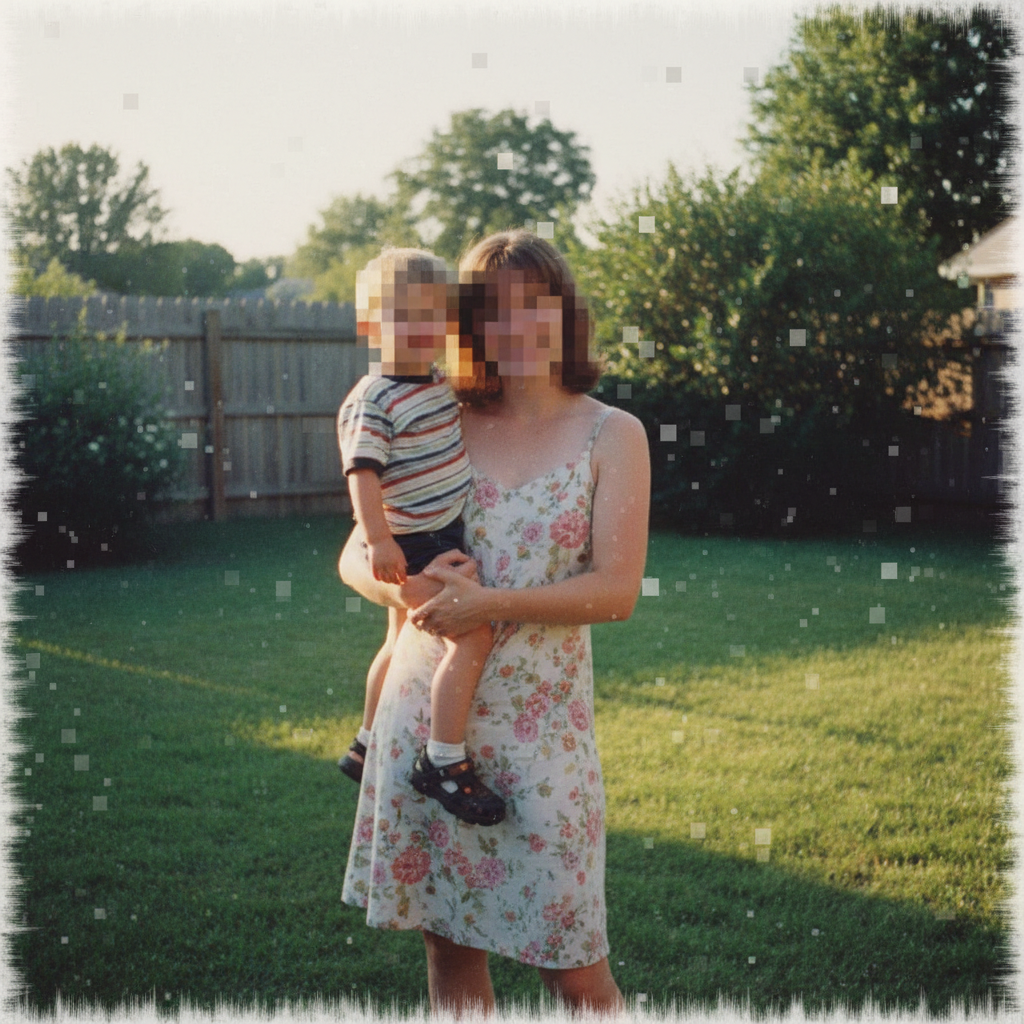
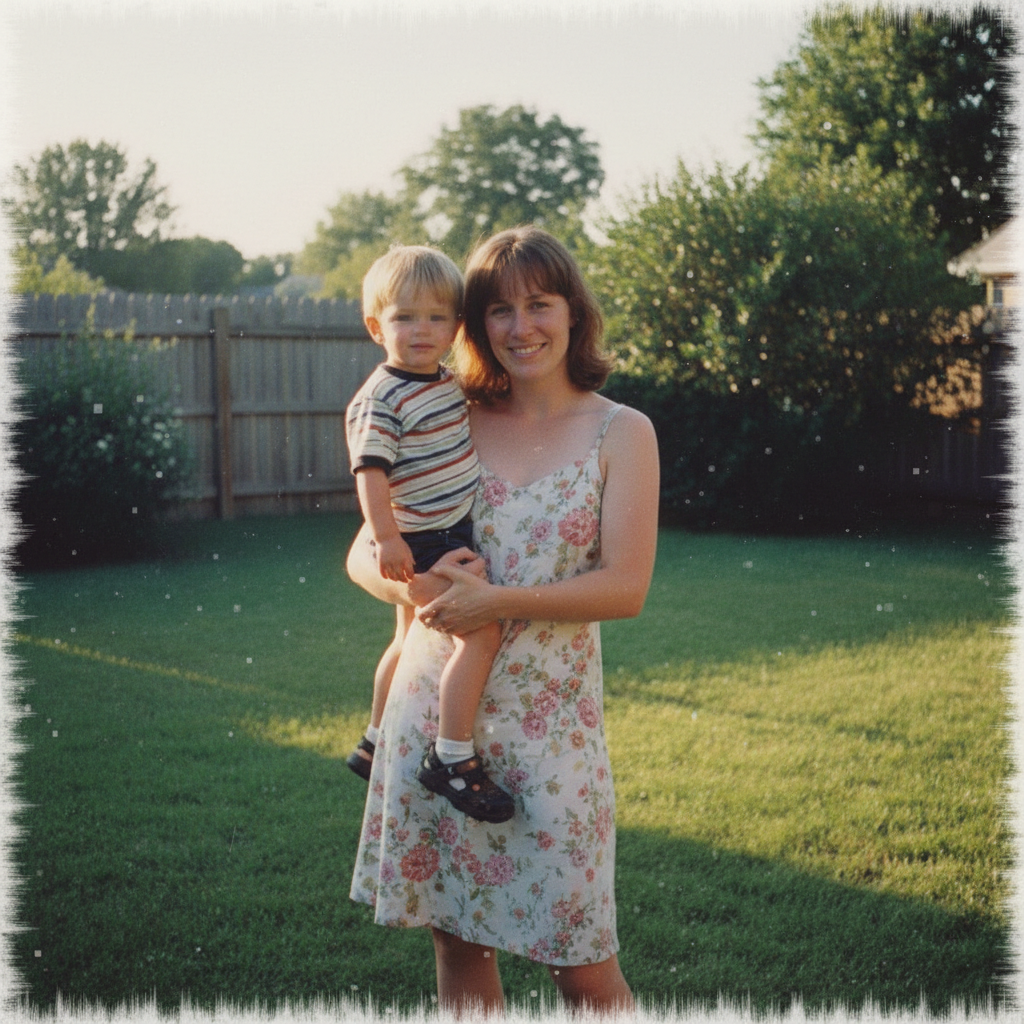
Compressed app screenshot sharpened
A heavily compressed app screenshot: blocky artifacts, smeared edges, interface text reduced to mush. The prompt asked for the small text to come back crisp and clearly readable — worth reading as a demonstration of what that ask does and does not buy you. The edges and panels clean up. The lettering is redrawn rather than recovered, which is why the result should be treated as a cleaner picture of an interface, not as a reliable copy of what the interface said.
enhance this compressed screenshot — sharpen the UI edges and make the small text crisp and clearly readable, remove the compression blocking and colour banding, keeping the exact same interface layout and colours


Low-resolution dashboard screenshot sharpened
A soft, upscaled screenshot of a web dashboard, with the same ask: make the table text, headers and figures legible again. Sharpening recovers the structure — table rules, chart lines, panel edges and colour blocks. The characters inside the cells are redrawn, not restored, so the figures in the result are not the figures that went in.
upscale and sharpen this low-resolution screenshot so the table text, column headers, numbers and chart lines become crisp and legible, keeping the same dashboard layout, colours and content
Quick answers
Popular use cases
Ready to enhance your screenshots?
Free to try. No signup required.