Free • No signup Sharpen Photo · Free

AI Photo Sharpener

← Browse all enhance tools

Last updated

Just describe what you want and AI sharpens it perfectly.

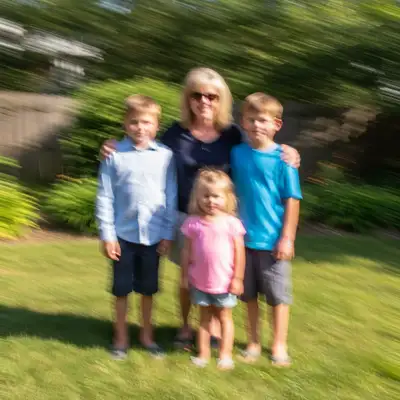
Soft portrait with blurry face Sharp portrait with crisp eye and facial detail

Upload photo to sharpen photo

"sharpen the face to make eyes and features crisp without over-processing"

Release to upload

50,000+photos edited
<30stypical edit
1 freeedit weekly

1 free edit·then from $4.99

How it works

  1. Upload your photo

    Drop your blurry or soft image into EditThisPic. JPG, PNG, WebP up to 7MB. Works best with slight blur or softness—not extreme motion blur.

    Expect: Simple sharpening: 15-20 seconds. Complex multi-area sharpening: may need 2 refinements.
  2. Describe what you want sharpened

    Type your instruction: 'sharpen the entire photo' or 'increase sharpness and clarity on the face.' Be specific if only certain areas need sharpening. No marking needed for full-image sharpening—the AI applies it globally.

    Tip: Say 'sharpen without adding grain or noise' if your photo is already a bit noisy. The AI will enhance edges without amplifying texture artifacts.

    Copy one of these to get started:

    General photo sharpening sharpen the entire photo to improve clarity and detail
    Portrait face sharpening sharpen the face to make eyes and features crisp without over-processing
    Selective area sharpening sharpen the subject in the foreground while leaving the background soft
    Text document sharpening sharpen the text to make letters crisp and readable
    2 more prompts
    Fix soft focus sharpen the slightly out-of-focus photo to recover detail and clarity
    Sharpen without noise sharpen the photo while minimizing grain and noise amplification
  3. Generate and review

    AI enhances edges and recovers detail. Zoom to 100% and check critical areas like eyes, text, or fine details to verify sharpness looks natural, not over-processed.

See it in action

Soft portrait with blurry face
Before
->
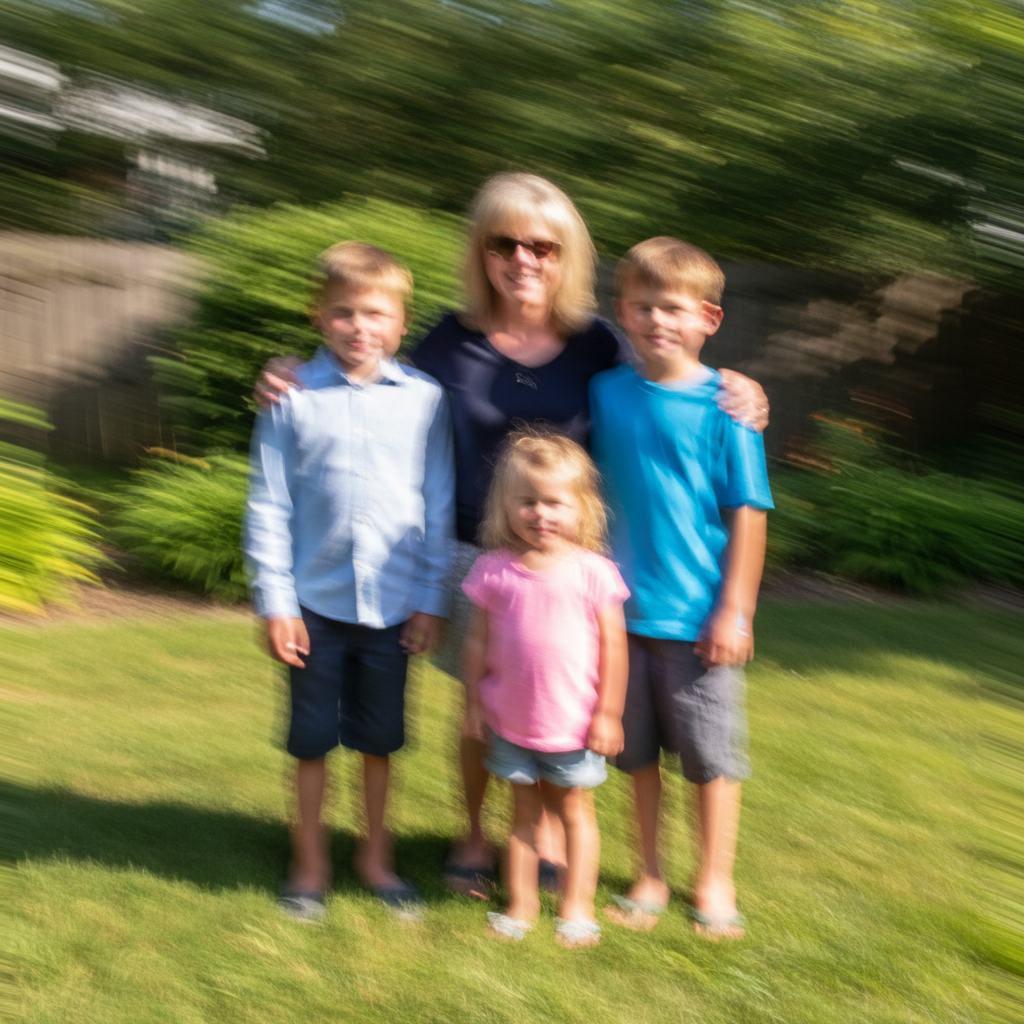
Sharp portrait with crisp eye and facial detail
After

Soft portrait sharpened

Portrait was slightly soft from missed focus. Sharpening recovered detail in eyes and features while keeping skin natural.

Prompt: sharpen the face to make eyes and features crisp without over-processing
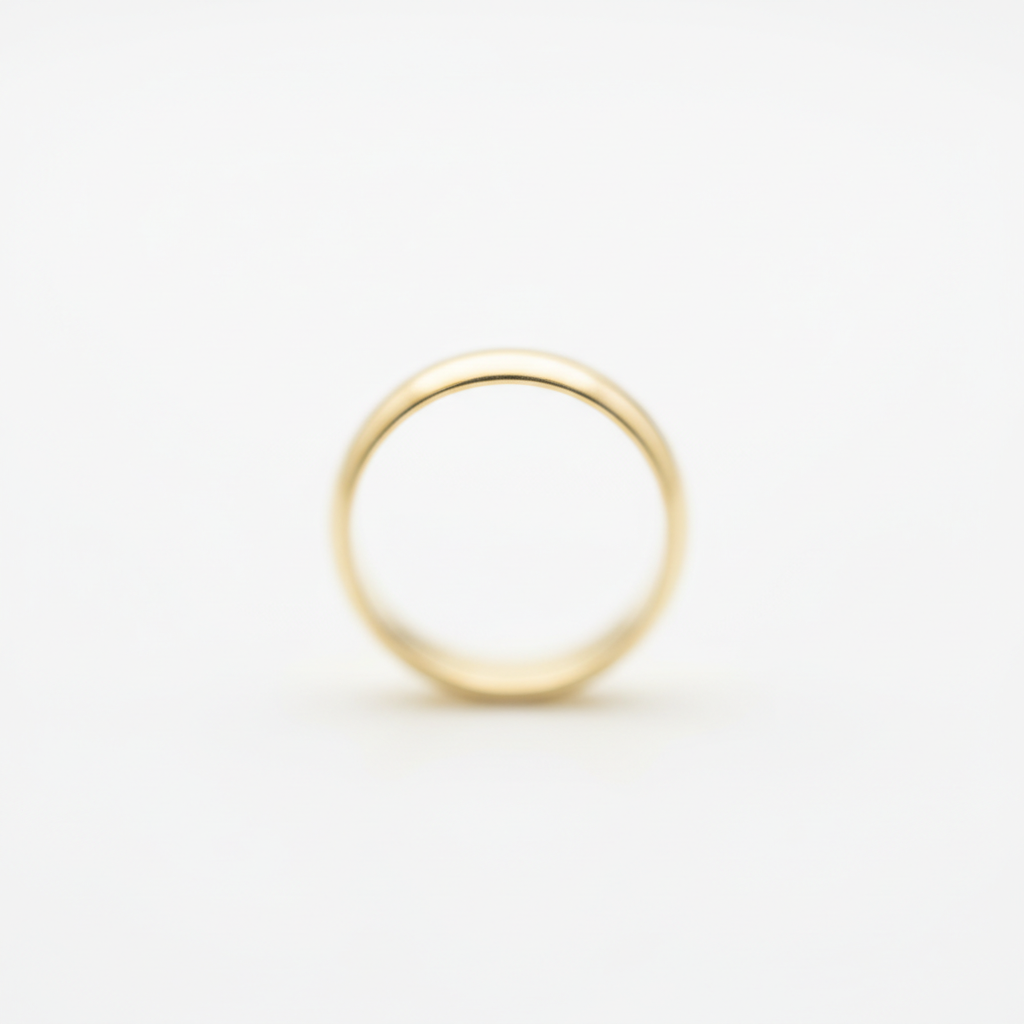
Soft product photo lacking edge definition
Before
->
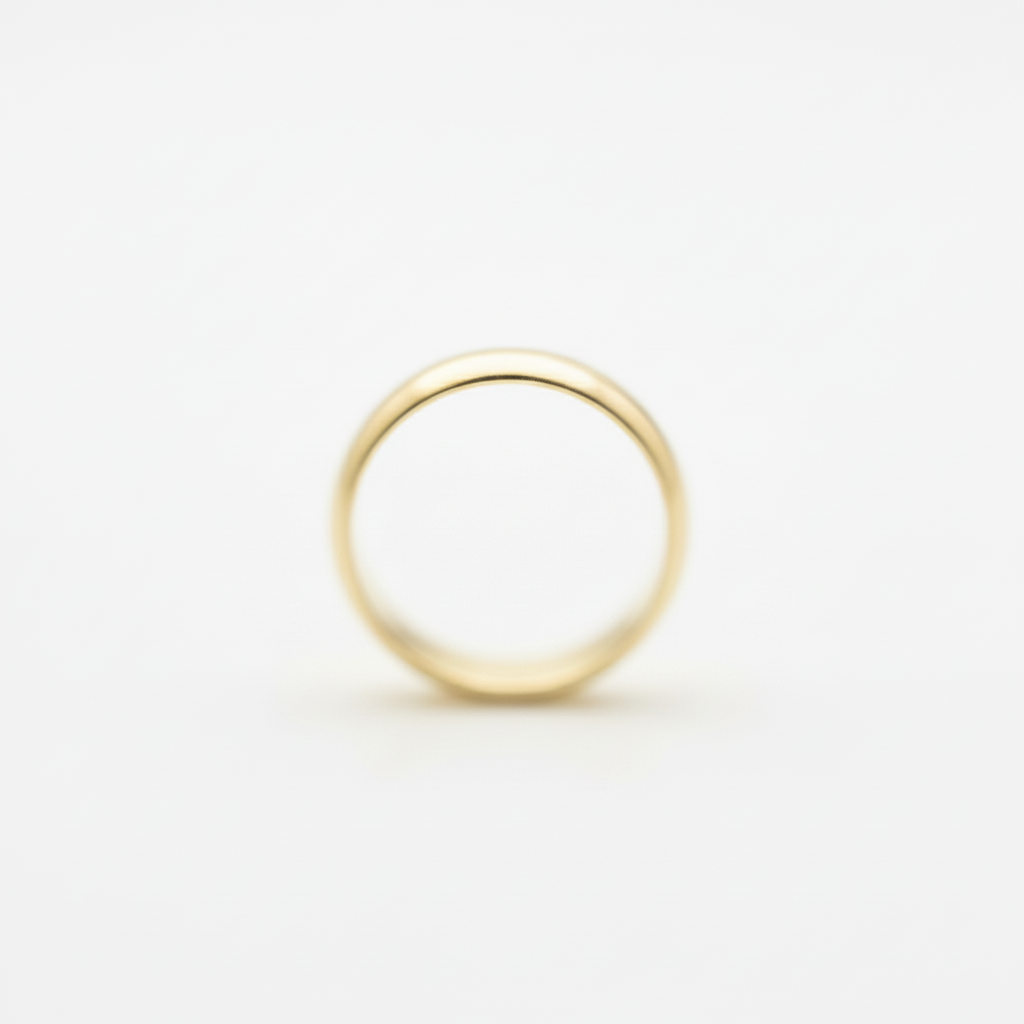
Sharp product photo with crisp edges and texture
After

Product photo clarity improved

Product shot was soft from camera shake. Sharpening brought back crispness in edges and texture detail.

Prompt: sharpen the entire photo to improve clarity and detail

Quick answers

Do I need to mark areas before describing sharpening?

No! For most edits, just describe what you want: 'sharpen the entire photo' or 'increase sharpness on the face.' The AI applies it automatically.

How do I sharpen a blurry photo for free?

Upload your photo to EditThisPic and type 'sharpen the blurry photo' or 'increase sharpness and clarity.' The AI will enhance edges and recover detail in 15-20 seconds. Completely free to try, no signup required, no watermarks.

Can AI sharpening fix motion blur?

AI sharpening works best on slight softness or mild focus issues. It can improve perceived sharpness on slightly blurry photos, but can't fully recover detail from extreme motion blur or heavily out-of-focus shots. If the blur is severe, sharpening has limits.

Will sharpening make my photo look grainy?

Sharpening can amplify existing noise or grain. If your photo is already noisy, use the prompt 'sharpen while minimizing grain and noise amplification' to apply smart sharpening that enhances edges without making noise more visible.

Is EditThisPic's AI photo sharpener really free?

Yes — you get 1 free edit per week, no account needed. Plans start at $4.99/month for 15 edits.

Can I sharpen photo on my phone?

Yes. EditThisPic works in any mobile browser — iPhone, Android, tablet. No app download needed.

What photo formats does the AI photo sharpener support?

JPG, PNG, WebP, and HEIC. Upload any common photo format and EditThisPic handles the rest.

How long does it take to sharpen photo?

Usually 15-30 seconds. Upload your photo, describe what you want, and the AI delivers the result.

How much does EditThisPic cost?

You get 1 free edit per week — no account needed. After that, credit packs start at $1.99 for 3 edits. Monthly plans start at $4.99/mo for 20 edits with unused credits rolling over. All edits are full resolution with no watermark.

Ready to sharpen your photos?

Free to try. No signup required.

1 free edit included·Credit packs from $4.99