Military homecoming photo blurry?
← Browse all life milestone photo rescuesLast updated
Sharpen blurry reunion photos, enhance emotional moments—can't restage this deployment return.
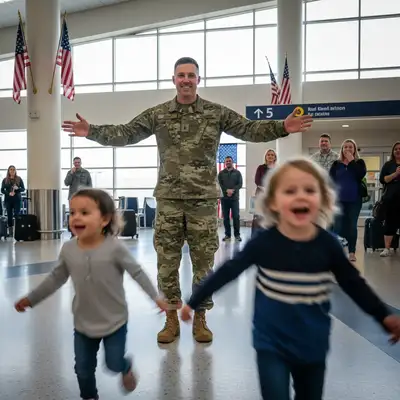
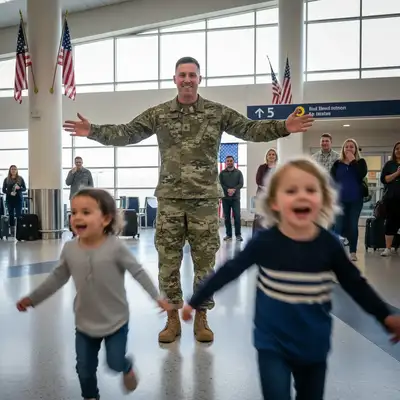
Upload photo to fix military homecoming photo
"fix the camera shake blur and sharpen this photo, make it clear enough to frame"
Free to try · no sign-up · photos are never shared
Release to upload
<30stypical edit
1 freeedit weekly
Photo on your phone?
Scan to open this editor there — free edit works on your phone too.
How it works
See it in action
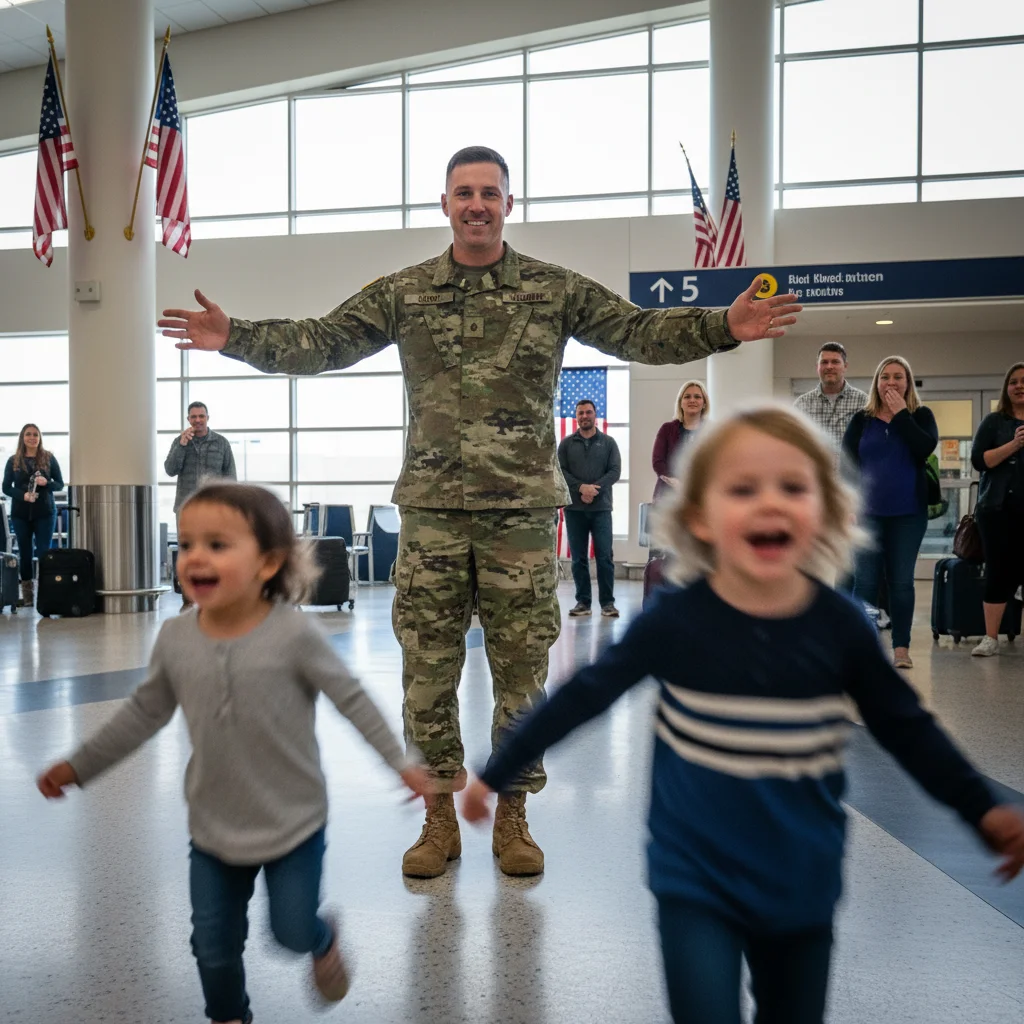
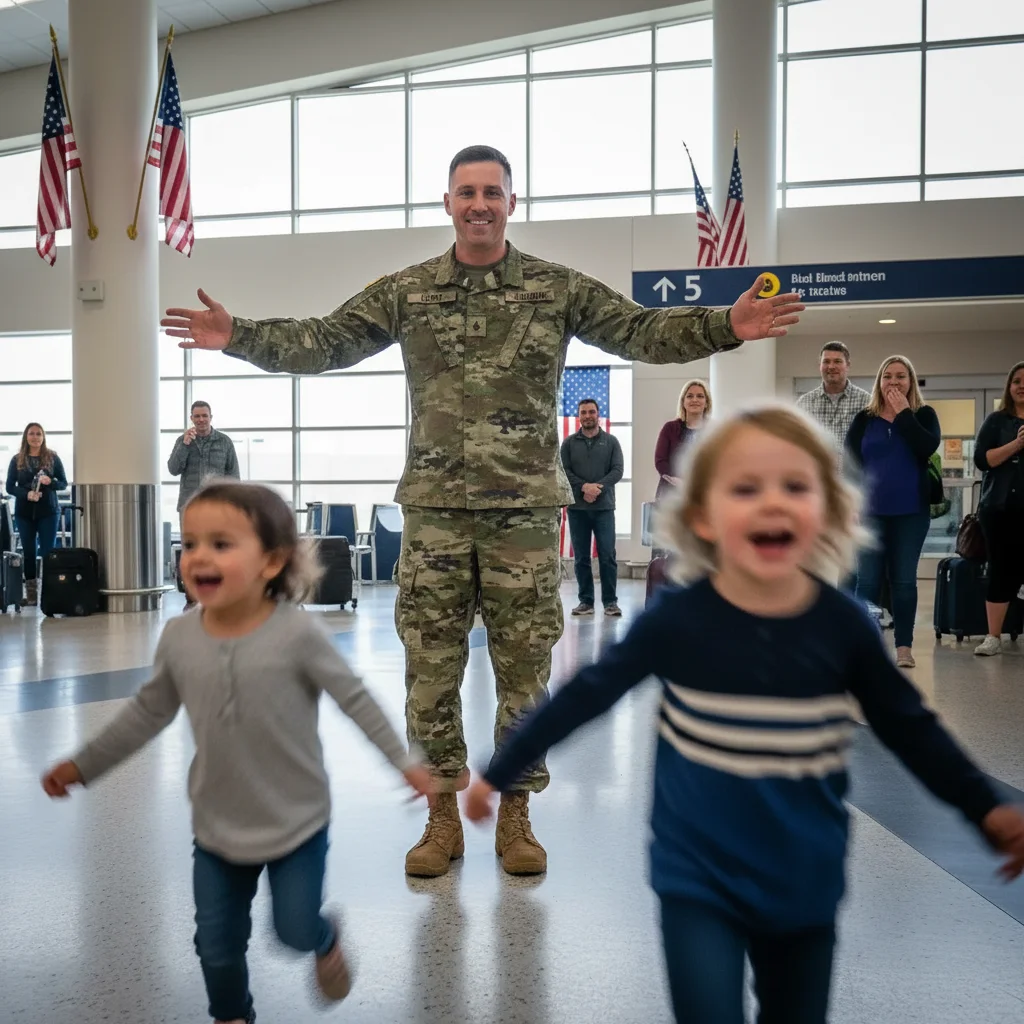
Kids running to dad after deployment
Children sprinting across the airport to hug their deployed father created severe motion blur. One prompt sharpened faces enough to see their joy and make the photo frameable for his office.
Prompt:
reduce blur from running movement and sharpen the faces especially, make this reunion photo clear enough to frame
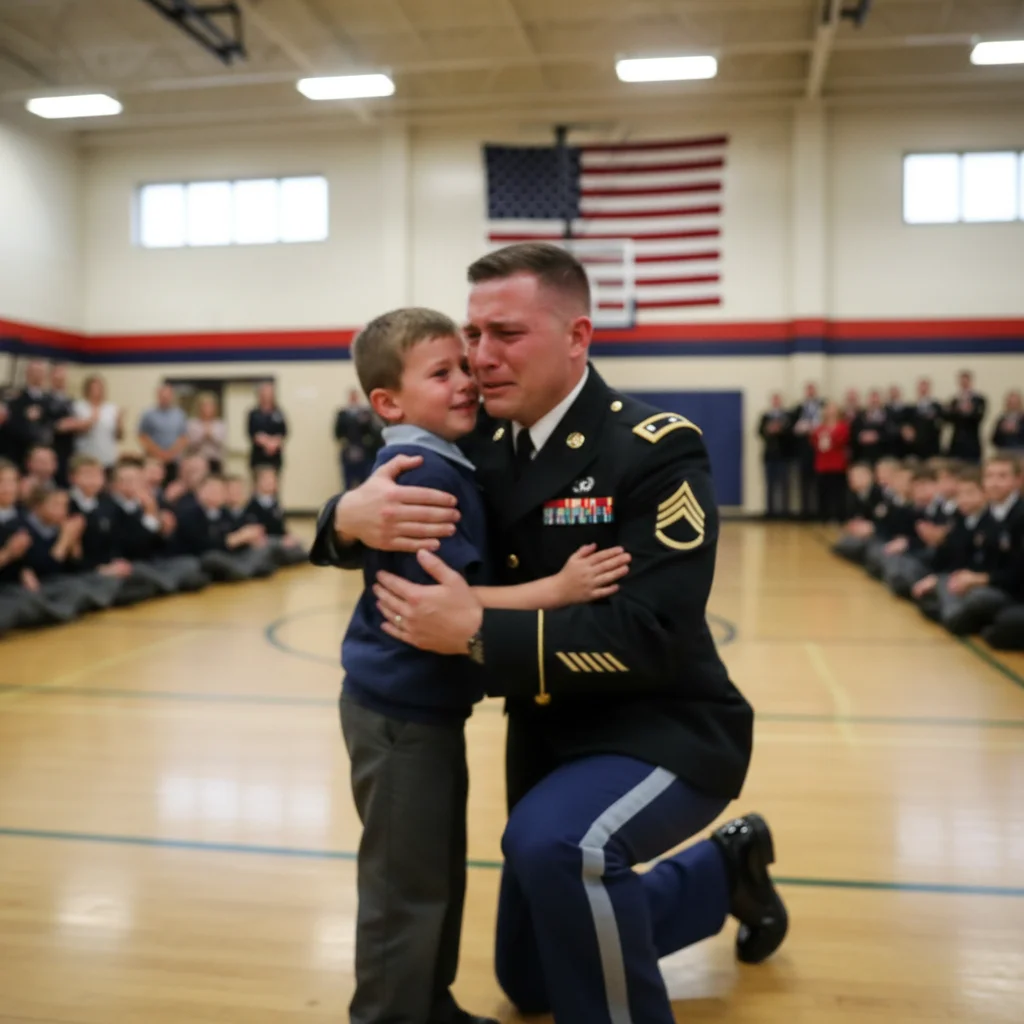
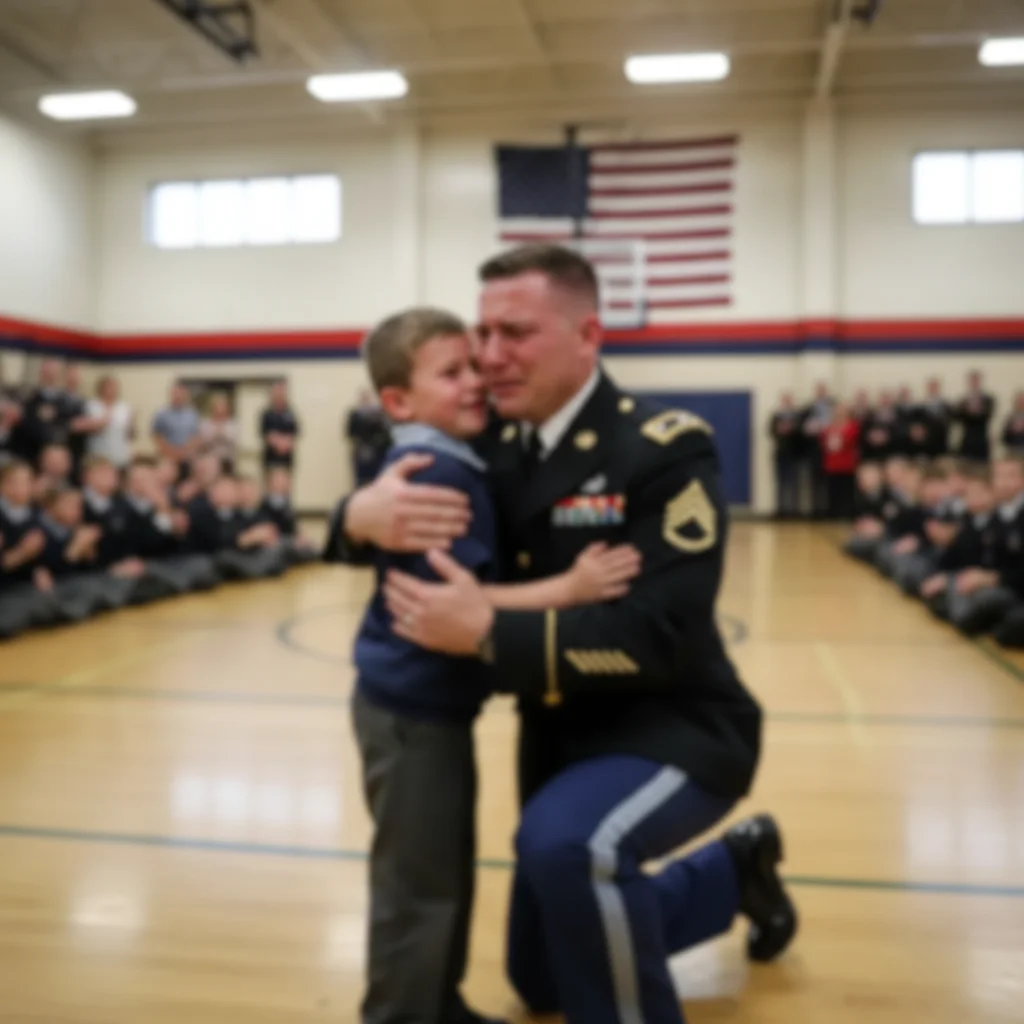
Shaky camera from tears at surprise homecoming
Surprise deployment return at school assembly. Photo blurry from photographer's shaking hands and tears. AI sharpened the emotional embrace enough to print and treasure.
Prompt:
fix the camera shake blur and sharpen this surprise homecoming photo, make faces recognizable and clear
Quick answers
Popular use cases
Ready to sharpen your homecoming reunion photo?
Free to try. No signup required.