AI Group Photo Fixer
← Browse all creative effectsLast updated
Fix closed eyes, awkward expressions, and wrong-way looks in group photos instantly.
Upload photo to fix group photo issues
"Make the person on the right look at the camera"
Free to try · no sign-up · photos are never shared
Release to upload
How it works
See it in action
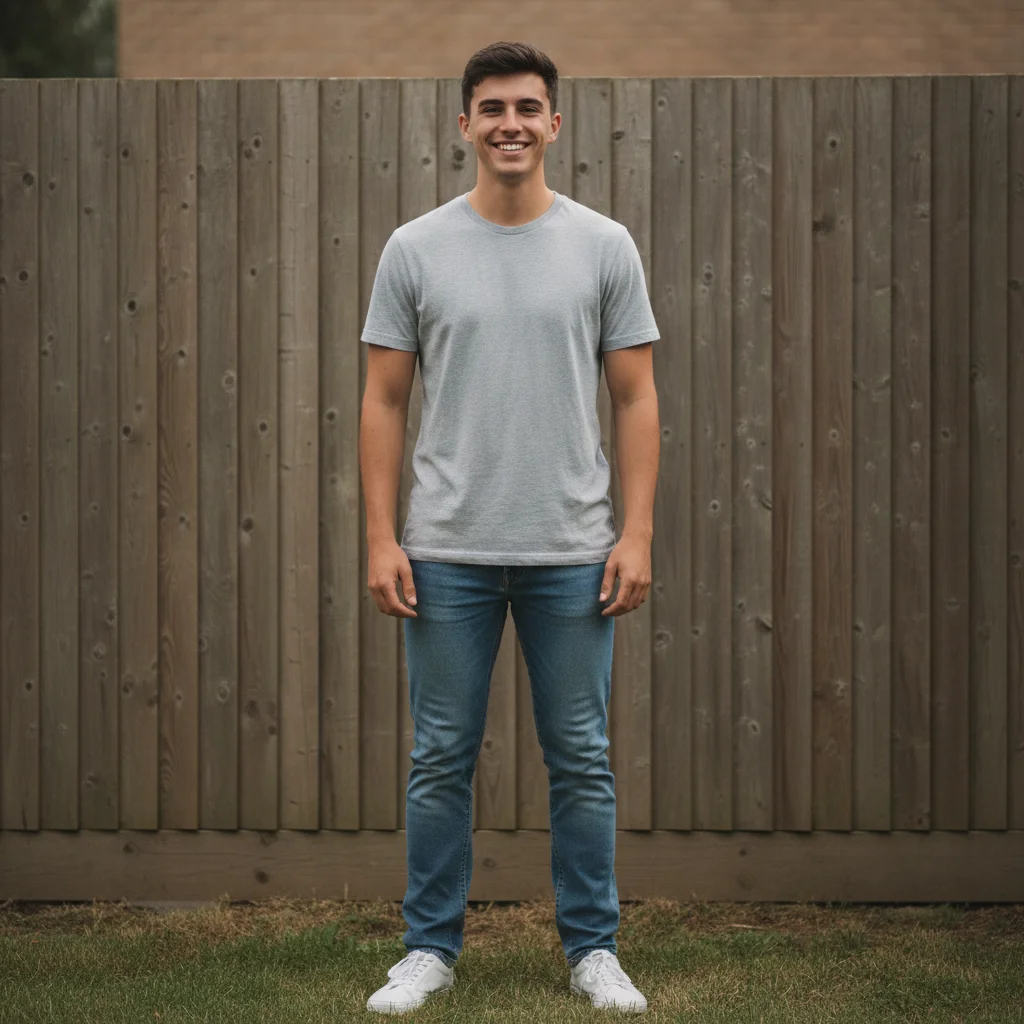
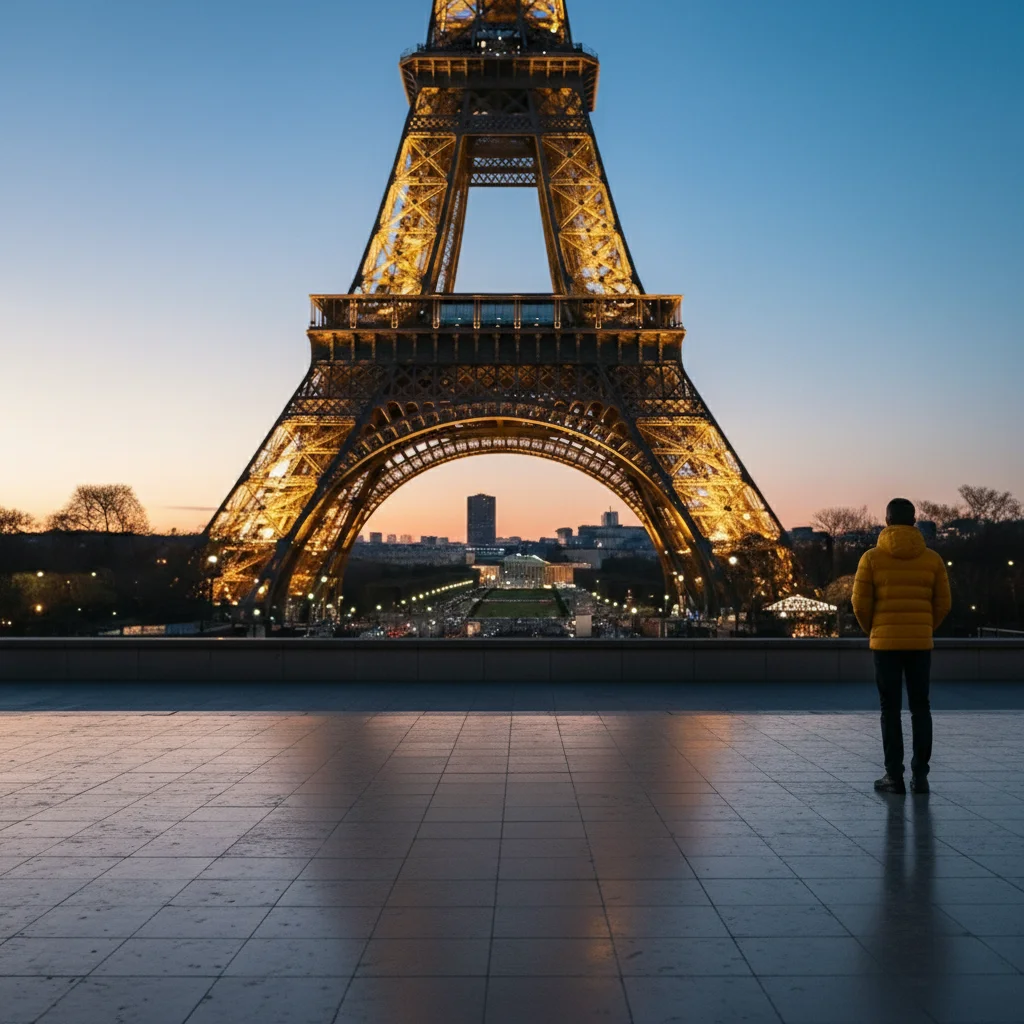
Missing family member added to outdoor group photo
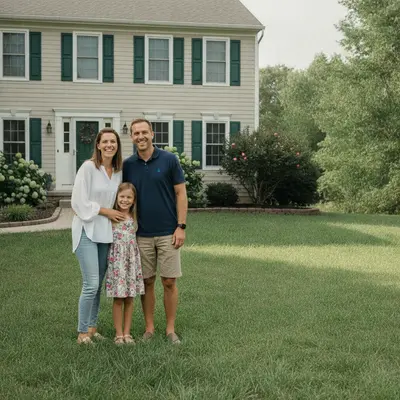
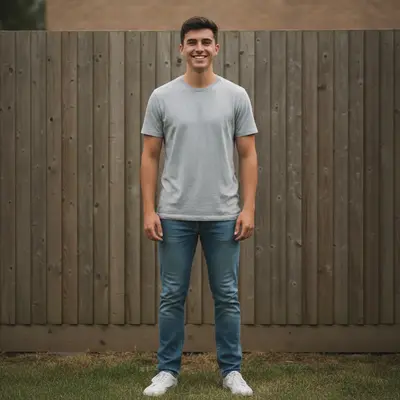
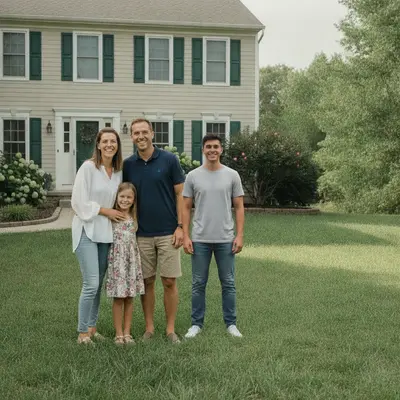
A couple and their young daughter posed on the lawn in front of the house. Their older son was photographed separately against a fence, and he now stands at the right of the group, shoulder to shoulder with his father in the same flat daylight.

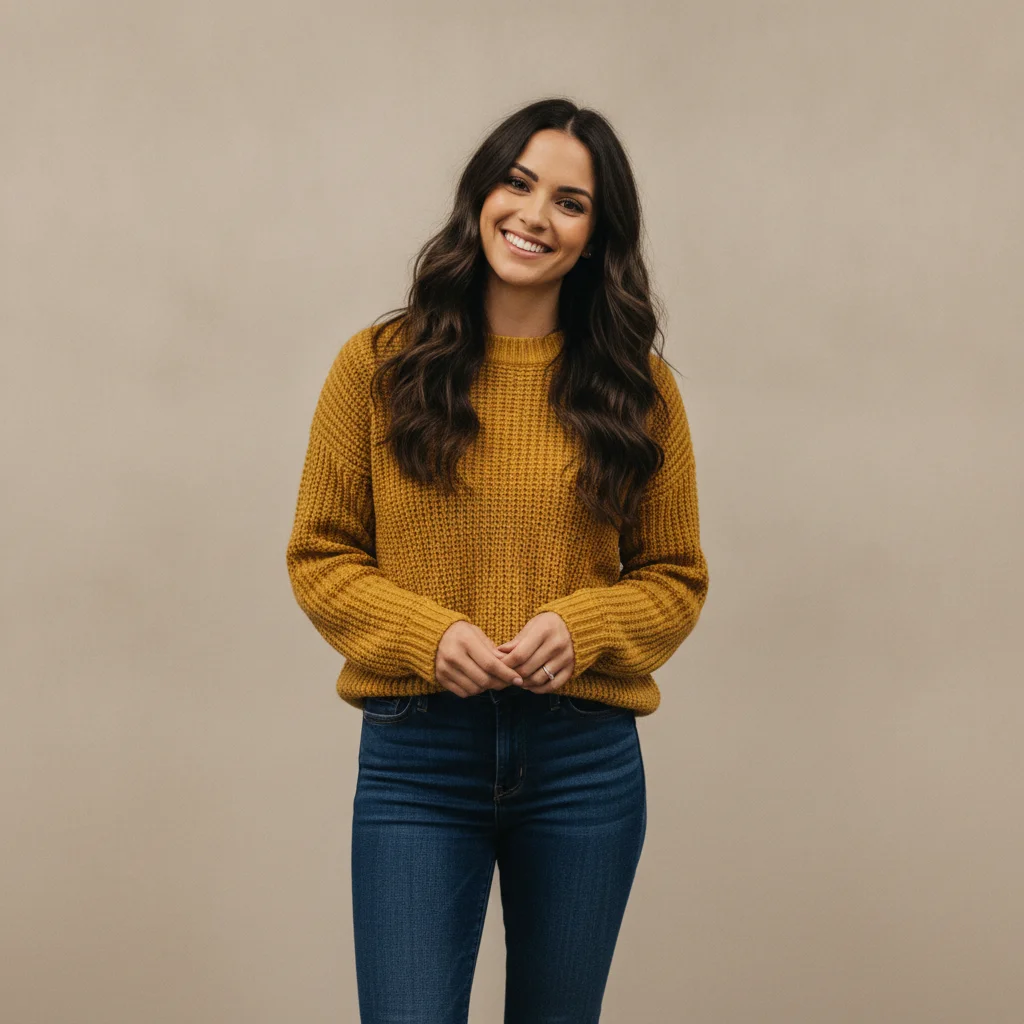

Colleague added to an indoor team photo
Four colleagues were photographed against a plain office wall; a fifth had already left for the day. Her own photo was supplied separately and she now stands front and centre, lit by the same overhead office light. Each of the original four still appears exactly once.
Quick answers
Popular use cases
Ready to fix your group photos?
Free to try. No signup required.