Free β€’ No signup Create Bobblehead figure Β· Free

AI Bobblehead from Photo

Turn any portrait into a fun custom bobblehead figure with AI instantly.

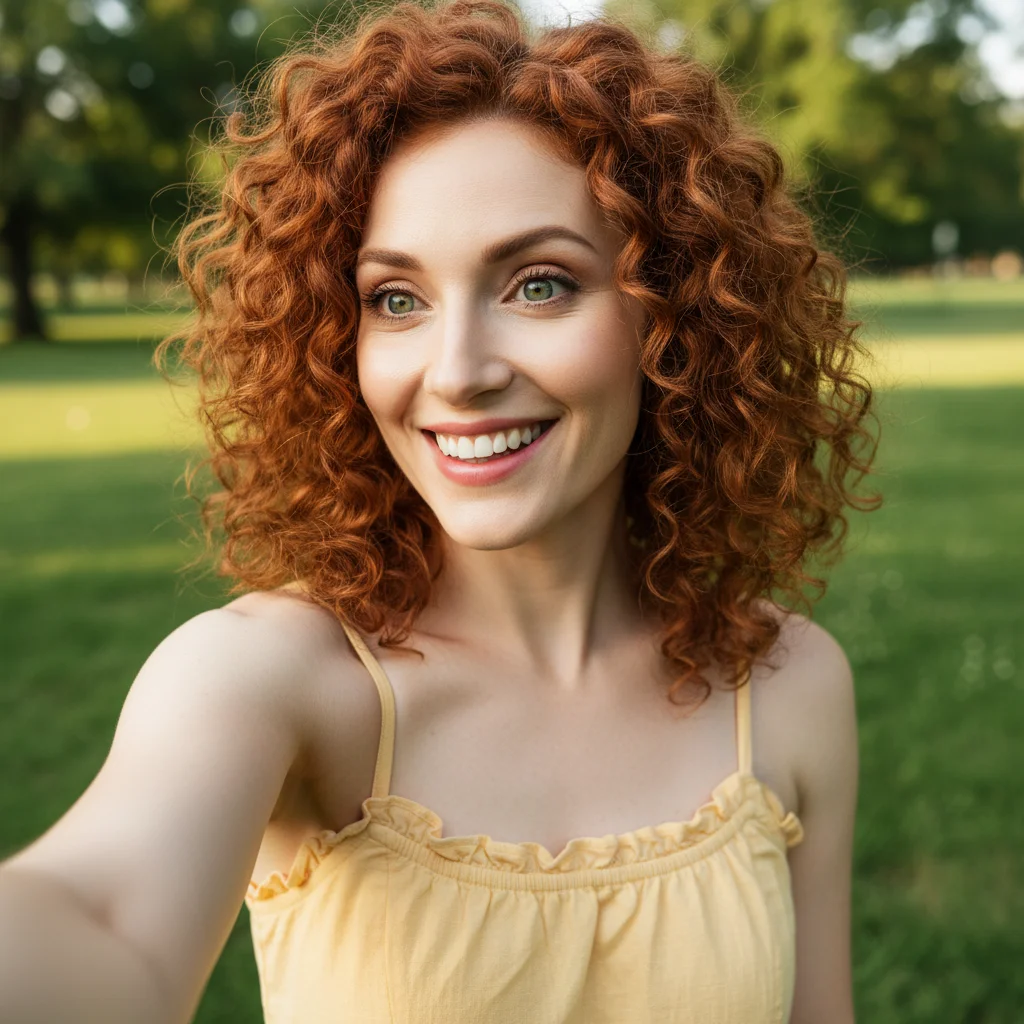
Original photo before AI Bobblehead from Photo
Before
β†’
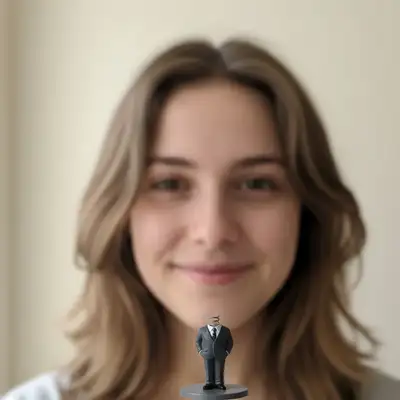
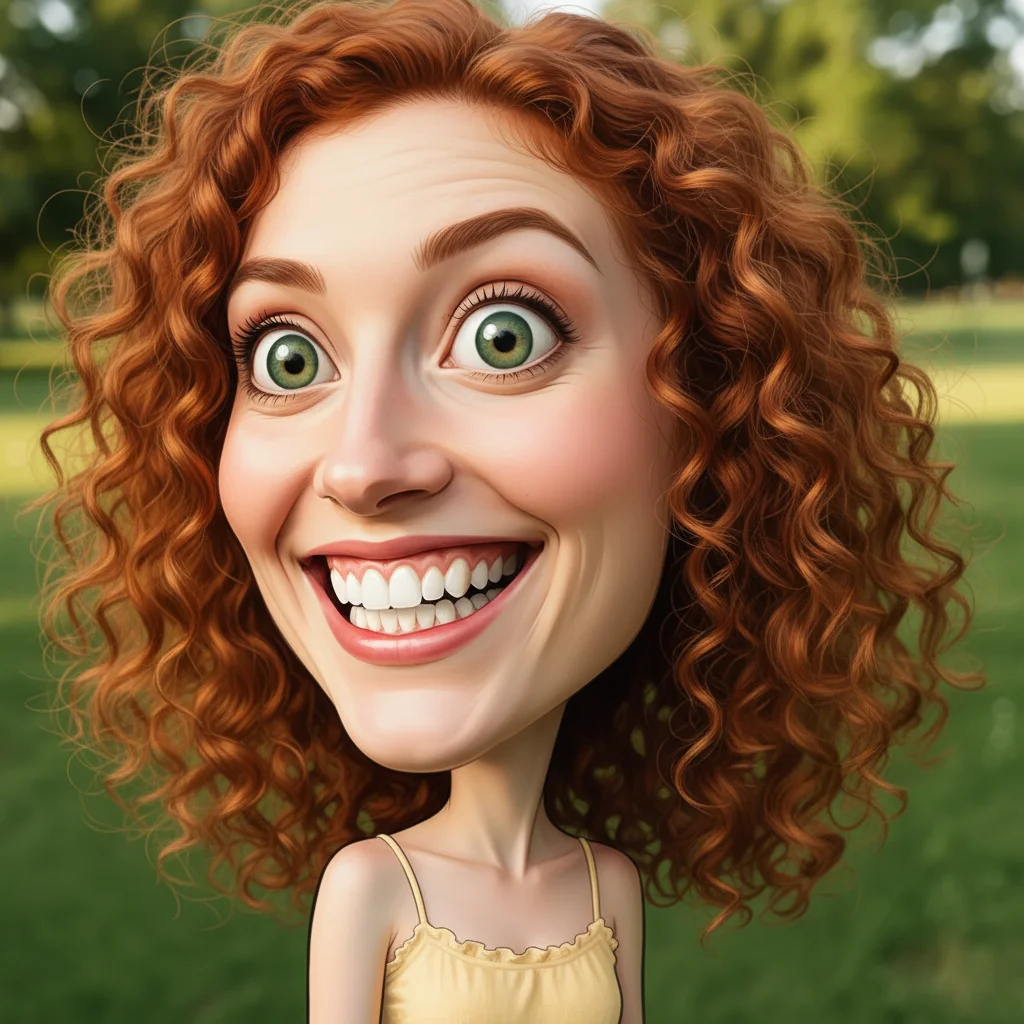
Result after AI Bobblehead from Photo with EditThisPic
After

Free AI Bobblehead Maker

Upload photo to create bobblehead figure

Free β€’ Results in 30 seconds β€’ No signup

Release to upload

FreeNo signupNo watermark
Popular use cases:
  • bobblehead maker
  • create bobblehead from photo
  • custom bobblehead generator
  • photo to bobblehead
  • make bobblehead figure
  • bobblehead creator
  • personalized bobblehead
  • bobblehead from picture
  • digital bobblehead maker
  • AI bobblehead generator

Cost
Free No signup required
Time
Instant results in 15-30 seconds
Works on
Any device - browser, phone, tablet, desktop
Powered by
AI-powered photo editing
Scenario Prompt Time
15-30s
15-30s
15-30s
15-30s
15-30s

How it works

  1. Upload a photo with a face

    Choose any photo with a clear view of someone's face - selfies, portraits, or headshots work best. The face should be well-lit and facing forward for optimal results.

    Expect: Upload takes 30-45 seconds depending on file size and connection speed.
  2. Describe the bobblehead style you want

    Tell the AI what kind of bobblehead to create - classic bobblehead style, cartoon version, specific outfit or profession, sports uniform, or any custom look. The AI transforms the face into a bobblehead figure with an oversized head and appropriately styled miniature body automatically.

    Tip: Be specific about clothing, pose, or theme: 'Turn into a bobblehead wearing a business suit' or 'Make a sports bobblehead in basketball uniform' for best results.

    Copy one of these to get started:

    Standard bobblehead style Turn this into a classic bobblehead figure with big head
    Professional desk toy Make a bobblehead wearing a business suit
    Sports fan collectible Create a sports bobblehead in basketball uniform
    Fun caricature style Turn into a cartoon bobblehead with exaggerated features
    4 more prompts
    Career-themed gift Make a bobblehead in doctor scrubs for a medical professional
    Comic book inspired figure Create a superhero bobblehead with cape and costume
    Custom wedding cake topper Transform into a wedding bobblehead in formal attire
    Music-themed collectible Make a bobblehead rock star with guitar and stage outfit
  3. Review the result

    Check that the bobblehead looks fun and recognizable. Make sure the head proportions, body style, and overall appearance match what you wanted. If needed, adjust your description and regenerate.

  4. Download Your Bobblehead Figure

    Save your custom bobblehead creation. No watermark, ready for sharing, printing, or using as avatars and fun profile pictures.

Try it free ↓

Free AI Bobblehead Maker

Upload photo to create bobblehead figure

Free β€’ Results in 30 seconds β€’ No signup

Release to upload

Free β€’ No signup

"This saved me hours of work. The AI nailed it." via Twitter

See it in action

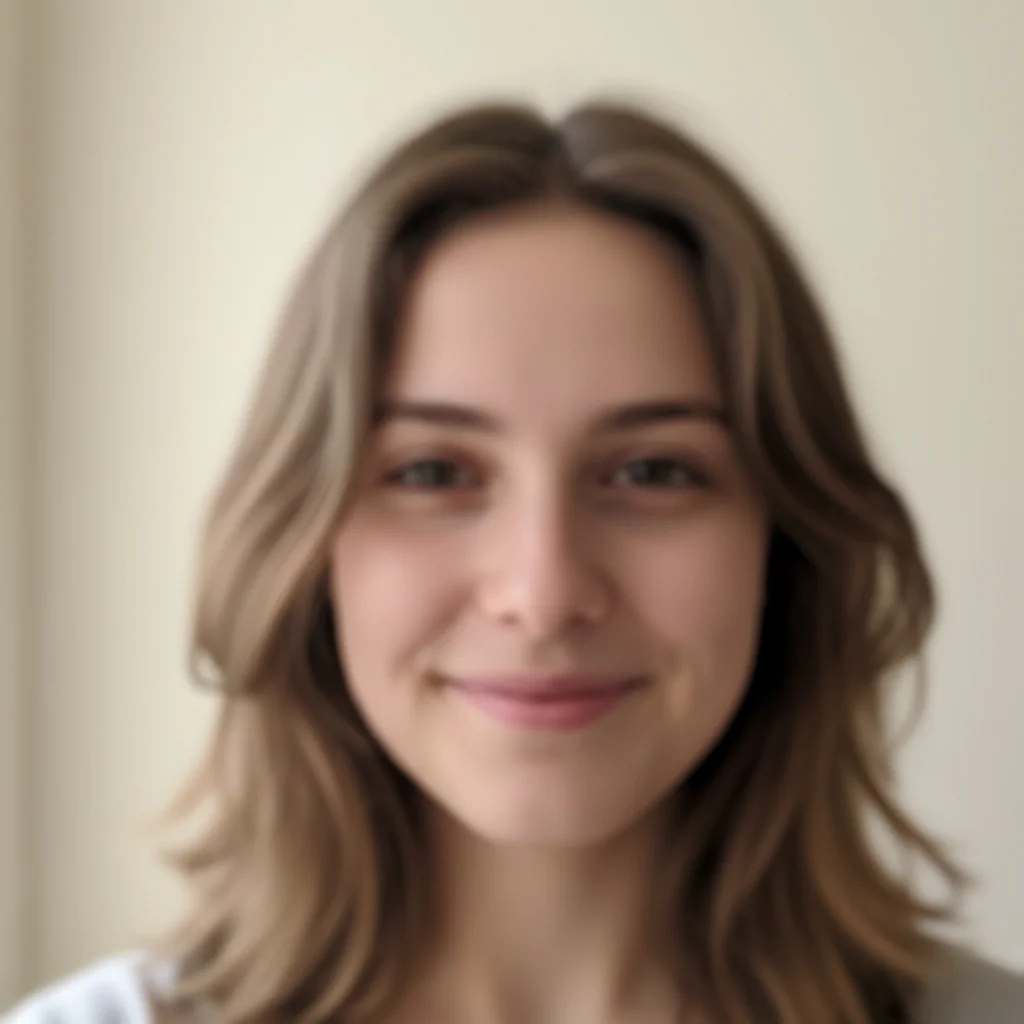
Original photo before AI Bobblehead from Photo
Before
->
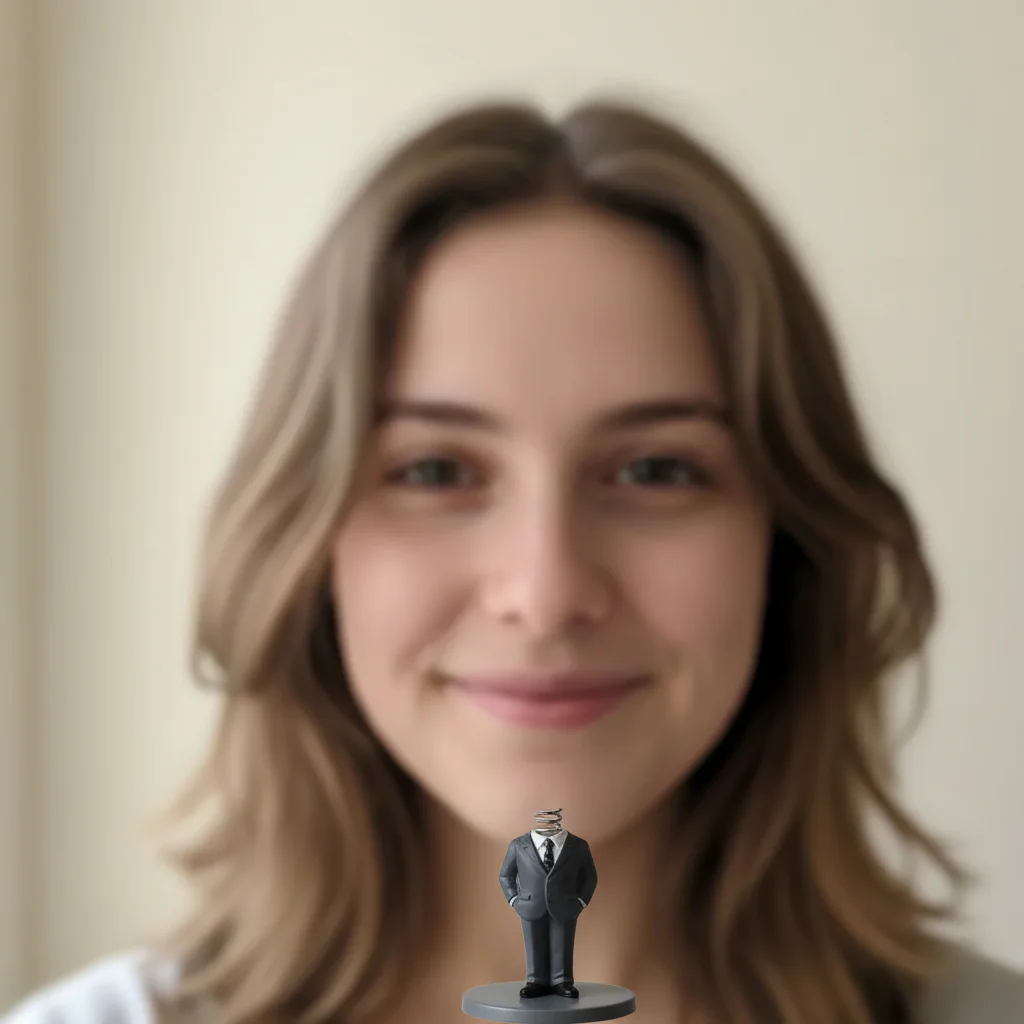
Result after AI Bobblehead from Photo with EditThisPic
After

Business suit bobblehead

Business suit bobblehead

Prompt: Make a bobblehead wearing a business suit
Original photo before AI Bobblehead from Photo
Before
->
Result after AI Bobblehead from Photo with EditThisPic
After

Cartoon bobblehead

Cartoon bobblehead

Prompt: Turn into a cartoon bobblehead with exaggerated features

Detailed Guides by Scenario

πŸ“·

Art & Decoration

Transform your photos into bobblehead figure artwork for wall prints, framed art, and home decoration.

Common Scenarios

  • Converting a favorite photo into a bobblehead figure print for your living room wall
  • Creating a series of bobblehead figure portraits of family members as matching wall art
  • Turning landscape or travel photos into bobblehead figure art for office decoration

Best Practices

  • Start with a high-resolution photo β€” printed art needs sharp detail even after the style transform
  • Request a specific aspect ratio if the print will go in a particular frame
  • Try 'bold bobblehead figure' vs. 'subtle bobblehead figure' to control how dramatic the transformation looks
πŸ“·

Social Media & Content

Create scroll-stopping social media content by converting photos to bobblehead figure β€” perfect for profiles, stories, and viral posts.

Common Scenarios

  • Making a unique bobblehead figure profile picture that stands out in feeds
  • Creating a bobblehead figure version of a trending meme or photo challenge
  • Building a themed Instagram series where every post uses bobblehead figure transformation

Best Practices

  • Pair the transformation with a catchy caption that references the art style
  • For Instagram stories, add text overlays after the bobblehead figure conversion for maximum engagement
  • Process several photos in the same session to maintain a consistent style across posts
πŸ“·

Gifts & Personal Keepsakes

Turn meaningful photos into bobblehead figure keepsakes β€” custom gifts, cards, and personalized items that people actually treasure.

Common Scenarios

  • Creating a bobblehead figure portrait as a birthday or anniversary gift
  • Designing bobblehead figure wedding invitations or save-the-dates from engagement photos
  • Making a bobblehead figure memorial portrait for a loved one

Best Practices

  • Choose photos with clear faces and good lighting β€” the transformation preserves detail best from quality originals
  • For gifts, print on canvas or premium paper to complement the bobblehead figure aesthetic
  • Request 'warm tones' or 'cool tones' to match the recipient's home decor

If something looks off

AI changed the wrong area or something I didn't want changed

Why: The AI couldn't determine exactly which area you meant from description alone.

Try: Tap a marker on the specific area you want to change, then regenerate with the same prompt

Tip: Markers tell the AI 'I mean THIS one specifically.' Use them when description alone is ambiguous.

Face doesn't look recognizable in the bobblehead

Why: The original photo had poor lighting, low resolution, or the face was at an angle.

Try: Use a high-quality photo with the face clearly visible and well-lit. Front-facing photos work best.

Tip: Clear, well-lit, front-facing photos produce the most recognizable bobblehead transformations.

Head proportions look wrong or not bobblehead-style

Why: The AI needs clearer direction about the exaggerated proportions you want.

Try: Add 'with oversized head and small body' or 'classic bobblehead proportions' to your prompt

Tip: Explicitly mention 'big head', 'oversized head', or 'bobblehead proportions' for proper exaggeration.

Body or outfit doesn't match what I described

Why: The description was unclear or conflicting with bobblehead conventions.

Try: Be very specific about clothing: 'wearing a navy business suit with red tie' instead of just 'professional'

Tip: Describe outfits in detail including colors, accessories, and style for accurate body rendering.

Result looks more like a caricature than a bobblehead

Why: The AI emphasized facial exaggeration over the characteristic bobblehead body structure.

Try: Emphasize the figure aspect: 'Create a bobblehead figure' or 'Make a collectible bobblehead statue'

Tip: Use words like 'figure', 'statue', 'collectible' to emphasize the 3D bobblehead object style.

Multiple faces in the photo confused the AI

Why: The AI tried to transform all faces or chose the wrong person.

Try: Use a marker on the specific face you want transformed, or crop to show only one person

Tip: For best results, use photos with just one clearly visible face, or mark the target face.

Quick answers

Do I need to mark the face or body?

No! Just upload the photo and describe the bobblehead style. The AI automatically detects the face and transforms it into a bobblehead figure with appropriate body and proportions. Markers only help if you have multiple people in the photo.

Is this completely free?

Yes, totally free with no watermark. No account or payment required. Create as many bobbleheads as you want from any photos, for personal or commercial use.

What makes a good photo for bobblehead creation?

Clear, well-lit photos where the face is visible and facing mostly forward work best. Selfies, headshots, and portraits are ideal. Higher resolution photos produce better detail in the final bobblehead.

Can I customize the outfit and pose?

Yes! Describe any outfit, uniform, costume, or professional attire in your prompt. You can also specify poses or accessories. The AI generates the appropriate bobblehead body based on your description.

Will the bobblehead still look like the person?

Yes, the AI maintains facial features and likeness while applying bobblehead proportions and style. The result should be recognizable as the person but in fun bobblehead form with an oversized head.

Can I use these for commercial purposes like gifts or products?

You can use the AI-generated images however you want - digital sharing, printing, avatars, or gifts. For commercial products using someone's likeness, ensure you have appropriate permissions from the person photographed.

Is EditThisPic's AI bobblehead figure creator really free?

Yes β€” you get 1 free edit per week, no account needed. For unlimited edits, plans start at $3.99/month.

Can I create bobblehead figure on my phone?

Yes. EditThisPic works in any mobile browser β€” iPhone, Android, tablet. No app download needed.

Ready to create your bobblehead?

Free to try. No signup required.