Free • No signup Create Comic book style · Free

AI Comic Book Maker

Describe the comic book style and AI transforms your photo into dynamic comic art in seconds.
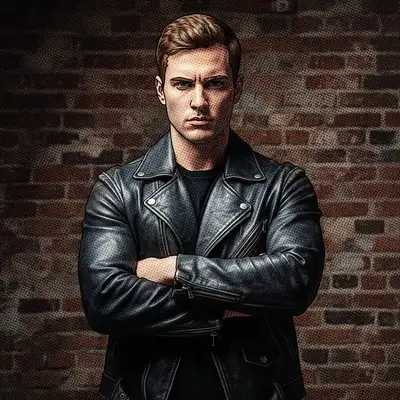
Man in leather jacket with arms crossed and intense expression
Before
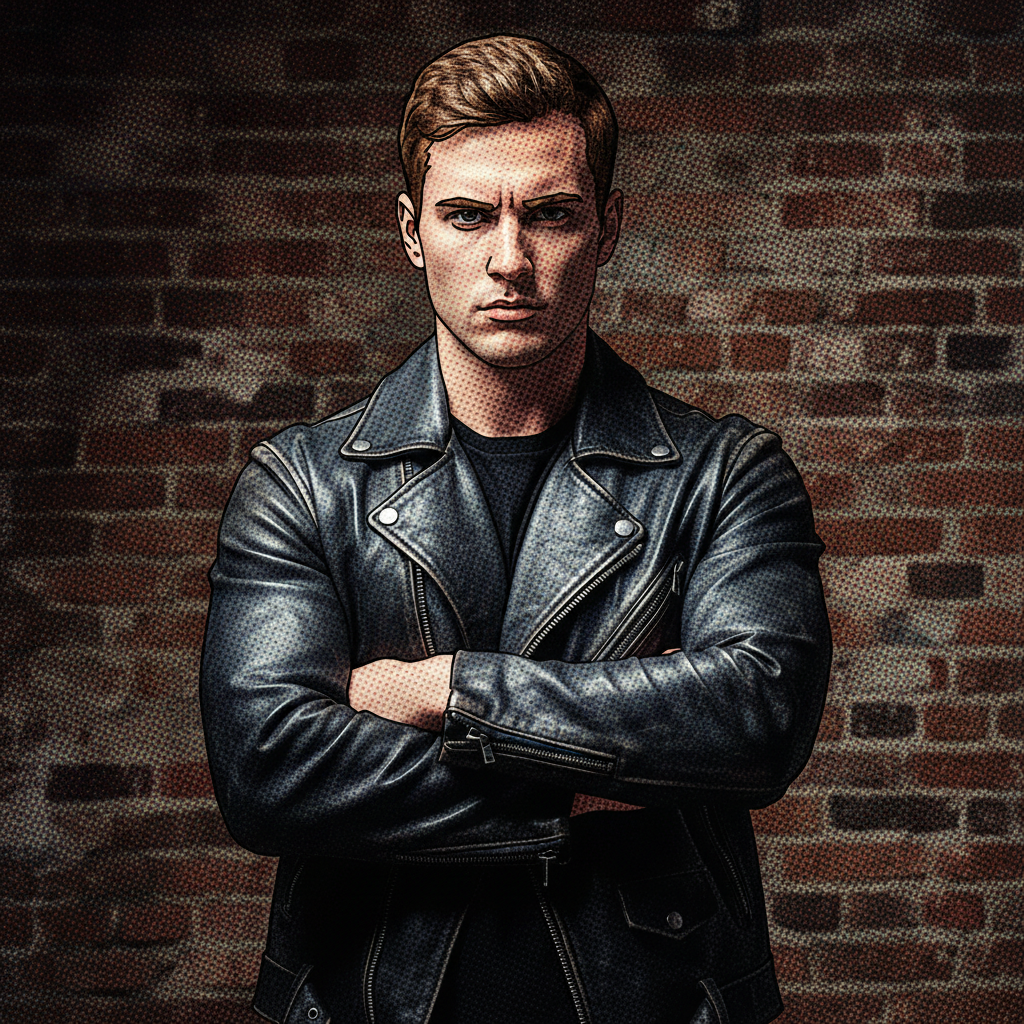
Same man rendered in bold superhero comic book style with ink outlines and halftone
After

AI Comic Book Maker

Drop your photo here

or click to browse

Release to upload

Free • No signup

Advertisement
Popular use cases:
  • comic book panels
  • graphic novel art
  • social media content
  • custom comic strips
  • party invitations
  • gaming profiles
  • creative presentations
  • storytelling visuals

Cost
Free No signup required
Time
Instant results in 15-30 seconds
Works on
Any device - browser, phone, tablet, desktop
Powered by
AI-powered photo editing
Scenario Prompt Time
Classic superhero comic convert to comic style with bold ink outlines and halftone 35s
Noir graphic novel turn into noir graphic novel with heavy black shadows 35s
Vintage 60s Marvel convert to 1960s Marvel comic with Ben-Day dots 45s

How it works

  1. Upload your photo

    Drop your image into EditThisPic. JPG, PNG, WebP up to 7MB. Action shots, dramatic poses, and expressive faces produce the most dynamic comic book results. High-contrast photos translate best to comic art.

    Expect: Simple comic conversion: 30-40 seconds. Complex scenes with multiple characters: 45-60 seconds.
  2. Describe the comic book style you want

    Type your instruction: 'convert this photo to comic book style with bold ink outlines, halftone dot shading, and dramatic action lines' or 'turn this into a Marvel-style comic panel with dynamic inking and vivid colors.' Specify the comic era, inking style, and color treatment. No marking needed—the AI transforms the entire image.

    Tip: Specify the comic era: 'classic 1960s Marvel' for retro or 'modern graphic novel' for contemporary style.

    Copy one of these to get started:

    Classic superhero comic convert this photo to superhero comic book style with bold black ink outlines, halftone dot shading, vivid colors, and dynamic action lines
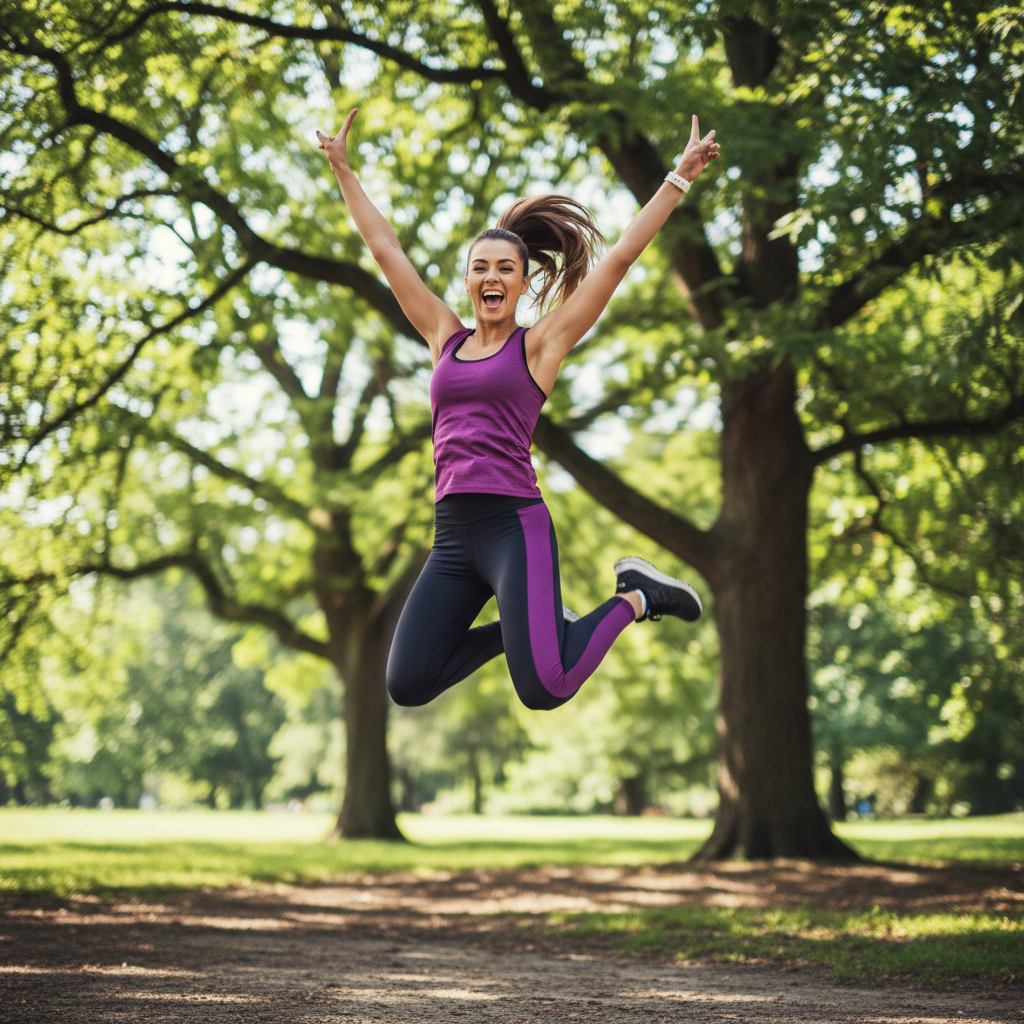
    Noir graphic novel turn this photo into noir graphic novel style with heavy black shadows, high contrast, minimal color, and dramatic inking
    Vintage 1960s Marvel style convert this to vintage 1960s Marvel comic style with Ben-Day dots, limited color palette, retro inking, and classic comic book coloring
    Modern comic panel with text space transform this into a modern comic book panel with dynamic inking, vivid colors, speed lines, and open space at the top for dialogue
    3 more prompts
    Manga action style convert this to manga-style comic art with speed lines, dramatic angles, screen tones, and Japanese comic inking technique
    Indie comic watercolor style turn this into indie comic book style with hand-drawn loose lines, watercolor coloring, and alternative comics aesthetic
    Black and white comic ink convert this to black and white comic art with expressive brush strokes, crosshatch shading, no color, and raw pen-and-ink energy
  3. Review the comic art

    Check for bold, consistent ink lines, proper halftone shading, and dynamic composition. The best results look like they were drawn by a comic artist—with energy, movement, and dramatic impact.

  4. Refine with markers if needed

    If specific areas need heavier inking, different shading, or more dramatic effect, tap markers on those spots and regenerate. Most comic book conversions look publication-ready on the first try.

    Tip: Markers are for precision refinement only. Try without them first—comic book style usually works perfectly in one pass.
Try it free

AI Comic Book Maker

Drop your photo here

or click to browse

Release to upload

Free • No signup

"Turned photos from our paintball trip into comic book panels. Added speech bubbles in Canva. The guys want to do this after every adventure now." @ComicAdventureMax

See it in action

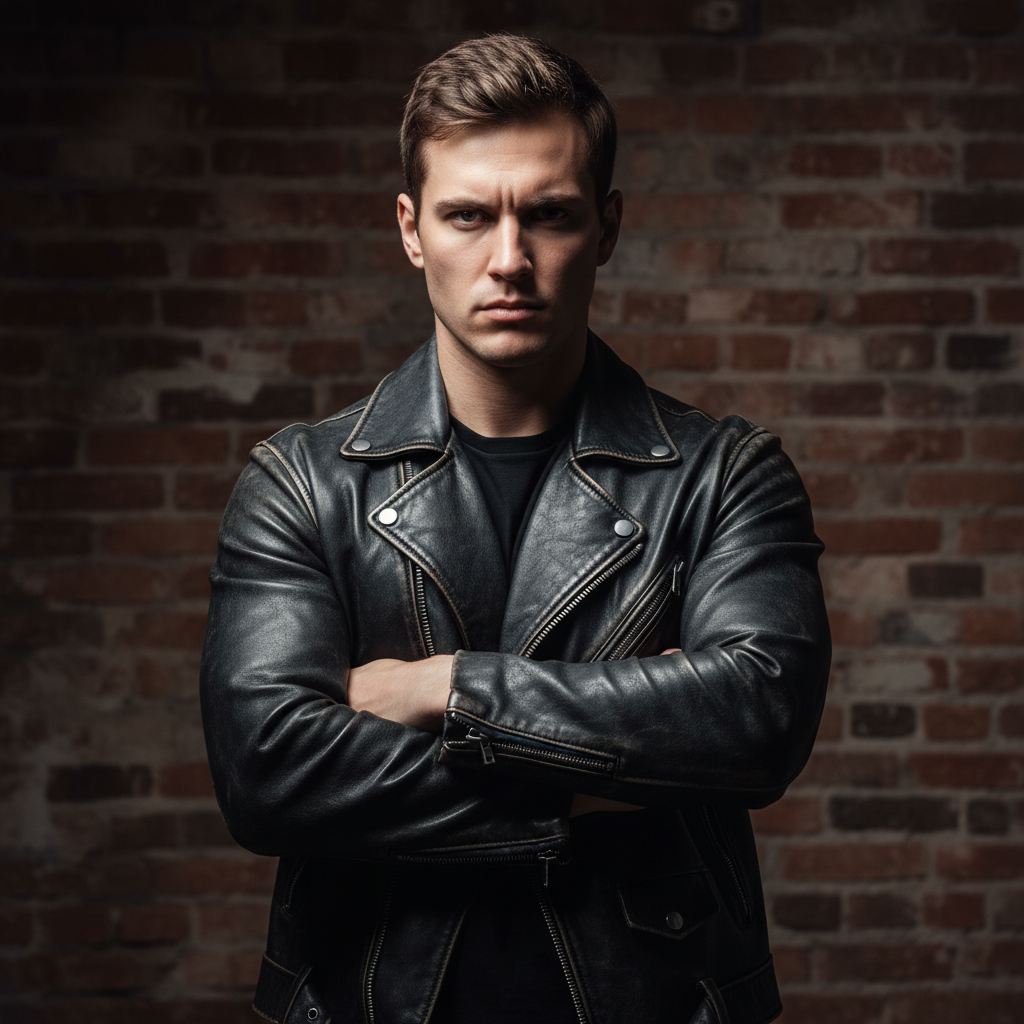
Man in leather jacket with arms crossed and intense expression
Before
->
Same man rendered in bold superhero comic book style with ink outlines and halftone
After

Portrait to superhero comic style

A regular portrait transformed into bold superhero comic book art with ink outlines, halftone shading, and vivid colors.

Prompt: convert this photo to superhero comic book style with bold black ink outlines, halftone dot shading, vivid colors, and dynamic action lines
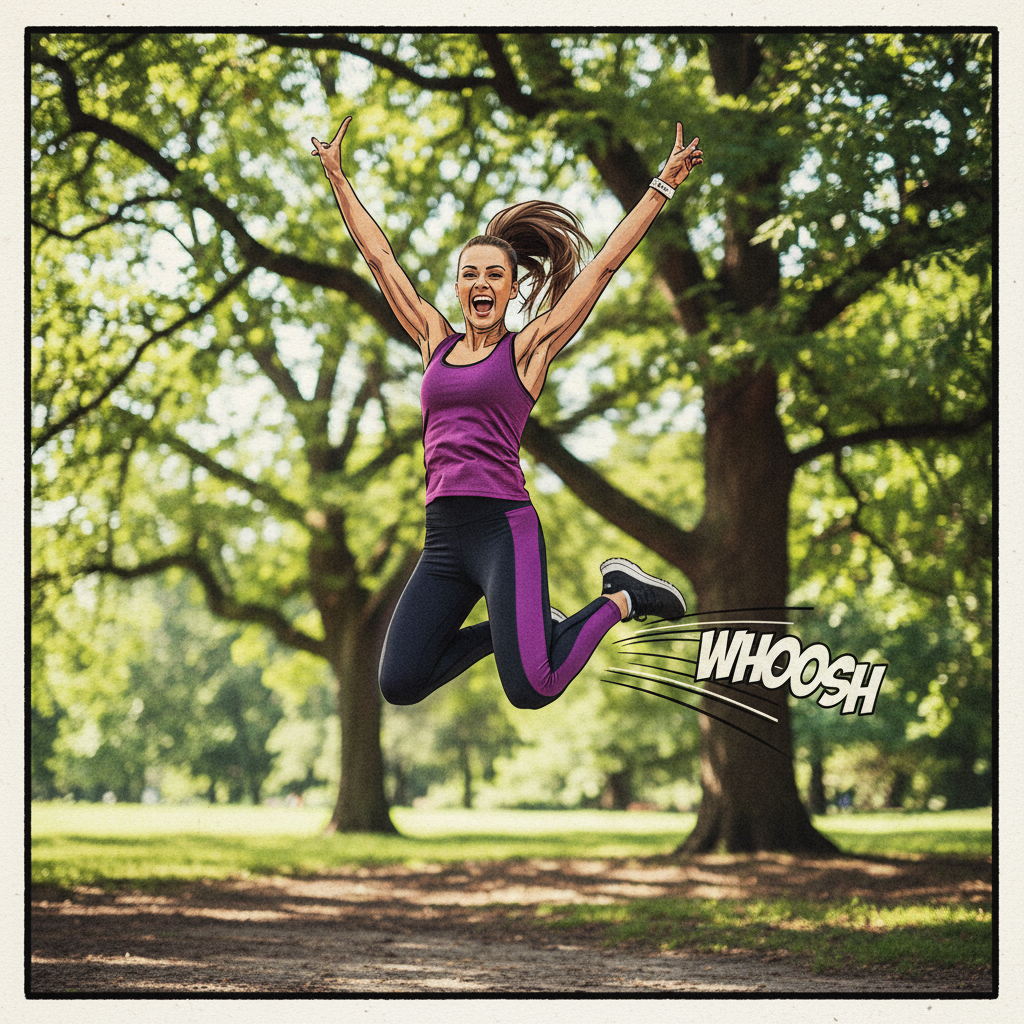
Three friends in dynamic poses wearing colorful clothes
Before
->
Same group as a dynamic comic book panel with bold inking and vivid colors
After

Group photo to comic panel

A group photo converted into a dynamic comic book panel with dramatic inking and vivid color blocking.

Prompt: transform this into a modern comic book panel with dynamic inking, vivid colors, speed lines, and open space at the top for dialogue
Advertisement

If something looks off

AI changed the wrong area or something I didn't want changed

Why: The AI couldn't determine which part you wanted in comic style from description alone.

Try: Tap a marker on the specific area you want in comic book style, then regenerate with the same prompt

Tip: Markers tell the AI 'I mean THIS area specifically.' Use them for selective comic effects.

Result looks like a filtered photo, not actual comic art

Why: The AI applied too subtle a transformation, preserving photographic quality instead of embracing comic illustration.

Try: convert to bold comic book illustration with thick hand-drawn ink lines, no photographic quality remaining, flat color fills, and dramatic inking

Tip: 'No photographic quality remaining' and 'hand-drawn ink lines' push past the filter look into true comic art.

Ink lines are inconsistent—some thick, some barely visible

Why: The AI applied uneven inking weight across the image.

Try: convert to comic book style with consistent bold ink line weight throughout, every outline clearly defined and uniform thickness

Tip: 'Consistent' and 'uniform thickness' tell the AI to maintain even inking across the whole image.

Colors don't look like comic book coloring

Why: The AI used photographic gradients instead of the flat, bold color fills typical of comics.

Try: convert to comic style with flat solid color fills, no gradients, bold primary and secondary colors like printed comic coloring

Tip: 'Flat solid color fills, no gradients' is the key instruction for authentic comic book coloring.

Image lacks the dynamic energy of comic art

Why: The composition is static—comics convey movement through visual techniques the AI didn't apply.

Try: convert to comic book style with action lines, speed effects, dynamic angles, and energy that suggests movement and drama

Tip: 'Action lines' and 'speed effects' add the kinetic energy that makes comic art feel alive.

Quick answers

Do I need to mark any areas before creating comic book art?

No! Just upload your photo and describe the comic style: 'convert this to comic book style with bold ink outlines.' The AI handles the entire transformation. Only use markers if you want comic treatment on specific areas while keeping others untouched.

How do I turn a photo into comic book art for free?

Upload your photo to EditThisPic and type 'convert this photo to comic book style with bold ink outlines, halftone shading, and vivid colors.' The AI generates comic art in about 30 seconds. Free to use, no account needed, no watermark.

Is there a free comic book style maker that doesn't require login?

Yes. EditThisPic converts photos to comic book art with no signup required. Upload your image, describe the style—superhero, noir, manga, indie—and download. No watermarks, no account walls.

What's the best free AI tool for making comic book art from photos?

EditThisPic lets you specify the exact comic style—Marvel superhero, noir graphic novel, vintage 60s, or manga. Unlike preset filters, you control the inking, color, and shading style. Free, no login, results in 30 seconds.

Ready to turn your photos into comic book art?

Free to try. No signup required.

Try it free