Free โ€ข No signup Fix Closed eyes ยท Free

AI Closed Eye Fixer

Describe who needs eye fixing. AI opens eyes naturally.

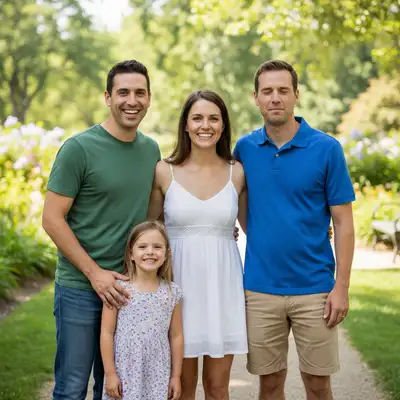
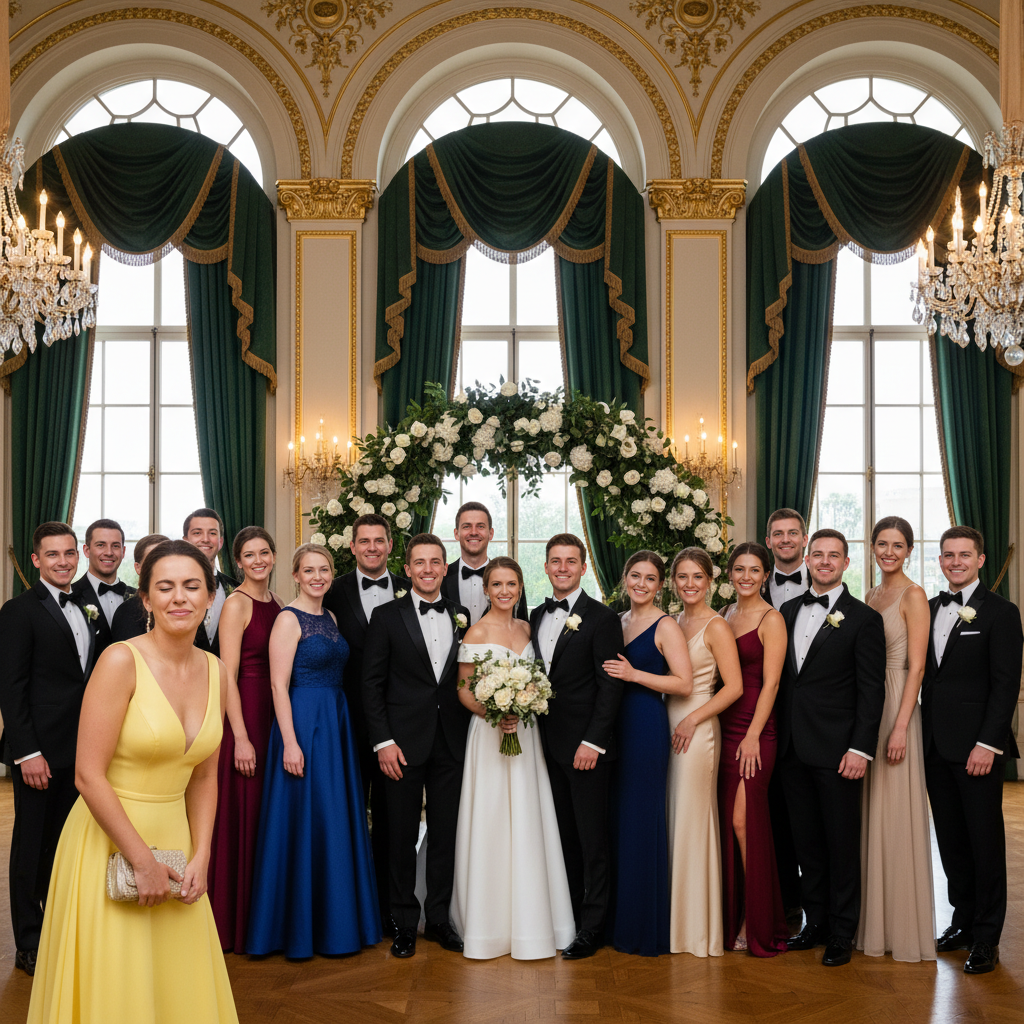
Wedding photo with groomsman eyes closed
Before
โ†’
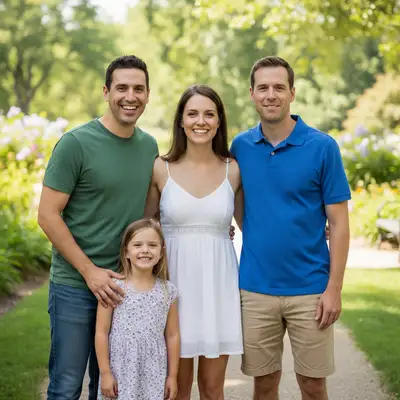
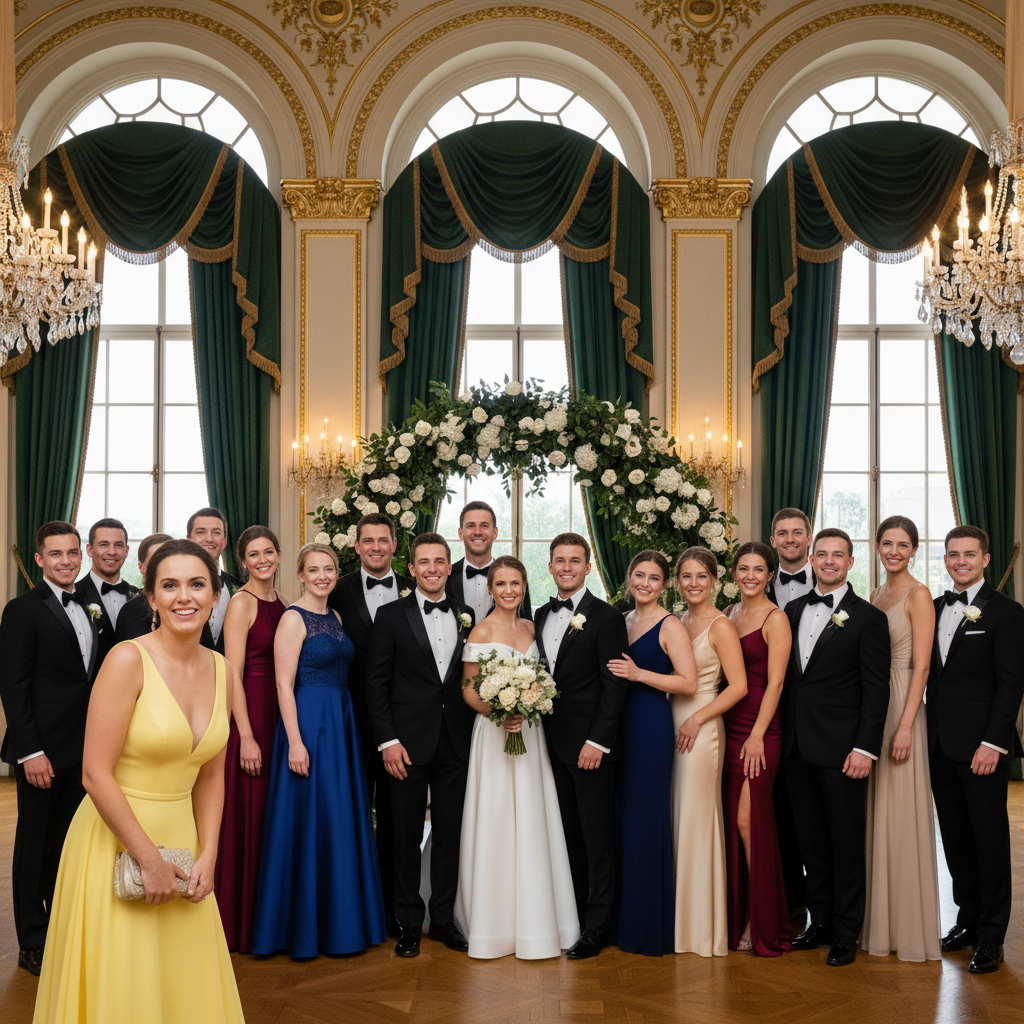
Wedding photo with all eyes naturally open
After

Fix Closed Eyes in Photo

Drop your photo here

or click to browse

Release to upload

Free โ€ข No signup

Advertisement
Popular use cases:
  • group photos
  • wedding photography
  • family portraits
  • school photos
  • professional headshots
  • event photography
  • reunion photos
  • graduation pictures

Cost
Free No signup required
Time
Instant results in 15-30 seconds
Works on
Any device - browser, phone, tablet, desktop
Powered by
AI-powered photo editing
Scenario Prompt Time
Group photo blink open the closed eyes of the man on the right, make him look at camera naturally 25s
Squinting fix fix the squinting eyes, make them fully open while maintaining natural expression 20s
Both eyes closed open both eyes fully, looking directly at camera with natural gaze 25s
Match group gaze open closed eyes and match the gaze direction of others in the photo 30s

How it works

  1. Upload your photo

    Drop your image into EditThisPic. Works best with photos where the person's face is clearly visible and well-lit. Front-facing or slight angle photos work better than extreme profiles. JPG, PNG, WebP up to 7MB.

    Expect: Simple portraits with good lighting: 20-25 seconds for natural open eyes. Group photos or challenging angles: may need 2-3 refinements for perfect eye matching.
  2. Describe who needs eyes opened

    Type your instruction: 'open the closed eyes of the woman on the left' or 'fix squinting eyes for the person in the blue shirt, make them look at camera.' Be specific about which person if there are multiple faces. The AI identifies the person and reconstructs natural-looking open eyes.

    Tip: Include gaze direction for better results: 'looking at camera' or 'looking forward' helps the AI match the rest of the group's eye direction.

    Copy one of these to get started:

    Group photo with one person blinking open the closed eyes of the man on the right, make him look at camera naturally
    Fix squinting from bright light fix the squinting eyes, make them fully open while maintaining natural expression
    One eye closed in portrait open both eyes fully, looking directly at camera with natural gaze
    Wedding photo blink fix open the bride's closed eyes, make her look at the groom naturally
    3 more prompts
    Child with eyes half closed open the child's eyes fully, looking forward with alert happy expression
    Person wearing glasses with eyes closed open eyes for the person wearing glasses, maintain natural look through lenses
    Match other people's gaze open closed eyes and match the gaze direction of others in the photo
  3. Generate and review

    Click Generate and watch the AI open the eyes naturally. Check that eye color, size, and gaze direction match the person's appearance and the photo's context. The AI preserves facial features and eye characteristics.

  4. Refine if needed

    If eyes need adjustment, refine your prompt: 'make eyes look slightly more to the right' or 'eyes should be looking at camera like others in the group.' Most fixes work perfectly on the first try.

    Tip: For group photos, mention what direction others are looking: 'match the gaze direction of others in the photo' helps create consistency.
  5. Download your fixed photo

    Save your corrected image in full resolution with no watermark. Perfect for preserving precious family moments, wedding photos, and important group pictures.

Try it free โ†“

Fix Closed Eyes in Photo

Drop your photo here

or click to browse

Release to upload

Free โ€ข No signup

"Saved our only family wedding photo where my dad had his eyes closed. The fix looks completely natural - you can't tell it was edited." @wedding_memories

See it in action

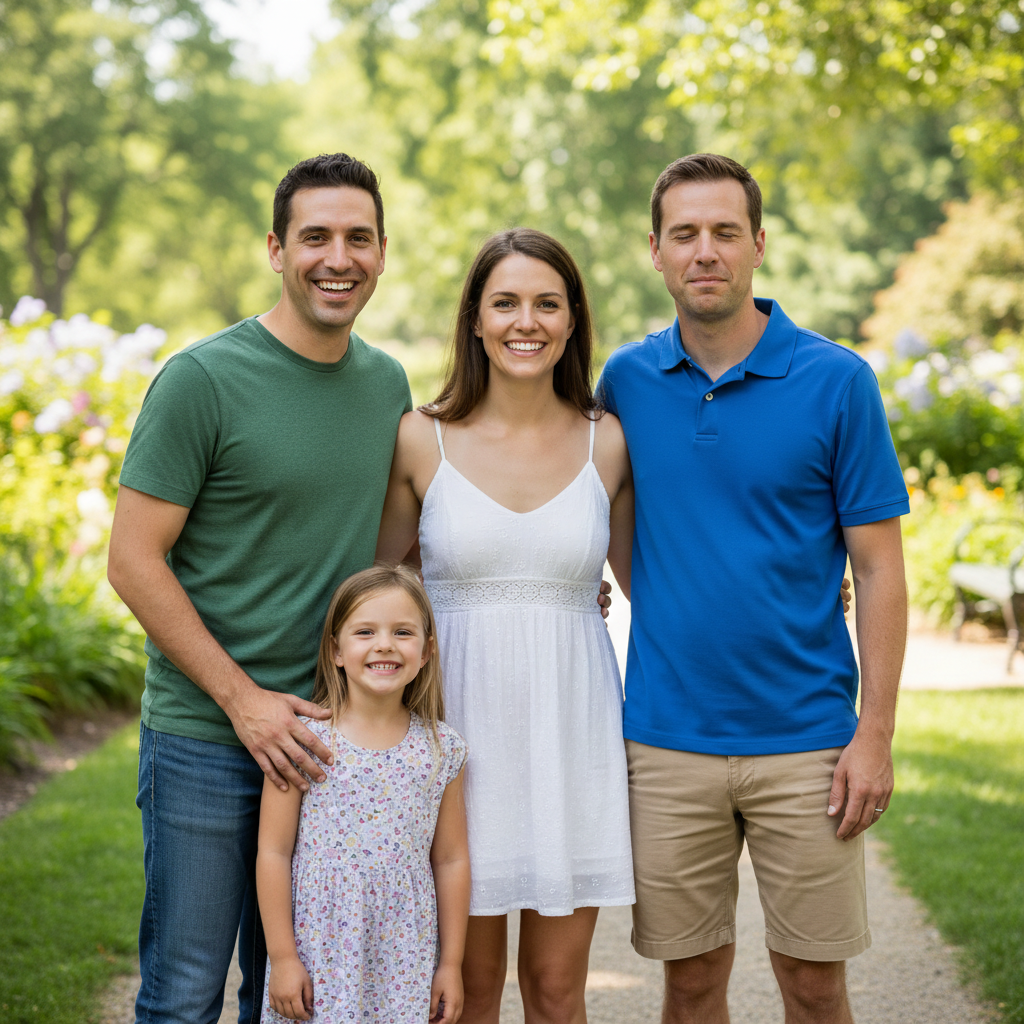
Wedding photo with groomsman eyes closed
Before
->
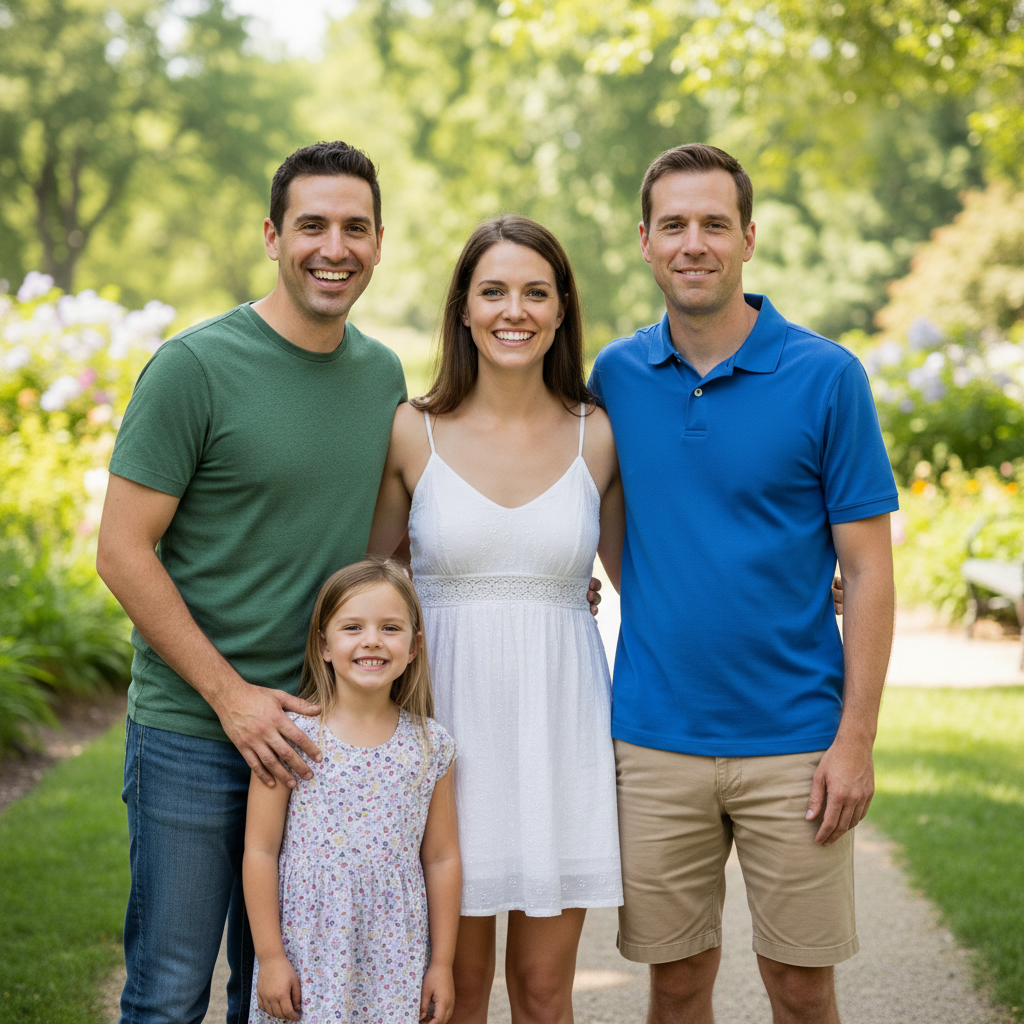
Wedding photo with all eyes naturally open
After

Wedding group photo rescue

Fixed closed eyes in a crucial wedding photo where one groomsman blinked during the only shot.

Prompt: open the closed eyes of the man on the right in the gray suit, make him look at the camera naturally
Headshot with squinting eyes
Before
->
Headshot with naturally open eyes
After

Professional headshot squint fix

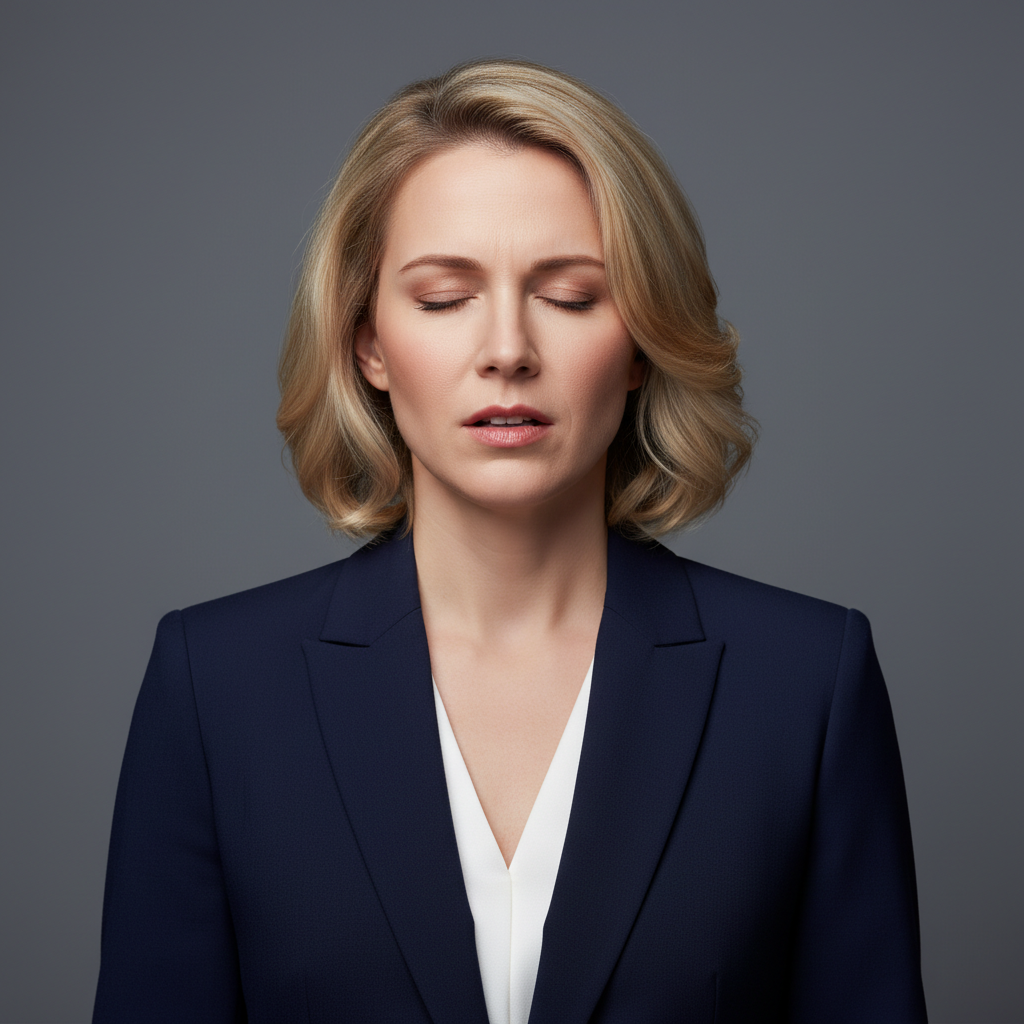
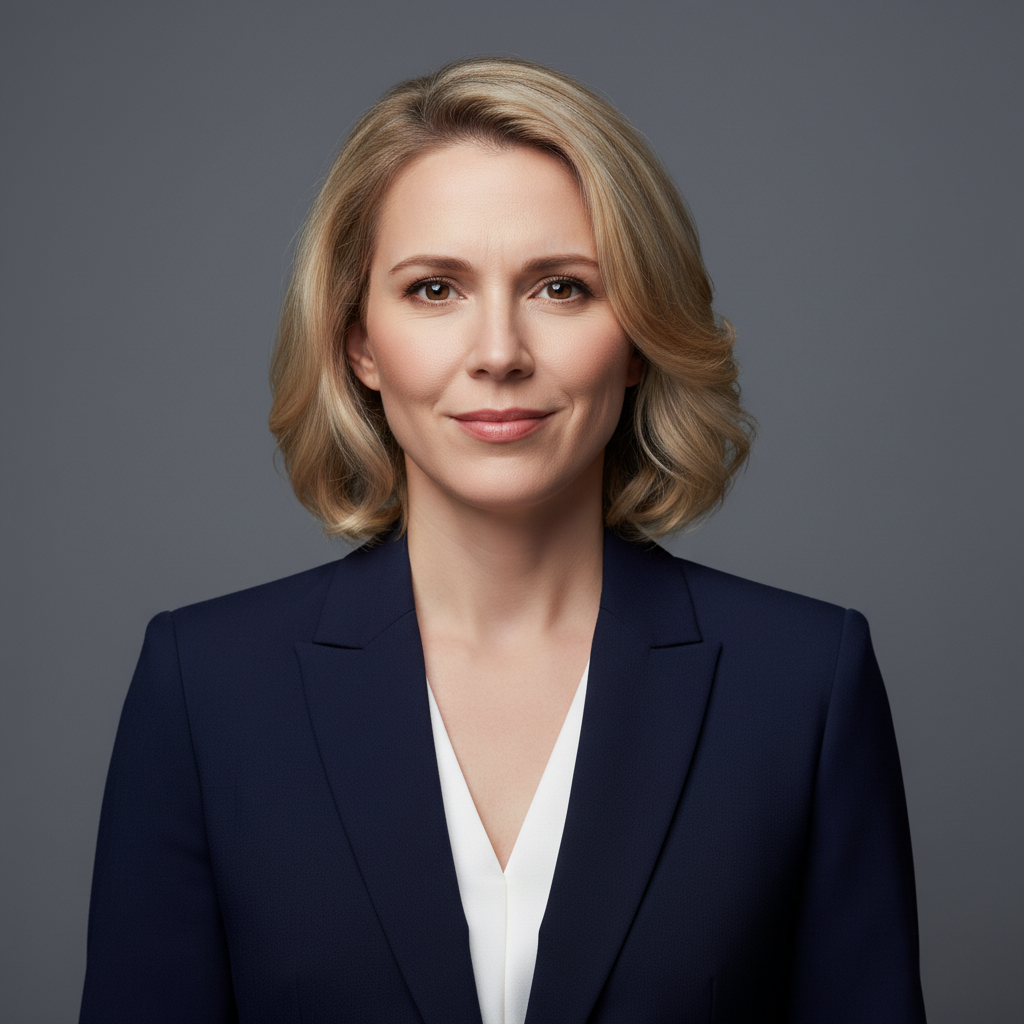
Fixed squinting eyes caused by bright studio lights for a polished business portrait.

Prompt: fix the squinting eyes, make them fully open and alert while maintaining her smile
Child squinting in bright sunlight
Before
->
Child with naturally open happy eyes
After

Child portrait bright sun fix

Opened a child's squinting eyes from outdoor sunlight for a perfect garden portrait.

Prompt: open the child's eyes fully, looking forward with alert happy expression
Wedding couple with groom's eyes closed
Before
->
Wedding couple both looking at camera perfectly
After

Couple photo blink correction

Fixed groom's closed eyes in a romantic wedding couple shot to match bride's gaze.

Prompt: open the groom's closed eyes to match the bride's gaze toward the camera
Advertisement

If something looks off

AI changed the wrong person's eyes

Why: Multiple people in the photo made person identification ambiguous.

Try: Be very specific with identifiers: 'the woman on the far left wearing red', 'the child in the center', or 'the man with glasses on the right'

Tip: Use both position and distinctive features (clothing color, accessories) to identify the exact person clearly.

Generated eyes don't match the person's appearance

Why: Poor lighting or low resolution made it hard for the AI to infer eye color and characteristics.

Try: Use a higher quality photo with better facial lighting. Add 'maintain natural brown eye color' or specify eye characteristics if visible elsewhere

Tip: Front-lit faces work best. Extreme side lighting or shadows make accurate eye reconstruction difficult.

Eyes are looking in the wrong direction

Why: The AI didn't have enough context about where the person should be looking.

Try: Specify gaze explicitly: 'looking directly at camera', 'looking at the person next to them', or 'match the gaze of others in the group'

Tip: In group photos, mention 'looking same direction as everyone else' for natural consistency.

Only one eye opened when both were closed

Why: The prompt wasn't explicit about both eyes needing correction.

Try: State 'open both eyes fully' rather than just 'open eyes' to ensure complete correction

Tip: Be explicit about 'both' when both eyes need work, even though it seems obvious.

Eyes look too wide or surprised

Why: The AI interpreted 'open eyes' as maximum eye opening.

Try: Add 'naturally open' or 'relaxed open eyes' to prevent overly wide results. Try 'normal eye opening' for more natural look

Tip: Words like 'alert' or 'fully' can create wide eyes. Use 'natural' or 'relaxed' for calmer expressions.

Face looks slightly different after eye correction

Why: Very low resolution or heavily compressed photos provide limited facial detail for accurate reconstruction.

Try: Use the highest quality version of your photo available. The AI needs clear facial features to preserve appearance while opening eyes

Tip: Original camera files work better than compressed social media downloads or screenshots.

Eyes opened but person is wearing glasses

Why: Glasses add complexity with lens reflections and visible eye positioning.

Try: Mention the glasses explicitly: 'open eyes for the person wearing glasses, maintain natural look through lenses and reflections'

Tip: The AI handles glasses well when you mention them, accounting for lens effects and frame shadows.

Quick answers

Do I need to mark the closed eyes before fixing them?

No! Just describe who needs eye correction: 'open the closed eyes of the woman on the left' or 'fix squinting eyes.' The AI automatically detects faces and identifies who you mean. Only specify which person if there are multiple people in the photo.

How do I fix closed eyes in a photo for free?

Upload your photo to EditThisPic, describe who has closed eyes (like 'open the man's eyes on the right, looking at camera'), and click Generate. The AI reconstructs natural-looking open eyes automatically. No Photoshop or manual editing required. Free to try with no signup.

Will the opened eyes look natural or obviously fake?

When you include gaze direction in your prompt (like 'looking at camera' or 'match others' gaze'), the AI creates convincing open eyes that match the person's face and the photo's context. The key is good photo quality and clear facial visibility. Well-lit front-facing photos produce the most natural results.

Can I fix closed eyes in group photos and wedding photos?

Yes! Specify which person needs correction: 'fix closed eyes for the person in the blue dress' or 'open the groom's eyes.' The AI can fix specific individuals in group photos while leaving others unchanged. Perfect for rescuing important photos where someone blinked.

Does it work if someone is squinting or has half-closed eyes?

Absolutely. Describe what you need: 'fix squinting, make eyes fully open' or 'open half-closed eyes naturally.' The AI handles everything from mid-blink to bright-sun squinting. Squinting from sunlight is actually easier than fully closed eyes because some eye detail is visible.

What's the best free AI tool for fixing closed eyes in photos?

EditThisPic offers free AI-powered eye correction with no signup, no watermark, and no download required. Unlike manual photo editing that requires reconstructing eyes from scratch, EditThisPic's AI understands facial features and creates natural-looking open eyes automatically. Perfect for group photos, wedding pictures, and family portraits where blinking ruined the moment.

Ready to fix closed eyes in your photos?

Free to try. No signup required.

Try it free โ†’