Free • No signup Fix Adoption finalization photo · Free

Adoption finalization photo not perfect?

Fix harsh courthouse lighting, remove institutional backgrounds—honor the day your family became official.

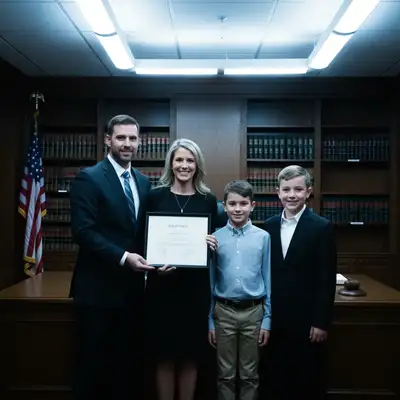
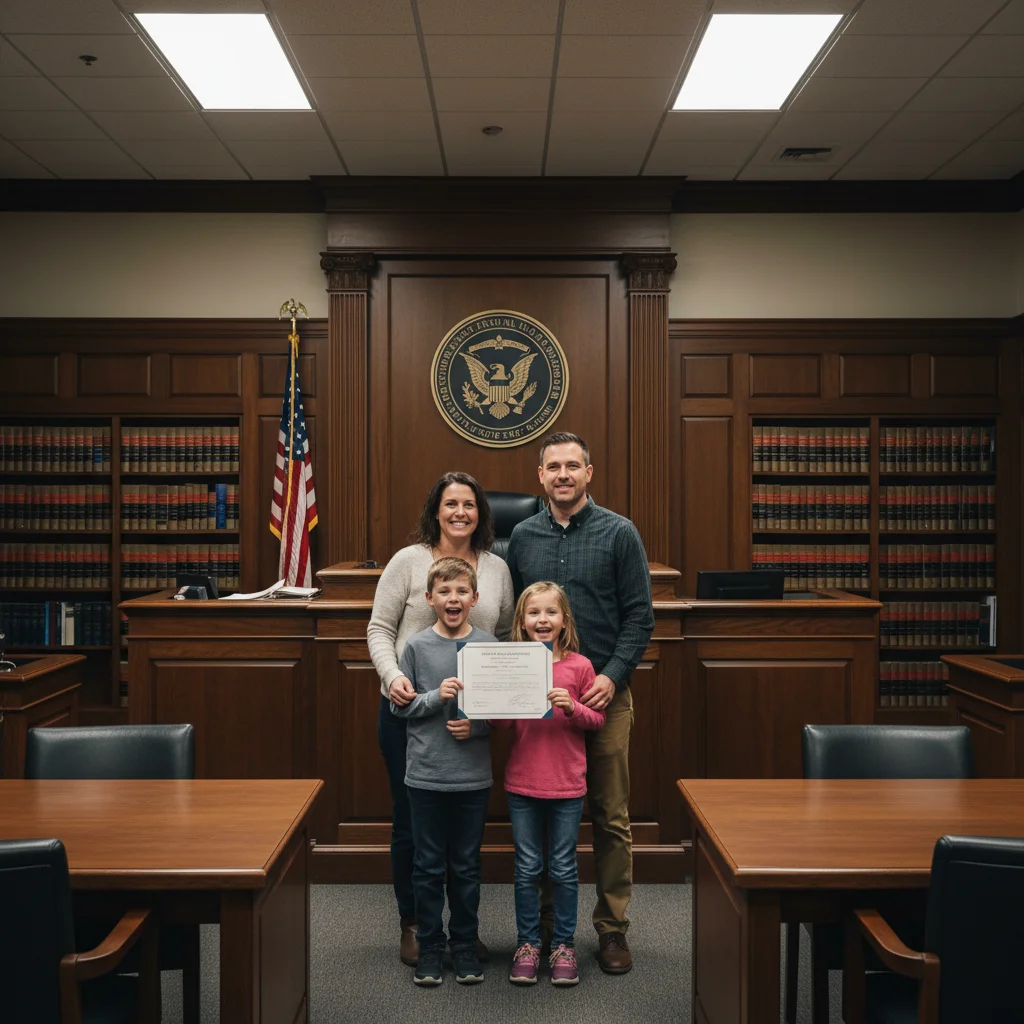
Cold courthouse adoption photo with harsh fluorescent lighting
Before
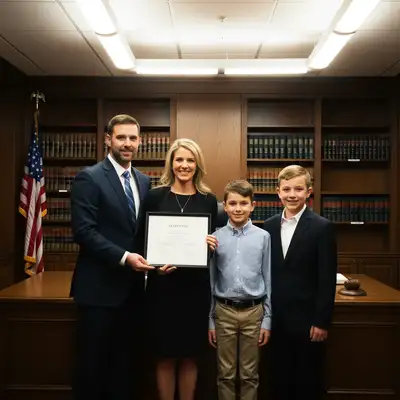
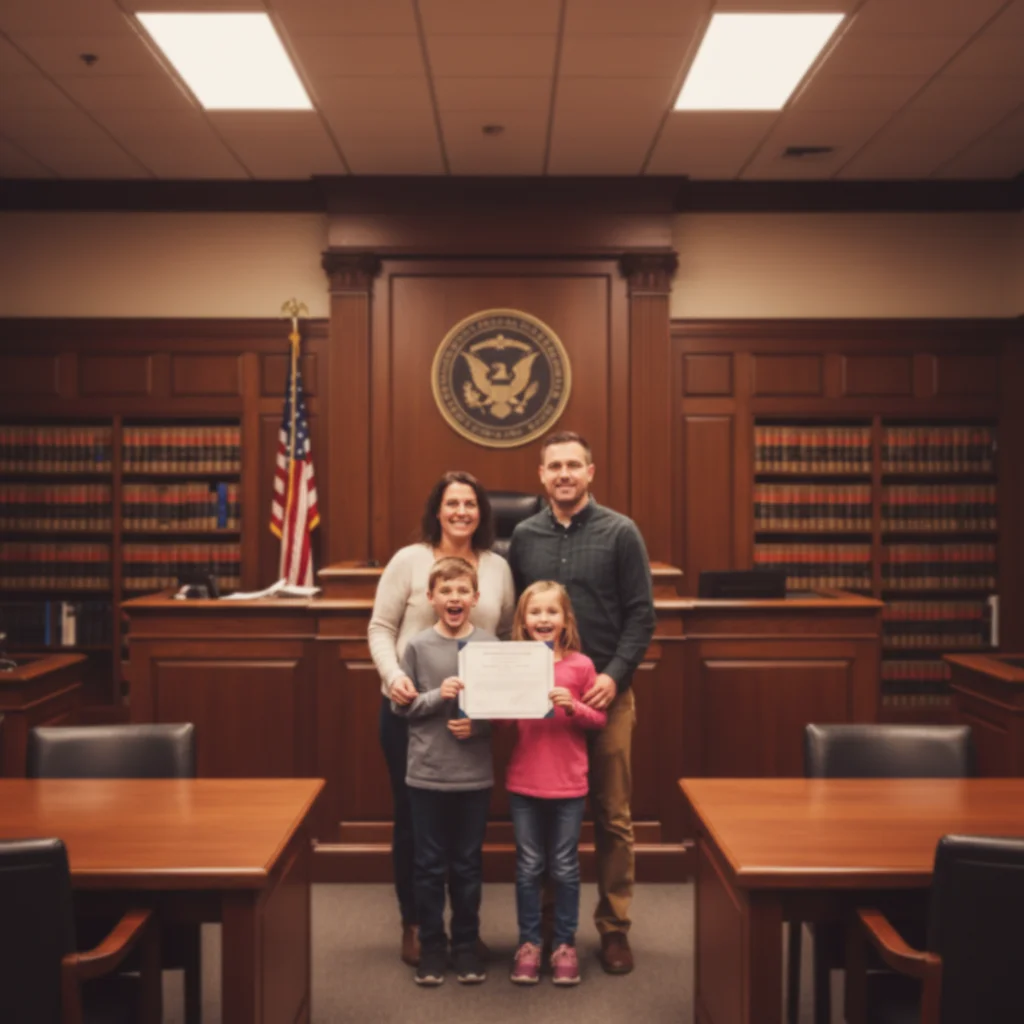
Warm family photo with soft celebratory lighting, institutional feel removed
After

Adoption Finalization Photo Fix | EditThisPic

Drop your photo here

or click to browse

Release to upload

Free • No signup

Advertisement
Popular use cases:
  • Adoption finalization photos
  • Fix courthouse photo lighting
  • Adoption ceremony pictures
  • Forever family photos
  • Adoption announcement photos
  • Adoption day documentation
  • Legal proceeding photo fix

Cost
Free No signup required
Time
Instant results in 15-30 seconds
Works on
Any device - browser, phone, tablet, desktop
Powered by
AI-powered photo editing
Scenario Prompt Time
Harsh courthouse lighting soften harsh courthouse lighting, make warm and celebratory 30s
Institutional background warm up photo and remove cold institutional courtroom feel 35s
Blur courtroom elements blur courtroom background, keep focus on family, make warm 30s
Complete transformation soften lighting, warm colors, blur background, make celebratory 45s

How it works

  1. Upload your finalization photo

    Drop your adoption finalization photo into EditThisPic. The courthouse ceremony, judge's chambers photo, family with decree—whatever documentation of the day your family became official. JPG, PNG, WebP up to 7MB. This forever family moment deserves a beautiful photo.

    Expect: Simple fixes (lighting, warmth): 30-35 seconds. Complex fixes (background replacement, multiple enhancements): 45-60 seconds.
  2. Describe what to fix

    Type what feels wrong: 'soften the harsh courthouse lighting and make this photo warm and joyful,' 'remove the institutional courtroom background,' or 'enhance this to feel like a celebration not a legal proceeding.' Be specific about cold institutional elements you want warmed or removed.

    Tip: Combine fixes: 'warm the lighting, soften harsh tones, and make this feel celebratory not institutional' works beautifully for courthouse photos.

    Copy one of these to get started:

    Harsh courthouse or institutional lighting soften the harsh courthouse lighting and make this adoption photo warm, joyful, and celebratory
    Cold institutional courtroom background warm up this adoption photo and remove the cold institutional courtroom feel, make it celebratory
    Want to blur/remove courtroom elements blur the courtroom background and keep focus on our family, make this feel warm and intimate
    Colors look washed out or clinical enhance the colors and make this adoption finalization photo vibrant and warm, full of joy
    4 more prompts
    Judge or officials in frame you want removed remove the judge/official from the photo and keep just our family with the decree
    Want professional quality for announcements enhance this to look professionally photographed, warm celebratory lighting, worthy of adoption announcement
    Dim chambers or courtroom photo brighten this dim courthouse photo and make faces clearly visible, warm and happy
    Too formal, want it to feel like home make this adoption photo feel warm and homey instead of formal and institutional
  3. Review your family celebration photo

    Check that the lighting feels warm, institutional coldness is gone, and the photo captures the joy of adoption finalization. This photo represents the legal moment your family became forever—make it feel like the celebration it was.

  4. Refine if needed (optional)

    If lighting needs more warmth or background still feels too formal, tap markers on specific areas and describe: 'make this area warmer' or 'soften this institutional element.' Most adoption photos transform beautifully on first try.

    Tip: For photos with adoption decree or documentation visible, try 'enhance the whole photo but keep the decree/document clear and readable.'
Try it free

Adoption Finalization Photo Fix | EditThisPic

Drop your photo here

or click to browse

Release to upload

Free • No signup

"Our courthouse finalization photo was cold and institutional. This warmed it up beautifully and made it worthy of our adoption announcement and nursery wall." @ForeverFamily

See it in action

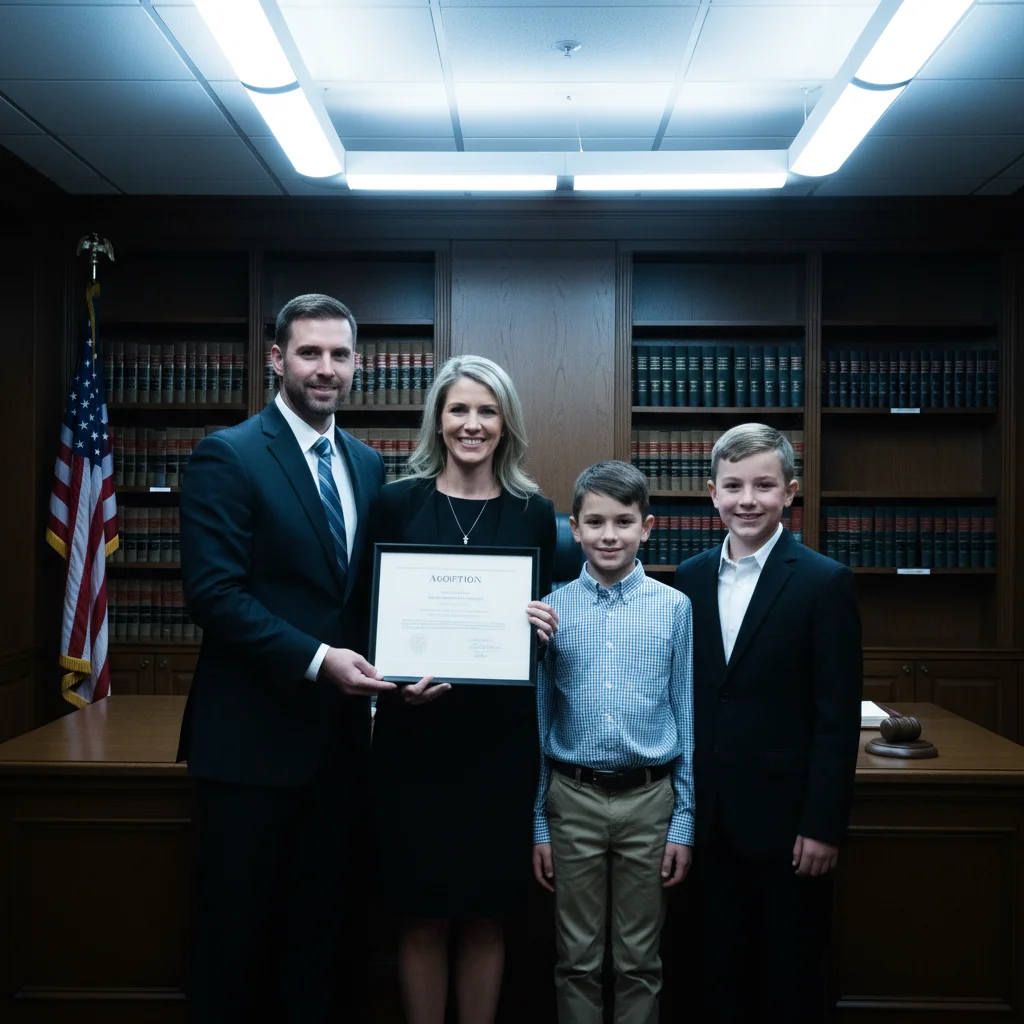
Cold courthouse adoption photo with harsh fluorescent lighting
Before
->
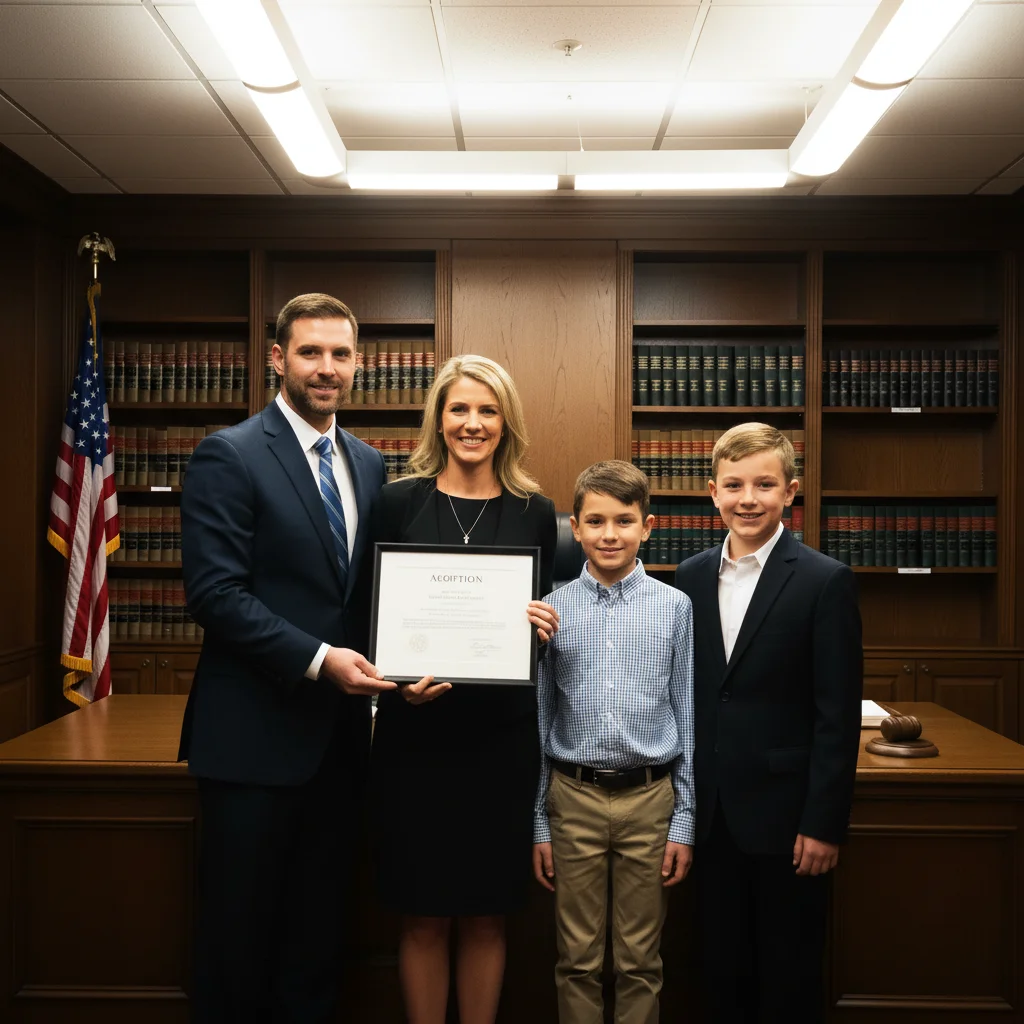
Warm family photo with soft celebratory lighting, institutional feel removed
After

Courthouse ceremony with harsh fluorescent lights

Adoption finalization in judge's chambers with terrible overhead fluorescent lighting making everyone look exhausted instead of joyful. One prompt warmed the lighting and transformed it into a celebration photo.

Prompt: soften the harsh courthouse lighting and make this adoption photo warm, joyful, and celebratory
Adoption photo with formal courtroom background and institutional elements
Before
->
Intimate family photo with blurred background, warm celebratory feel
After

Formal courtroom background too institutional

Beautiful adoption moment but the courtroom background—judge's bench, seal, formality—made it feel like a legal proceeding instead of a celebration. Blurred the background to focus on the family.

Prompt: blur the courtroom background and keep focus on our family, make this adoption photo feel warm and intimate
Advertisement

If something looks off

Photo looks too warm or orange-tinted

Why: Over-correction of cold institutional lighting can swing too far into unrealistic warm orange tones.

Try: warm the lighting naturally without making it orange, keep skin tones realistic and believable

Tip: Ask for 'natural warmth' or 'subtle warm correction' instead of maximum warmth for realistic results.

Adoption decree or document became blurry or unreadable

Why: Background blur or enhancement can accidentally affect important documentation you want to keep visible.

Try: enhance the photo but keep the adoption decree and all text sharp and readable

Tip: Explicitly mention 'preserve document clarity' when the decree, certificate, or finalization papers are in frame.

Background replacement looks fake or pasted

Why: Replacing courtroom backgrounds with different settings can look artificial if lighting doesn't match.

Try: blur the courtroom background naturally instead of replacing it, keep focus on our family

Tip: Blurring institutional backgrounds works better than replacement—it's subtle and maintains authenticity.

Judge or official partially removed, looks weird

Why: Removing people who are integrated into group compositions can leave awkward gaps or partial remnants.

Try: remove the judge completely and fill the space naturally, recompose around our family

Tip: Cropping or blurring background people often works better than removal for integrated group photos.

Lost the formality that makes it special

Why: Over-warming or removing too much institutional context can make it look like any family photo instead of adoption day.

Try: warm this photo but keep some of the formal dignity that makes this adoption day special

Tip: Balance is key—warm the cold elements but preserve the significance and formality that marks the occasion.

Quick answers

Do I need to mark the institutional elements before removing them?

No. Just type 'soften the harsh courthouse lighting' or 'blur the courtroom background' and the AI identifies institutional elements automatically. It understands what courthouse and courtroom environments look like. Markers only needed if you want very specific elements handled differently.

Can I fix multiple problems in one adoption finalization photo?

Yes. Combine fixes: 'soften harsh lighting, warm up the colors, blur the institutional background, and make this feel celebratory.' The AI handles multiple enhancements together. Smart mode works better for comprehensive transformations with 3+ changes because it applies them in optimal order.

Will this make the photo look fake or over-edited?

Not if you ask for natural results. Adoption finalization photos should feel authentic and dignified, not filtered. Use words like 'natural,' 'warm but realistic,' or 'subtle enhancement.' The goal is making the photo match the joy you felt, not creating something unrecognizable. Some institutional formality is actually part of the significance.

Can I keep the adoption decree visible while fixing the rest?

Yes. Add 'keep the adoption decree and document text sharp and readable' to your prompt when enhancing or blurring. The AI can selectively preserve document clarity while transforming the rest of the photo. This is common for families who want the legal documentation visible in their forever family photo.

What if the judge or court official is in the photo?

You have options: blur the background including them, remove them entirely, or keep them but enhance the photo. Try 'remove the judge and focus on our family' or 'blur the official in the background.' Some families treasure having the judge in the photo; others prefer family-only. Both are valid.

Should I edit adoption finalization photos or keep them authentic?

Your choice entirely. The adoption happened—the legal finalization is real. If harsh courthouse lighting or cold institutional settings make the photo not worthy of this milestone, fixing it honors the moment better. You're not changing that you adopted; you're making the documentation of your forever family day match the joy you felt. The courthouse was necessary for legality, not atmosphere.

Ready to perfect your adoption finalization photo?

Free to try. No signup required.

Try it free