Free • No signup Fix Citizenship ceremony photo · Free

Citizenship ceremony photo not perfect?

Brighten dim venues, enhance faces holding certificates—honor the day you became a citizen.
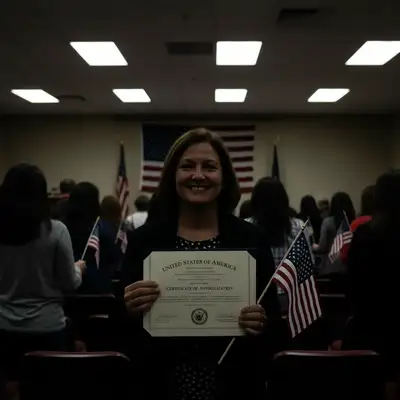
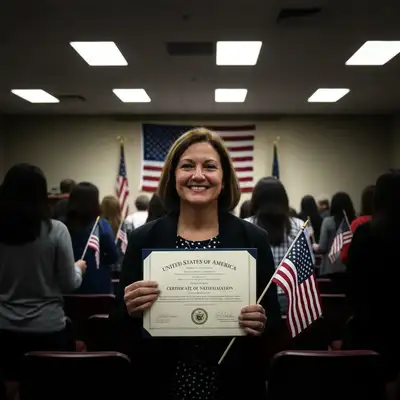
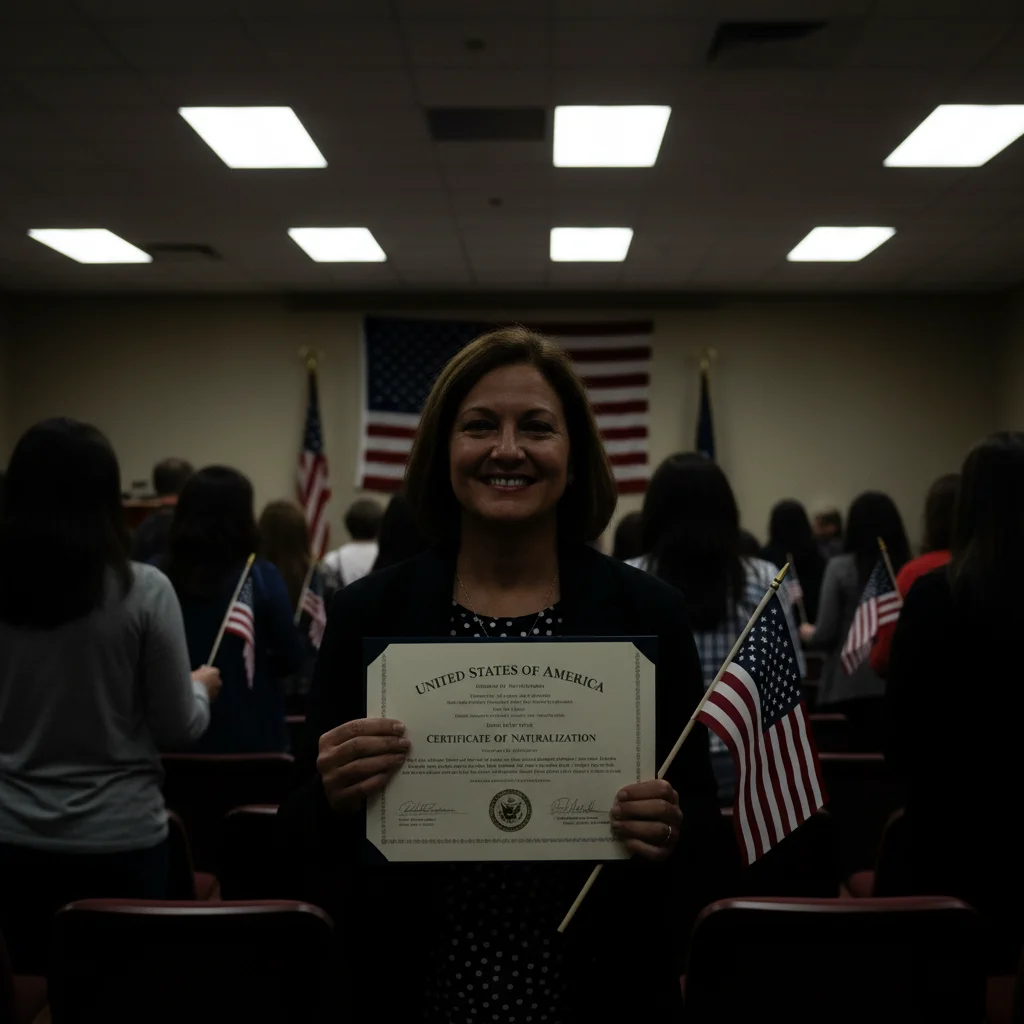
Dark citizenship ceremony photo with dim auditorium lighting, faces barely visible
Before
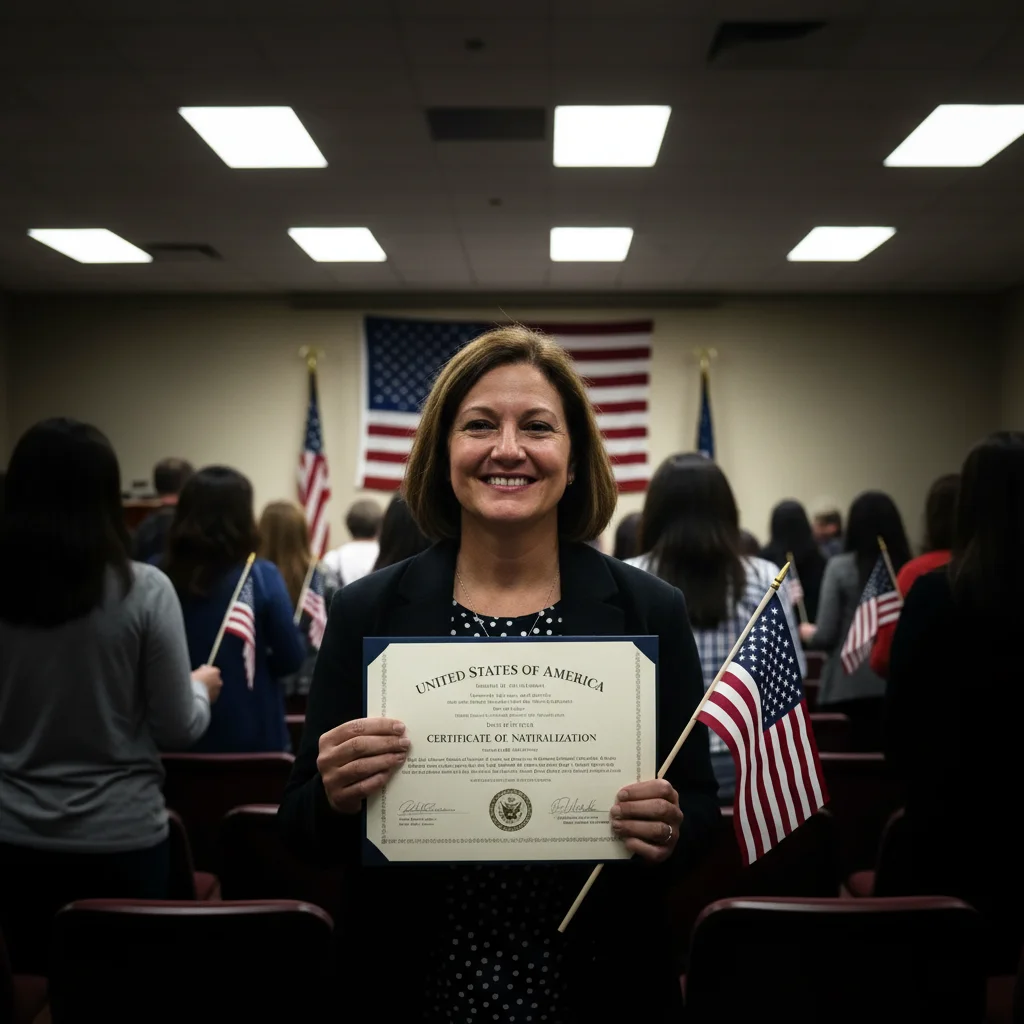
Brightened photo with faces clear, certificate readable, celebration visible
After

Citizenship Ceremony Photo Fix

Drop your photo here

or click to browse

Release to upload

Free • No signup

Advertisement
Popular use cases:
  • Citizenship ceremony photos
  • Naturalization ceremony pictures
  • New American citizen photos
  • Fix ceremony venue lighting
  • American citizenship documentation
  • Immigration milestone photos
  • Oath ceremony photos

Cost
Free No signup required
Time
Instant results in 15-30 seconds
Works on
Any device - browser, phone, tablet, desktop
Powered by
AI-powered photo editing
Scenario Prompt Time
Dark auditorium or venue brighten this photo and fix dim lighting, make faces visible 25s
Certificate not readable brighten and make citizenship certificate clear and readable 25s
Dull flag colors enhance American flag and make colors vivid and patriotic 25s
Complete enhancement brighten faces, enhance certificate and flag, make celebratory 35s

How it works

  1. Upload your ceremony photo

    Drop your citizenship ceremony photo into EditThisPic. The oath ceremony, certificate presentation, flag holding moment—whatever documentation of becoming a citizen. JPG, PNG, WebP up to 7MB. Years of process led to this day.

    Expect: Simple fixes (brighten lighting, basic enhancement): 25-35 seconds. Complex fixes (multiple issues, group photo problems): 40-55 seconds.
  2. Describe what needs fixing

    Type what's wrong: 'brighten this photo and fix the dim auditorium lighting,' 'make faces and the citizenship certificate clearly visible,' or 'enhance the flag and make colors vibrant.' Be specific about typical ceremony venue problems—dark rooms, poor lighting, distant photos, blurry certificates.

    Tip: Combine fixes: 'brighten faces, enhance the certificate, and make this feel proud and celebratory' works great for ceremony photos.

    Copy one of these to get started:

    Dark auditorium or ceremony venue brighten this citizenship ceremony photo and fix the dim indoor lighting, make faces clearly visible
    Certificate not visible or readable brighten the photo and make the citizenship certificate clear and readable, show the text
    American flag in photo looks dull or dark enhance the American flag and make the red, white, and blue colors vivid and patriotic
    Overall photo looks dull and unmemorable brighten this citizenship ceremony photo, enhance faces and certificate, make it feel proud and celebratory
    4 more prompts
    Group photo with family, some faces dark brighten all faces evenly in this citizenship group photo, make sure everyone is clearly visible
    Blurry from excitement or shaky hands sharpen this citizenship photo and reduce blur, make the certificate and faces clear
    Want professional quality for frame or announcement enhance this to look professionally photographed, worthy of celebrating becoming a US citizen
    Colors look washed out or cold warm up this citizenship ceremony photo and make colors vibrant and celebratory
  3. Review your citizenship milestone

    Check that faces are visible, certificate is readable, flag is clear, and the photo captures the pride of becoming a citizen. This photo represents years of waiting and process—make it worthy of the achievement.

  4. Refine if needed (optional)

    If lighting needs more work or certificate text needs sharpening, tap markers on specific areas and describe: 'brighten these faces' or 'sharpen the certificate text.' Most ceremony photos improve dramatically on first try.

    Tip: For American flag in photo, try 'enhance flag colors and make red, white, blue vivid and patriotic' for extra impact.
Try it free

Citizenship Ceremony Photo Fix

Drop your photo here

or click to browse

Release to upload

Free • No signup

"Our citizenship ceremony was in a dark auditorium. This brightened our family holding certificates and flags beautifully. Now it's worthy of framing." @NewCitizen2026

See it in action

Dark citizenship ceremony photo with dim auditorium lighting, faces barely visible
Before
->
Brightened photo with faces clear, certificate readable, celebration visible
After

Dark auditorium oath ceremony

Citizenship oath ceremony in a dim government auditorium with terrible lighting. Faces barely visible, certificate in shadow. One prompt brightened everything and made the moment clear and celebratory.

Prompt: brighten this citizenship ceremony photo and fix the dim indoor lighting, make faces and certificate clearly visible
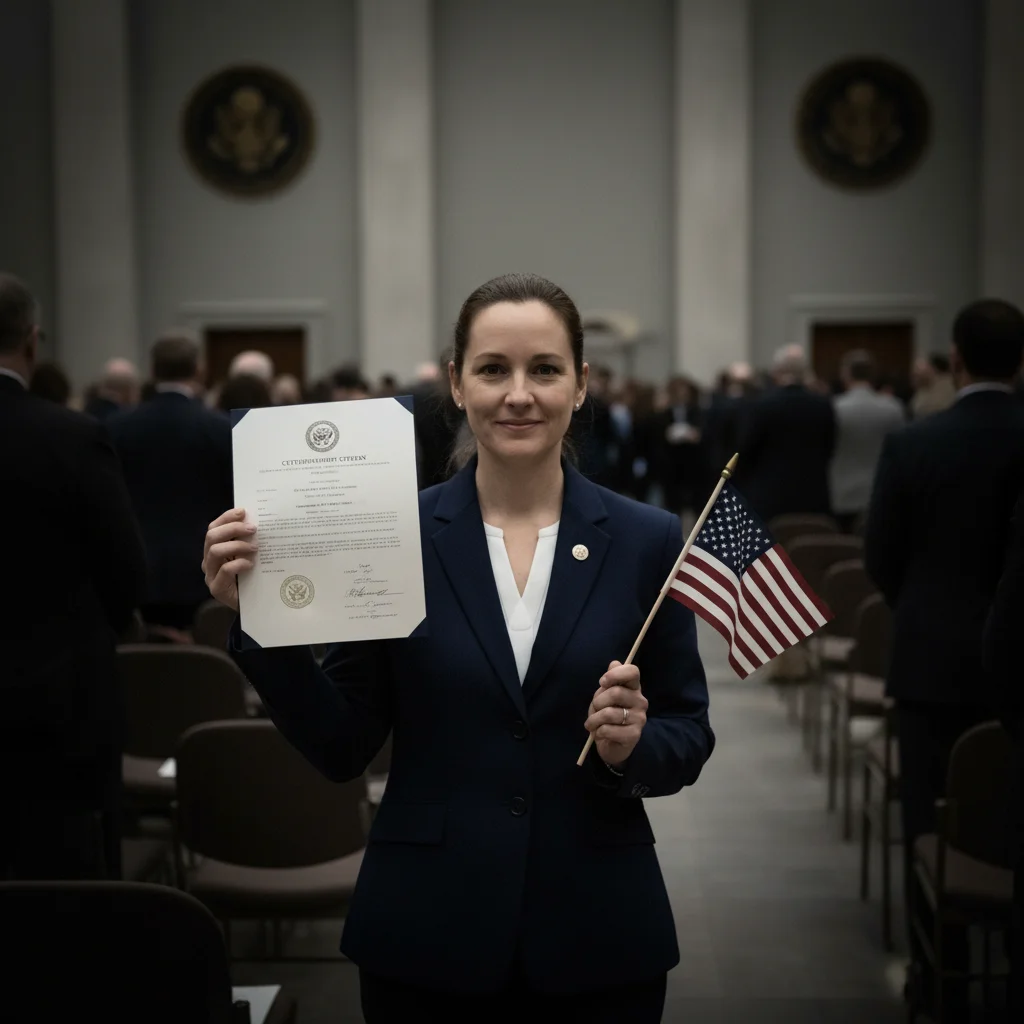
Citizenship photo with dull American flag colors and dark faces
Before
->
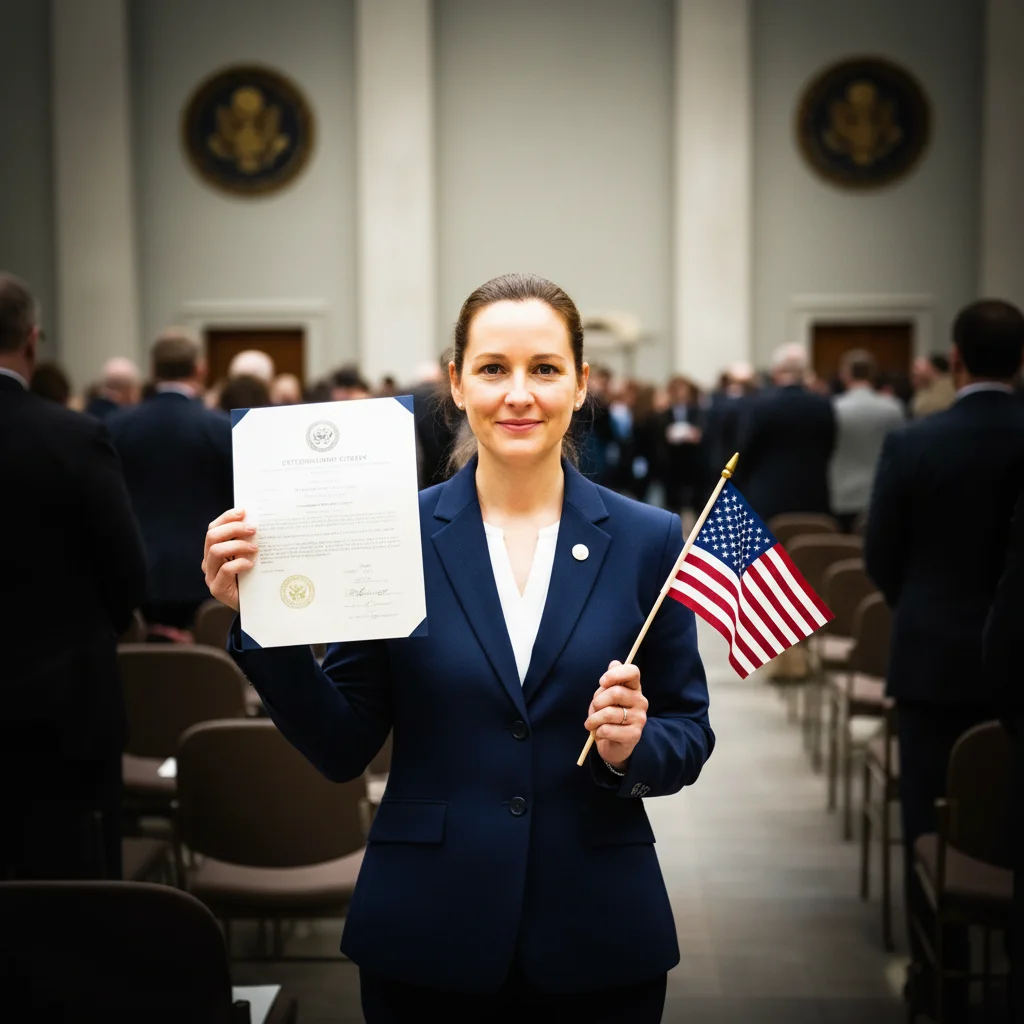
Enhanced photo with vivid flag colors, bright faces, proud celebration
After

Certificate presentation with dull flag colors

New citizen holding certificate and American flag, but the photo looked dull and washed out. AI enhanced flag colors and brightened faces to create a proud patriotic celebration photo.

Prompt: enhance the American flag colors and brighten faces, make this citizenship photo vibrant and proud
Advertisement

If something looks off

Flag colors look oversaturated or fake

Why: Over-enhancing American flag red, white, and blue can make them look artificially vivid instead of patriotic.

Try: enhance flag colors naturally, make them vibrant but realistic, not oversaturated

Tip: Add 'natural' or 'realistic' when enhancing flag colors to avoid the over-processed look.

Certificate text became blurry or unreadable

Why: Brightening or enhancement can sometimes soften text detail on certificates held at angles or distances.

Try: brighten the photo but keep certificate text sharp and readable, preserve all details

Tip: Explicitly mention 'keep certificate text sharp' when the certificate is an important part of the photo.

Faces look too bright or washed out

Why: Over-brightening dark venue photos can blow out highlights on faces, losing natural skin tone detail.

Try: brighten naturally without overexposing faces, keep skin tones realistic

Tip: Ask for 'selective brightening' or 'enhance shadows, protect highlights' for better face detail.

Background became distracting after enhancement

Why: Brightening the whole photo can make background people, venue clutter, or institutional elements more visible.

Try: brighten faces and certificate but blur or soften the background, keep focus on the new citizen

Tip: Combine brightening with background blur to keep attention on the person, not the venue.

Lost the formality that makes it special

Why: Over-editing can make ceremony photos look casual instead of preserving the formal significance of naturalization.

Try: enhance this photo but keep the dignified formal quality of citizenship ceremony

Tip: Balance enhancement with dignity—this is a formal achievement, not a casual photo.

Quick answers

Do I need to mark faces or certificate before enhancing?

No. Just type 'brighten this photo and make certificate visible' and the AI identifies faces and certificate automatically. It understands citizenship ceremony composition. Markers only needed if you want specific elements enhanced differently than others.

Can I fix multiple problems in one citizenship ceremony photo?

Yes. Combine fixes: 'brighten faces, enhance certificate, make flag colors vivid, and fix the dim lighting.' The AI handles multiple enhancements together. Smart mode works better for comprehensive transformations with 3+ changes.

Will this make the ceremony photo look fake or over-edited?

Not if you ask for natural results. Citizenship photos should feel authentic and dignified, celebrating a formal achievement. Use words like 'natural,' 'realistic,' 'proud but authentic.' The goal is making the photo worthy of the years-long journey to citizenship, not creating something unrecognizable.

What if the photo is both dark AND blurry?

Combine fixes: 'brighten this dim photo, reduce blur, and sharpen faces and certificate.' Ceremony excitement often creates both problems. Smart mode handles multiple technical issues better than Quick mode.

Can I enhance group photos with my whole family?

Yes. Try 'brighten all faces evenly in this citizenship family photo' or 'make sure everyone is clearly visible and the certificate shows.' The AI can handle group photos and ensure all family members celebrating your citizenship are properly visible.

Should I edit citizenship ceremony photos or keep them authentic?

Your choice. This photo documents years of process, sacrifice, and achievement. If dim venue lighting or poor ceremony photography makes the photo not worthy of this milestone, fixing it honors your journey better. You became a citizen—the photo should reflect the pride and significance, not venue limitations.

Ready to perfect your citizenship ceremony photo?

Free to try. No signup required.

Try it free