Fix Photo for Company Newsletter
← Browse all creative effectsLast updated
Marketing approved your photo for the newsletter - but that background has to go.
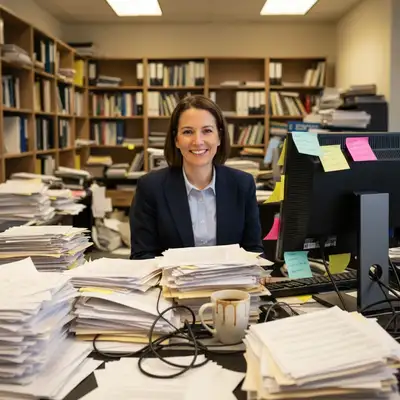

Upload photo to fix photo for company newsletter
"replace home/casual background with professional neutral office environment, keep me and my outfit exactly as is"
Free to try · no sign-up · never used for AI training
Release to upload
<30stypical edit
1 freeedit weekly
Photo on your phone?
Scan to open this editor there — free edit works on your phone too.
How it works
See it in action
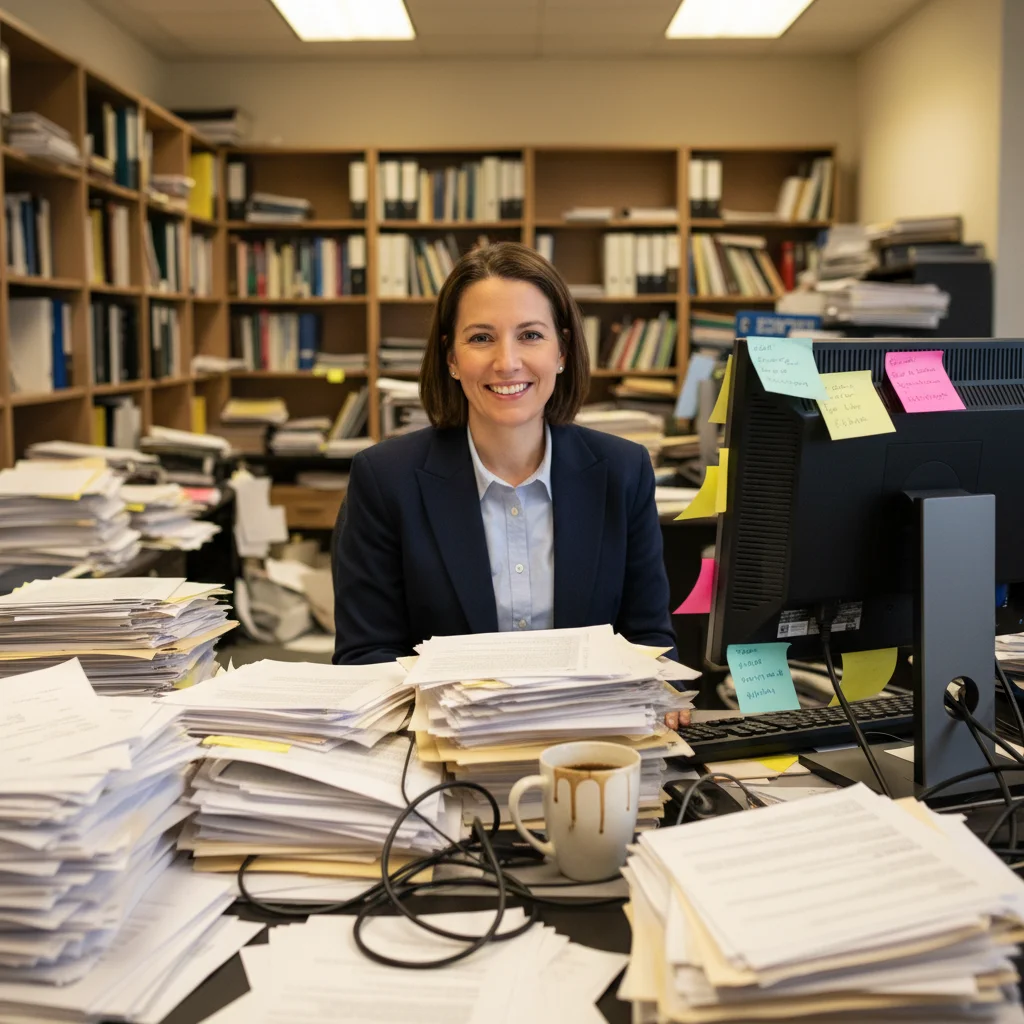
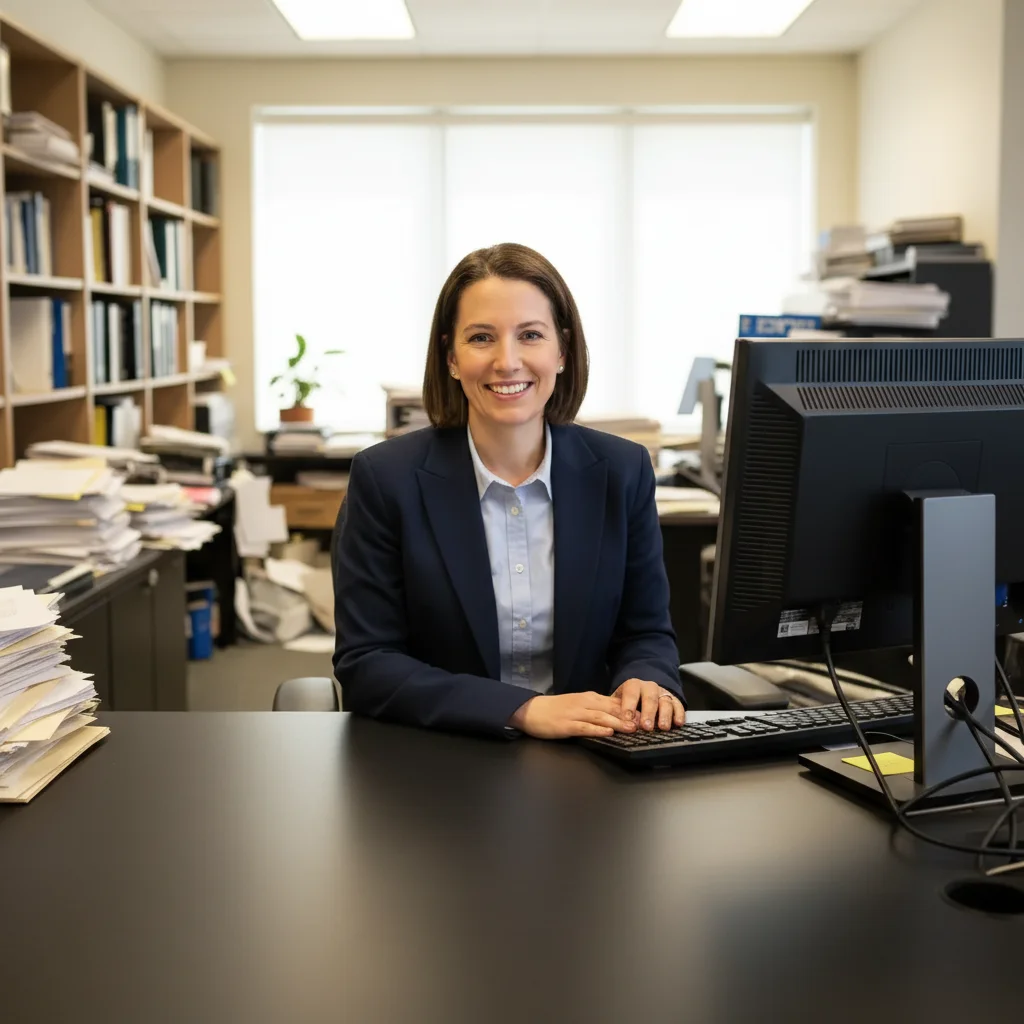
Employee spotlight - messy desk cleaned
Desk photo for employee feature had stacks of papers and cables everywhere. One prompt removed all clutter while keeping the professional setting.
Prompt:
remove all papers, cables, and desk clutter, replace background with clean professional office, enhance lighting naturally


Team announcement - colleague removed
Marketing needed just three people in the team photo, but four were in frame. Removed the person on the edge and extended the background naturally.
Prompt:
remove the person on the far right, extend the office background naturally to fill the space
Quick answers
Popular use cases
Ready to fix your newsletter photo?
Free to try. No signup required.