AI Profile Picture Generator
← Browse all creative effectsLast updated
Make every photo profile-worthy. Better lighting, cleaner backgrounds, polished look.
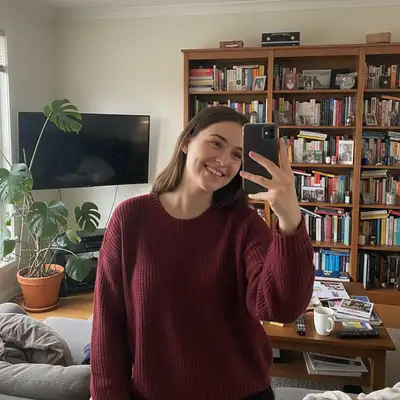
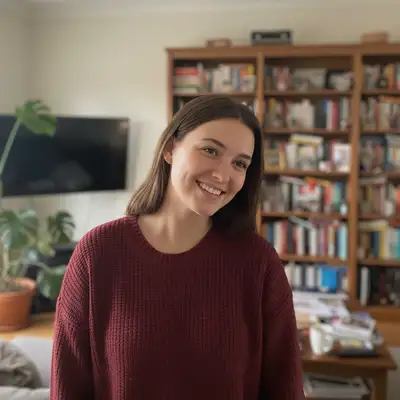
Upload photo to generate profile picture
"create an attractive profile picture with warm lighting, genuine expression preserved, clean background"
Free to try · no sign-up · photos are never shared
Release to upload
<30stypical edit
1 freeedit weekly
Photo on your phone?
Scan to open this editor there — free edit works on your phone too.
How it works
See it in action
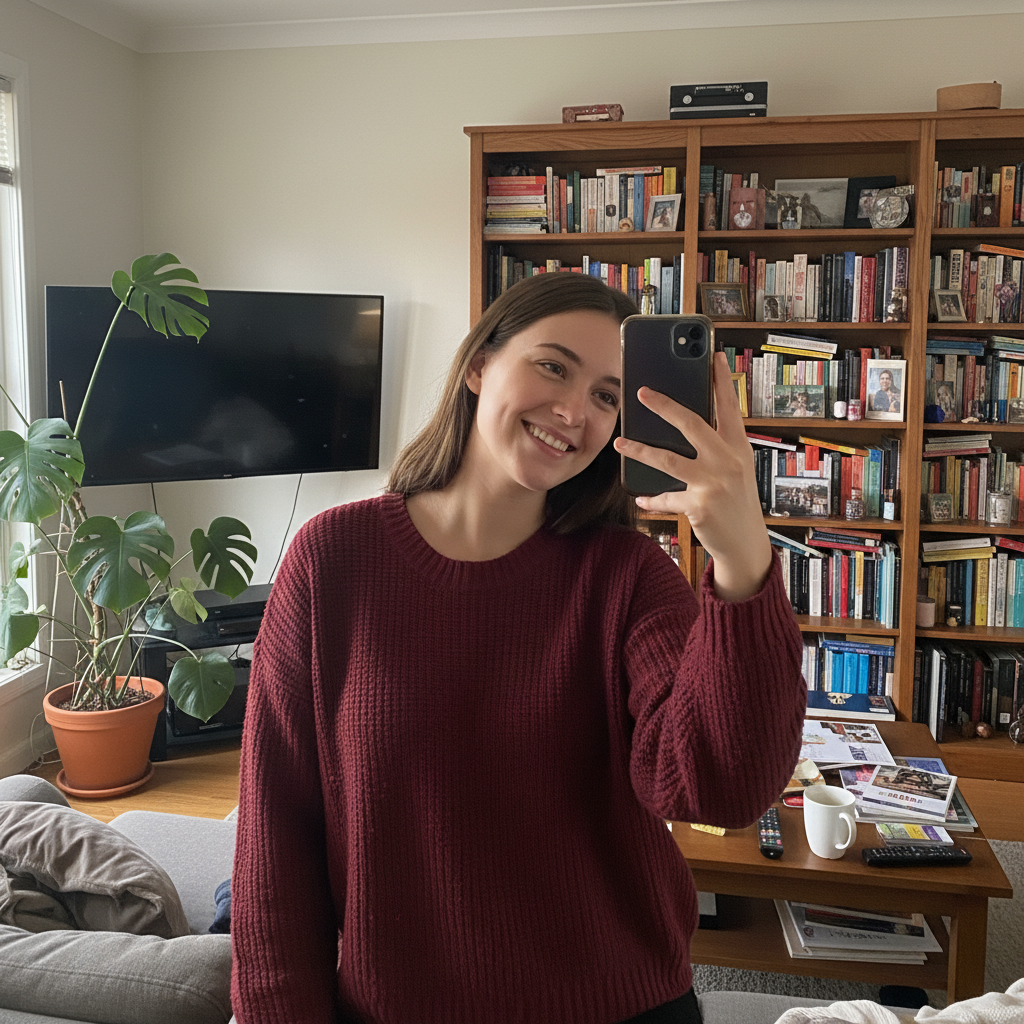
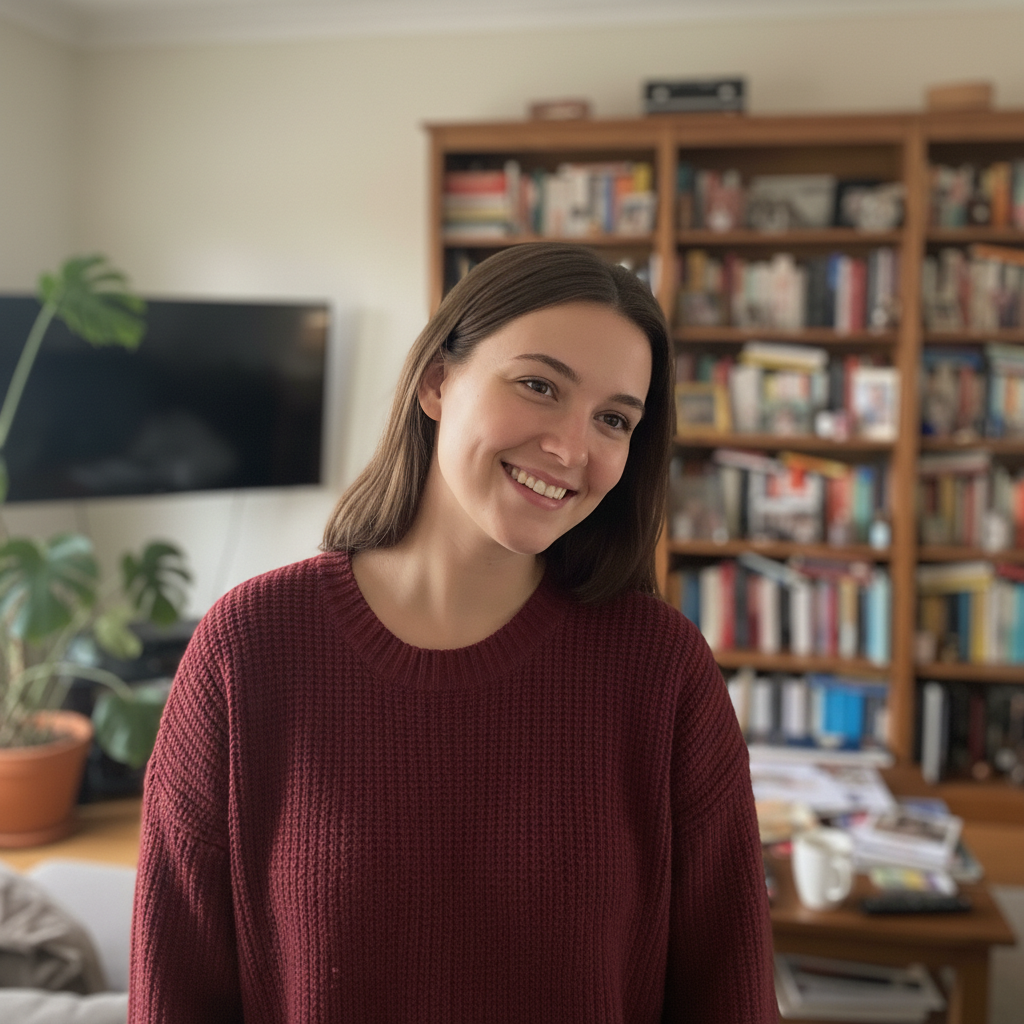
Living room selfie to Instagram-ready
Casual selfie with cluttered living room behind transformed into a polished profile picture with professional-looking background blur.
Prompt:
generate a polished profile picture with soft flattering lighting, subtle background blur, natural skin enhancement


Restaurant photo to dating app ready
Photo taken at a restaurant with other diners visible. Enhanced for dating app use while keeping the authentic, candid feel.
Prompt:
create an attractive profile picture with warm lighting, genuine expression preserved, clean background
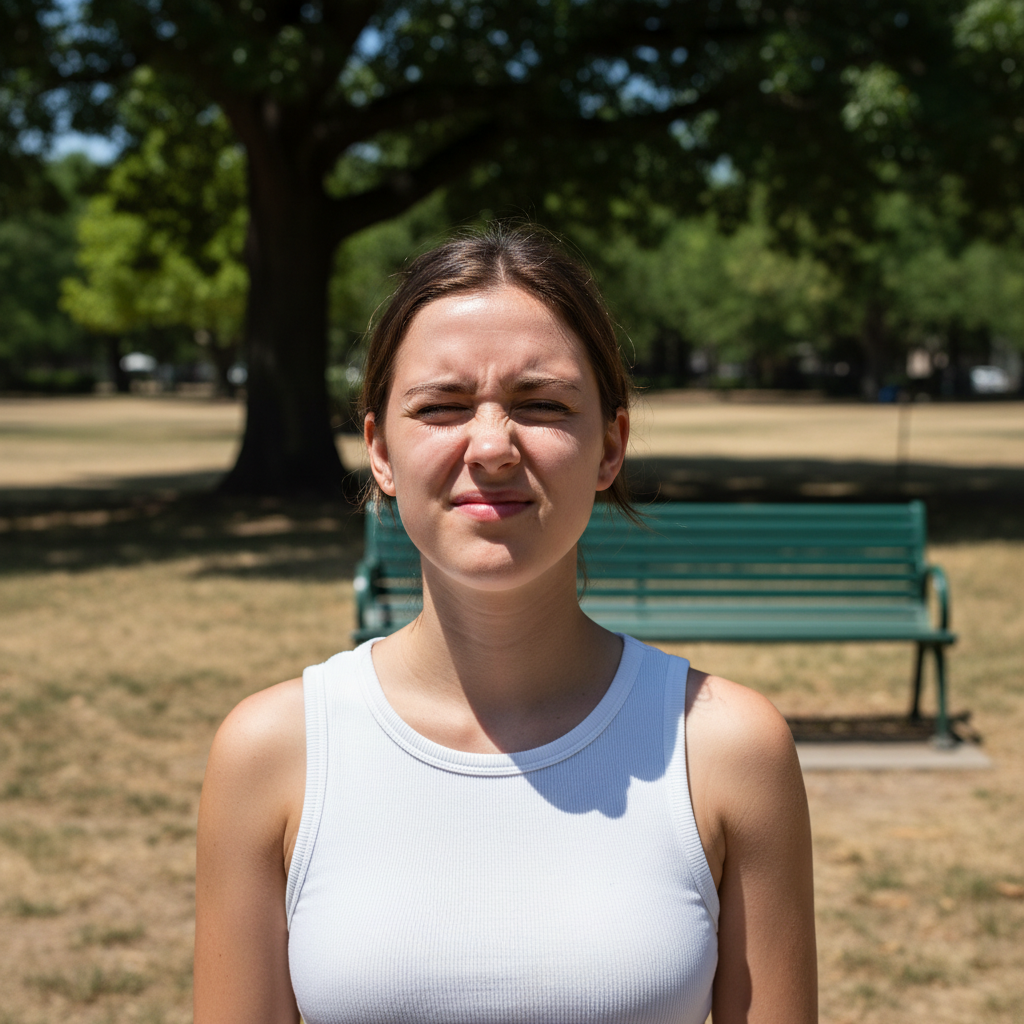
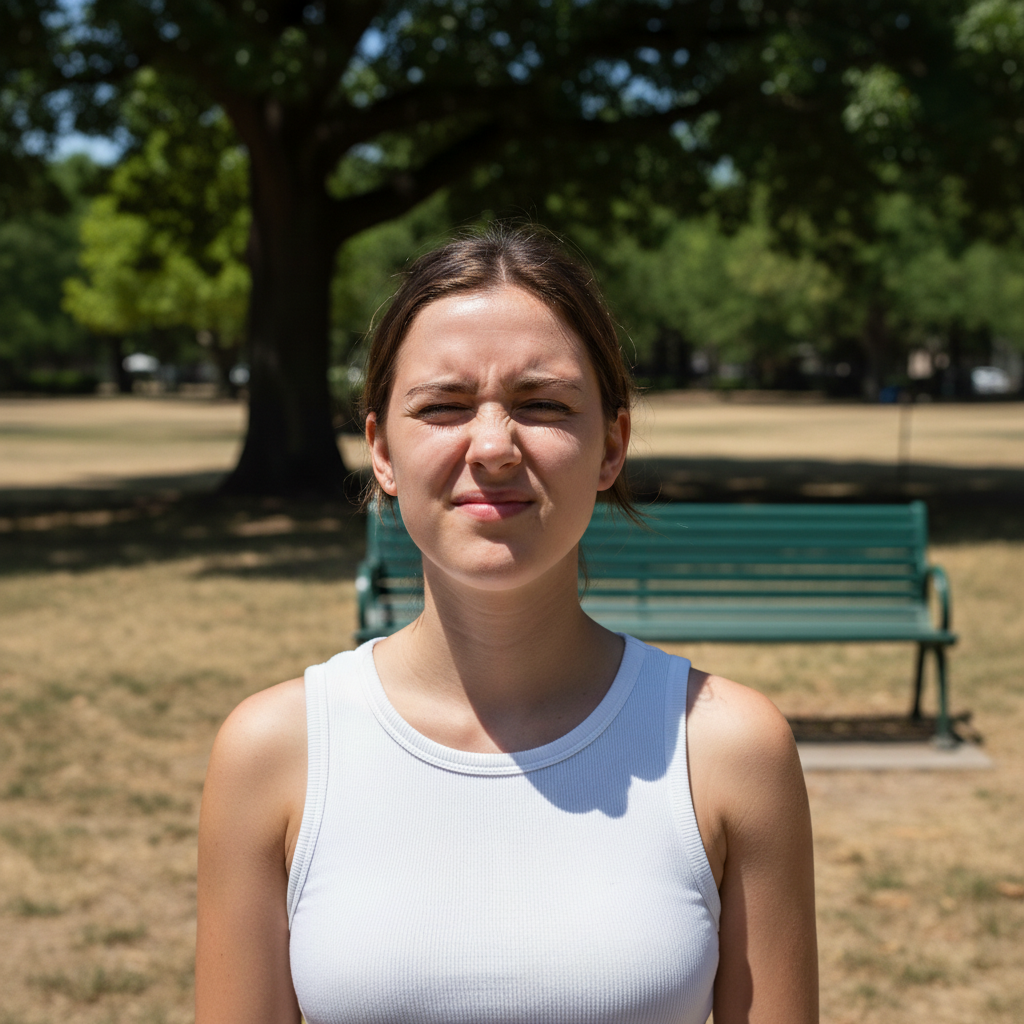
Harsh sunlight to soft portrait
Outdoor photo with harsh midday shadows corrected to soft, flattering lighting while keeping the natural outdoor feel.
Prompt:
enhance this photo for profile use, keep natural outdoor lighting, blur background distractions, subtle polish
Quick answers
Popular use cases
Ready to upgrade your profile picture?
Free to try. No signup required.