AI Passport Photo Editor — Free Passport Photo Maker
← Browse all creative effectsLast updated
Prepare a passport photo draft from a clear, recent selfie, then check your issuer’s current rules.
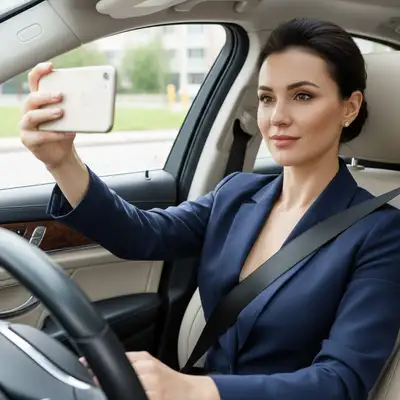
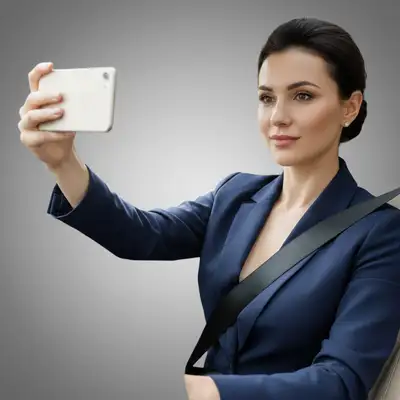
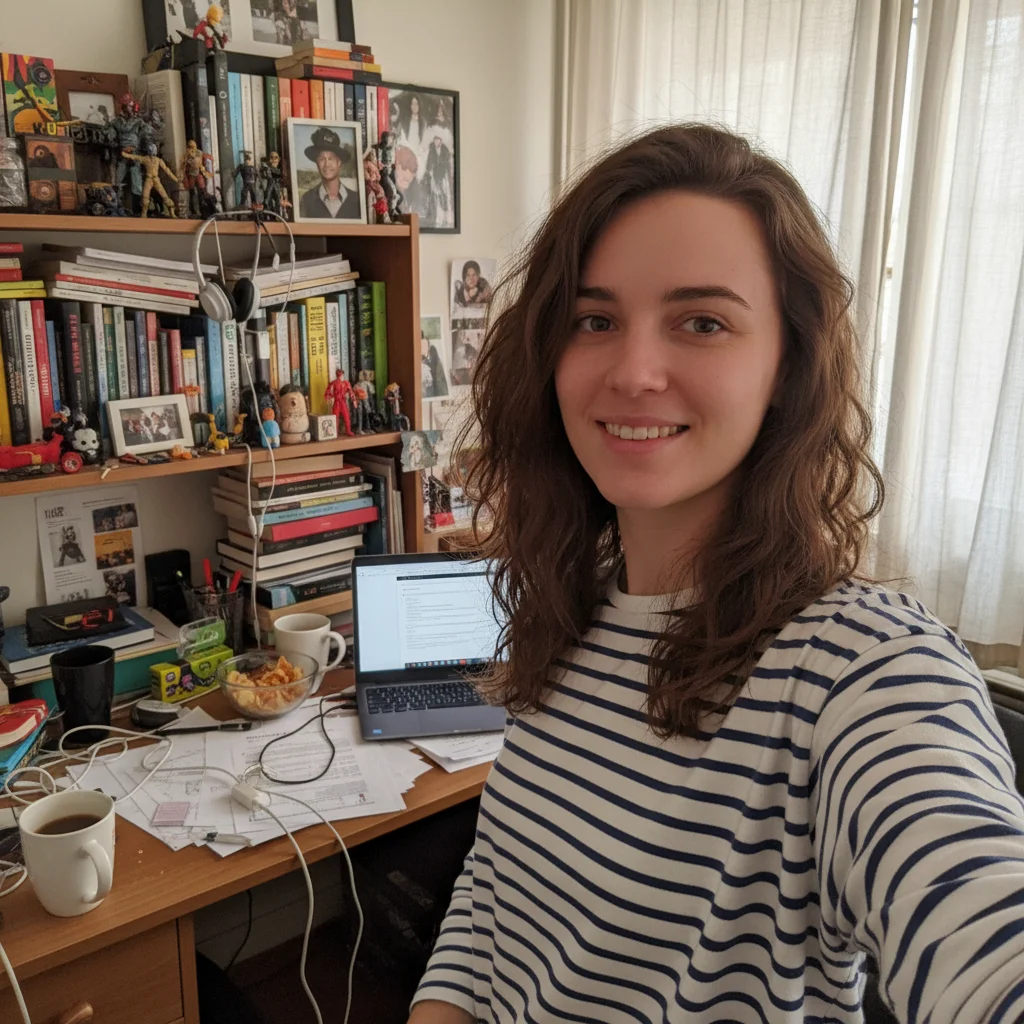
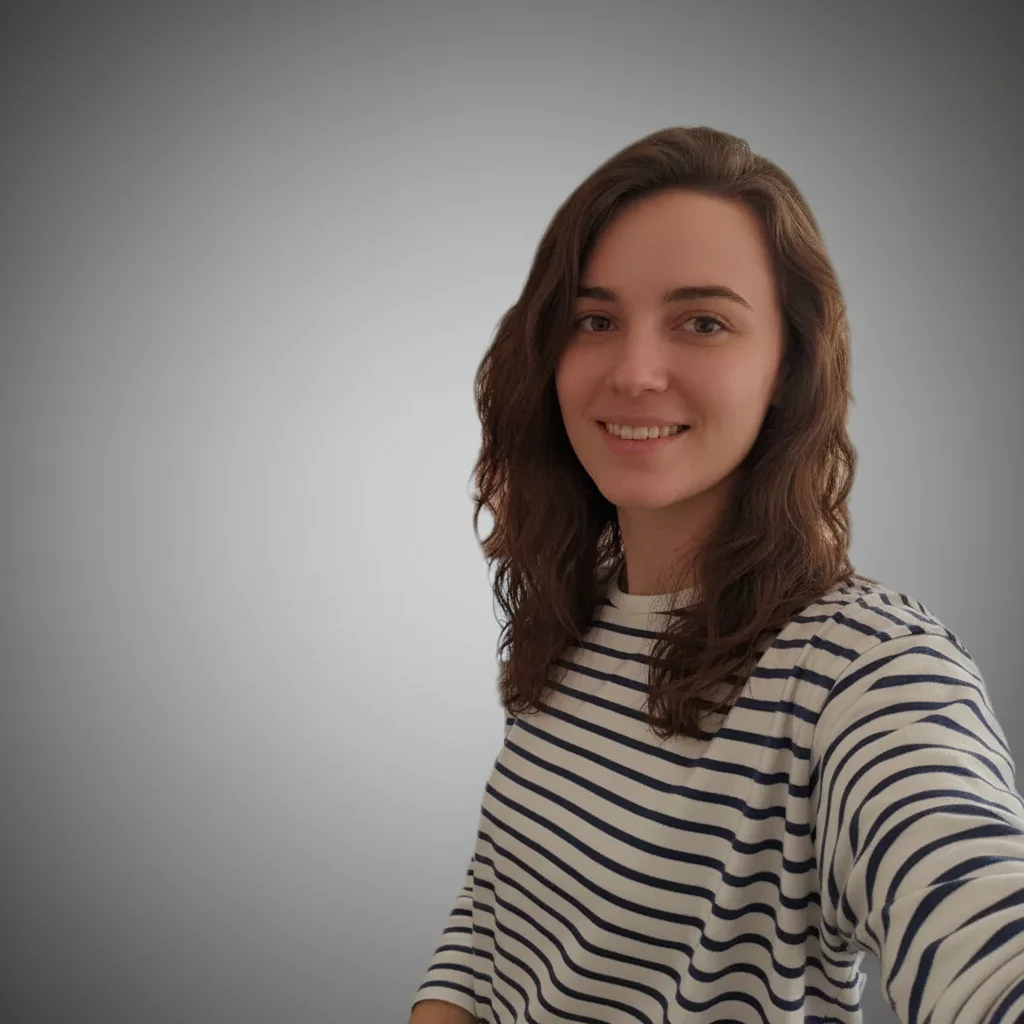
Upload photo to edit passport photo draft
"prepare this selfie using the background, framing, and expression requirements in my issuer’s current guidance; preserve my natural likeness"
Free to try · no sign-up · never used for AI training
Release to upload
<30stypical edit
1 freeedit weekly
Photo on your phone?
Scan to open this editor there — free edit works on your phone too.
How it works
See it in action
Outdoor portrait prepared for passport-photo review
A street portrait with its background simplified for a passport-photo draft. The person still needs to compare the image with the current rules from the relevant issuer.
Prompt:
replace the outdoor street background with the plain background requested by my issuer; preserve my face and clothing


Background and lighting preparation
A clear portrait is prepared with a simpler background and more even lighting. It is an illustrative draft, not evidence of document acceptance.
Prompt:
prepare this portrait with a plain background and even lighting; preserve the person’s natural likeness
Quick answers
Ready to edit your photos?
Free to try. No signup required.